
Moe Multi for Instagram, YouTube r3yt & EWA Unlocked
Five apps arrived in the catalogue this week. Two are tweaks of the biggest social apps on your phone, one is a language tutor that normally lives behind a subscription, and two are small paid tools for people who make pictures — one with a camera, one with a brush. No subscriptions, no waiting: download any of them as an IPA and install on your iPhone in one tap, no PC and no developer account of your own.
Moe Multi for Instagram
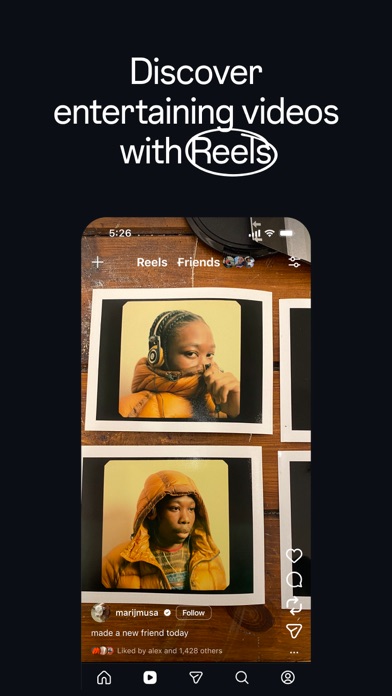
Instagram tweaks usually come one per copy of the app: RyukGram is one install, SCInsta another, Rocket a third, and trying a different one means swapping the whole app. Moe Multi, made by Mohkg and released through iOSGods, puts seventeen of them into a single Instagram — RyukGram, SCInsta and the older BHInsta it grew out of, Rocket, Regram, Theta, IGFormat, NYX, InstaLRD, DLInsta and more — and lets you switch between them from one menu. Between them they cover the usual reasons people tweak Instagram: saving posts, reels and stories, viewing without leaving a trace, hiding ads and suggested content. A practical note from the iOSGods thread: turning every feature on at once has made the app crash for some people, so switch on what you actually use. It needs iOS 16.3 or later.
What’s unlocked: one build on Instagram 449.0.0 with 17 Instagram tweaks, switchable from a built-in menu — long-press the Reels button or tap the screen with four fingers to open it.
YouTube r3yt
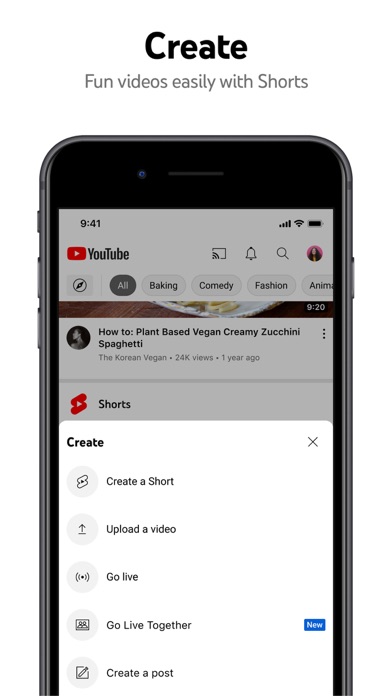
r3yt is the newcomer of the week in the most literal sense: this is its first release, version 1.0. It’s a modified YouTube client built on the current App Store app, YouTube 21.39.4, so the interface is the one you already know and the tweak’s own options sit on top of it. Its most unusual addition is in the player: voice-over translation, so a video in a language you don’t speak can be listened to rather than read. Like the stock app, it needs iOS 17 or later.
What’s unlocked: r3yt 1.0 on YouTube 21.39.4 — voice-over translation for videos (next to the sleep timer in the player overlay), an improved video quality menu, and fixes.

EWA
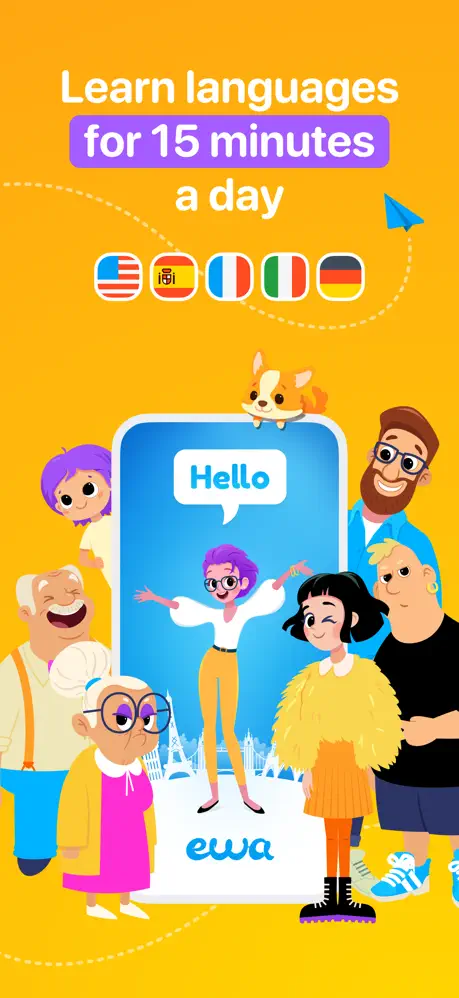
EWA comes from Lithium Lab and has been on the App Store since 2017, with a 4.7 rating from close to 200,000 ratings. It teaches English, Spanish and French by mixing formats rather than drilling one: more than 10,000 books with audio where any unfamiliar word translates with a tap and goes onto your list, speaking courses built around scenes from films and TV shows, dialogues for the moments travel actually throws at you — passport control, directions, ordering at a café — and over 40,000 flashcards reviewed with spaced repetition. The catch in the stock app is spelled out in its own listing: full access to the courses needs a subscription, and the plans run from $11.99 a month to $99.99 a year.
What’s unlocked: the subscription. Sign in to your EWA account and restart the app once to activate the premium features.
Light
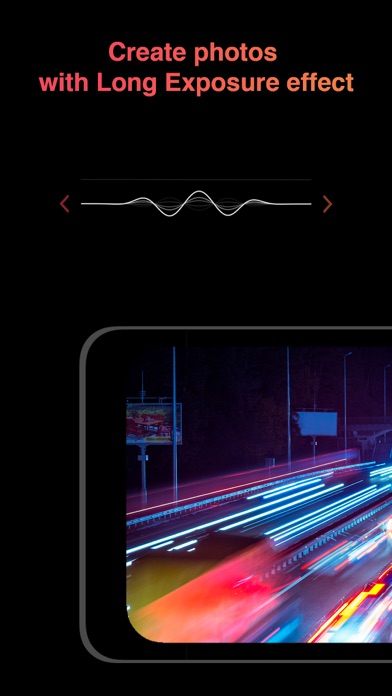
Light | Long Exposure is a one-job camera from independent developer Alexander Sukhanov, released in 2018. It turns motion into streaks: the headlights of passing cars and the lights of a train become trails, clouds and running water go smooth, and any light source you wave through the air draws a shape in the frame. The exposure isn’t capped at a set length, so you decide when a shot is done. It’s a small app — about 10 MB — rated 4.5 on the App Store, and its last update was version 2.2.2 in 2020, so treat it as a finished tool rather than one still growing. As with any long exposure, keep the phone still: a tripod or a wall does more for the result than any setting.
What’s unlocked: the paid app itself. This is the $0.99 App Store version as an installable build, with no extra mod features on top.
Color Wheel
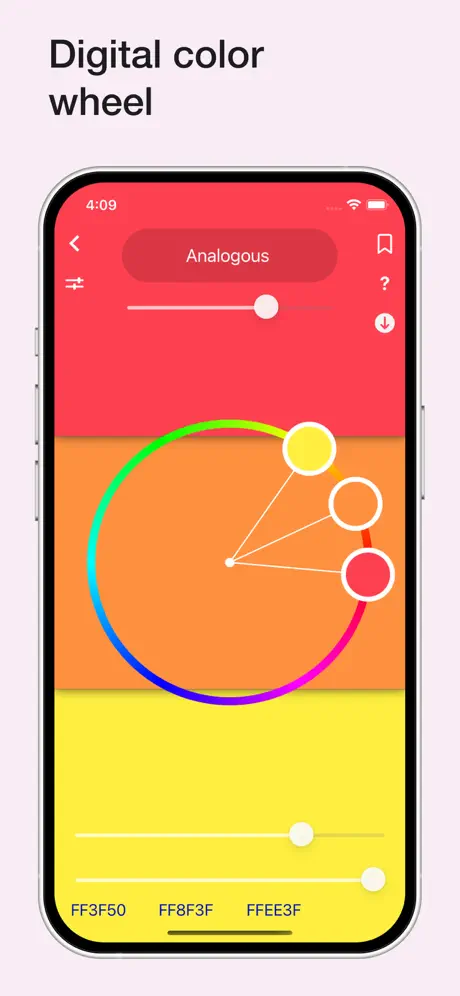
Color Wheel by Roman Sevastyanov is a $3.99 toolkit for painters and designers, on the App Store since 2019 and rated 4.8 from around a thousand ratings. It holds three wheels — digital for screen work, classic, and an abstract one with a narrower choice for abstract painting — and a bench of helpers around them: a camera colour picker, colours pulled from any photo, a grayscale view and value checker for catching a painting whose lights and darks don’t balance, a Value Breaker that reduces a reference to a few clear value blocks, a contrast-ratio calculator for readable text, and a Tone tool that pulls a palette together with one shared hue.
What’s unlocked: the paid App Store app — the colour wheels, palette tools and hue adjustment features without buying it.
How to install
All five install from builds.io like a normal App Store download — tap GET, install, open. No PC, and no developer account of your own to keep alive. When you add a new device, Apple runs a one-time “processing” step: most devices are ready within a day, and some take up to three days while Apple works through them. It happens once, and every install after that is instant.
Last week’s new arrivals were a planner, an expense tracker and a music shuffler — ThisDay, Quanto and Univershuffle. If Moe Multi is what brought you here, our guide to the best Instagram tweaks for iPhone walks through the single-tweak builds one by one.