
Best Instagram Tweaks for iPhone – No Ads, Downloads, More Features
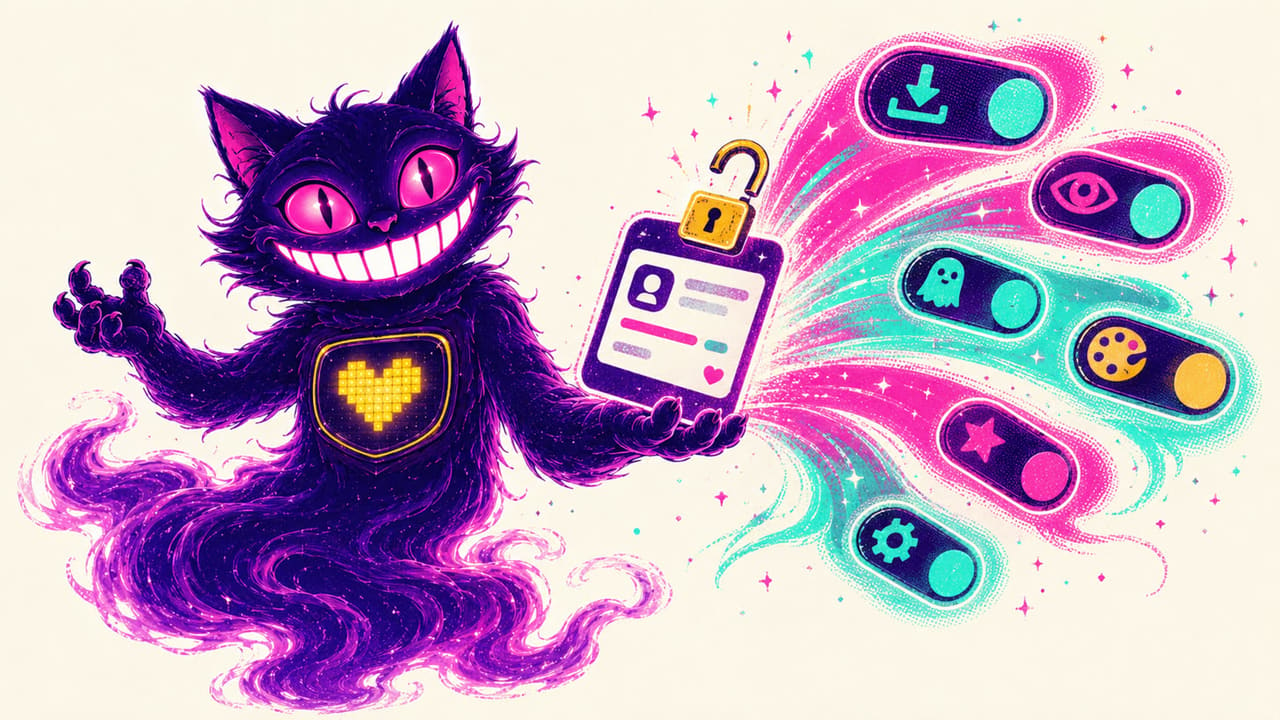
The stock Instagram app will not let you download a reel, save a photo, hide your read receipts, or skip the ads it keeps adding. Instagram tweaks are modified builds of the real app that switch those features on. On iPhone the catch is always the same — installing them without a jailbreak and keeping them from revoking. Below are the four best Instagram mods and how to run them on iOS the easy way.
IGFormat — downloads, no ads, and full control
IGFormat is the all-rounder. It adds one-tap downloads for photos, videos, reels, and stories, removes sponsored posts from the feed, and lets you view stories without marking them as seen. You also get the option to copy bios and comments and to disable the typing indicator in DMs, so the app stops broadcasting what you are doing.
Instagram Rocket — the feature-packed classic
Instagram Rocket has been the go-to mod for years and packs the longest feature list here. Beyond media downloads it adds a full ghost mode (view stories and read DMs without being seen), profile-picture zoom, confirmation before liking, and granular privacy toggles. If you want every option in one place, this is the build to try.
BHInsta — lightweight and stable
BHInsta keeps things lean. It focuses on the essentials — media downloads, ad removal, and the core privacy switches — without piling on menus that can slow the app down or break after an update. If a heavier mod has ever made your Instagram sluggish, BHInsta is the stable alternative that still covers the basics.
Instagram Theta — themes and deep customization
Instagram Theta is the one to pick if you want the app to look different, not just behave differently. On top of the usual downloads and privacy options it adds custom themes, color and icon changes, and layout tweaks so your feed stops looking like everyone else’s. It is the most personalization-focused build of the four.
How to install an Instagram tweak without a jailbreak
You do not need a computer or a jailbreak. Open any of the app pages above on your iPhone, tap GET, and install from Safari. Use one tweak at a time — they are all the same base app, so they cannot be signed in side by side. The first time you add your device, most iPhones are ready within a day; some take up to three days while Apple processes the device on the signing certificate. That is normal and happens once.
Why the builds.io builds beat random IPA sites
Free IPA mirrors revoke constantly — you install a tweak today and a few days later it stops opening and you lose your login. These builds stay signed, so your account and settings stay put without re-sideloading after every revoke. No cable, no AltServer on a laptop, no weekly refresh.
Want tweaks for the rest of your apps too? See our list of the best iPhone tweaks worth installing in 2026.