
Documents Plus & Scanner Air for PDFs on iPhone

A three-page form lands on your desk. You need a single PDF you can find again next month, and one of the pages has a reference number you’d rather copy than retype. You can capture and save the pages with the tools already on your iPhone. For a stack of scans where you also need to pull out text or edit an existing PDF, Scanner Air and Documents Plus cover different steps.
Start with Files for a one-off scan
In Files, open the folder where the scan should live, tap the More button, then choose Scan Documents. Capture all the pages before you save. Give the result a name you’ll recognize later, such as “Return form – October.” Files can rename it, move it into another folder and share a copy. Notes can also scan pages and add a signature. Apple’s scanning instructions · Apple’s guide to organizing files
Scanner Air
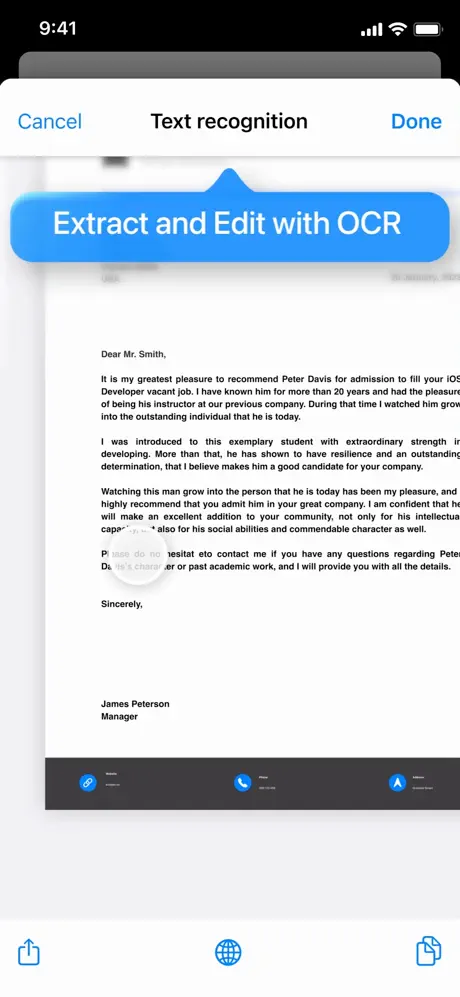
Use Scanner Air when the job continues after you press the shutter. Scan each sheet, check the edges and page order, and export the set as one PDF. Its optical character recognition can extract text from a scan. Compare the result with the original before copying a reference number or a name. Air Apps also lists image-to-PDF conversion, editing and signing. Scanner Air by Air Apps
What the current build adds. The catalog notes for version 2026.11.1 list Scanner Air’s subscription features as unlocked. Use the GET card to download the Scanner Air IPA for iPhone.

Documents Plus
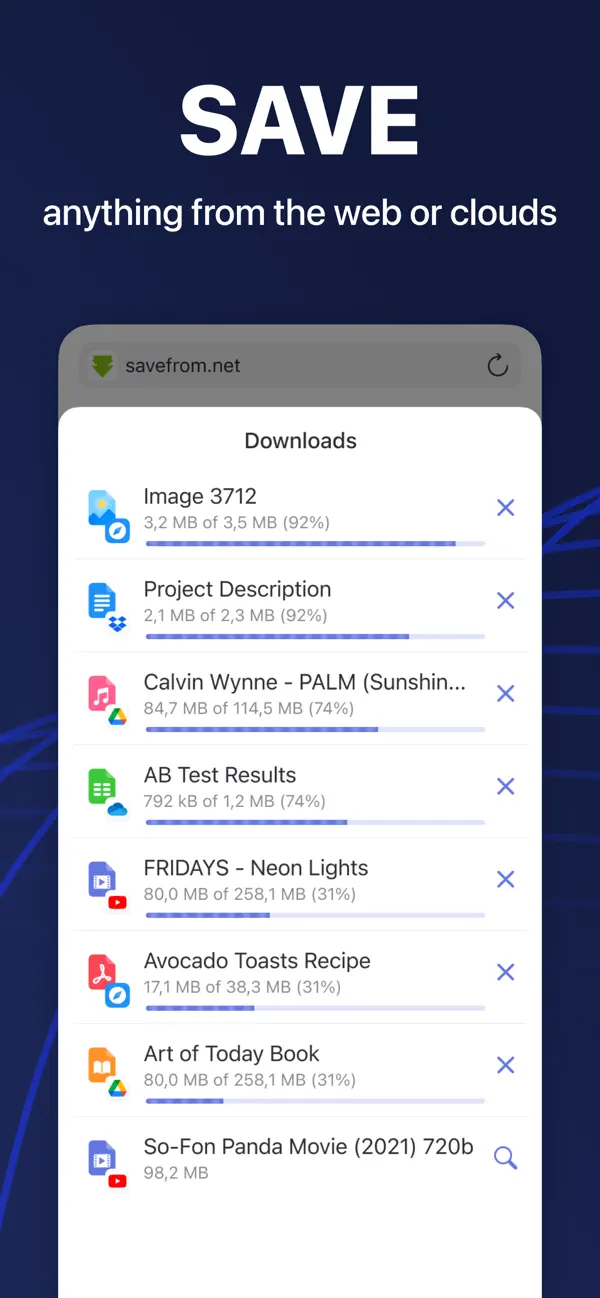
Use Documents Plus when you already have PDFs in several places and want to work on them from a file manager. Readdle lists PDF editing, page reordering, conversion and compression. Put the source scan in a folder first, duplicate it, and work on the copy. That gives you a clean original if you remove the wrong page. If a web form rejects a large file, compress the PDF and check that the smallest text remains readable before you upload. Readdle’s PDF tools
What the current build adds. The catalog notes for version 8.22.12 list Documents Plus features as unlocked and the update prompt removed. Use the GET card to download the Documents Plus IPA for iPhone.

How to install on iPhone
Sign in to BuildStore, link your iPhone and open the matching GET card. Apple processing for a newly linked device can take up to three days. Once the device is ready, install from the catalog without a PC or a developer account of your own. BuildStore installation guide
For another take on scanning, see how Adobe Scan, CamScanner and Scanner Pro handle the capture step. Three iPhone document scanners