
Adobe Scan, CamScanner & Scanner Pro Unlocked

Receipts, contracts, homework, the form you have to sign and send back by tonight: paper still turns up, and your iPhone is the quickest scanner you own. This week’s top three are among the best-known scanners on the App Store, and each one does the basic scan for free and then keeps the parts you actually came for — text recognition, exports to Word, password-protected PDFs, cloud folders — behind a subscription. We’ve added a fourth, Genius Scan, which got its own update the same week. In these builds the plan is already paid. No subscriptions, no waiting: download any of them as an IPA and install on your iPhone in one tap, no PC and no developer account of your own.
Adobe Scan
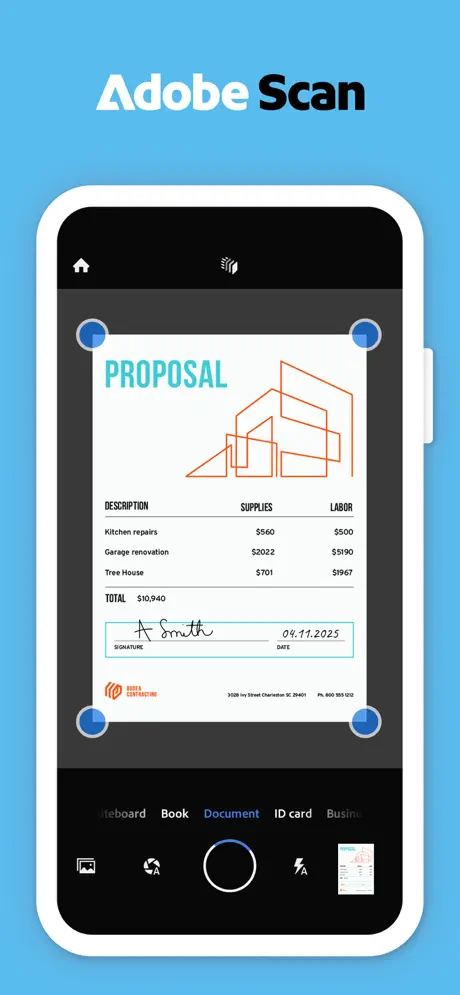
Adobe launched Adobe Scan on 31 May 2017 as a free app for iPhone and Android, and its pitch then was text recognition at no cost, at a time when other scanner apps charged for it. Scans are stored in Adobe Document Cloud, which is why the app asks for an Adobe account. Nine years on it holds 4.9 stars from about 1.6 million ratings. It scans whole stacks in one go, straightens curved or tilted pages, and has a Magic eraser for shadows, stains and creases; a beta Digitize tool handles handwritten notes and whiteboards.
The free tier now has limits the launch version didn’t have. Text recognition is capped at 5 pages until you pay (the paid tier raises it to 100), and taking pages out of a multi-page scan, erasing a thumb from the edge of the shot and combining scans into one file are all for subscribers. Adobe’s Premium plan covers editing, exporting, combining, compressing and OCR, at $9.99 a month on the App Store, with a cheaper Plus plan at $4.99 a month or $19.99 a year. Download the Adobe Scan IPA for iPhone and the 100-page OCR and Premium tools are open.
What’s unlocked: the subscription in version 26.10.19. Premium links to your Adobe account, so it takes one setup step: sign in with an Adobe account whose region is set to the United States (or another supported region), open the subscription screen, tap Buy on any plan, then restart the app.
CamScanner
CamScanner has been around since 2010 and is the biggest name of the four: its developer, INTSIG, says more than 300 million people use it, and the App Store listing carries 4.8 stars from about 2 million ratings. It is the all-in-one of the group. Besides the scan itself — multi-page, saved as PDF, JPG or plain text — it has separate modes for ID cards, passports and QR codes, converts PDFs to Word, Excel and PowerPoint, adds e-signatures, locks files and folders with a password, and sends scans to Dropbox, Google Drive or OneDrive, or to a printer. The newest version adds better search across your documents, an upgraded CS Sign for sending a file out to be signed, and a mosaic tool for blurring out sensitive details in a PDF.
The free version is supported by ads, and the paid plan is pitched as unlimited access to all features. It is one of the more expensive scanners to keep: on the App Store, Premium runs $9.99 a week, $9.99 a month or $59.99 a year. Download the CamScanner IPA for iPhone and the VIP tools are open without the plan.
What’s unlocked: VIP in version 7.28.0, added to the catalogue on 26 October. A few features run on CamScanner’s own servers rather than in the app, and those may stay locked.
Scanner Pro
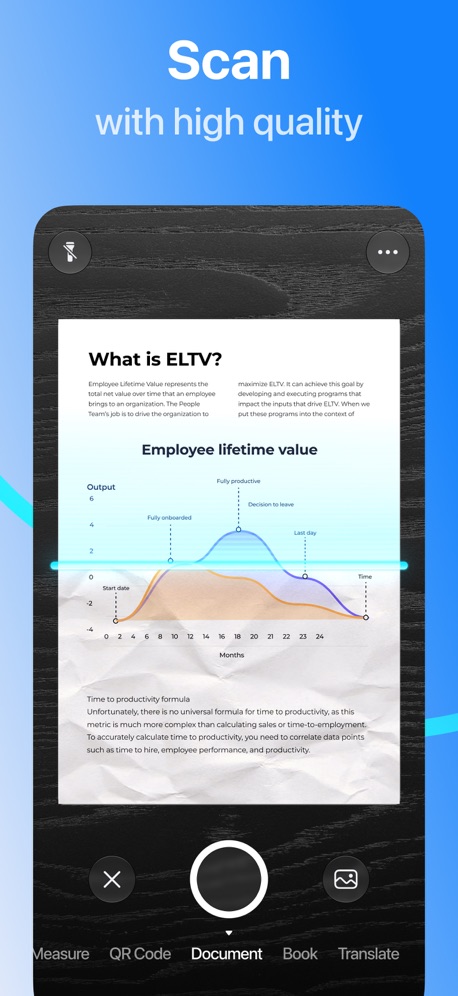
Scanner Pro comes from Readdle, the studio four former college roommates started in Odesa in 2007 and still run from there. It was one of their first apps, built shortly after Readdle Docs, and by 2015 it had passed 7 million downloads. Today it holds 4.9 stars from about 337,000 ratings. It is the tidy one of the group: it finds the edges of a page and fixes the perspective on its own, then turns the scan into a searchable PDF with built-in text recognition. From there you can export to PDF, Word, PowerPoint or JPG, merge pages, add or remove a PDF password, sign and fill in forms, translate the scanned text and sync everything through iCloud. It even has a mode for bringing old paper photos back in colour or black and white.
The App Store lists Scanner Pro Plus in several plans, from $3.99 up to $59.99, and the app needs iOS 18 or later. Scanner Pro was in our productivity digest last December, with Joi and Calendars; this is the current build. Download the Scanner Pro IPA for iPhone to get the Plus features without the plan.
What’s unlocked: the subscription in version 9.0.3. The “update available” popup is gone too, so the app doesn’t keep asking you to replace this build.
Genius Scan
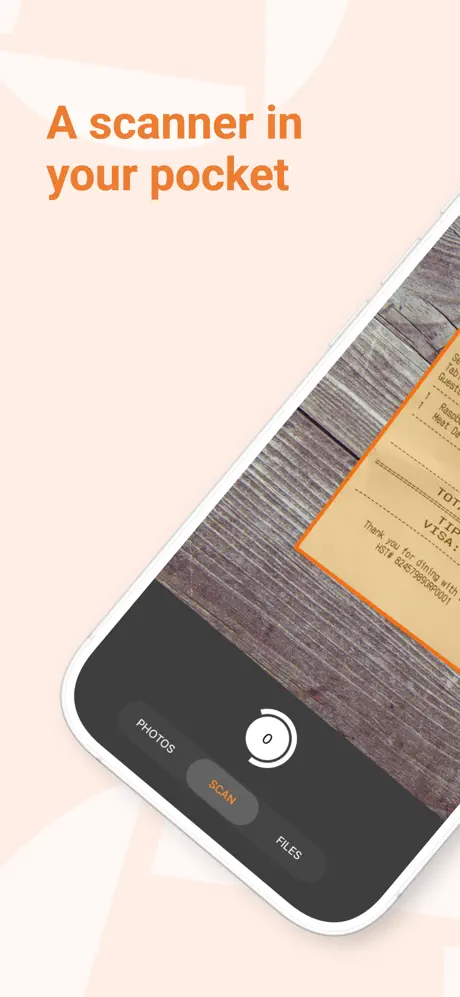
Genius Scan is the bonus pick, and it is as old as CamScanner: The Grizzly Labs, an independent studio in Paris, released it on 22 June 2010 as a free app that “turns your iPhone into a pocket scanner”. Even then it processed documents on the phone instead of sending them to someone else’s server, and it still does — a point worth knowing when the paper is a bank statement or a medical form. It now counts more than 20 million users and 4.9 stars from about 1.4 million ratings. Scanning covers the essentials: page detection, background and shadow removal, distortion correction and batch mode. On top of that are PDF merging and splitting, searchable PDFs, business-card scanning, smart renaming from your own templates and automatic export to cloud services or any WebDAV server.
The basic scanner is free with no time limit. Locking the app with Face ID, password-protecting PDFs and smart renaming need Genius Scan Plus or Ultra, which the App Store lists from $1.99 to $49.99. Download the Genius Scan IPA for iPhone to have those open.
What’s unlocked: the subscription in version 8.15.1. Genius Cloud, the backup and sync service, is a separate subscription on the developer’s servers; the build notes don’t mention it, so don’t count on it.

How to install
All four install from builds.io like a normal App Store download — tap GET, install, open. No PC, and no developer account of your own to keep alive. When you add a new device, Apple runs a one-time “processing” step: most devices are ready within a day, and some take up to three days while Apple works through them. It happens once, and every install after that is instant. A scanner earns its place on the day you need it, so it has to open on that day: there’s no weekly re-signing to remember.
Last week’s apps digest was about the apps you open every morning — CARROT Weather, Transit and Flo. For more apps that come with the paid tier already on, see our list of premium-unlocked apps for iPhone.