
Video Star on iPhone: Every Pack Unlocked, No Subscription
Video Star is the app behind a good share of the music-video edits on your feed — the transitions where someone clones themselves across the frame, or the beat-synced cuts that land exactly on the snare. It is free to download and genuinely powerful.
Then you try to use the effect you installed it for, and it is inside a Pack. Packs are a subscription.
What the unlocked build changes
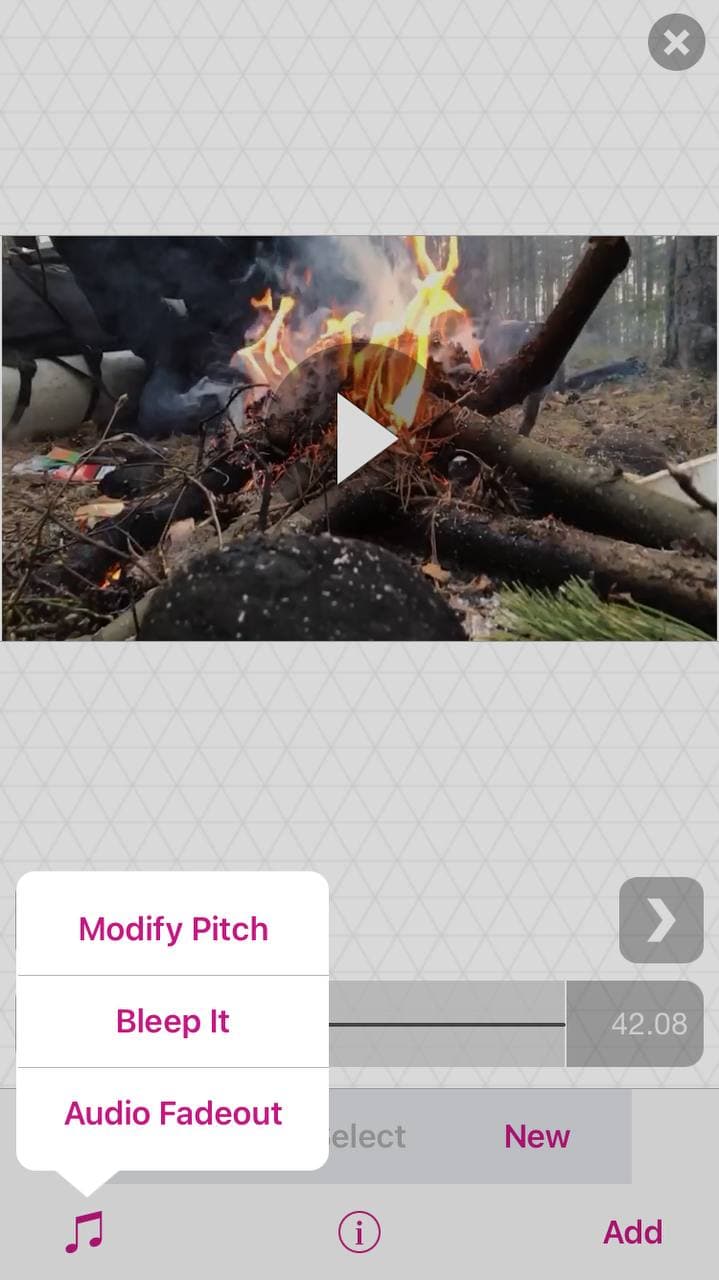
Pro and every paid Pack open from the first launch — build 15.2.5, the current one, updated on 10 August. No trial, no per-pack purchase, no account.
That matters more here than in most unlocked apps, because Video Star’s paywall does not gate a “premium tier” — it gates the individual effects. The free app gives you a capable editor and then charges for the specific thing you came to do.
The Packs worth knowing about
Hundreds of effects ship built in. The Power Packs are where the recognisable stuff lives:
- Reverse — run a clip backwards, the base of half the transitions people ask about.
- Clone — put yourself in the frame two or three times over, no green screen needed.
- Speed — slow-mo and fast-forward, ramped inside a single clip.
- Stop-motion — frame-by-frame capture without a separate app.
- Green screen — proper chroma key, with the edge control to make it survive a moving subject.
The part that makes it usable
Video Star’s real trick is not any single effect — it is that you can stop mid-shoot and the music stays in sync. Pause, reposition the camera, change your outfit, resume: the app holds the beat position, so a twelve-take sequence still lands on the same drum hit.
That is why people build whole videos in it rather than assembling clips somewhere else. It is also why the subscription stings — the workflow depends on effects you cannot reach.
Installing on iPhone
From builds.io:
- Open builds.io on the iPhone and sign in.
- Tap GET on VideoStar++.
- Launch it — Packs are already open, nothing to restore or unlock.
No jailbreak and no computer. Adding a first device triggers a one-time Apple processing step: usually inside a day, up to three at the outside, once rather than per install.
After that the build stays signed rather than expiring on a seven-day clock — which matters for an editing app, because projects live on the device. An app that dies weekly takes unfinished edits with it. The mechanics of that expiry are in why sideloaded apps stop working after 7 days.
Worth knowing
Projects are local. No cloud backup, no sync with an App Store copy. Export finished videos to Photos rather than leaving them in the app.
Render times are the phone’s, not the app’s. Clone and green-screen passes on a long clip take real minutes on an older device. Nothing about the unlock changes that.
Keep the original if you have it. Installing this does not remove an App Store copy, but two builds of the same app can confuse the Photos permission prompt — pick one and stay with it.
Same idea, different corner of the phone: the Instagram tweaks worth having covers the apps people pair this with.
Sources: feature list and build number from the catalog entry for VideoStar++ (version 15.2.5, 10 August 2026); Pack structure and subscription model from the app itself.
For the rest of the paid shelf — CapCut, PicsArt, Facetune, PDF Expert, Duolingo and twenty more with the subscription already on — see premium unlocked on iPhone.