
Best Streaming Apps for iPhone: Five Ways to Watch

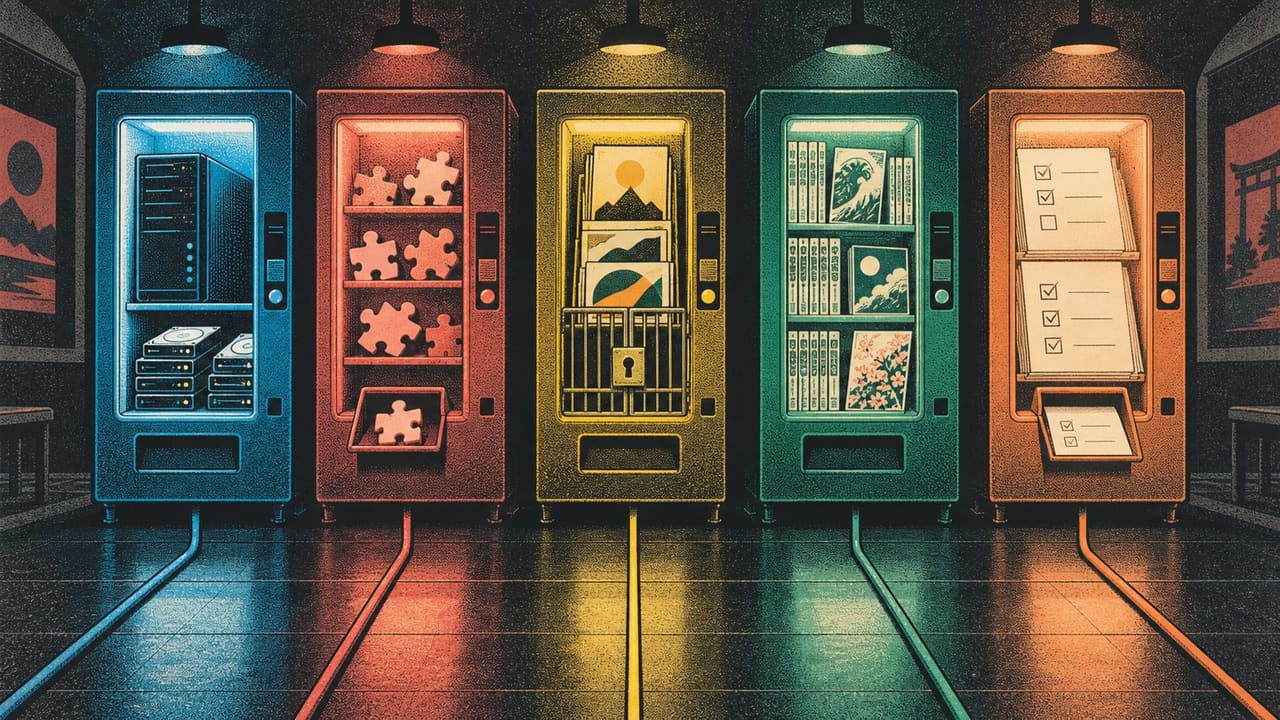
Every “best streaming apps” list has the same problem: it ranks five apps against each other as if they were competing for the same job. They are not. One is a hub that plays whatever you point it at, one is a player for files you already own, one is a catalogue with its own library behind an invite, one only does anime, and one does not play video at all.
Which one is right depends on a question no ranking can answer for you: where does your video actually come from? Answer that first and the choice takes ten seconds. Below is each app, what it genuinely does, and the catch it comes with — because every one of them has one.
The 30-second answer
- Your video comes from addons and sources you set up yourself → Nuvio
- Your video is files, a home server or an IPTV playlist → SenPlayer
- You want one app with the library already in it → MovieBox Pro (needs an invitation code)
- You watch anime and nothing else → Ryu
- You just want to stop losing track of what to watch next → Stremio
Nuvio — the hub you assemble yourself

Nuvio turns the phone into one library for movies, shows and live TV. The important thing to understand before installing it: Nuvio is a player and an organiser, not a service. It browses metadata and plays whatever your installed addons provide, which means an empty install shows you almost nothing and a well-configured one shows you everything.
It speaks the Stremio addon format, so a large range of existing addons drop straight in — most of them serving standard HTTP streams. Watch progress is tracked across the library, downloads work for offline playback, and you can build custom collections and catalogues onto the home screen instead of accepting someone else’s rows.
The honest cost is setup and, for the best links, money: pairing a stream addon with a debrid service runs a few dollars a month and is what consistently surfaces the strongest sources. Free HTTP addons work without it; they are just less reliable.
Pick it if you want control over your sources and do not mind spending twenty minutes wiring it up once.
SenPlayer — for video you already have

The one people forget exists, and the strongest pick here if your media lives on a drive at home rather than somewhere on the internet. SenPlayer plays local files and streams from WebDAV, SMB, FTP and supported cloud drives, connects to Plex, Emby, Jellyfin and Feiniu libraries, and imports or subscribes to M3U, M3U8 and TXT IPTV playlists.
The details that matter to heavy users are all there: watch history, playback progress, servers and URL sources sync across devices; subtitles can be searched online or loaded as local SRT, ASS and VTT; gestures control speed, skipping, zoom, brightness and volume; and it handles ISO Blu-ray playback with chapter selection, which almost nothing else on iPhone does.
Pick it if the phrase “my media server” means something to you, or if your video arrives as a playlist rather than a catalogue.
MovieBox Pro — the catalogue in one app

The name most people arrive with, and the only app in this list that ships its own library rather than asking you to supply one. Movies and shows are there when you open it, downloads work for offline watching, and it switches between multiple audio tracks and subtitle languages inside a title.
The catch is a real one and worth knowing before you install: MovieBox Pro requires an invitation code to use. No code, no library — the app opens and stops there. That single requirement is the reason a lot of “it does not work” threads exist, and it is not something a different build fixes.
We covered the app on its own in MovieBox Pro on iPhone if you want the longer version.
Pick it if you want zero setup and you have a code — or know someone who does.
Ryu — anime, and only anime

A specialist, and specialists win their category. Ryu pulls from more than ten anime providers into one interface, downloads episodes for offline watching, and keeps up with weekly premieres so the current season is not something you chase across four sites.
The reason it beats a general hub for this particular job is fragmentation: anime is spread across more services, with more region gaps and more sub-versus-dub splits than film and TV, and a general catalogue tends to carry the popular half and miss the rest. If anime is most of your watching, this is the better first install — the full breakdown is in free anime apps for iPhone.
Pick it if your watchlist is mostly seasonal anime.
Stremio — one library on every screen

The catalogue now carries the official Stremio app — the full build Stremio publishes itself for sideloading, version 2.0.8 — and no longer the old Organizer companion that could not play video. It is a media hub rather than a source: one library and watchlist, synced across your phone, tablet and TV, with add-ons deciding where the content comes from.
That is also its strength next to everything above: you stop ending up with three apps, four sources and no memory of what you meant to watch. Install, first setup, the official add-ons worth starting with and the iPhone-specific problems are in Stremio on iOS.
Pick it if you want one library on every screen and are happy to choose your own add-ons.
What all five have in common
None of them are on the App Store, and all five install the same way — from the catalogue, in one tap, with no computer in the loop:
- Register your iPhone at builds.io — one UDID, done in the browser.
- Open the app page and tap GET. It installs like a normal download.
- If the first launch says “processing”, that is the signing queue rather than an error. It clears within 24–72 hours and then opens for good.
The builds stay signed, so none of this comes with a weekly refresh — which is the part people usually hit after installing a streaming app through a free signer and finding it dead by the following Friday (why that happens).

So which one?
If you install exactly one app from this page: Nuvio if you are willing to set up sources, MovieBox Pro if you have an invitation code, SenPlayer if your video already lives on your own hardware. Ryu if it is anime. Stremio alongside any of them, because the list of what to watch next is a separate problem from where to watch it.
The full catalogue of media apps is at builds.io, and the rest of the “not on the App Store” shelf — music without a subscription, emulators, tweaks — is one tap away from the same account.