
Three Music Apps on iPhone, No Subscription
Music is the one subscription most people never cancel, because the alternative is worse: ads between every second track, no downloads, and shuffle-only on the album you specifically wanted to hear in order. Ten dollars a month is cheap enough that you stop noticing it and expensive enough to add up to a phone bill a year.
Three apps this week with that tier already open. They are not interchangeable — each one assumes a different answer to the question of where your music actually lives.
YouTube Music Premium
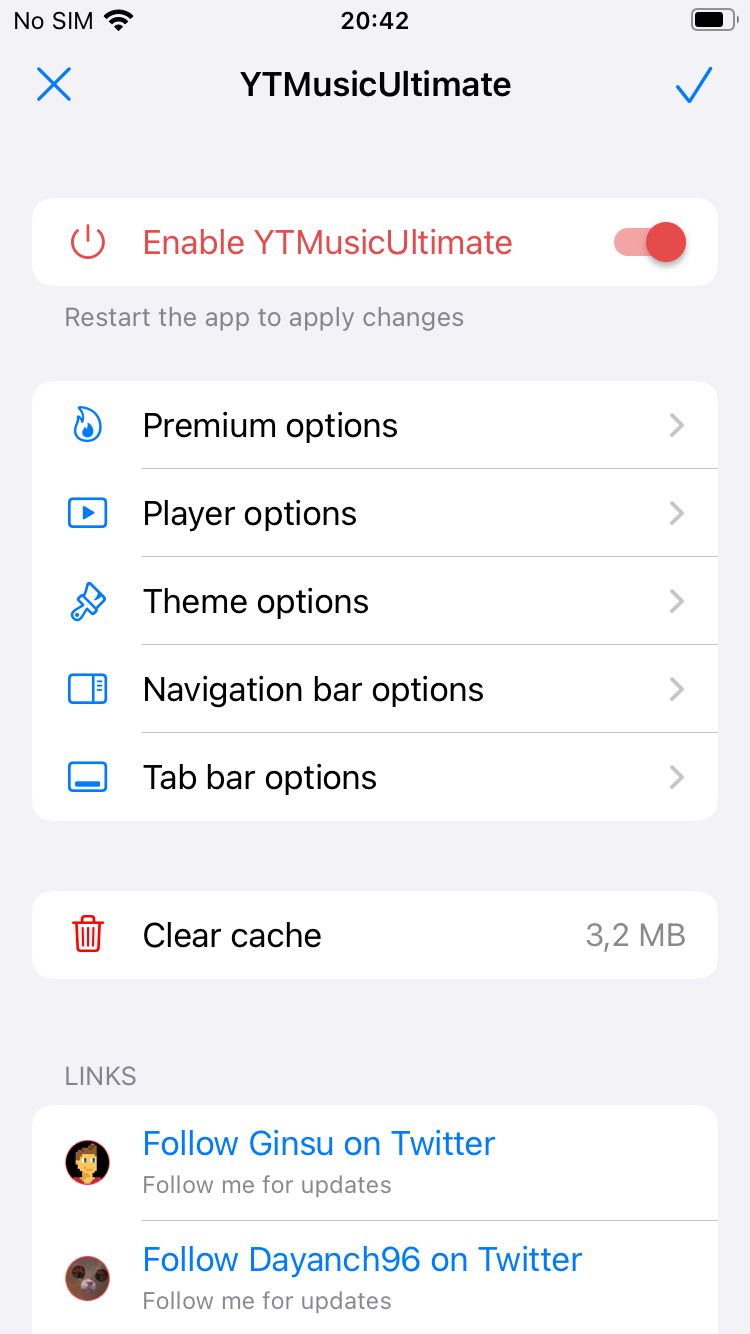
The YTMusicUltimate build, and the strongest pick here if your listening is already tangled up with the world’s largest catalogue of live sets, remixes and things that were never released properly.
Ads are gone, the sponsored promos are blocked, and downloads are enabled — importantly, at original audio quality rather than transcoded down to mp3, which is the detail that separates this from most unlocks in the category. It also restores Return YouTube Dislike, adds a true OLED theme, and strips the premium upsell banner that the free app puts above everything.
We covered this one on its own in YouTube Music on iPhone with no ads if you want the longer version.
SoundCloud AdFree
SoundCloud remains the place where music appears before it appears anywhere else — demos, DJ sets, remixes that will get taken down in a month. Its free tier punishes you for that with pre-roll audio ads dropped between tracks, which on a two-hour set is a special kind of insult.
This build blocks both layers: the audio ads that interrupt playback and the banner ads in the interface. Track downloads are enabled, and Go+ is switched on with one honest exception — Go+ exclusive songs are not included. A keychain and sideload fixer ships with it to keep the install stable.
Offline Music
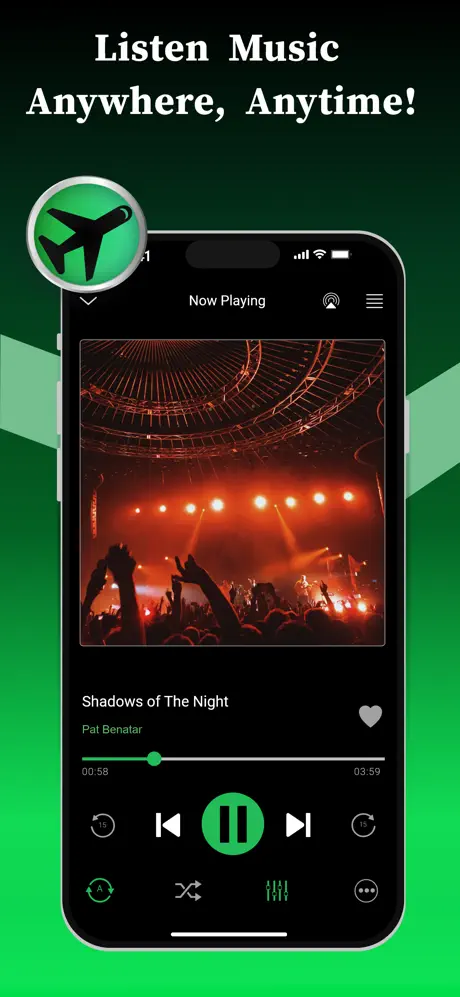
The odd one out, and the one people forget exists. This is not a streaming client — it is a player for music you already own, with the Pro tier unlocked.
Import MP3, FLAC, WAV, CAF or AAC, build playlists, run the equalizer, browse artwork, and play with the network switched off entirely. If you have a folder of files that predates streaming, or you buy from Bandcamp, this is the app that makes them usable on a phone without paying a subscription for the privilege of playing your own files.
Which one to install
- Streaming, and you live on YouTube → YouTube Music Premium, for the catalogue and original-quality downloads.
- Discovery, sets, unreleased things → SoundCloud AdFree, with the Go+ song caveat above.
- A library you own → Offline Music, no account and no signal required.
There is no reason to pick only one. They coexist fine, and the local player pairs well with any of the streamers for the parts of your collection nobody licences.
Installing on iPhone
None of these are App Store builds — modified clients cannot be. From builds.io:
- Open builds.io on the iPhone and sign in.
- Tap GET on the app you want.
- Sign in inside the app as usual, with your normal account.
No jailbreak and no computer. The first device you add goes through a one-time Apple processing step, usually done inside a day and up to three at the outside — once, not per install.
Builds stay signed afterwards rather than dying on a seven-day clock, which matters most for the app you open on every commute. The mechanics of that expiry are in why sideloaded apps stop working after 7 days.
The same idea outside music: premium unlocked on iPhone lists twenty-four paid apps that install with their subscription tier already on.