
Widgetsmith, iScreen & Koco Widgets Unlocked

Three home screen apps this week, and all three sell the same thing: the styles. Widgetsmith, iScreen and Koco Widgets each give you a handful of free layouts and keep the interesting ones behind a plan — in these builds the whole library is yours from the first launch. No subscriptions, no waiting. Download any of them as an IPA and install on your iPhone in one tap — no PC and no developer account of your own.
Widgetsmith
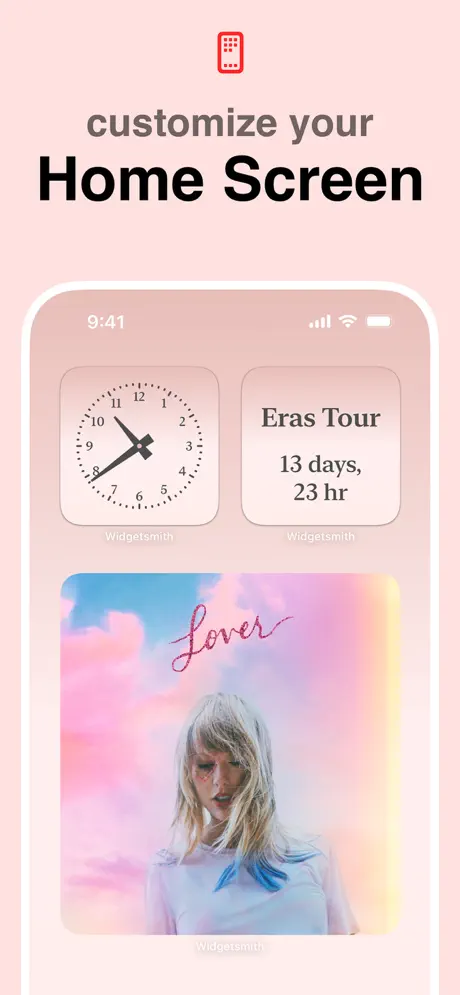
David Smith launched Widgetsmith in September 2020, the month iOS 14 put widgets on the home screen. By March 2023 it had passed 100 million downloads. The idea is simple and has aged well: you build a widget from photos, a countdown, weather or a calendar, then style it with your own colours, fonts and borders — for the home screen and, since iOS 16, the lock screen too. The free tier gets you started; the good themes and artwork sit in Widgetsmith Premium.
What’s unlocked: the subscription. Every premium style and widget type is available without the plan.
iScreen
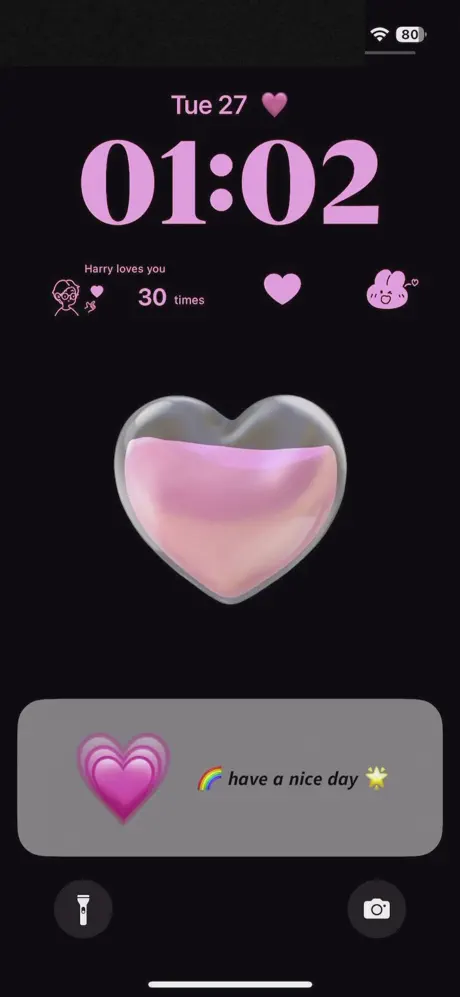
iScreen, from Xiamen ShenZhuo Information Technology, goes wider than widgets: themes, wallpapers, AI artwork and charging animations, all aimed at turning the whole phone into one look. Its most practical corner is the iOS 18 Control Center, where it adds small tools you’d never expect there — a counter, a water reminder, a dice roll, a book of answers for when you can’t decide.
What’s unlocked: the full subscription, so themes, wallpapers and the Control Center tools stop asking for an active plan.
Koco Widgets
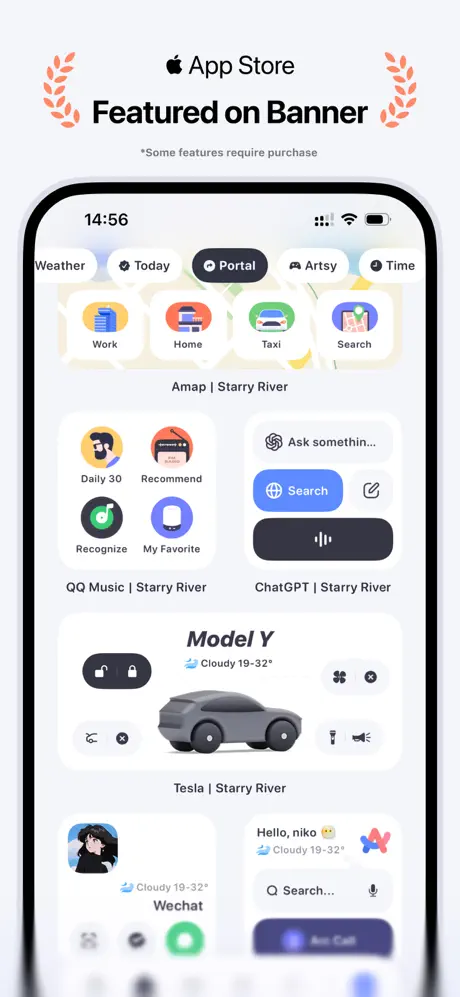
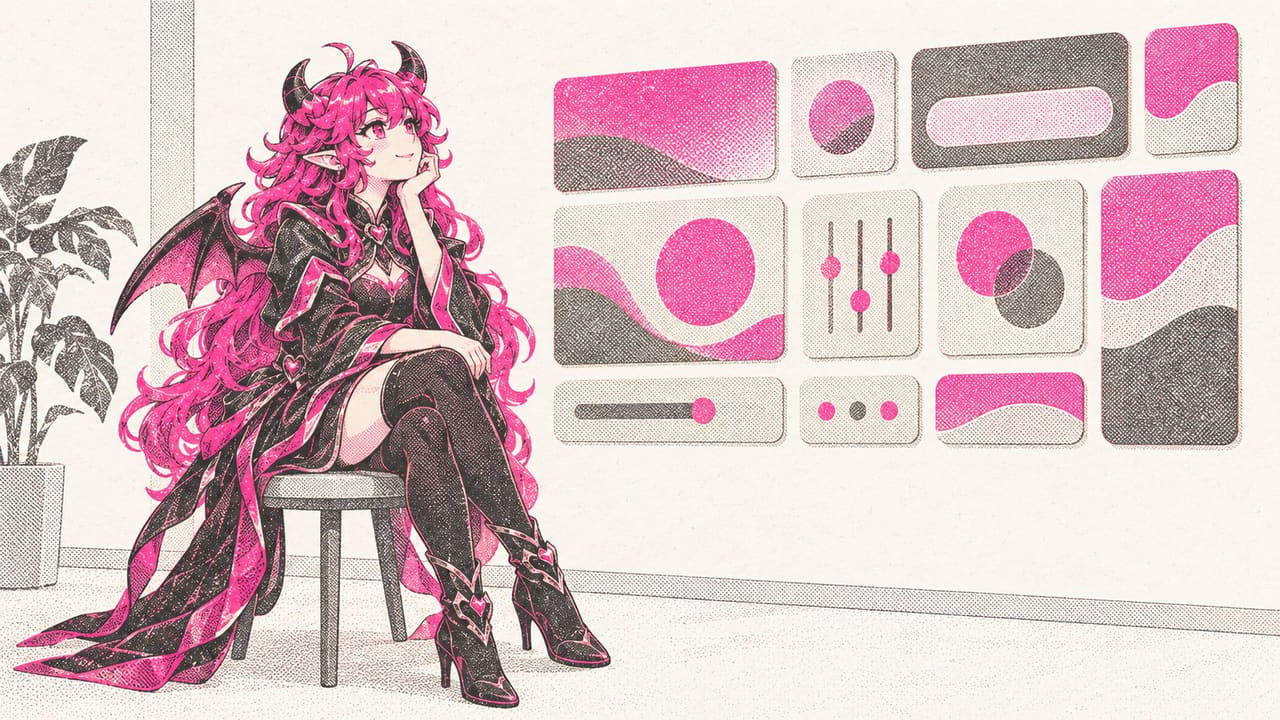
Koco Widgets comes from TINY GRID and has picked up an App Store Editors’ Choice for doing minimalism properly. Its transparent widgets are real ones that blend into your wallpaper rather than a screenshot trick, its launch widgets open the app you picked directly, and it reaches into the Dynamic Island with styles of its own. The designs you actually want are on the plan.
What’s unlocked: every design, transparent backgrounds included, plus the Dynamic Island customisation.
How to install
All three install from builds.io like a normal App Store download — tap GET, install, arrange. No PC, and no developer account of your own to keep alive — which matters for a home screen you spent an evening on, because nothing quietly drops off it. When you add a new device, Apple runs a one-time “processing” step: most devices are ready within a day, and some take up to three days while Apple works through them. It happens once, and every install after that is instant.
Last week’s apps digest was about the creative tools — Picsart, Mojo and Captions. For more apps with the subscription already on, see premium unlocked apps for iPhone.