
Picsart, Mojo & Captions — Premium Unlocked

Three editing apps this week, and together they cover a whole clip: fix the photo, build the reel, then get the talking part captioned. All three are free to download and all three stop at the same place — the export. The watermark stays, the good tools sit behind a plan, and the plan renews every month whether you edited anything or not. Here the paid tier is already on. No subscriptions, no waiting. Download any of them as an IPA and install on your iPhone in one tap — no PC and no developer account of your own.
Picsart

The all-in-one editor that 150 million creators use for collages, stickers, background swaps and the trending looks — Golden Hour, mirror selfies, retro VHS and Y2K. The free app hands you the basics and puts the rest behind a plan: Picsart Plus runs about $13 a month and Pro about $15, with the AI tools and the higher export quality living up there. Download the Picsart IPA for iPhone and skip the question of which tier your edits actually need.
What’s unlocked: the full premium subscription — every pro tool, filter and effect, with nothing left sitting behind a paywall mid-edit.
Mojo Pro
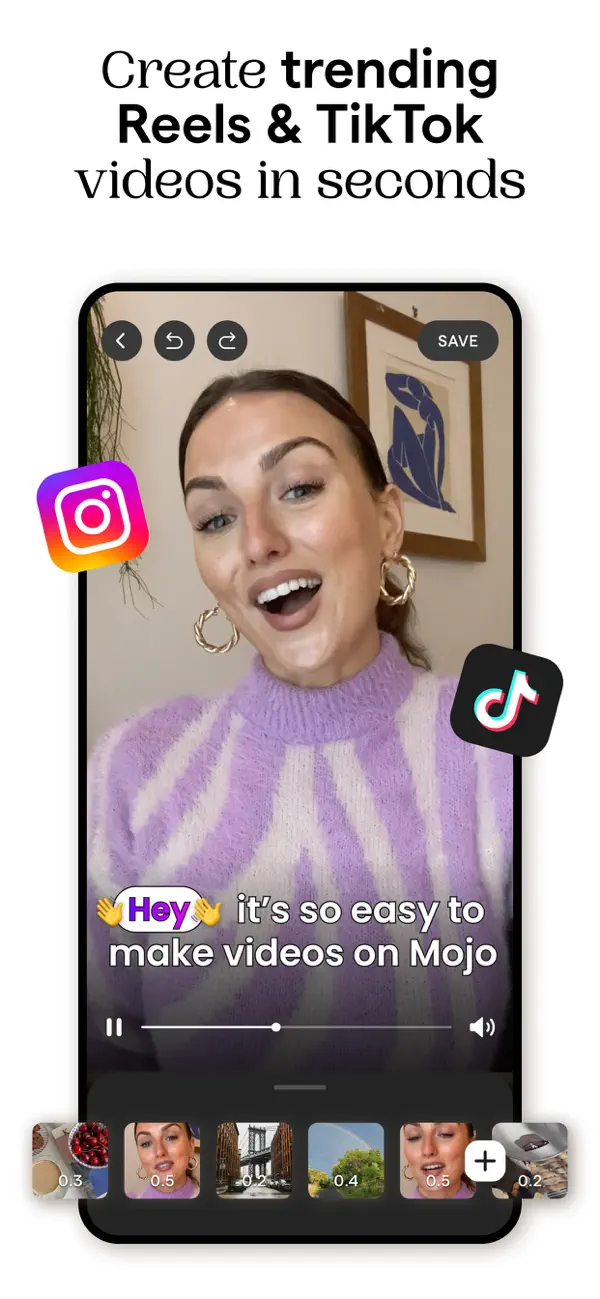
MWM’s reels maker: drop in raw clips, pick one of 500-plus animated templates, and it comes out looking like someone designed it. The free version is generous until you export — that’s where the watermark lands. Mojo Pro is what removes it, and it also carries the brand kit, background removal and the exclusive templates, sold as a yearly plan after a seven-day trial.
What’s unlocked: every animated template and video effect, exports without the watermark, plus auto-captions and background removal.
Captions
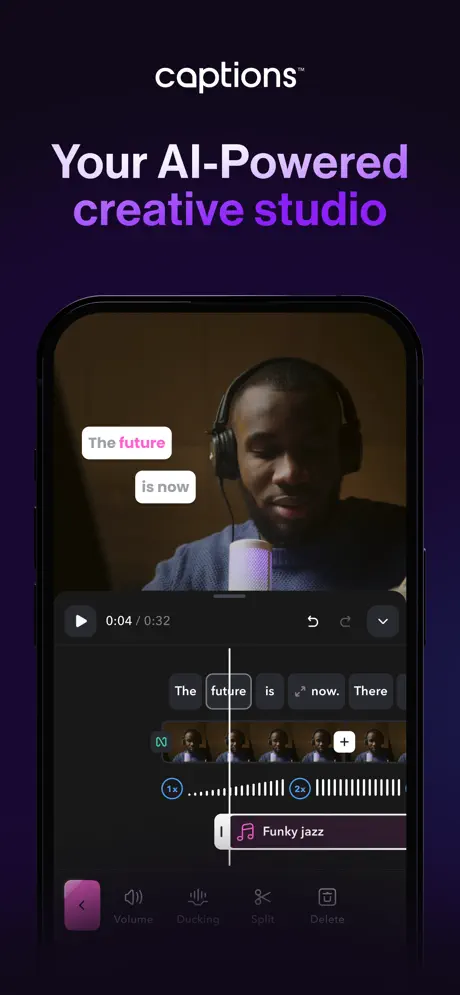
An AI camera and editor built for one job: talking to the lens. It writes scripts, runs a teleprompter in the Dynamic Island while you record, generates word-by-word subtitles with OpenAI’s Whisper, and lets you edit the video by editing its transcript — delete a filler word and the cut happens by itself. It is also the most expensive app in this digest by a distance: the Scale tier starts at $69.99 a month, and that money buys a monthly pot of credits.
What’s unlocked: the Scale tier, so every premium feature is active. One caveat worth reading before you install: credits stay locked — they aren’t part of this patch, so the features that spend credits still run on whatever the app gives you. Needs iOS 16 or later, and if the subscription doesn’t show as active right away, restart the app.
How to install
All three install from builds.io like a normal App Store download — tap GET, install, edit. No PC, and no developer account of your own to keep alive. When you add a new device, Apple runs a one-time “processing” step: most devices are ready within a day, and some take up to three days while Apple works through them. It happens once, and every install after that is instant.
Last week’s apps digest was about cutouts and clean exports — Bazaart, Peachy and Videoleap. For more editors with the subscription already on, from CapCut to Facetune, see premium unlocked apps for iPhone.