
uYou, YTKACE & YouMod — Ad-Free YouTube Tweaks
Three takes on the same idea this week: keep the YouTube app you already use, remove what it charges you for. All three strip the ads, skip the sponsor read baked into the video, keep playing when you leave the app, and put the dislike count back. Where they differ is what each one does best. No subscriptions, no waiting. Download any of them as an IPA and install on your iPhone in one tap — no PC and no developer account of your own.
uYou
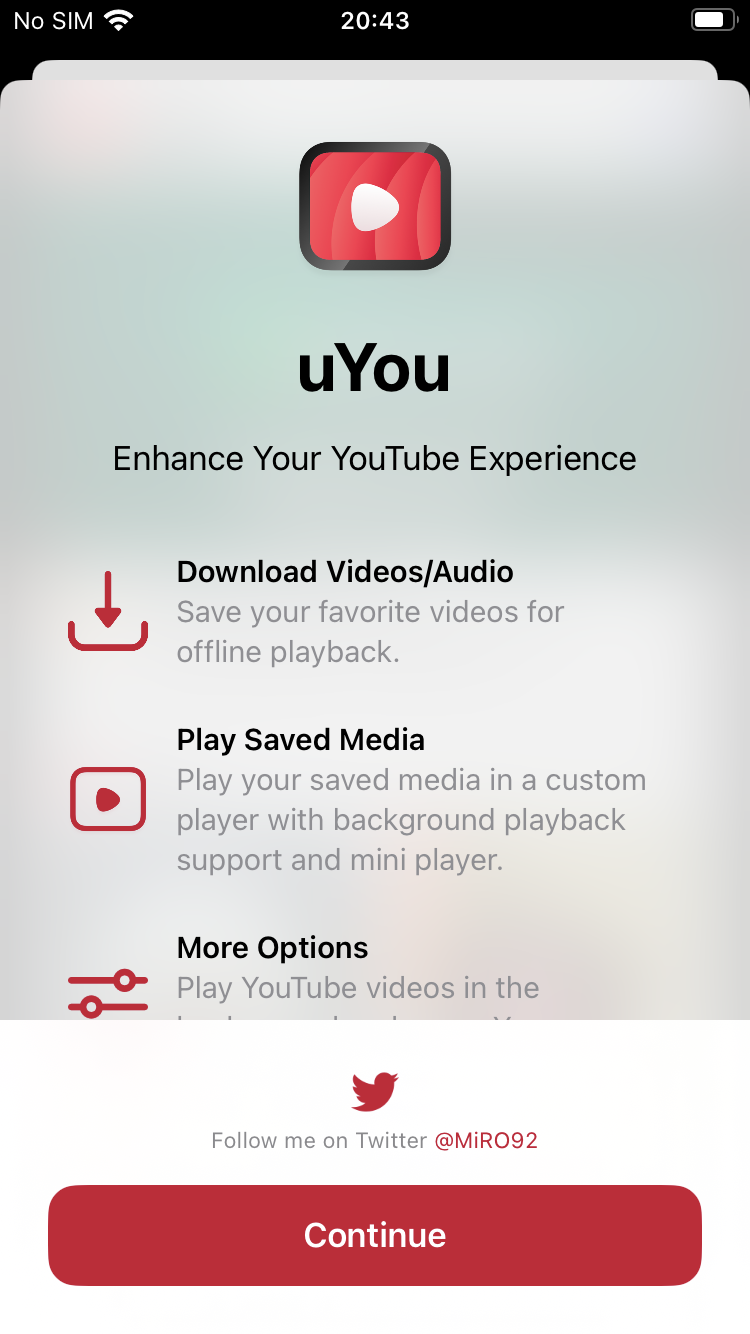
The long-running one, and the plainest. uYou has been the default answer to “which YouTube tweak” for years, and its own welcome screen still says it in three lines: download videos and audio, play saved media in a custom player with background support, and a pile of options underneath. No unusual angle, nothing to learn — the app you know with the meter taken off.
What’s unlocked: no ads, in-video sponsorship segments blocked, video downloads, Picture-in-Picture, and Return YouTube Dislikes restored.
YouTube YTKACE

The one to install if you save things. YTKACE downloads video and audio and lets you choose where each file lands — its own library, your Photos app, or a prompt every time — which is the difference between a download you can use elsewhere and a file the app is holding for you. It also brings a playback speed slider, volume boost, a Posts tab in the navigation bar and full-resolution saving of community post images. Our build tracks YouTube 21.36.6.
What’s unlocked: ad-free playback with sponsor segments skipped, video and audio downloads with a choice of save location, background and Picture-in-Picture, Return YouTube Dislikes, plus the speed slider and volume boost.
One quirk worth knowing: after installing, open the tweak settings and press the checkmark once, or background playback, Picture-in-Picture and casting stay off. The build needs iOS 17 or later, and 4K playback wants an A16 chip or newer.
YouTube YouMod

The one for people whose real complaint is the sponsor read, not the pre-roll. YouMod’s SponsorBlock is native rather than a bundled add-on, covers all nine segment categories with a separate action for each, and includes the Highlight category the common implementation leaves out. Everything else is present too — downloads, background and Picture-in-Picture, dislikes — gathered into one grouped settings screen instead of eight scattered panels.
What’s unlocked: ad-free playback with in-video sponsor segments skipped, background and Picture-in-Picture, video downloads for offline watching, Return YouTube Dislikes, and quality, speed and volume controls in one place.
How to install
Each of these installs from builds.io like a normal App Store download — tap GET, install, sign in with your usual Google account. No PC, and no developer account of your own to keep alive. When you add a new device, Apple runs a one-time “processing” step: most devices are ready within a day, and some take up to three days while Apple works through them. It happens once, and every install after that is instant.
Because all three patch the real YouTube app, a YouTube update can break a build until a new one is cut — that is the trade for keeping the genuine app rather than a clone.
Want more on one of them? There is a full write-up on what YouMod does, and a cautionary one on YTKillerPlus, whose developer switched downloads off. Last week’s apps digest went to photo editors — Photoshop, Express and BodyApp.