
NOAA Radar, iLovePDF & QR Code Reader on iPhone

The PDF you need to email is too big. The label in front of you has a barcode. The rain that was supposed to start later is already moving toward you. This week’s iPhone picks handle those jobs away from a desk. Flipo and Aura Tarot are new to the BuildStore catalog.
Weather Radar – NOAA Channel
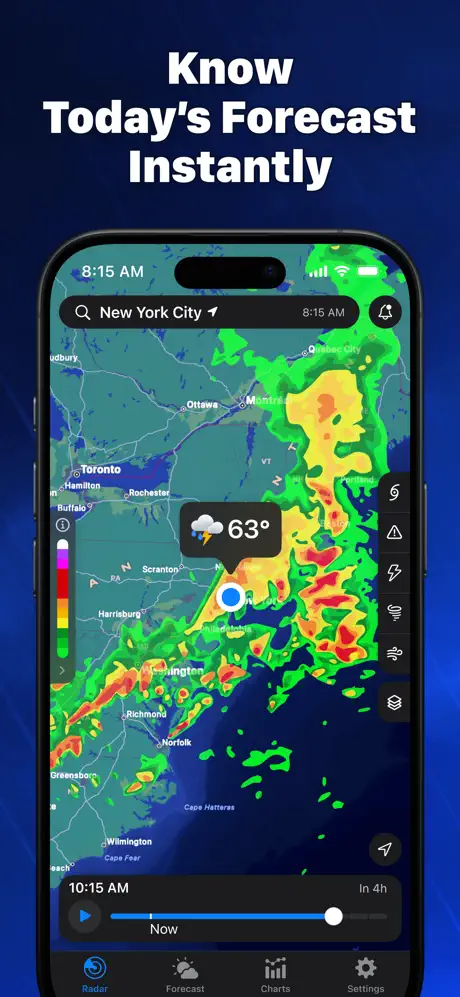
When a forecast says rain, open the radar map and look at where it is moving. A forecast gives you the chance of rain for a place and a stretch of time. Radar helps you see the rain that’s already nearby. The developer’s App Store listing calls the app Ora Weather Radar.
BuildStore lists the subscription as unlocked in version 6.4.3. If the app still shows the purchase prompt, dismiss it and restart the app. You can download the Weather Radar IPA for iPhone from the GET card.
iLovePDF
If an attachment is too large for the upload form, iLovePDF can compress it on your phone. The mobile app also turns document photos into PDFs. Open the resulting file before sending it. Small print can lose legibility when you shrink a scanned page.
The catalog lists Premium features as unlocked in version 4.3.0. Sign in to activate them. The GET card opens the iLovePDF IPA for iPhone.

QR Code Reader
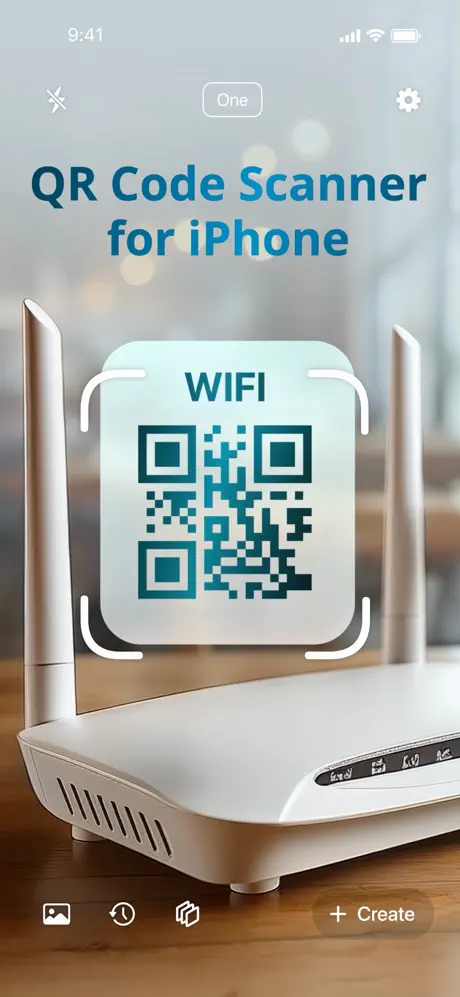
QR Code Reader handles the square codes on posters and the striped barcodes on products. If a code opens a link, look at the address before following it. That makes one reader useful for both opening a QR link and looking up a product code.
BuildStore lists subscription features as unlocked in version 2026.11.5. Open the GET card for the QR Code Reader IPA.
New in the catalog · Flipo
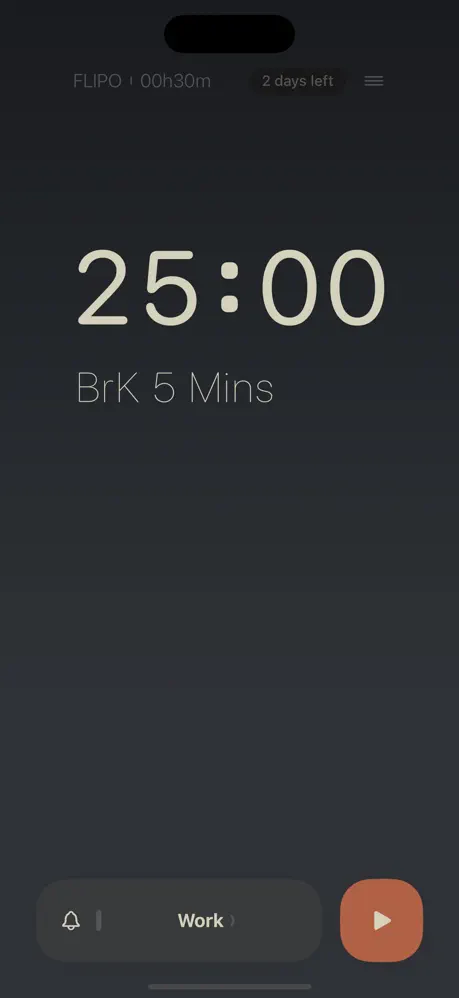
Flipo is a minimalist Pomodoro timer for working in blocks with short breaks. Give the next session one task, such as sorting the pages you just scanned. A single task gives you a clear place to pick up after the break. The catalog lists subscription features as unlocked in version 2.6.1.
New in the catalog · Aura Tarot
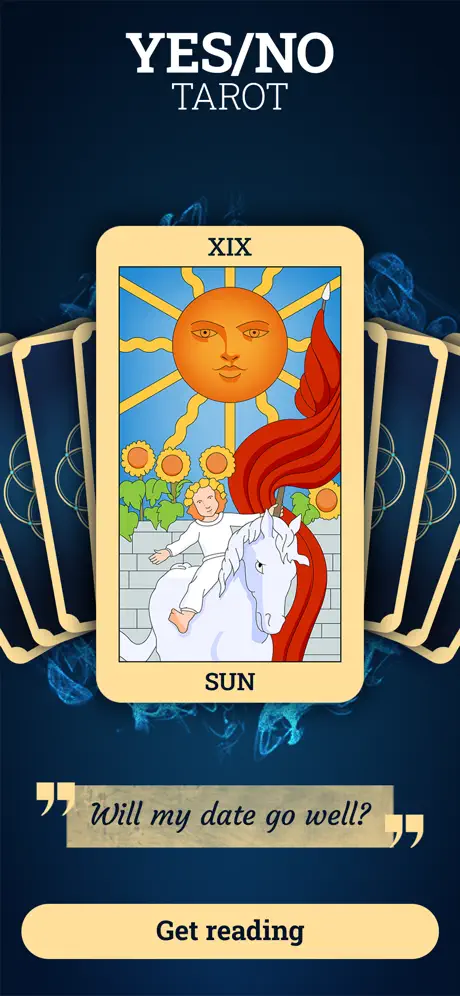
Aura Tarot offers card readings on iPhone. BuildStore lists unlimited energy and ad-free use in version 1.54.3. Most Premium features are unlocked, with Birth Chart and Yearly Horoscope still excluded.

How to install on iPhone
Sign in to BuildStore, link your iPhone and open the GET card for the app you want. Apple can take up to three days to process a newly linked device. Once your device is ready, install from the catalog without a PC or a developer account of your own. BuildStore installation guide
For a closer look at scanning and organizing paperwork, see Documents Plus and Scanner Air on iPhone.