
Duolingo MAX & Reading.com — Premium Unlocked
Two learning apps this week, one for you and one for your kids. Both are among the more expensive subscriptions on a family phone, and both put the part that actually teaches behind the plan. Here the plan is already on. No subscriptions, no waiting. Download either as an IPA and install on your iPhone in one tap — no PC and no developer account of your own.
Duolingo
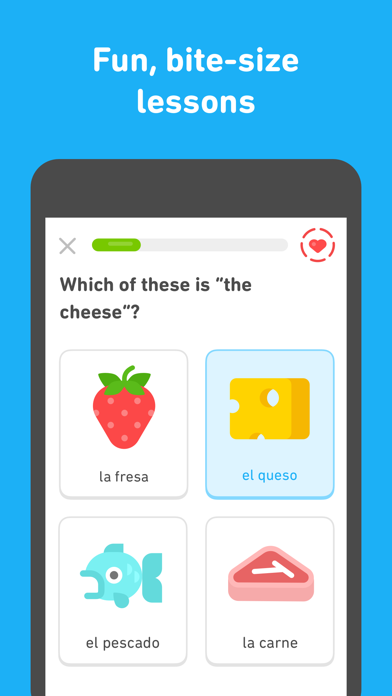
The language course that plays like a game — more than thirty languages, short lessons across reading, writing, listening and speaking, streaks and leagues to keep you coming back. Duolingo sells it in tiers: the free app with hearts and ads, Super on top, and MAX above that, priced at $29.99 a month or $168 a year. The tiers have also been moving in 2026 — Explain My Answer, once a MAX-only feature, went free for everyone in January. Download the Duolingo IPA for iPhone and skip the question of which tier is worth paying for this month.
What’s unlocked: Duolingo MAX features. Upgrade banners may still appear — they can be ignored, because the features behind them already work. Sign-in with Google or Apple is supported, so you can keep using the account and streak you already have.
Reading.com
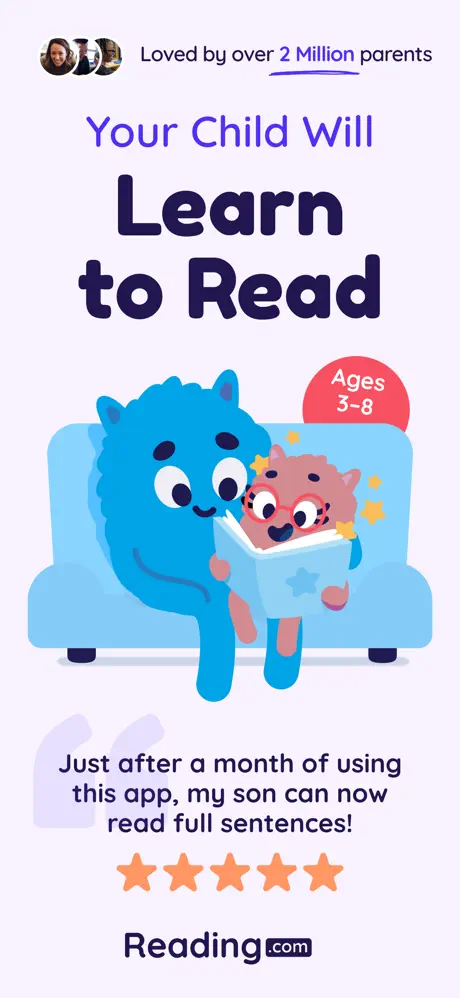
A phonics course for kids aged 3 to 8, designed to be taught by a parent rather than a teacher. The core is 99 fully scripted lessons — you read the script, your child works through the sounds — taking a child from letter recognition to reading at roughly a late first-grade level, with decodable storybooks, videos and games reinforcing each step. The stock app runs $14.99 a month or $89.99 a year, and a family plan covers up to three children.
What’s unlocked: the full subscription library — every lesson, storybook and game — without a paid plan.

How to install
Both install from builds.io like a normal App Store download — tap GET, install, sign in. No PC, and no developer account of your own to keep alive. When you add a new device, Apple runs a one-time “processing” step: most devices are ready within a day, and some take up to three days while Apple works through them. It happens once, and every install after that is instant.
Last week’s apps digest went to YouTube — uYou, YTKACE and YouMod. For more apps with the subscription already on, from CapCut to PDF Expert, see premium unlocked apps for iPhone.