
Flightradar24 and Plane Finder: Premium Unlocked

Flight tracking is one of those categories where the free tier is deliberately just short of useful. You get planes on a map; you don’t get the altitude profile, the AR view, or any history older than a few hours — those sit behind a yearly subscription.
Two trackers this week, both with premium unlocked, both installing on iPhone in one tap. One of them comes with a caveat worth reading before you install.
Flightradar24
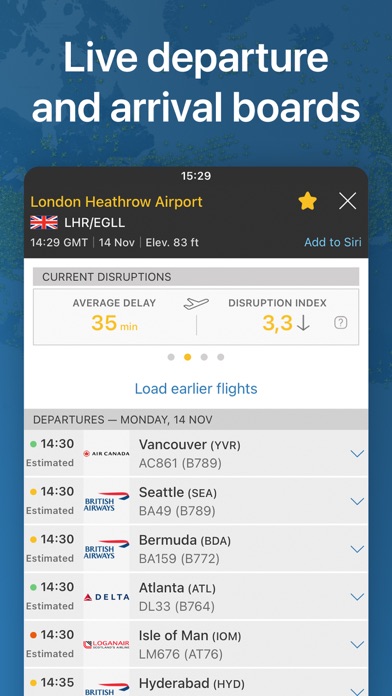
The best-known tracker there is. This build is patched to register as Gold Lifetime, which lights up the interface-level features: the live map without the free-tier limits, point-at-sky aircraft identification through the camera, and the playback that’s normally gated.
The honest caveat: most of Flightradar24’s premium features are server-side, and a patched client can’t reach them. Marking the app as Gold changes what the app believes about your account, not what their servers will send it. So expect the local, interface-level unlocks to work and some of the data-heavy Gold features to stay unavailable.
We’d rather say that up front than have you install it expecting the full Gold experience. If you specifically want the deeper data tools, this build isn’t going to deliver them.
To activate: log in, then restart the app.
Plane Finder
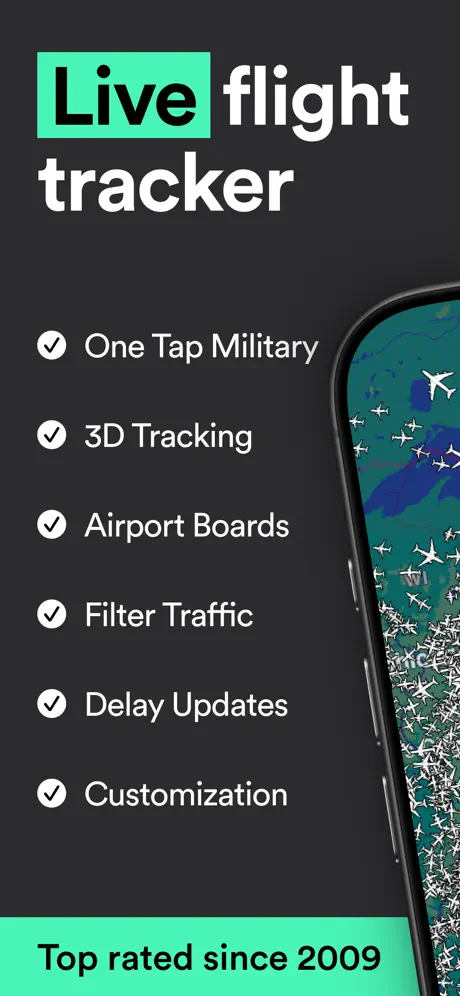
The one that actually delivers the full premium set here. Plane Finder’s paid tools are unlocked without logging in at all: live global tracking, 3D and AR views, unlimited playback, and custom alerts.
The 3D and AR views are the reason to pick this one — point the phone at a plane overhead and it identifies it, or drop into a three-dimensional view of the airspace instead of a flat map. Unlimited playback is the other one that matters: rewinding a flight’s full path is normally the first thing the free tier takes away.
Between the two, Plane Finder is the one to install first. Flightradar24 has the better-known name and the bigger network; Plane Finder is the one where the unlock is complete.
Installing on iPhone
Neither modified build is on the App Store. From builds.io:
- Open builds.io on the iPhone and sign in.
- Tap GET on the tracker you want.
- Open it — for Flightradar24, log in and restart once to activate.
No jailbreak, no computer. The build stays signed instead of expiring in a week.
Worth knowing
Both can be installed at once. They’re different apps, so there’s no conflict — useful if you want to compare what each one sees over your area.
The modded build replaces the original. If you already have the App Store version of either, the tweaked one takes its place.
Server-side features are the boundary. This applies to any tracker, not just Flightradar24: anything the app has to fetch from a paid account on the provider’s servers stays out of reach, no matter what the client is patched to believe. Local features, interface unlocks and anything computed on the device are what a mod can actually give you.