
GoodReader PDF Editor & Viewer
Not sure? Worry-free Premium handles revokes for you.


Version added at: May 06, 2024
Size: 25.61 KB
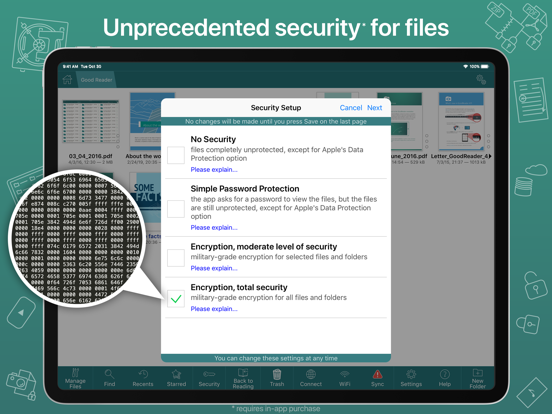
GoodReader has spent over a decade as one of the most complete document readers on iOS, and it still keeps every file type in one place. Download the GoodReader IPA for iPhone and turn your device into a portable file cabinet for PDFs, Office docs, iWork files, HTML, images, audio and video.
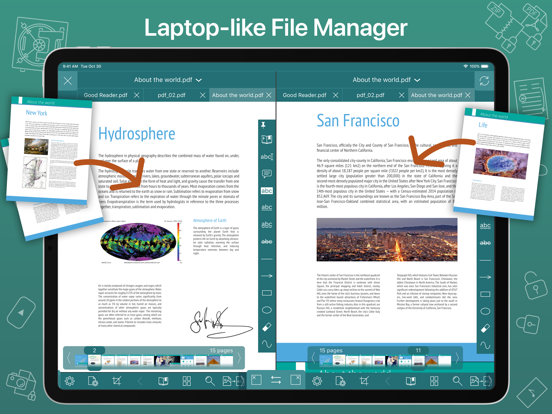
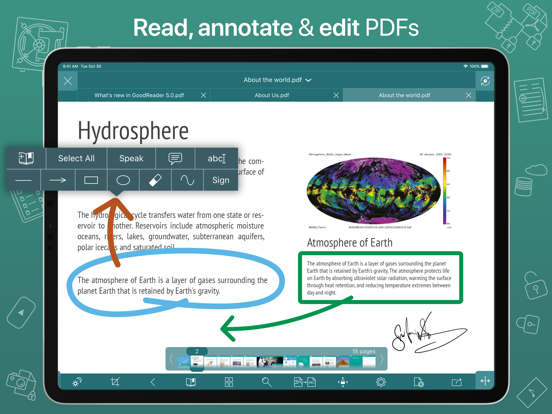
PDF handling is where GoodReader stands out: a reflow view removes side-to-side scrolling on text-heavy pages, and you can annotate, highlight and draw directly on documents before sharing the marked-up file or a summary of your notes. Beyond reading, it doubles as a full file manager for organizing large collections of folders and files, the way you would on a desktop.
Key features
- Reads PDF, TXT, MS Office, iWork, HTML, images, audio and video
- PDF annotation — notes, drawings and text highlights
- PDF Reflow for scroll-free reading on any screen
- Full file management across large folder collections
Get GoodReader on builds.io — download the IPA and install it on your iPhone in one tap, no PC.
Similar apps
 XMLSubscription unlocked, with table view, dark mode and PDF export
 FuloraRead EPUBs and PDFs, annotate, and track streaks
 极简阅读File support, notes, reading stats, and TTS
 ClaroPDF Pro – Text to SpeechRead, annotate and listen to PDFs with human-quality text-to-speech
 PDF ExpertPremium unlocked, AI tools, e-signatures and no update prompts
 SmallpdfSubscription unlocked after log in, with scanning, OCR and PDF editing
 PDF ViewerGet PDF Viewer for Mac — fast PDF search, highlighting, e-signatures
 Remote Mouse ProPro features unlocked free, control your Mac or PC
 TweekClean weekly planning, notes, sync and reminders