
Fulora
Not sure? Worry-free Premium handles revokes for you.


Version added at: Aug 15, 2026
Size: 31.24 MB
What’s unlocked in this version
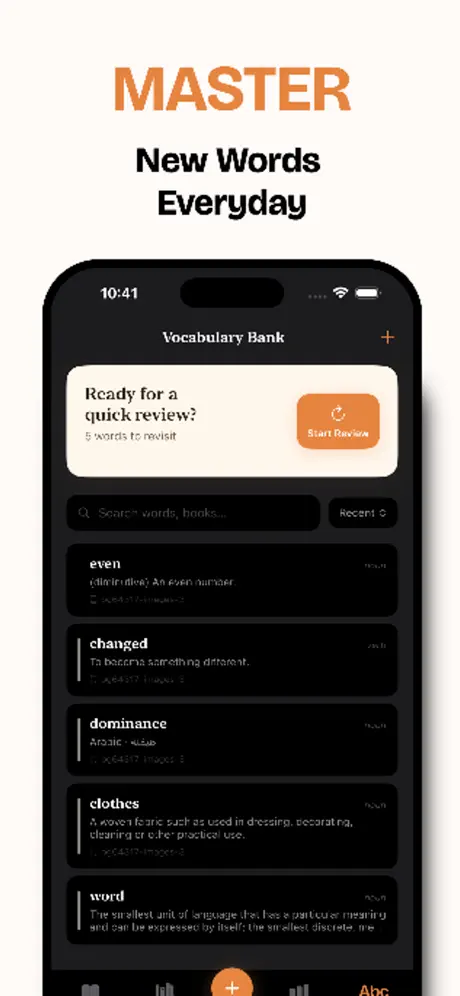
Fulora: Reader & Book Tracker now has the subscription unlocked in this updated IPA for iOS, so you can access the app’s paid features without a plan.
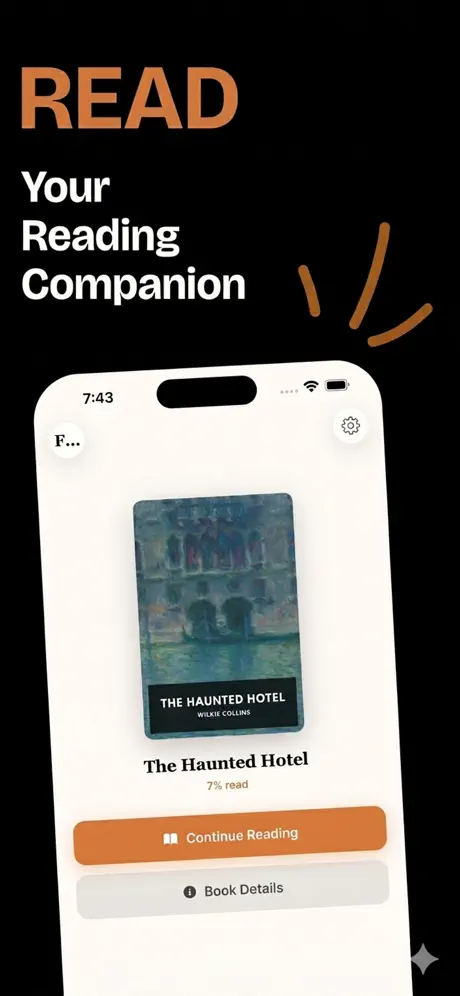
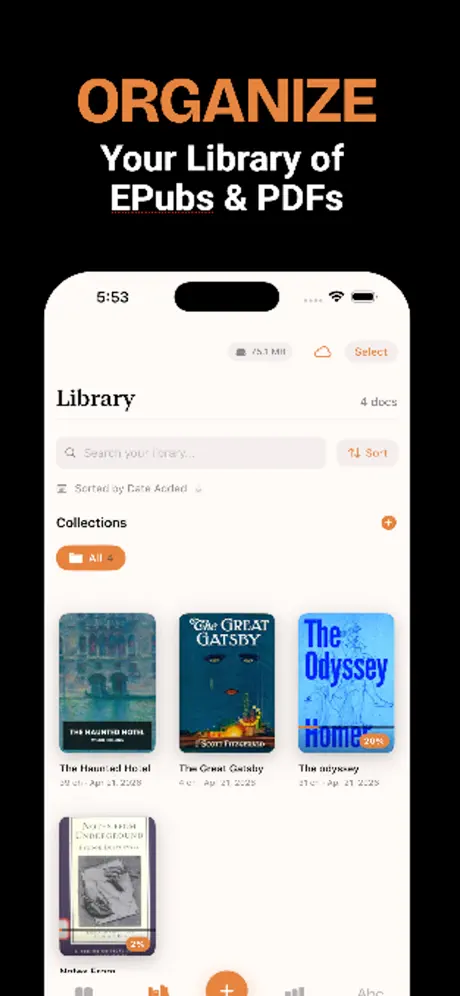
Fulora is the kind of reading app that helps you actually keep up with your books. If you want to download Fulora IPA for iPhone or get Fulora for iOS with a cleaner, more flexible reading experience, this build puts your EPUB and PDF library front and center — and on builds.io, you can install it in one tap with no PC.
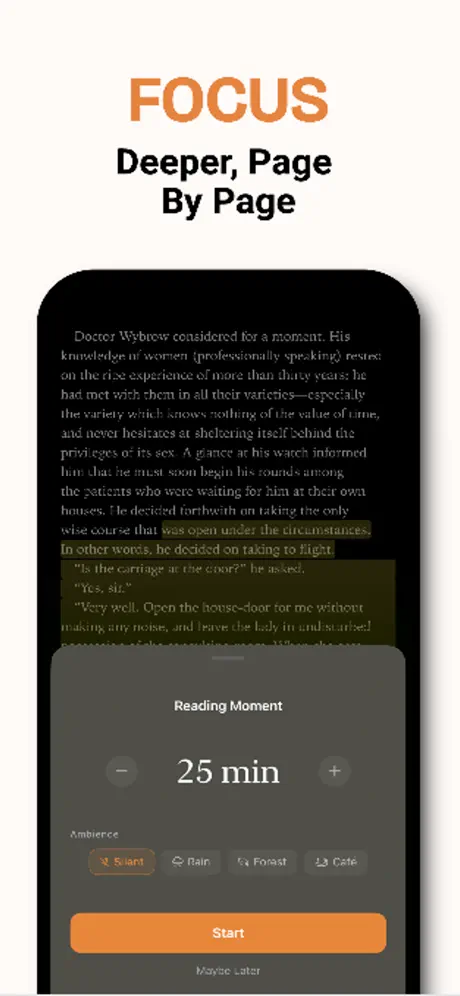
Built for people who already own their books, Fulora gives you a calm place to read without distractions. Open EPUB or PDF files, mark passages, jot down notes, and annotate with Apple Pencil while keeping everything tied to the book you’re reading. It’s designed to make short sessions feel worthwhile and longer sessions feel even easier to come back to.
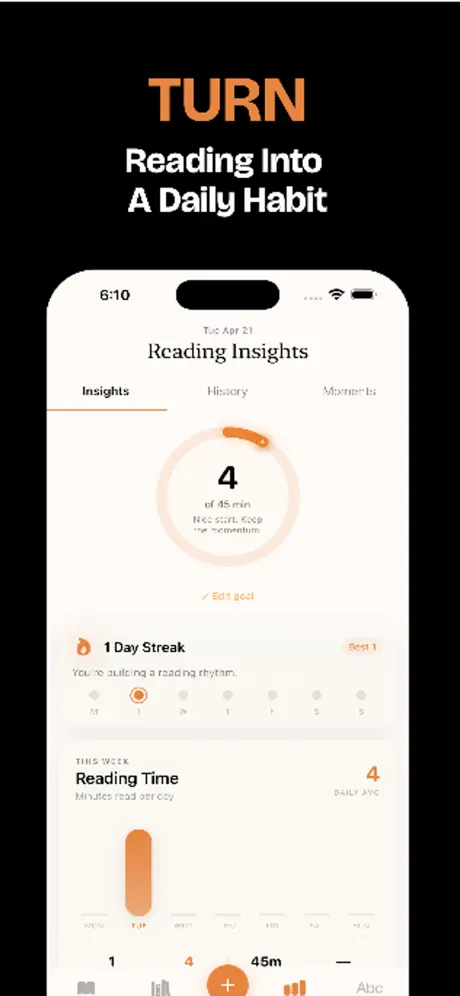
Beyond reading, Fulora is about turning intention into routine. You can set a daily reading goal, watch your streak grow, and use the app’s progress view to see how your habits are developing over time. The Reading Constellation adds a visual layer to that journey, turning each finished book into a star in a personal map you can revisit later.
Reading Insights pulls the numbers together so you can see time spent reading, books finished, streaks, and weekly patterns in one place. With imports from iCloud, Files, AirDrop, Dropbox, and other sources, it fits neatly into an existing library instead of replacing it. There’s no content store here — just your books, your notes, and a focused space to read them.
Key features in Fulora
- Read EPUB and PDF files in a distraction-free interface
- Annotate with Apple Pencil and PencilKit
- Highlight passages and add notes that stay with each book
- Set daily reading goals and track streaks
- Review Reading Insights for time spent, books finished, and weekly patterns
- Use the Reading Constellation to visualize completed books as a growing star map
- Import books from iCloud, Files, AirDrop, Dropbox, and more
- No built-in content store; your own library stays central
Get the Fulora tweak on builds.io — download the IPA and install it on your iPhone in one tap, no PC.
Similar apps
 XMLDownload the XML Viewer tweak IPA for iPhone — subscription unlocked, with table view, dark mode and PDF export. Install via builds.io, no PC.
 Notes PlusDownload the Notes Plus IPA for iPhone and iPad — handwriting to text in 52 languages, Apple Pencil support, PDF annotation. Install via builds.io, no PC.
 Renovate AIDownload the Renovate AI IPA for iPhone — virtual staging, 3D elevations, sketch-to-render and AI landscaping tools. Install via builds.io, no PC.
 Digital Detox TimerStay focused and productive with flexible Pomodoro timers, distraction controls, and progress tracking in the Focus app.
 Microsoft ExcelDownload Microsoft Excel for iPhone and iPad — create, edit and share spreadsheets with full formulas and charts. Install via builds.io, no PC.
 ShiftWorkCalQuickly check and manage your shift work schedule on iPhone with notes, widgets, and calendar saving features.
 hyperPad Visual Coding on iPadDownload hyperPad IPA for iPad — build games, books and comics with visual, no-code tools. Install via builds.io, no PC needed.
 AI Keyboard - Type & Writer AIDownload the Type AI mod IPA for iPhone — premium AI keyboard unlocked with instant translation, grammar check and tone tools. Install via builds.io, no PC.
 NotezyDownload the Notezy IPA for iPhone — AI meeting transcription in 17 languages, smart summaries and organized notes. Install via builds.io, no PC.