PDF Expert
Version added at: Dec 01, 2025
Size: 151.82 MB
PDF Expert - Editor and Reader Premium Unlocked
This is a tweaked version of the PDF Expert app, updated to version 7.25, supporting iOS 16.0 and above. The modification provides users with premium features unlocked, allowing full access to advanced editing and reading functionalities without any restrictions. Additionally, the app has been patched to disable the 'No update available' popup, providing a smoother user experience.
Key Features
- Premium features unlocked for enhanced PDF editing and reading.
- No update available popup disabled to prevent interruptions.
- Compatible with iOS 16.0 and newer versions.
Unlock your potential with PDF Expert, a fast and intuitive PDF app designed specifically for iPhone and iPad. Experience a beautifully crafted user interface that makes reading, annotating, and managing PDFs effortless and enjoyable. Whether you are a student, professional, or casual reader, PDF Expert provides all the essential tools needed to handle PDFs efficiently on your Apple device.
With PDF Expert, reading PDFs becomes a pleasure. Choose from Day, Night, or Sepia modes for comfortable reading in any environment, and switch seamlessly between vertical and horizontal scrolling. Import PDF files easily from email or any app supporting the Apple system-wide Share menu. Utilize the Text to Speech feature to listen to selected text whenever you want, enhancing accessibility and convenience.
Highlight and Annotate PDFs
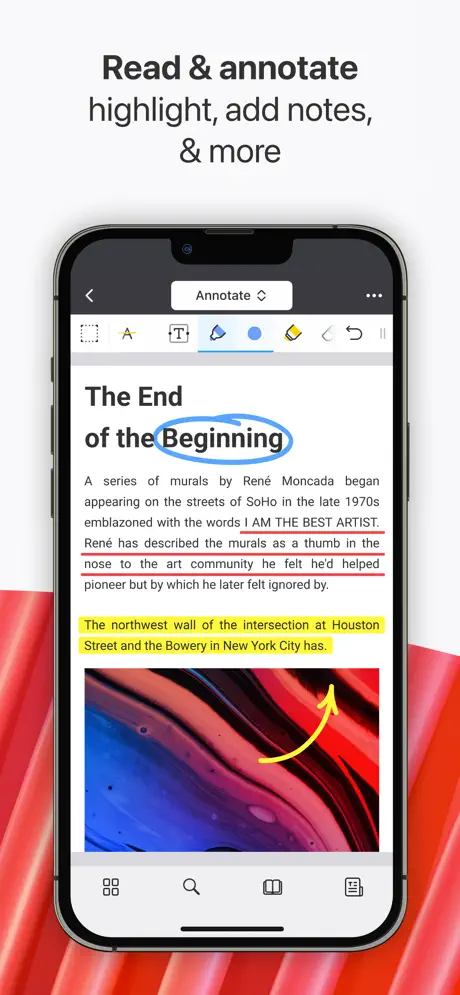
Mark important information directly on your PDFs using a variety of methods. Highlight text with multiple colors, add notes, insert stickers, and apply stamps such as Approved or Confidential. You can even record your voice notes and embed them into documents, providing a richer annotation experience that suits your needs.
Fill Out Forms Effortlessly
Complete PDF forms using interactive fields like text boxes, checkboxes, and radio buttons. PDF Expert supports all major form formats, including acro forms and static XFA forms, allowing you to fill out documents quickly and with ease.
Edit PDFs with Ease
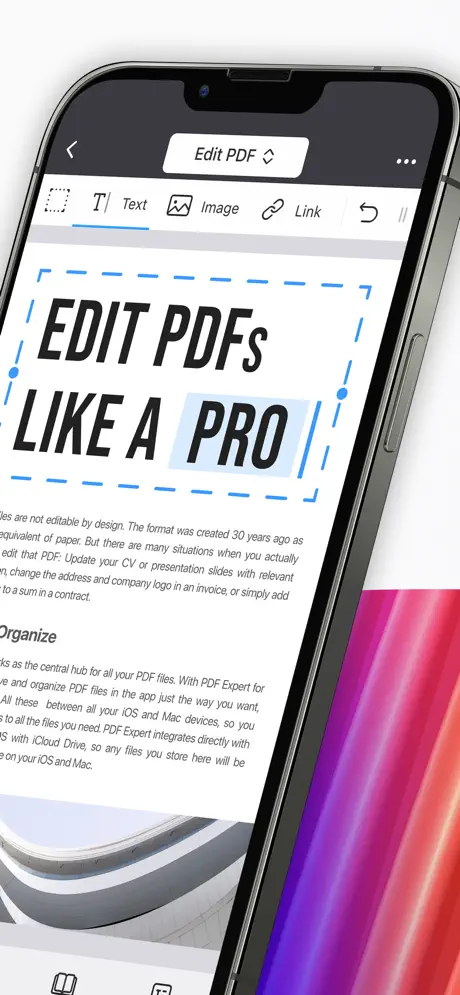
Modify your PDF documents just like you would in a word processor. Edit existing text, add links to different pages or websites, and streamline navigation with outlines for large PDFs. You can easily add, replace, or resize images within your files to keep your documents up to date.
AI-Powered PDF Copilot
Leverage the power of smart AI tools integrated in PDF Expert to handle large PDF documents effectively. Instantly list main points, generate concise summaries of entire PDFs or annotations, and ask specific questions to receive precise AI-powered answers. Get instant explanations of terms or phrases without having to search manually.
Manage Your PDFs Seamlessly
- Merge multiple PDF files into a single document.
- Add, delete, rotate, and rearrange pages with an intuitive thumbnail preview.
- Access and edit scanned documents by filling out, signing, and commenting on scans.
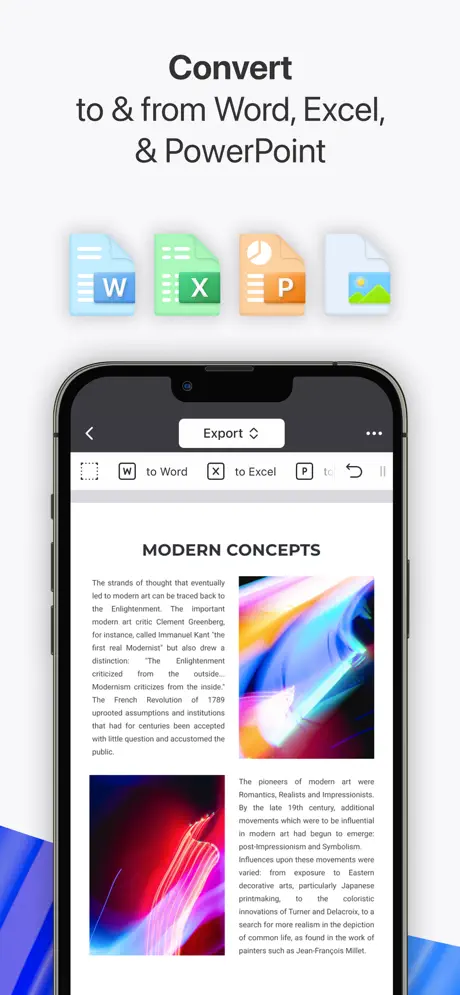
Convert PDFs to and from Various Formats
Quickly convert PDFs to Word, Excel, PowerPoint, JPG, PNG, or TXT formats and vice versa. Conversion is fast and reliable, enabling you to work with your documents flexibly.
Sign and Secure Your Documents
- Add electronic signatures on the go to sign contracts and agreements effortlessly.
- Create custom stamps or import them from images.
- Protect your files by setting access passwords and permanently redact sensitive information such as credit card numbers.
Compress and Optimize PDFs
Reduce file sizes by compressing PDFs and merging several documents into one manageable file to save device storage space.
Specialized Construction Tools
- Scale and measure drawings accurately using the Measure tab.
- Draw polygons and polylines for precise annotations.
- Use redline tools to mark up documents effectively.
Collaborate Without Hassle
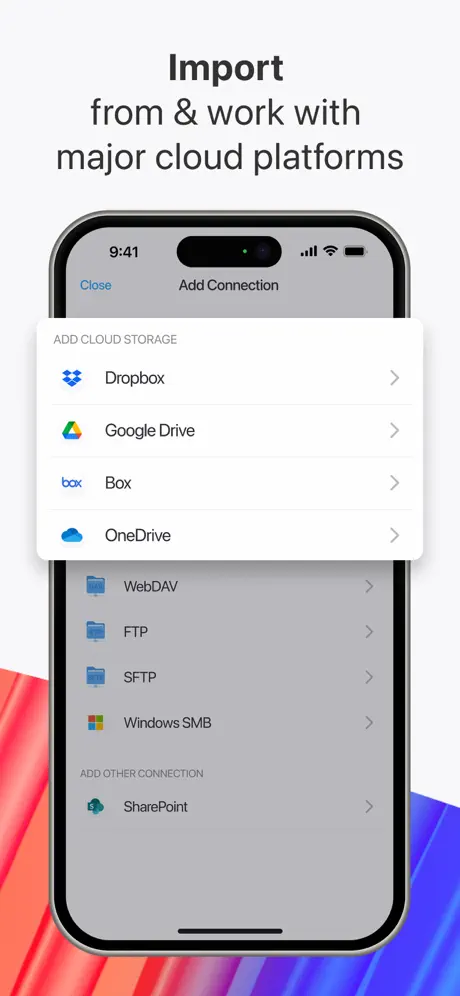
PDF Expert offers a robust platform for paperless teamwork. Annotate project documents, fill and sign contracts, exchange files securely via email or cloud – all from your iPhone or iPad.
Additional Features
- Fully customizable toolbar for your preferred workflow.
- Create links by dragging to add landing pages or web destinations.
- Presentation mode for easy sharing and reviewing.
- Print and share documents quickly and effectively.
Enjoy one Premium subscription covering all your Apple devices without the need for separate purchases. PDF Expert brings together powerful PDF handling capabilities in a sleek, user-friendly app designed exclusively for the Apple ecosystem.