
PDF Composer
Not sure? Worry-free Premium handles revokes for you.


Version added at: Jul 13, 2026
Size: 16.68 MB
What’s unlocked in this version
Subscription unlocked in the updated Image to PDF - Scan & Edit mod for iOS, so premium features are available without an active plan.
PDF Composer is a PDF toolbox for the iPhone and iPad, and you can download the PDF Composer IPA for iOS here with its subscription unlocked, so the premium features work without an active plan.
What is PDF Composer?
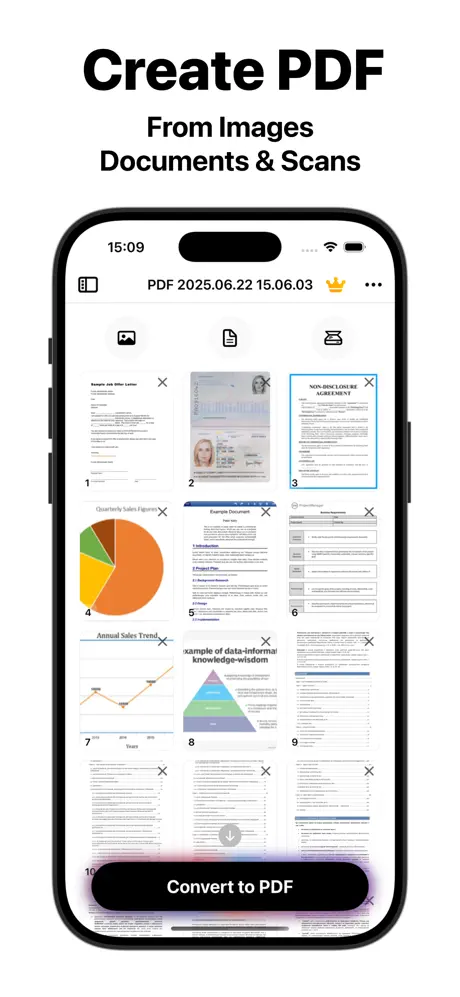
In the App Store the app appears as Image to PDF - Scan & Edit App, published by the independent developer Kiryl Kaveryn under Productivity. The developer calls it an all-in-one editor, scanner and converter, and the pitch is simple: take whatever you have, whether pictures, scans or documents, and end up with a clean PDF you can still change afterwards.
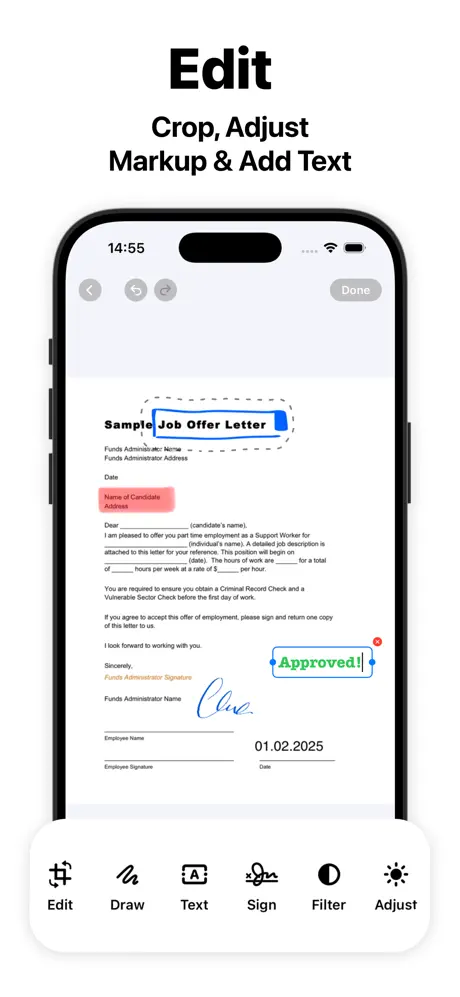
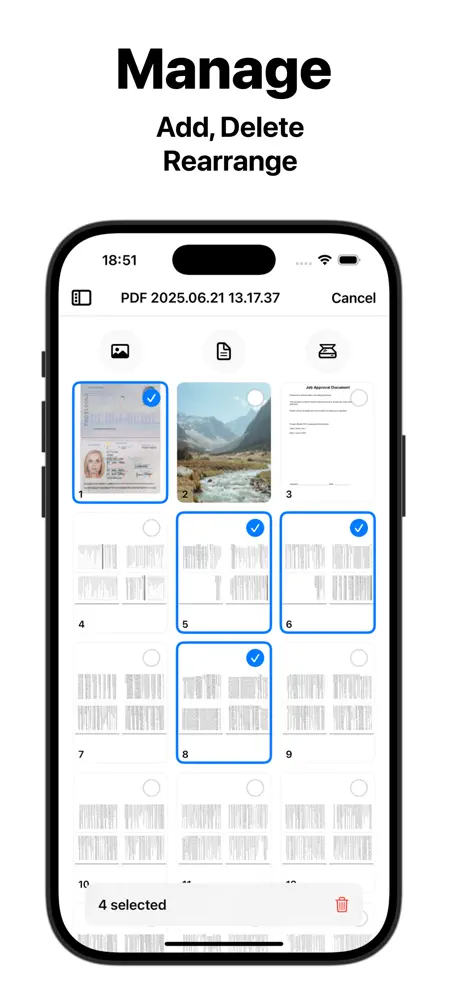
Creating a file starts with an import from the Files app, the Photos library or the camera. Several pages can be merged into one document. After that comes the editing layer: you draw, highlight and leave comments on any page, adjust the images and apply filters, and on an iPad you can use Apple Pencil for precise strokes.
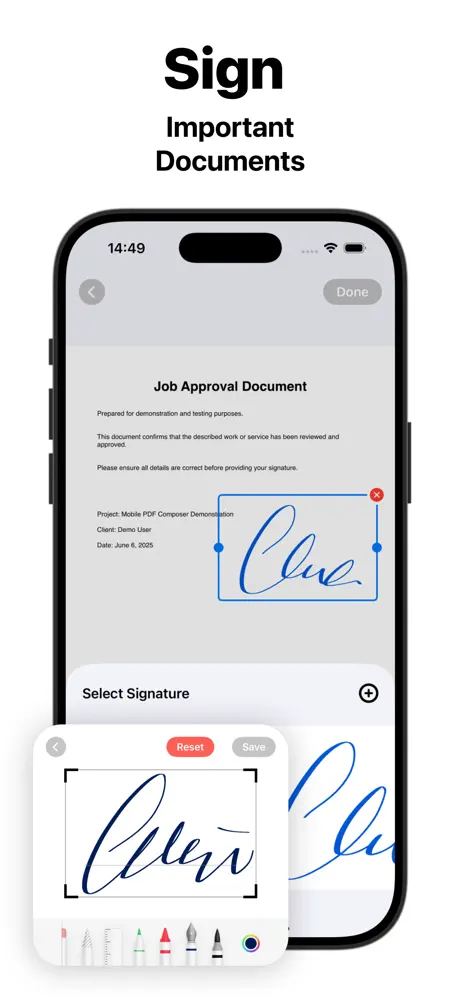
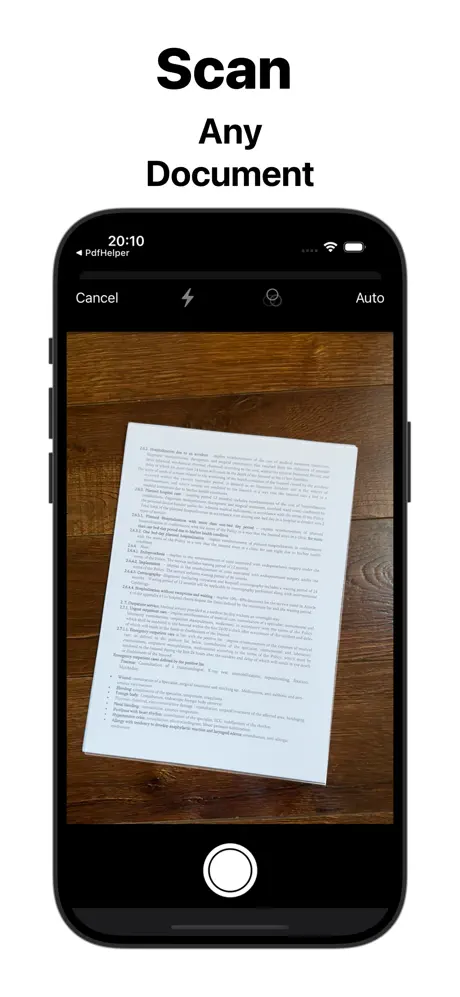
Signing is handled on the same screen. You write a digital signature with a finger or stylus, store it, and reuse it on the next document. The camera scanner adds image filters to improve a photographed page. Finished files can be saved to the device or shared by email, cloud storage or messages, and the developer says everything is stored locally for privacy.
What the PDF Composer tweak unlocks
- Subscription unlocked in the updated build, as the changelog states
- Premium features available with no active plan
- Scanning, filters and editing tools that the free tier restricts
- The signature and annotation tools, including drawing and highlights
- Conversion of images and documents into PDF without paywall prompts
Requirements and version notes
The App Store entry is free to download, was first released in late June 2025 and needs iOS 17.5 or later. The listing carries a 17+ rating. Its latest release notes mention bug fixes, small interface refinements and performance updates, with no new headline feature.
PDF Composer is on builds.io whenever you need it: pick the IPA, tap once and it lands on your iPhone or iPad with no PC in the middle.
Similar apps
 Notes Plus XDownload Notes Plus X IPA for iPad — handwritten notes, PDF markup and handwriting-to-text conversion. Install on iOS via builds.io, no PC.
 Note AIDownload the Note AI IPA for iPhone — record, transcribe and summarise meetings, lectures and voice notes in 50+ languages. Install via builds.io, no PC.
 Vinyl ScannerDownload the Vinyl Scanner tweak IPA for iPhone — scan records, check live value, and spot first pressings fast. Install via builds.io, no PC.
 Passbook - Wallet Pass CreatorDownload the Wallet Pass Creator IPA for iPhone — build custom Apple Wallet passes with QR codes and templates in minutes. Install via builds.io, no PC.
 Bus Times - This is the PlaceFind real-time bus schedules and plan your journeys easily with Bus Times - This is the Place for iOS.
 Speak4MeDownload the Speak4Me IPA for iPhone — natural text-to-speech in 20+ languages with adjustable voice and speed. Install via builds.io, no PC.
 Flowdia DiagramsCreate professional flowcharts, mind maps, BPMN, network diagrams & more with Flowdia’s user-friendly, versatile diagramming app.
 PolyGit Git ClientManage your git repositories effortlessly on iOS with PolyGit. Visual commit graphs, syntax highlighting, and advanced commands at your fingertips.
 Fin - Budget TrackerDownload Fin - Budget Tracker tweak IPA for iPhone — subscription unlocked: multiple accounts, receipt scanning, charts. Install via builds.io, no PC.