
Smallpdf
Not sure? Worry-free Premium handles revokes for you.


Version added at: Oct 11, 2025
Size: 103.33 MB
Smallpdf: Scanner & PDF Editor - Subscription Unlocked
This version of Smallpdf: Scanner & PDF Editor has been successfully patched to activate the subscription features without requiring a legitimate purchase. Users can simply log in to unlock the full subscription benefits, gaining access to premium tools and functionalities that are normally behind a paywall.
Features Unlocked
- Full subscription access
- All premium PDF editing and scanning features enabled
- No restrictions on usage due to subscription limits
Smallpdf brings the well-known PDF website to the phone, and you can download the Smallpdf IPA for iPhone here in a build patched to activate the subscription. According to the changelog, you only need to log in to the app to receive the full subscription benefits.
About Smallpdf
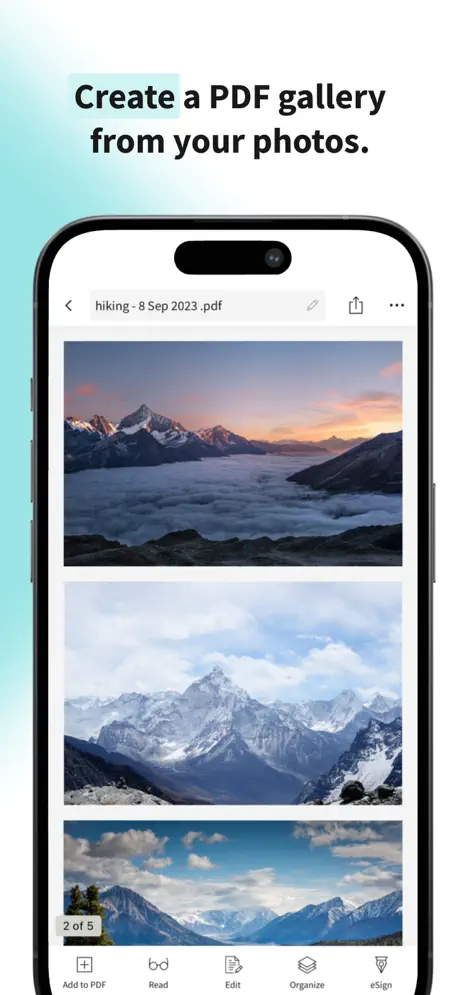
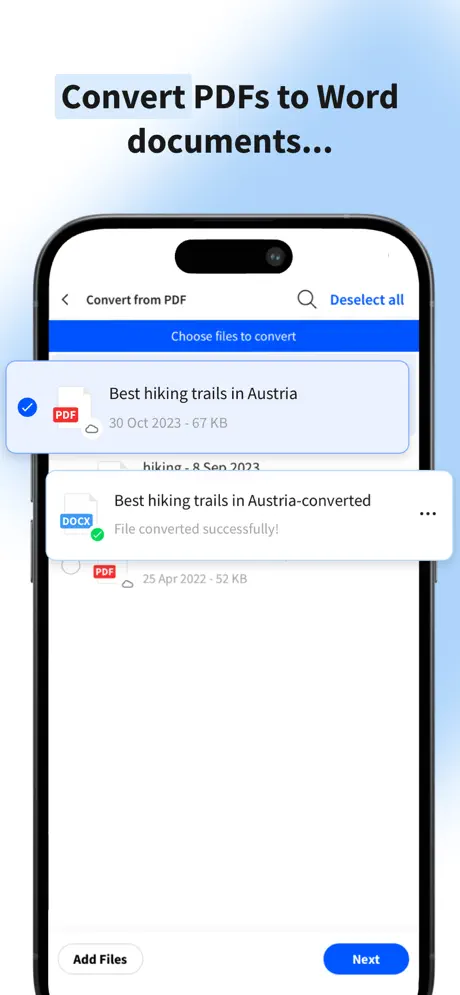
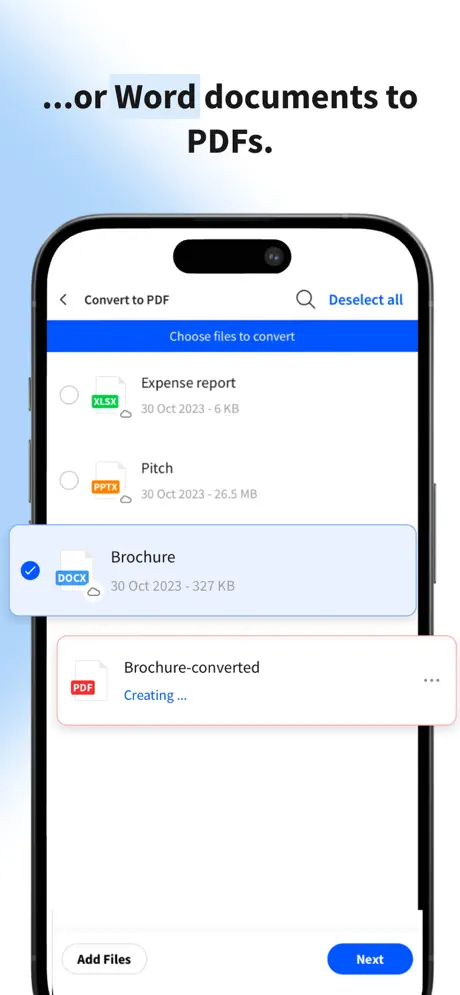
The App Store title is Smallpdf: Scanner & PDF Editor, and it comes from Smallpdf itself, listed under Productivity. It is a toolbox built around document chores, and the list is long. You can convert between PDF and Word, Excel, PowerPoint, JPG and PNG, and turn images into PDF as well. Pages can be rotated, removed and rearranged, and you can place text, images and shapes straight into a file.
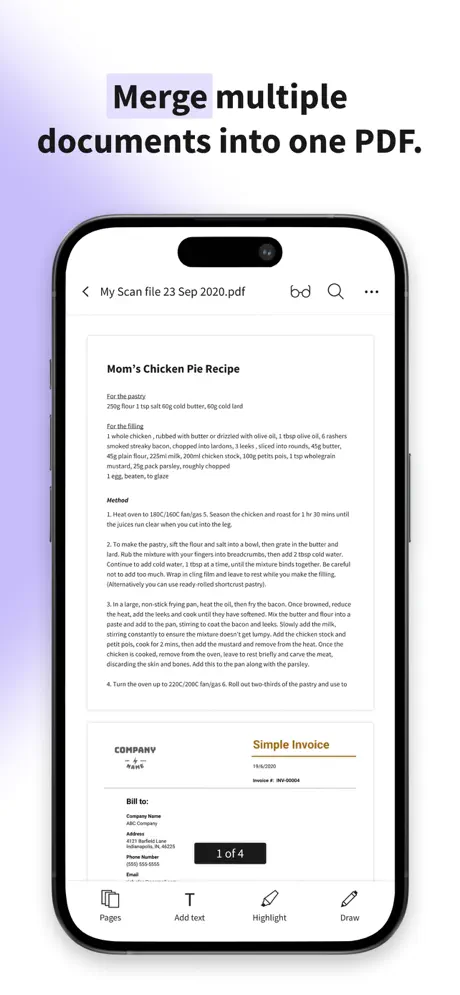
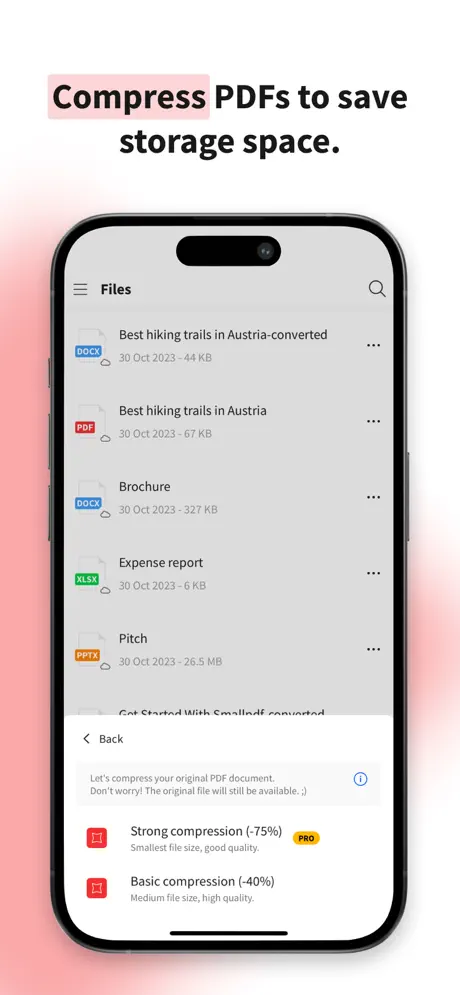
Other tools cover compressing a large PDF to save space, merging several files into one, and adding an electronic signature. The scanner uses the camera for receipts, notes and papers, trims and optimises the result automatically, and runs OCR so the scan becomes selectable text, with support for several languages. There is also a form filler, a reader and an annotator that highlights, underlines or strikes out text.
On privacy, the company states that uploaded files are deleted one hour after processing unless you save them locally or to the cloud, and that it follows GDPR standards.
What the Smallpdf tweak unlocks
- Full subscription access once you log in
- All premium PDF editing and scanning features switched on
- No usage limits caused by the subscription
- The conversion tools that the free tier restricts to a daily task allowance
Free plan and requirements
The original app is free within a daily task limit, and a seven-day free trial of Smallpdf Pro offers unlimited conversions across all tools. This build removes the need for that upgrade. The App Store listing asks for iOS 15.6 or later, is rated 4+ and has been available since December 2019. The latest release notes mention bug fixes and improved stability.
To get started, open Smallpdf on builds.io, tap the IPA and it goes straight onto your iPhone with no PC, ready for you to log in.
Similar apps
 PDF ComposerSubscription unlocked for PDF scanning, editing and signing
 iScanner - PDF Scanner AppScan documents to PDF or JPG with OCR text recognition and e-signatures
 CamScanner + | PDF ScannerTurn your camera into a scanner for docs, receipts and whiteboards with OCR
 CleanScanScan PDFs, edit pages, and extract text with OCR
 TodoistFull premium subscription active after sign-in
 CamScannerTransform your iPhone into a powerful scanner with CamScanner
 Genius ScanClean scans, OCR, and PDF tools
 ClipboardBoost productivity with Clipboard, a smart iOS app to sync, manage
 TransitAll premium transit schedules and real-time updates unlocked, ads removed