
AltStore vs SideStore vs LiveContainer – Which to Use in 2026

“AltStore vs SideStore vs LiveContainer” is one of the most-searched questions in sideloading, and it usually gets answered wrong, because the three are not competing for the same job. AltStore and SideStore are the tools that actually install apps. LiveContainer is a layer you run on top of either one. Before you pick, it helps to know what each does, what it costs you in time, and where a paid signing service like builds.io changes the math. Here is the honest breakdown.
The 30-second answer
The short version: AltStore and SideStore are free, but they rebuild the same wall every 7 days. LiveContainer stretches how much you can run, not how long it lasts. A paid service removes the wall entirely. The table lays out the trade-offs; the sections below explain them.
AltStore — the original free installer
AltStore is the tool that put free, sign-it-yourself sideloading on the map. You install AltServer on a Mac or Windows PC, plug in your iPhone once, and AltStore signs your apps with your own free Apple ID. The catch is baked into that free Apple ID: certificates last 7 days, and you can keep three sideloaded apps at a time.
To refresh before the week runs out, AltServer has to be running on a computer on the same Wi-Fi. If your laptop is asleep when the timer hits zero, the app stops opening until you reconnect. It is reliable in the sense that it uses your own developer account, so nothing gets revoked out from under you — you just pay for that with a standing computer and a weekly chore. Best for people who keep a machine on at home and only sideload a couple of apps.
SideStore — AltStore without the weekly computer trip
SideStore is a fork of AltStore built to kill its most annoying limitation: the computer. After a one-time setup on a PC, SideStore uses a pairing file and a small on-device VPN (StikDebug or LocalDevVPN) to talk to itself, so it can refresh your apps straight from the iPhone — no laptop on the network. It is the better free pick for most people for exactly this reason.
You still live inside the same free-Apple-ID limits: 7-day certificates and three apps. And the convenience has moving parts — pairing files occasionally break, the VPN helper apps get pulled from the App Store, and iOS updates can knock the chain over. If SideStore is your pick, we wrote a full step-by-step setup and troubleshooting walkthrough in our SideStore + Live Container guide. Best for people who want on-device refresh and do not mind occasional maintenance.
LiveContainer — not a rival, a multiplier
LiveContainer is where most comparisons go off the rails. It is not another way to install apps — it is an app that runs other apps inside itself, like guests in one room. Because all of them share a single app slot, LiveContainer is how people get around the three-app limit on a free account. You still need AltStore or SideStore to install LiveContainer in the first place.
Two things to know before you lean on it: apps running inside a container cannot receive push notifications, and some apps simply refuse to run as a guest. For everything else, it genuinely stretches a free setup further than it has any right to. Best for free-account users who want more than three apps and can live without notifications on the containerized ones.
The ceiling every free method shares
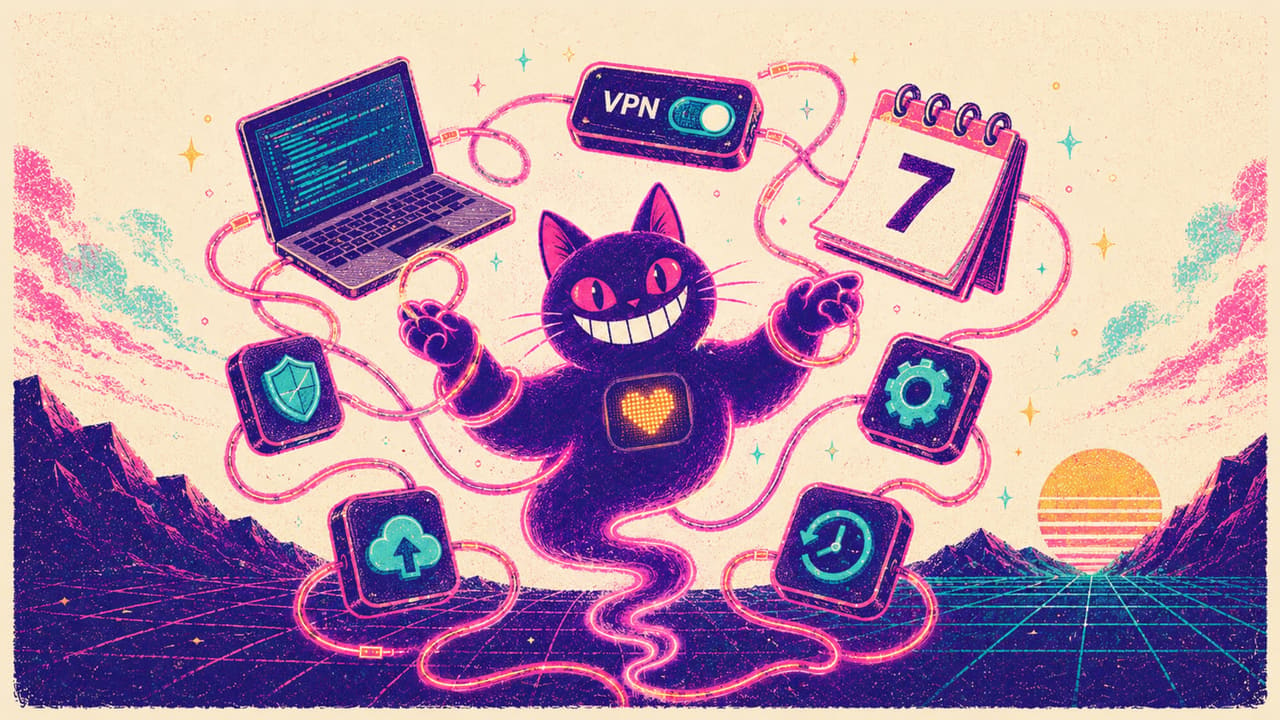
Strip away the differences and all three share one ceiling, because they all lean on a free Apple ID:
- A computer is required at least once to get started.
- Certificates expire on a 7-day clock, so refreshing is a chore you never finish.
- The three-app limit shapes everything — LiveContainer only hides it.
There is a separate trap worth naming. Free “enterprise certificate” apps promise no 7-day refresh, but they use shared certificates that Apple revokes in waves — when it happens, every app signed with that certificate dies at once. Scarlet is the best-known store built this way — here is why Scarlet apps keep dying. We covered why that happens, and how to avoid it, in why sideloaded apps get revoked. AltStore and SideStore do not have that problem, because they use your own ID — they just have the 7-day one instead.
Where builds.io changes the math
builds.io is the paid answer to that ceiling. It uses managed signing, so the parts you fight with on free tools simply are not there:
- No computer — you add your device through Safari and install from the catalog with one tap. That step reads your UDID; if you are curious what it is, see how to find your UDID on iPhone.
- No 7-day refresh — apps are signed long-term and renewal is handled for you, not by a calendar reminder.
- No three-app limit and no container tricks — install as many apps as you want, push notifications included.
It is a subscription, so it is not free. The honest trade is money for time: instead of pairing files, VPNs, and weekly refreshes, you install once and use your apps. One thing to set expectations on — when you first add a device, Apple processes it before apps go live. Most devices are ready within a day; some take up to three days while Apple processes them. It is normal, and it happens once.
What people actually install once they are set up
The method is only half the question — the reason anyone does this is the apps. A few of the most common ones people sideload, each one tap in the builds.io catalog:

Runs GameCube and Wii games on iPhone — the kind of console emulation the App Store will never approve. Pair it with a controller and your old games run natively at full speed. If retro is the whole reason you are sideloading, our emulator guide covers the rest of the consoles.

TikTok with the limits removed: download any video without the watermark, hide the on-screen UI, and block ads. It is a textbook tweak — a mainstream app rebuilt with extra controls. For the bigger picture, see the best apps to sideload on iPhone.
Weighing Sideloadly instead — the desktop tool that injects tweaks? Sideloadly vs AltStore vs SideStore compares all three on how much of a computer each still needs.
So which should you use?
If you enjoy the process and only need a couple of apps, AltStore is fine. If you want on-device refresh, SideStore is the better free pick — add LiveContainer when three apps is not enough. If your time is worth more than the weekly upkeep, a managed service like builds.io takes the whole maintenance loop off your plate: no computer, no VPN, no 7-day clock. Browse the catalog at builds.io and install your first app in a couple of taps.
Still weighing whether to sideload at all, or how? How to sideload apps on iPhone covers the whole picture — the three routes, what each costs you in upkeep, and the errors worth expecting.