
iPogo on iPhone — How Pokemon GO Spoofing Works
Pokemon GO is a game about walking, which is wonderful right up until you live somewhere with four spawns and no gyms. That gap is why modified clients exist, and iPogo is the one most people end up looking for on iPhone.
This is the honest version: what it actually does, how the spoofing works, and where the real risk sits. If you only want the download, the catalog page has it — this piece is for deciding whether you want it at all.
What iPogo actually is
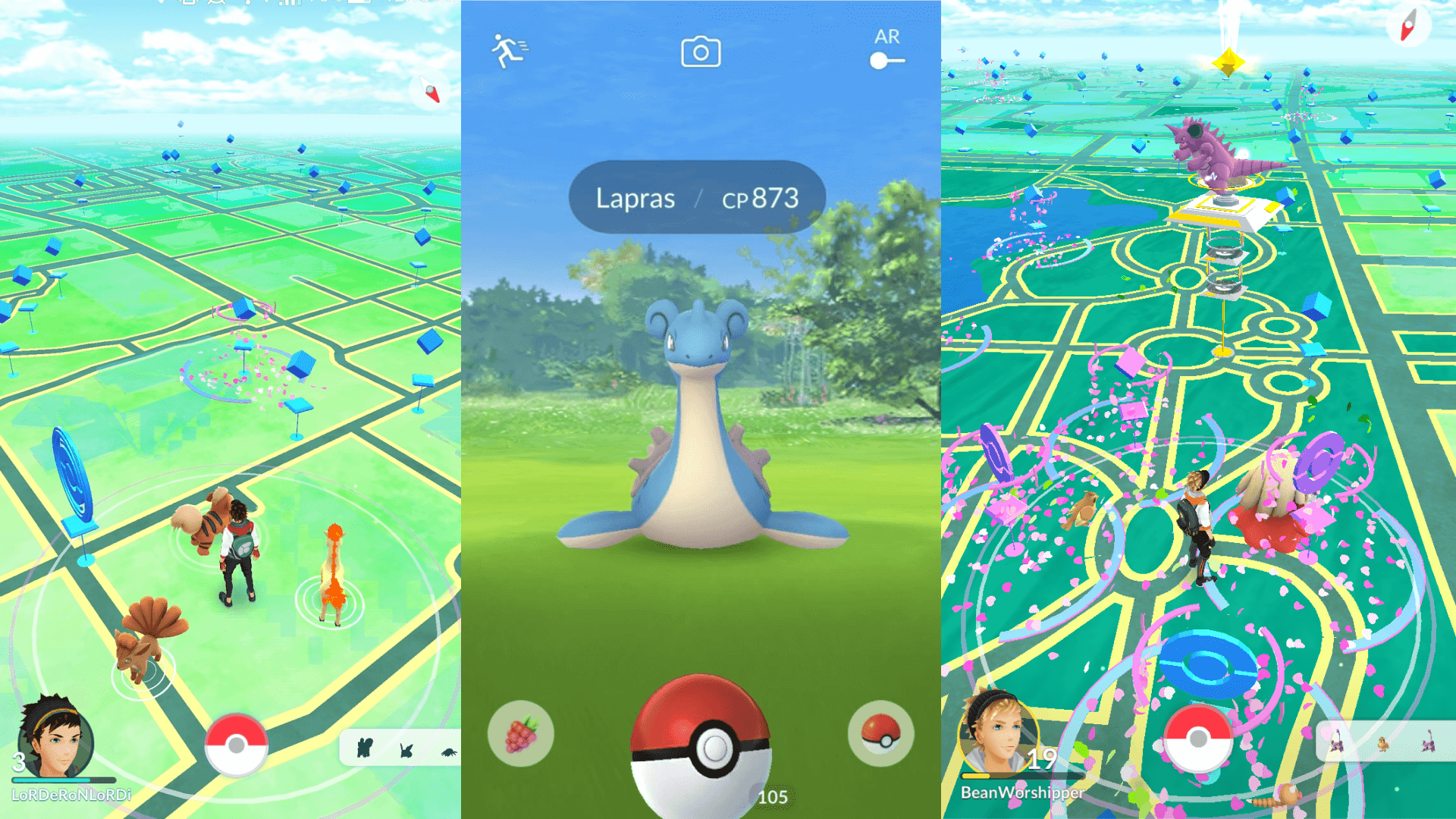
It is not an add-on or an overlay. iPogo is a modified build of Pokemon GO itself — you install it in place of the official app, open the same-looking icon, and play the same game through changed code. Everything the mod adds lives inside that client: teleport to any coordinates, auto-catch, shiny scanning, IV display, and route tools that would otherwise mean walking.
The build in our catalog tracks Pokemon GO 0.431.1, updated on 2 October 2026. That matters more than it sounds — Niantic ships game updates constantly, and a spoofing client that lags a version behind is a client that stops launching.
Does iPogo still work in 2026?
Yes. Some review sites still repeat a January 2026 note that iPogo was down on iOS; that outage is over. In September 2026 iPogo’s own site listed its iOS release against the then-current game version, and the catalog build has followed every game update since.
The honest caveat is that “working” is a moving target in this category. Every Pokemon GO update breaks modified clients until they are rebuilt, usually within days. If the game has just updated and iPogo will not launch, that is the normal gap, not the end of the project — check the update date on the catalog page before an event weekend.
How the spoofing works, and why Niantic can see it
The naive mental model is “the app lies about GPS.” It is close, but the important part is what happens on the other end.
Your phone reports a location. The official client passes that to Niantic’s servers along with a pile of signals about itself — how it was built, how it signs requests, how it behaves between calls. A modified client sends its own API signature, which does not match what the official app would produce. Niantic’s anti-cheat compares those.
So detection is not only “this player moved 400 km in nine seconds.” It is also the client identifying itself as Pokemon GO while behaving like something else. Movement patterns are the loud signal; the client fingerprint is the quiet one, and it is there from the first request.
The honest part: using a modified client breaks Niantic’s terms of service, and they enforce it with a three-strike system that ends in a permanent account ban. Cooldown discipline — waiting the right amount of time between jumps so your travel speed stays plausible — measurably lowers the odds of tripping the movement checks. It does not make you invisible, and nobody who tells you otherwise is being straight with you.
If that trade is not one you want to make on a ten-year-old account, this is the point to stop reading. Plenty of people spoof on a throwaway account for exactly this reason.
What you get if you do
- Teleport to any coordinates, with a cooldown timer built in so you can respect the travel-speed limits rather than guess at them.
- Auto-catch and auto-spin, which turns the parts of the loop that are pure repetition into background work.
- Shiny and IV scanning on the map, so you can see what is worth stopping for before you stop.
- Enhanced throw assistance, the feature most people quietly want and rarely mention.
- Joystick and auto-walk, so you can move along a route at a plausible speed instead of jumping.
Free vs VIP
iPogo itself runs on a freemium model. The free tier covers the basics: teleport, a global list of Pokemon and raids, excellent curveball throws and auto-walk. VIP, which iPogo sells for $4.99 a month, adds the automation — auto catch and spin, release on catch, a one-click bag cleaner, blocking non-shiny Pokemon, skipped animations, fast catch and a spawn booster.
The catalog build lists the VIP-side tools as unlocked: auto catch and auto spin, the spawn booster, block non-shiny and release on catch.
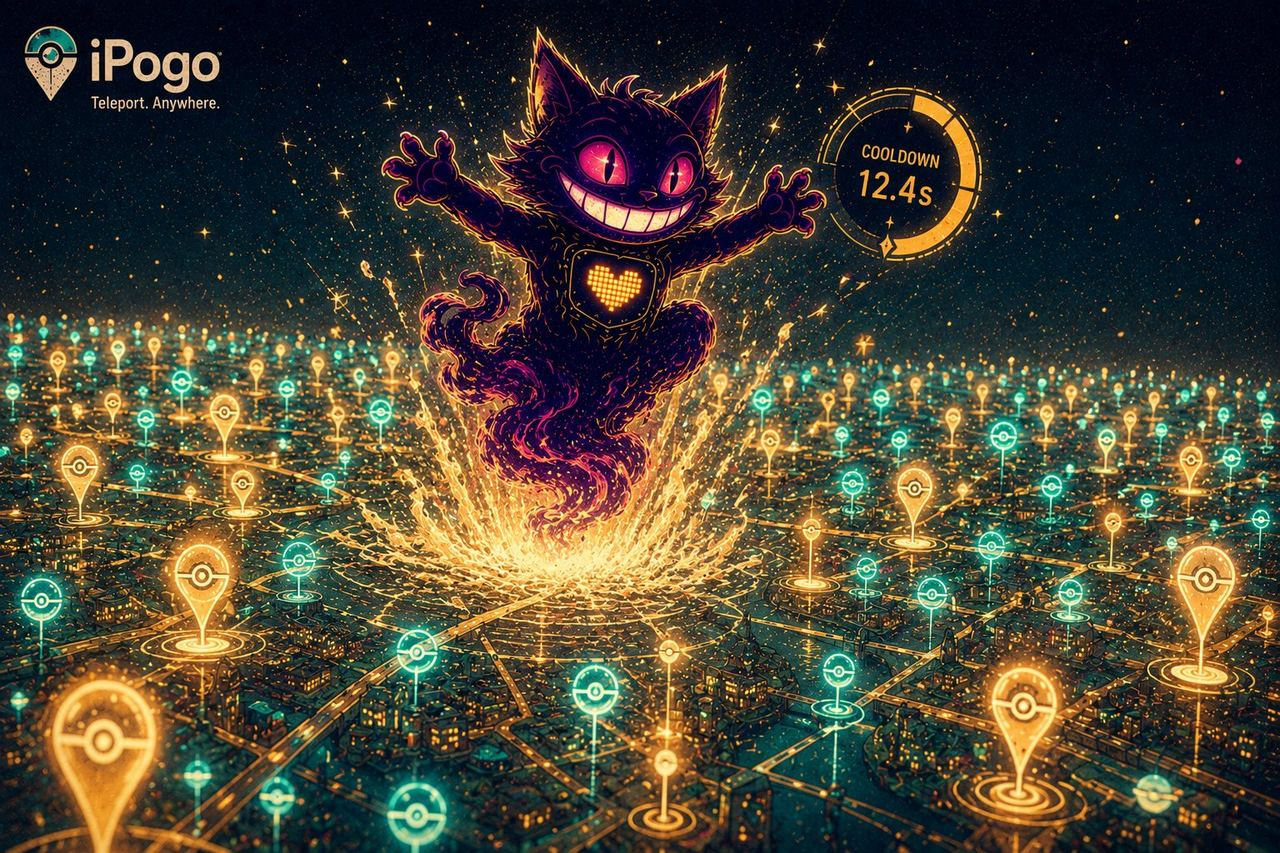
The cooldown, in practice
Cooldown discipline is the whole skill, and most people learn it by getting soft-banned first. The rule is simpler than the folklore around it.
What starts the timer: catching a Pokemon, spinning a stop, battling in a gym, feeding a berry — anything the server logs as you interacting with a place. What does not: the teleport itself, hatching eggs, trading, walking your buddy. You can move as far as you like; the clock only cares what you did before the jump and what you attempt after it.
How long: about 30 seconds for a one-kilometre hop, scaling with distance up to a two-hour ceiling for anything past roughly 1,500 km. Two hours is the maximum that exists — once 120 minutes have passed since your last interaction, you are clear to act anywhere on earth.
What a soft ban looks like: stops answer “Try Again Later” and every Pokemon you throw at flees instantly. It is temporary and it is not a strike on your account. The fix is to wait it out rather than keep trying — hammering the game during a soft ban is exactly the pattern that escalates into something permanent.
In practice: jump, wait out the timer iPogo puts on screen, then play. The built-in counter exists so this table never has to live in your head.
Installing on iPhone
The build is not on the App Store — it cannot be, it is a modified client. From builds.io:
- Open builds.io on the iPhone and sign in.
- Tap GET on iPogo.
- Launch it and sign in with the Pokemon Trainer Club or Google account you intend to use.
No jailbreak and no computer. Adding your first device triggers a one-time Apple processing step: most devices are ready within a day, some take up to three while Apple works through it. It happens once, not per install.
After that the build stays signed rather than expiring after seven days. For a spoofing client this matters more than usual — free-certificate methods die weekly, and a client that dies mid-session is a client that logs you out at the worst moment. We went through why that happens in why sideloaded apps stop working after 7 days.
What happened to iSpoofer
For years iSpoofer was the name people searched for on iPhone — GPS spoofing with a joystick, IV checks, auto-catch and a map of stops and gyms. It is gone. Under legal pressure from Niantic the developers shut it down: downloads stopped, subscriptions were cancelled and the website went offline.
That matters for anyone still searching for an iSpoofer IPA. Whatever turns up today is either an old build that no longer passes Niantic’s checks or something else wearing the name. The feature set people used iSpoofer for — teleport, joystick, scanning, catch automation — is what iPogo covers now, on a client that is still being updated.
Worth knowing
It replaces the official app. You cannot run both side by side — same bundle, one slot. If you want to keep a clean install for a main account, that is a second device conversation.
Sideloading itself will not ban you. The account risk here comes from the modified client and what you do with it, not from installing apps outside the App Store — a distinction we unpacked in can you get banned for sideloading.
Updates are a race. When Niantic ships a game update, modified clients need a rebuild before they launch again. That is normal for the category; it is also why the update date on the catalog page is worth checking before a big event weekend.
Sources: ban mechanics and client-signature detection per iMobie and fone.tips; feature set and install method per LocaChange; cooldown thresholds and soft-ban behaviour per PGSharp’s cooldown rules and Dr.Fone’s cooldown chart; current iOS release, free and VIP tiers per iPogo; iSpoofer’s shutdown per Dr.Fone.