
Unzip
Not sure? Worry-free Premium handles revokes for you.


Version added at: Oct 08, 2026
Size: 52.29 MB
What’s unlocked in this version
Unzip - zip,rar,7z file opener is now subscription unlocked in this updated iOS IPA, giving you the app’s paid features without the paywall.
Unzip app is a powerful and user-friendly archive management tool designed specifically for iOS devices. It allows you to easily extract and manage compressed files in a wide variety of formats. Whether you need to open simple ZIP archives or handle complex multi-volume compressed files, Unzip app delivers a seamless experience that helps you stay organized and efficient on the go.
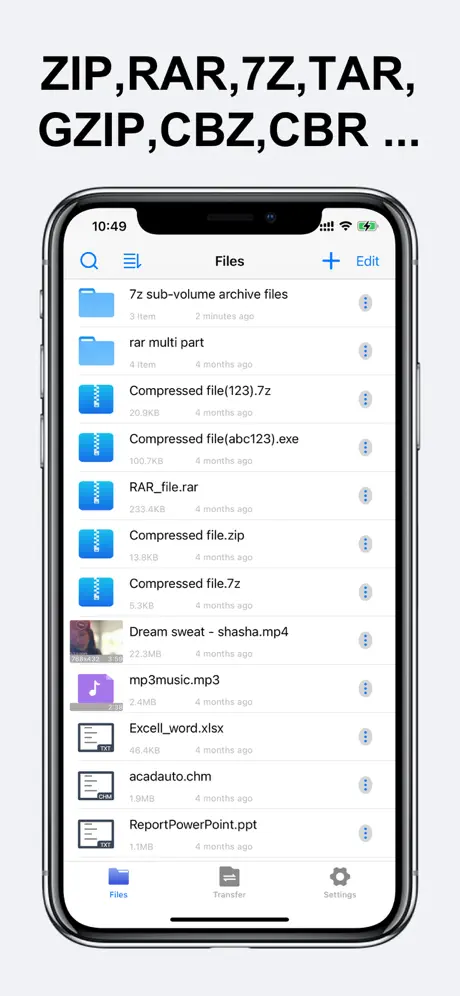
The app supports decompression of numerous archive types including ZIP, RAR, 7Z, TAR, GZIP, Bzip2, LhA, CAB, LZX, BIN, LZMA, ZIPX, ISO, ACE, AES, MSI, CBZ, and CBR, among others. This extensive format compatibility ensures that no matter what type of archive you encounter, Unzip is equipped to handle it.
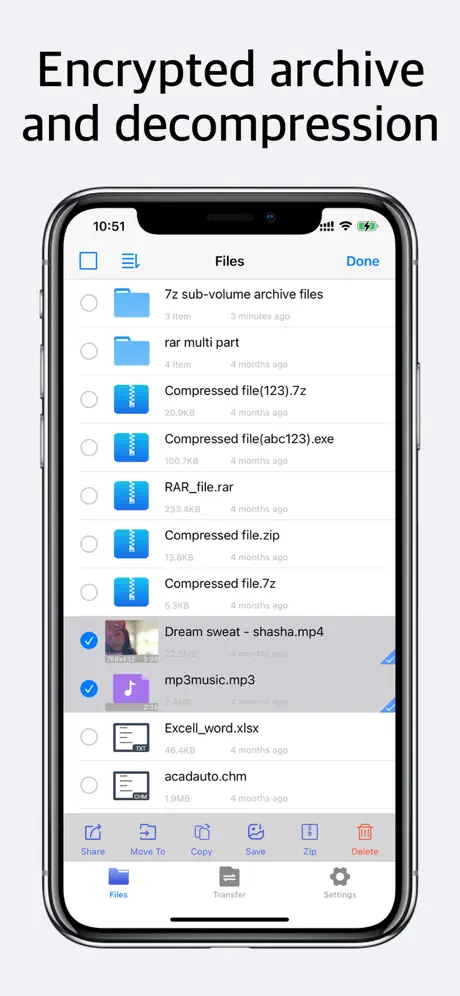
With Unzip app, you can also create encrypted ZIP archives to safely protect your important files. The encryption feature provides an added layer of security, making it ideal for confidential documents or personal data. Moreover, you can import photos and videos directly from your device's photo album and compress them into ZIP files to save storage space or prepare them for quick sharing.
Multi-Volume Archive Extraction
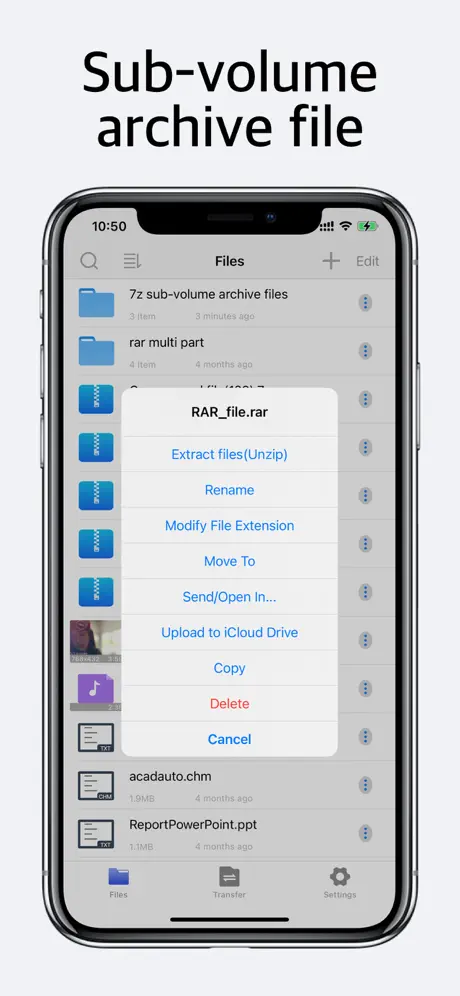
Extracting split or multi-volume archives has never been easier. Just ensure all the volume files are stored in the same directory and select the main volume file within the app. Unzip will automatically recognize and extract the contents across all volumes, streamlining the process and removing the usual complexities associated with multi-part archives.
Comprehensive File Viewing
Unzip is not only for decompressing archives. It also functions as a versatile file viewer supporting a wide range of document formats including DOC, Excel spreadsheets, PPT presentations, PDF files, TXT, RTF, CHM, EPUB, and popular image formats like JPG, GIF, and PNG. This allows you to access and review your files without needing to switch to another app.
Media Playback
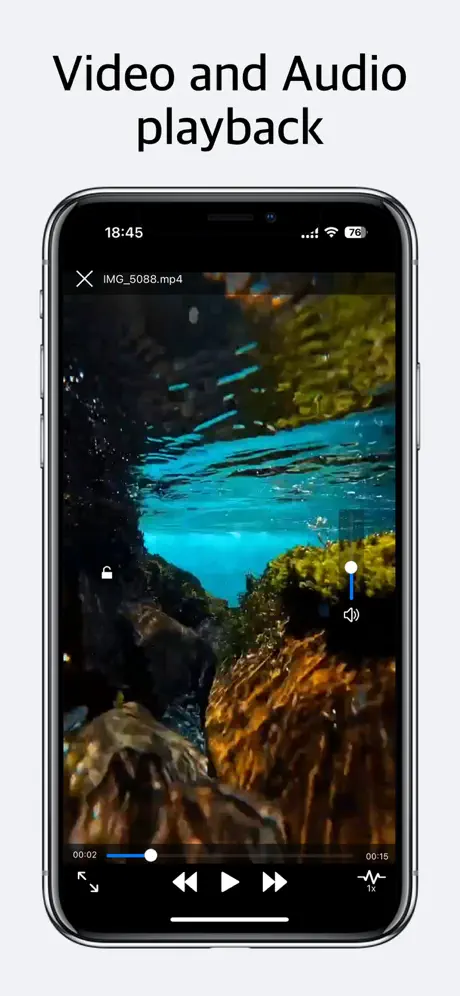
The app doubles as a media player by supporting playback of video and audio file types such as MP4, AVI, MKV, WMA, FLV, MOV, 3GP, M4A, WAV, WMV, and RMVB. This capability lets you preview multimedia content stored in your archives or imported separately, providing convenience within a single application environment.
File Backup and Transfer Options
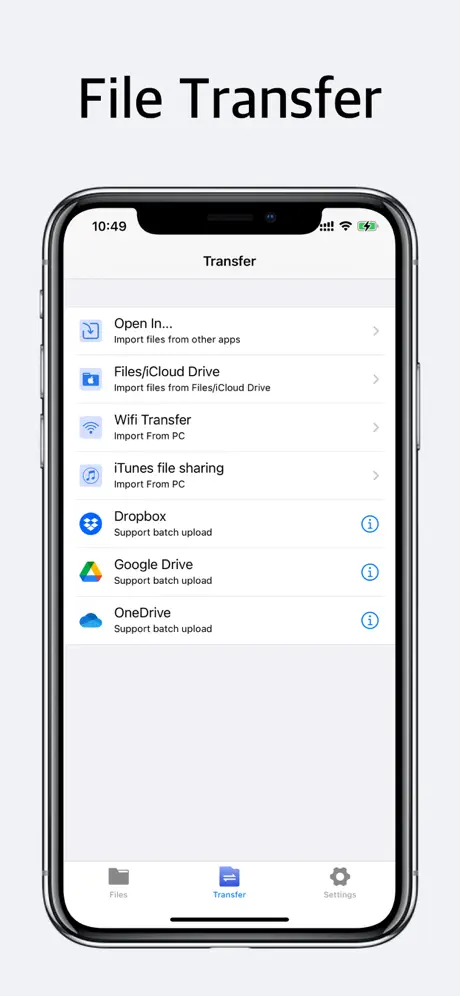
- USB Transfer: Easily move files between your device and a computer using iTunes File Sharing for uploading and downloading purposes.
- WiFi Transfer: Transfer files wirelessly between your iPhone and computer, offering flexible connectivity without cables.
- Import from Other Apps: Support for importing multiple files and entire folders from other applications enhances your workflow integration.
- Cloud Upload: Upload your files to popular cloud storage services such as Google Drive, Dropbox, and OneDrive directly from the app, ensuring your data is accessible and securely backed up.
Unzip app is designed to be an all-in-one archive and file manager tailored for iOS users, combining advanced compression and extraction capabilities with convenient file viewing, media playback, and multiple transfer methods. It empowers you to handle your data efficiently and securely anytime, anywhere.