
Polaris Office
Not sure? Worry-free Premium handles revokes for you.


Version added at: Jun 23, 2025
Size: 43.33 MB
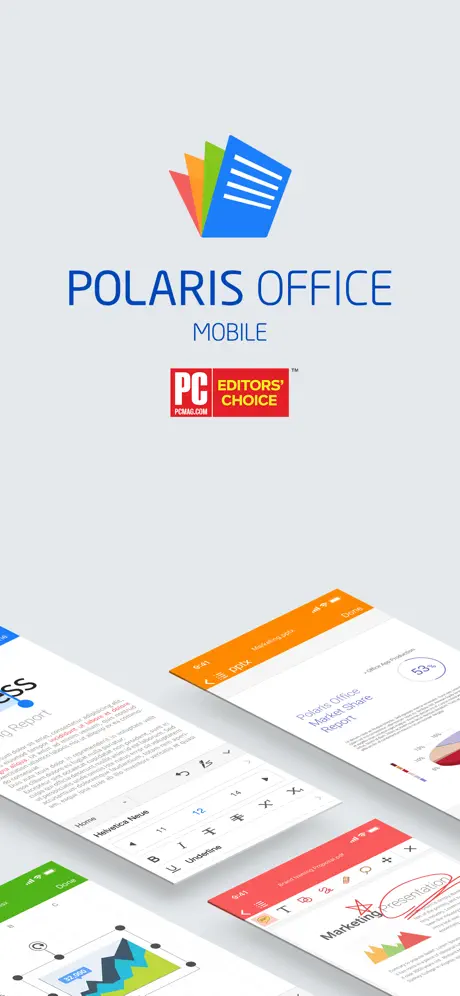
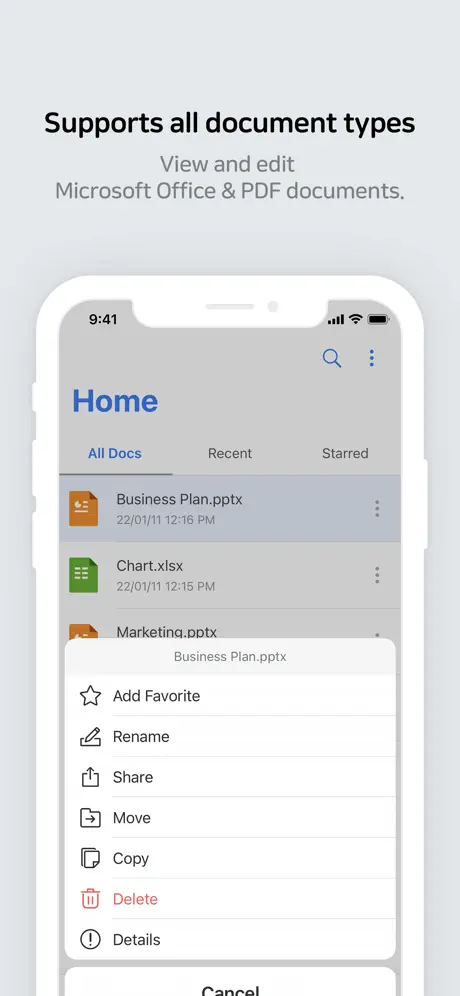
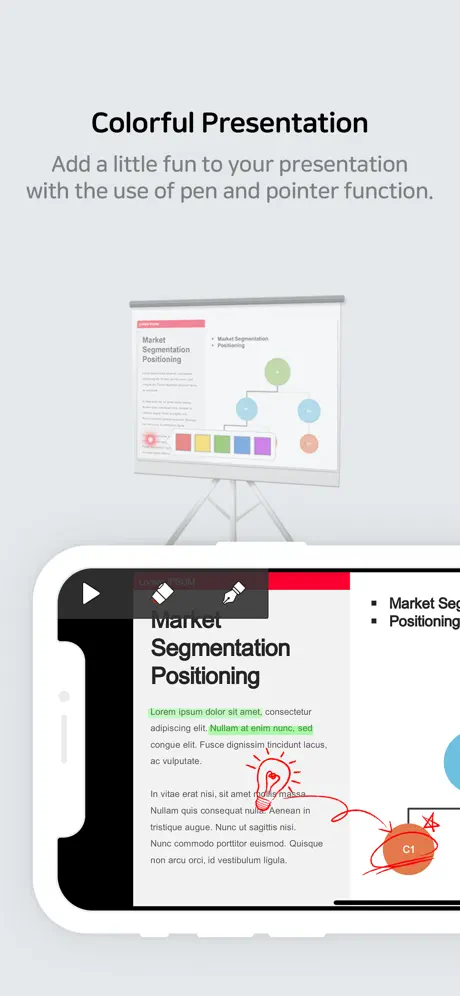
Polaris Office Mobile is a powerful and versatile mobile office solution designed specifically for iPhone and iPad users. With a user base exceeding 100 million worldwide, Polaris Office brings advanced document editing capabilities and seamless compatibility with Microsoft Office formats right to your fingertips. Whether you need to view, edit, or create documents, spreadsheets, or presentations, this app provides all the essential tools optimized for mobile productivity.
Polaris Office Mobile supports a wide variety of file formats, including doc, docx, xls, xlsx, ppt, pptx, txt, hwp, csv, and more. It also allows users to view PDF files, presentations in PPS/PPSX formats, and ODT files, ensuring maximum flexibility when handling your documents. The support for CSV format has been recently added to further enhance your data management capabilities directly on your iOS device.
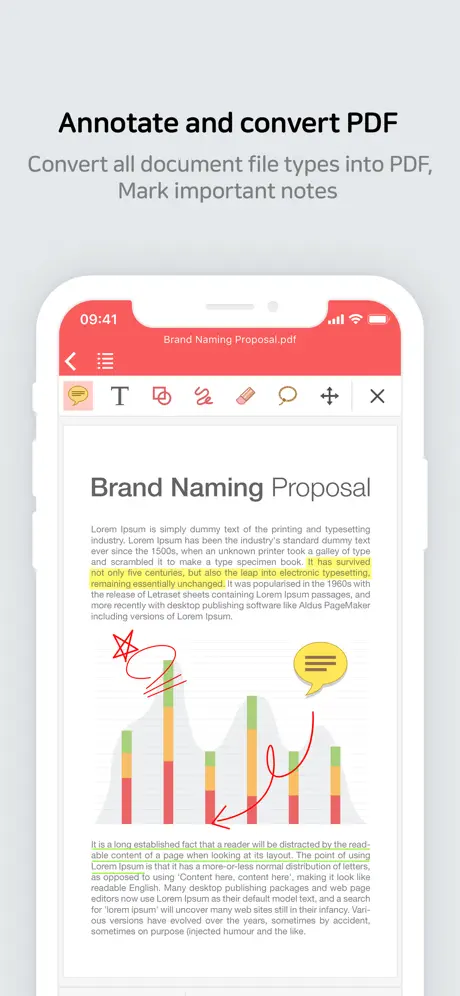
Designed with a clean and elegant interface, Polaris Office offers over 500 powerful editing functions and more than 300 automatic data analysis features to improve your efficiency. You can annotate documents, convert files to PDF, set TXT file background colors, and enjoy stunning presentations with a wide selection of templates, 2D/3D charts, and shapes. Additionally, it supports various Microsoft Office advanced features such as Conditional Formatting, Pivot Tables, slide transition effects, object animations, and custom keyboards for spreadsheet editing.
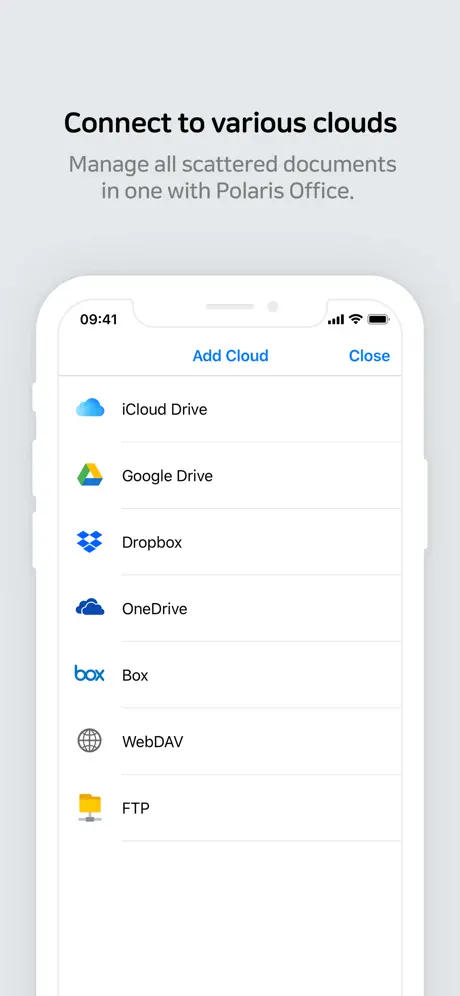
Managing your documents is made easier with integrated support for multiple cloud storage services, including iCloud, Google Drive, Dropbox, OneDrive, Box, WebDAV, and FTP. You can instantly open email attachments, use the built-in File Manager, and manage frequently accessed documents by marking them as favorites. To enhance your workflow, the app supports Split Window mode and 3D Touch.
Security is also a priority with Polaris Office through features like App Lock function to protect your sensitive documents. The app also includes practical tools such as adding and editing headers, footers, endnotes, footnotes, and a ruler function. The camera mode allows you to capture images and embed them directly into your documents, making it easier to incorporate visual elements. Video clips can also be inserted and played within presentations, and the app supports directly opening zip files without the need for external software.
Key Features of Polaris Office Mobile
- High Compatibility with Microsoft Office Documents: View and edit files without losing formatting or charts.
- Versatile File Support: Edit and view DOC/DOCX, XLS/XLSX, PPT/PPTX, TXT, HWP, CSV, PDF, PPS/PPSX, and ODT files.
- Powerful Editing Tools: Over 500 editing functions, annotation tools, PDF conversion, and customizable text backgrounds.
- Advanced Data Analysis: More than 300 data functions including conditional formatting and pivot tables.
- Rich Presentation Features: 24 templates, 20 2D/3D charts, 173 shapes, slide transitions, animations, pointers, and memo tools.
- Cloud Storage Integration: Seamless connection with iCloud, Google Drive, Dropbox, OneDrive, Box, WebDAV, and FTP.
- Document Management: Favorite your frequently used files, save templates, support for split screen and 3D Touch.
- Security: App lock feature to protect your documents and privacy.
- Multilingual Support: UI available in multiple languages including English, Korean, Japanese, Chinese, German, French, Italian, Spanish, Portuguese, and Hebrew.
Device Compatibility and Requirements
Polaris Office Mobile is fully compatible with iPhone, iPad, and iPod touch devices running iOS 10.0 or later. The app ensures smooth performance and fast document loading to help you stay productive wherever you go.
Supporting Your Privacy
This application respects user privacy and does not collect personal information or data. Access permissions for files are necessary to provide seamless document handling services.
Similar apps
 LED Banner Maker: BannrsDownload the Bannrs tweak IPA for iPhone — big full-screen messages, LED scrolling, and offline use. Install via builds.io, no PC.
 Blitzer.de PRODownload the Blitzer.de PRO mod IPA for iPhone — every PRO traffic-alert and live navigation feature unlocked for free now. Install via builds.io, no PC.
 Charging Animation LiteEnhance your iPhone’s charging experience with customizable, energy-efficient animations and real-time battery monitoring.
 TeamSpeak 3Download TeamSpeak 3 IPA for iPhone — ad-free voice chat with push-to-talk, multi-server support and synced bookmarks. Install via builds.io, no PC.
 MonitorDownload the Device Monitor tweak IPA for iPhone — monitor battery, storage, memory, and network health. Install via builds.io, no PC.
 TeamSpeakDownload TeamSpeak IPA for iPhone — crystal-clear, cross-platform voice chat with military-grade security and low-lag performance. Install via builds.io.
 Time ConverterEasily convert and compare times across multiple locations with World Clock. Find common working hours and plan your schedule efficiently.
 MapPlusMap Plus offers advanced GIS tools, offline maps, GPS tracking, and custom map editing for iPhone and iPad users.
 MyRadar Weather Radar ProDownload MyRadar Weather Radar Pro for iPhone — animated HD Doppler radar for rain, storms and tornadoes. Install via builds.io, no PC.