
MapPlus
Not sure? Worry-free Premium handles revokes for you.


Version added at: Jun 23, 2025
Size: 13.41 MB

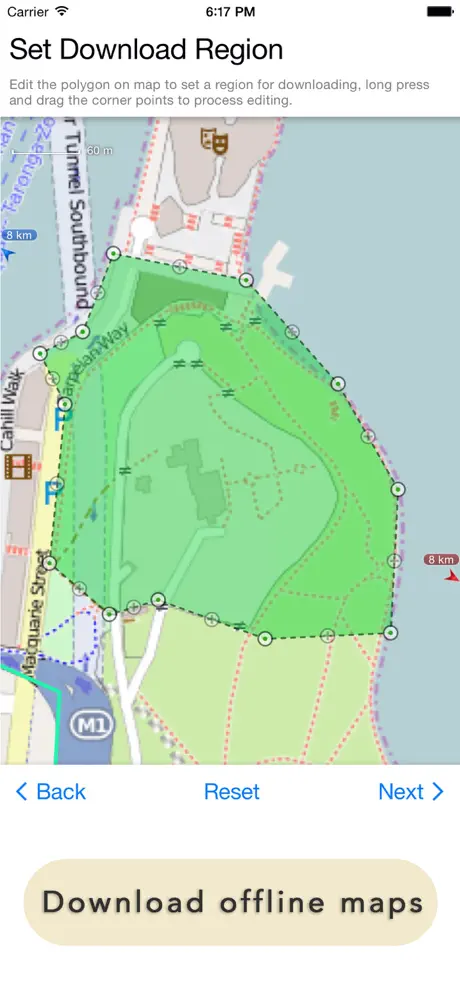
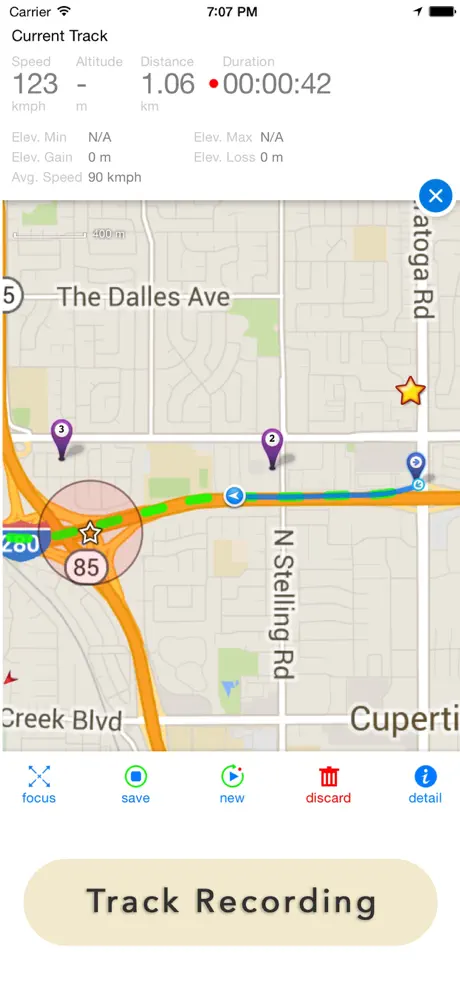
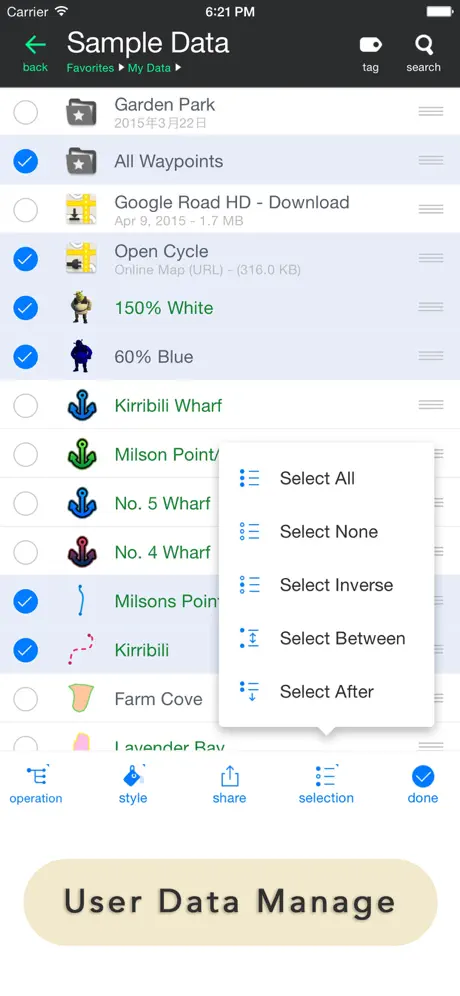
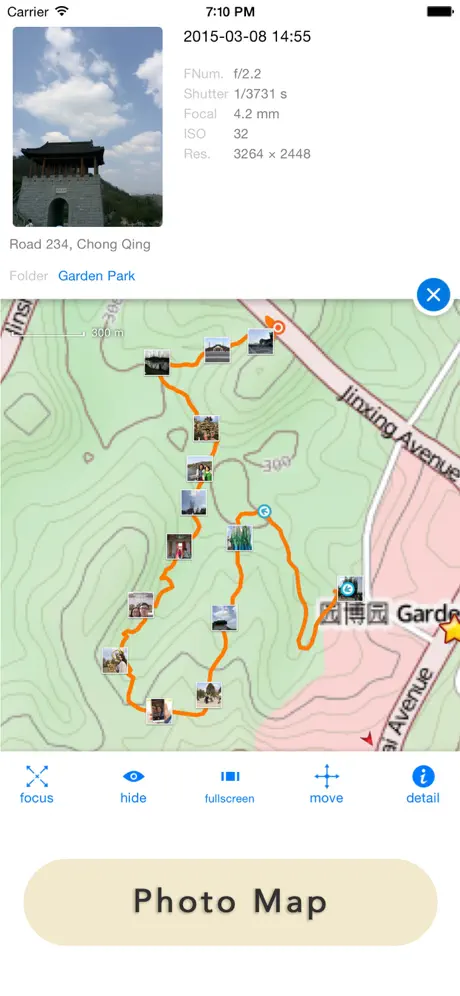
Map Plus is the most powerful and versatile tool designed specifically for iOS devices to view, edit, and manage custom maps and geographic data efficiently. Whether you are a professional working with Geographic Information Systems (GIS) or an outdoor enthusiast planning your next adventure, Map Plus offers an extensive range of features to meet your needs.
With Map Plus, you can perform geographic data gathering, editing, measuring, cartography, surveying, and planning with ease. The app supports both online and offline map viewing, enabling you to access and work on your maps anytime and anywhere. Its intuitive interface and rich functionality make it ideal for professionals and casual users alike.
Core Features
- Support for Multiple Online Map Sources: Configure, view, and download maps from XYZ, WMS, WMTS patterns, and more complex map sources via custom scripts.
- Extensive GIS Vector File Format Support: Import and export popular GIS vector formats including Shape (SHP), TAB, GEOJSON, GML/GZ, and AutoCAD DXF with ease.
- Common GIS File Management: Work seamlessly with KML, KMZ, GPX, CSV, WPT formats including support for styled KML/KMZ files.
- Offline Map Compatibility: Handle offline map files such as MBTiles and RMaps effortlessly.
- Advanced On-Map Vector Editing: Use finger drag-drop and magnetic snap features for precise vector editing directly on the map.
- GPS Track Recording: Record GPS tracks with auto-recovery and background mode support, ensuring no data is lost during your activities.
- Path Following with Voice Guidance: Navigate routes with clear voice instructions for both user-defined paths and searched directions.
- Media Location Display: View locations of photos and videos stored in your device’s photo albums without the need to import them.
- Comprehensive User Data Management: Organize your data using folders, sub-folders, layers, bulk operations, shortcuts, tags, and perform advanced fuzzy searches using expressions and attribute conditions.
- Feature Class Management: Manage and edit similar classes of features and layers in bulk, including attributes merging and building link relationships between different feature classes.
- Dynamic Content Rendering: Use conditional styles and expressions to create maps with dynamic and customizable visualizations.
- Customizable Pop-Up Panels: Enhance your map interaction with custom HTML, JS, and CSS powered pop-up forms and rich content displays.
- Coordinate System Support: Work with various coordinate systems such as MGRS, UTM, and Plus Code to suit your specific mapping requirements.
- Photo Markup Tools: Annotate photos directly within the app by drawing arrows, texts, and freehand sketches to highlight important details.
- Browser-Based Data Access: Access and manage your app’s data remotely from a desktop web browser via wireless connection, facilitating easier data manipulation.
- Flexible Data Sharing Options: Transfer and share your data through Wi-Fi, Bluetooth, iCloud, SMS, Email, QR codes, Open-In, AirDrop, and more secure ways.
Additional Useful Features
- Guide Mark to streamline navigation
- Arrival Notification alerts
- Photo mode for capturing location-tagged images
- Map level adjustment for detailed view control
- Custom icons and rich multimedia attachments like photos and videos
- Image and text overlays for enhanced map customization
- Fast editing tools for efficient map updates
- Measuring tools: distance, perimeter, area
- Custom time zone support
Map Plus supports iOS natively and ensures smooth, user-friendly experience on iPhones and iPads. It is an indispensable app for professionals needing a handheld GIS solution and adventurers who require reliable offline map access and navigation tools.
Similar apps
 TeamSpeakDownload TeamSpeak IPA for iPhone — crystal-clear, cross-platform voice chat with military-grade security and low-lag performance. Install via builds.io.
 Phone TemperatureDownload the Phone Temperature tweak IPA for iPhone — live thermal tracking, cooling profiles, and quick actions. Install via builds.io, no PC.
 TeamSpeak 3Download TeamSpeak 3 IPA for iPhone — ad-free voice chat with push-to-talk, multi-server support and synced bookmarks. Install via builds.io, no PC.
 FlexiCalcDownload the FlexiCalc tweak IPA for iPhone — editable calculations, notes, templates, and exports. Install via builds.io, no PC.
 Blitzer.de PRODownload the Blitzer.de PRO mod IPA for iPhone — every PRO traffic-alert and live navigation feature unlocked for free now. Install via builds.io, no PC.
 Text Workflow: Text ProcessingEffortlessly transform and automate text editing on iPhone with Text Workflow's 45+ powerful on-device actions and customizable workflows.
 Polaris OfficeEdit, view, and manage Microsoft Office files on iPhone and iPad with Polaris Office Mobile’s advanced tools and cloud support.
 F1 WidgetsStay updated with live race stats, driver radios, standings, and detailed track info with Race Widgets for Formula 1 fans on iOS.
 LED Banner Maker: BannrsDownload the Bannrs tweak IPA for iPhone — big full-screen messages, LED scrolling, and offline use. Install via builds.io, no PC.