
PDF Hero - PDF Editor & Reader
Not sure? Worry-free Premium handles revokes for you.


Version added at: Sep 17, 2025
Size: 364.79 MB
Subscription Unlocked in PDF Hero - PDF Editor & Reader
The app PDF Hero - PDF Editor & Reader has been modified to unlock all subscription features, allowing users to access premium functionality without purchasing a subscription. This tweak enables full access to the app’s editing and reading capabilities, enhancing the user experience by removing limitations present in the free version.
Key Features of the Modification
- All subscription features unlocked: Enjoy premium tools and functionalities without any restrictions.
- Full access to PDF editing and reading features: Utilize the app to its fullest potential.
- App restart required: Users should restart the app if subscription features are not immediately activated after installation.
Paperwork rarely arrives in the format you need, and PDF Hero is meant to handle it on the phone. Install the PDF Hero IPA on your iPhone or iPad with all subscription features unlocked, so the premium editing tools are open right away.
About PDF Hero
PDF Hero - PDF Editor & Reader comes from Mosaic S.r.l. and is filed under Business in the App Store. The pitch is document management without printing: you create, read, annotate, fill in and sign PDFs on the go, whether you work from an office or from home. It runs on both iPhone and iPad.
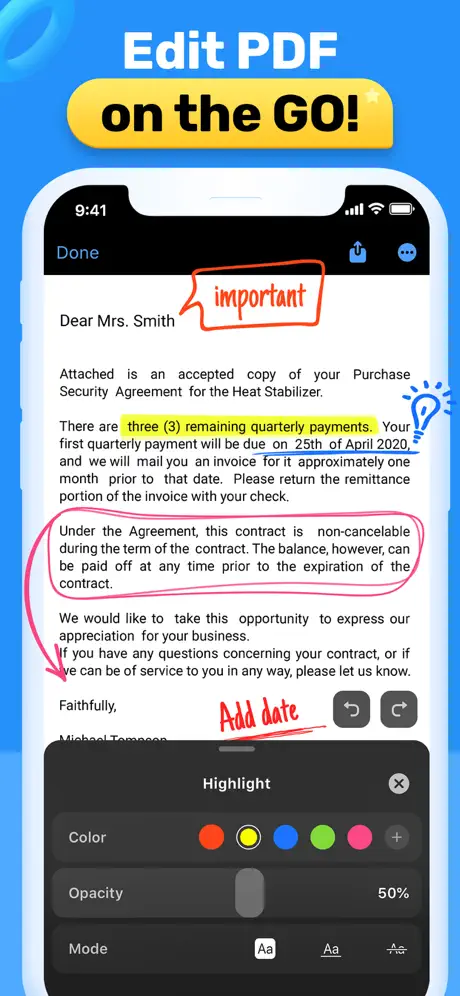
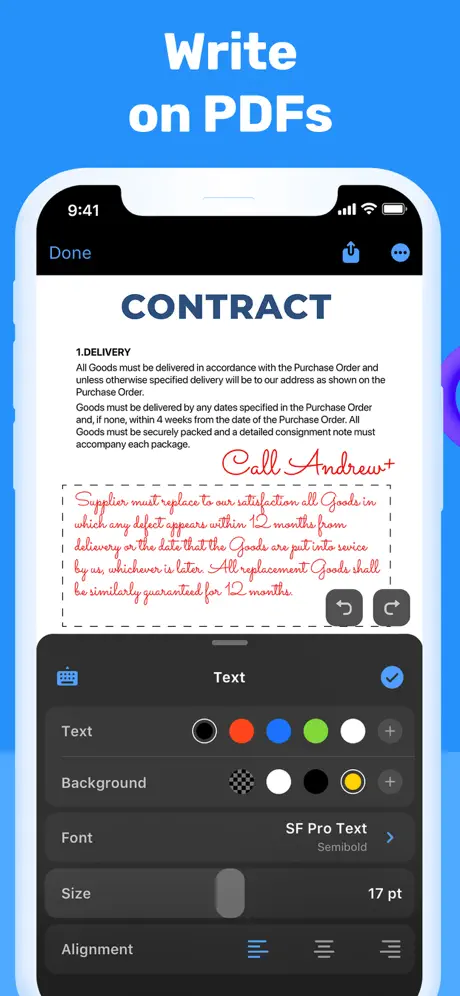
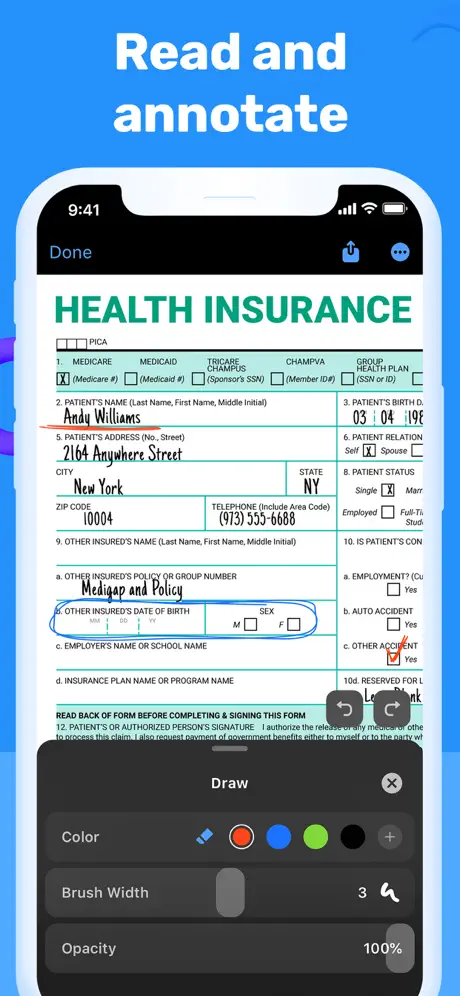
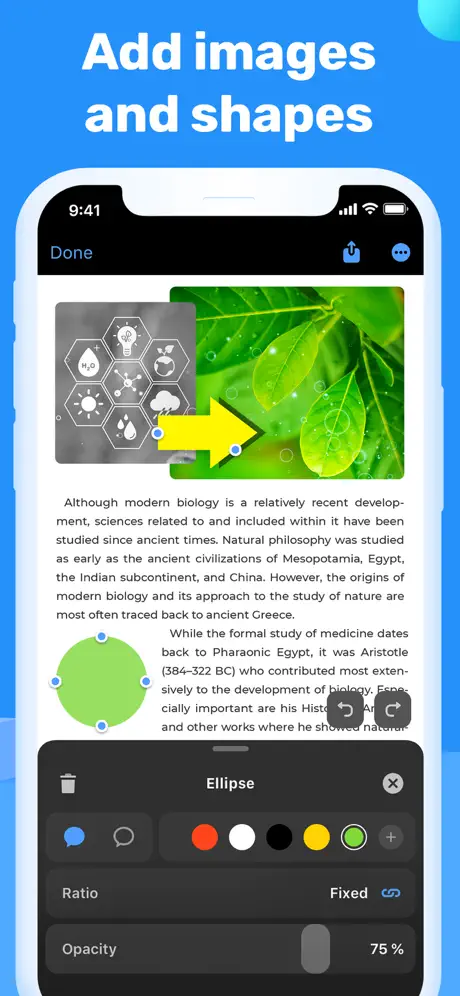
The free layer covers the basics. You can make a PDF from scratch, open and zoom any file, search the text, use Read Mode with bookmarks, edit text to fix typos, add notes, write with a finger or stylus, fill forms, highlight, add shapes and insert images that you can crop, resize or rotate. Files come in from your device or from storage services such as iCloud and Dropbox, and you can delete pages, share documents with or without annotations, or print.
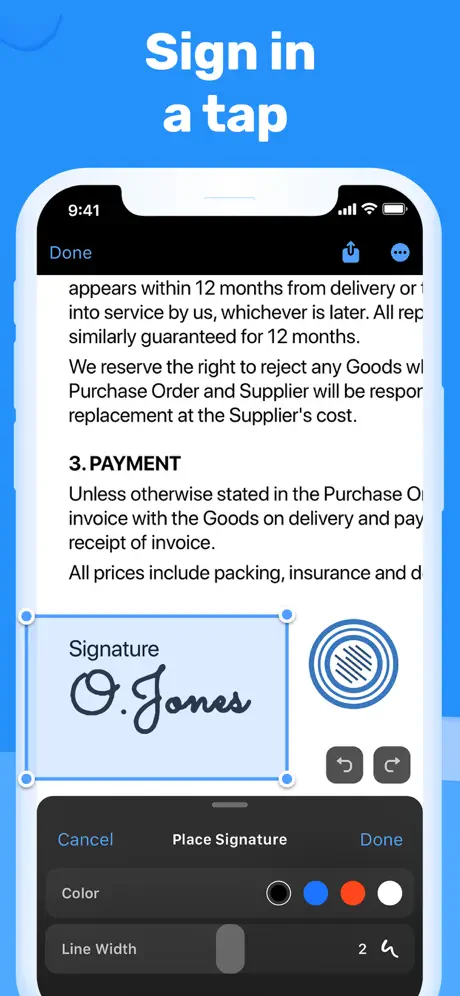
The premium side adds pro editing and management: converting images and documents into PDFs, signing directly on screen, adding stamps, turning scans into editable text with OCR, compressing files and sharing them as ZIP, adding, rotating and reordering pages, merging documents and protecting sensitive ones with a password.
What the PDF Hero tweak unlocks
- All subscription features, without buying the subscription
- Full access to the editing and reading tools, as the changelog describes
- The premium set from the section above: OCR, signing, page management and password protection
Good to know before you install
If the subscription does not seem active right after installing, restart the app, which the changelog lists as a required step in that case. The original app is free, rated 4+, and needs iOS 14.0 or later. It has been around since July 2020, and its most recent notes are routine bug fixes and performance work.
Need to sign something in a hurry? PDF Hero is on builds.io, where a tap on the IPA puts it on your iPhone with no computer step.
Similar apps
 Weather ·Download the Weather Pro tweak IPA for iPhone — subscription unlocked with radar alerts and full forecasts. Install via builds.io, no PC.
 superagentDownload the Super Agent tweak IPA for iPhone — subscription unlocked, purchase page bypassed, requires iOS 17 or later. Install via builds.io, no PC.
 AlfredCameraSecure your home with AlfredCamera: free, reliable security with live streaming, instant alerts, walkie-talkie, and unlimited cloud storage.
 swipewipeEnjoy a fun and efficient way to clean your camera roll. Swipewipe helps you keep cherished memories and delete clutter with simple swipes.
 ThemieCustomize your iOS device with stunning wallpapers, widgets, and icon changers. Enjoy fast updates, diverse themes, and simple one-click style updates.
 Quantumult XDownload the Quantumult X IPA for iPhone — HTTP debugging, MitM decryption and rule-based proxy routing. Install via builds.io, no PC.
 iTransmission for iOSDownload the iTransmission IPA for iPhone — a torrent client with magnet-link support and download prioritization. Install via builds.io, no PC.
 Brickit: Your Brick CollectionDownload the Brickit tweak IPA for iPhone — scan bricks, find parts faster, and get build ideas. Install via builds.io, no PC.
 Fishing PointsDiscover the best fishing spots, accurate forecasts, and detailed maps with Fishing Points app for iOS anglers.