Acrobat
Version added at: Nov 06, 2025
Size: 198.46 MB
Adobe Acrobat Reader: Premium Features Unlocked
This modification of Adobe Acrobat Reader unlocks all Premium features without requiring a subscription or purchase. Users can enjoy advanced PDF editing capabilities that are typically restricted to paid accounts.
Note: The app may experience crashes during the initial launch due to the tweaks applied.
Features Unlocked
- Full access to editing tools for PDFs
- Removal of Premium feature restrictions
- No login required to use Premium functionalities
Discover the power of Adobe Acrobat Reader, the world’s most trusted PDF app, now enhanced with the innovative Adobe Acrobat AI Assistant. Designed exclusively for iOS devices, this app makes viewing, editing, and managing PDFs easier than ever before.
With over 635 million installs, Adobe Acrobat offers a comprehensive solution for all your PDF needs. Whether you need to read documents on the go, annotate important information, or generate summaries, Acrobat Reader puts powerful tools at your fingertips.
Adobe Acrobat AI Assistant
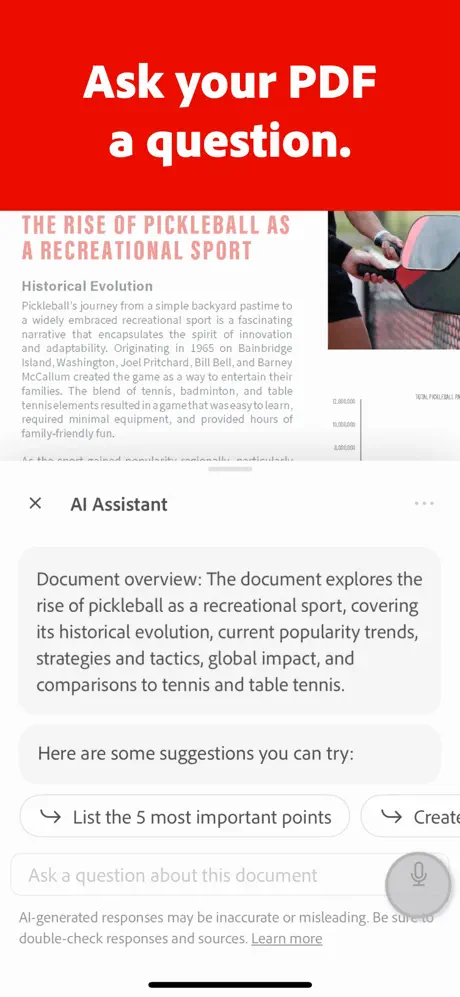
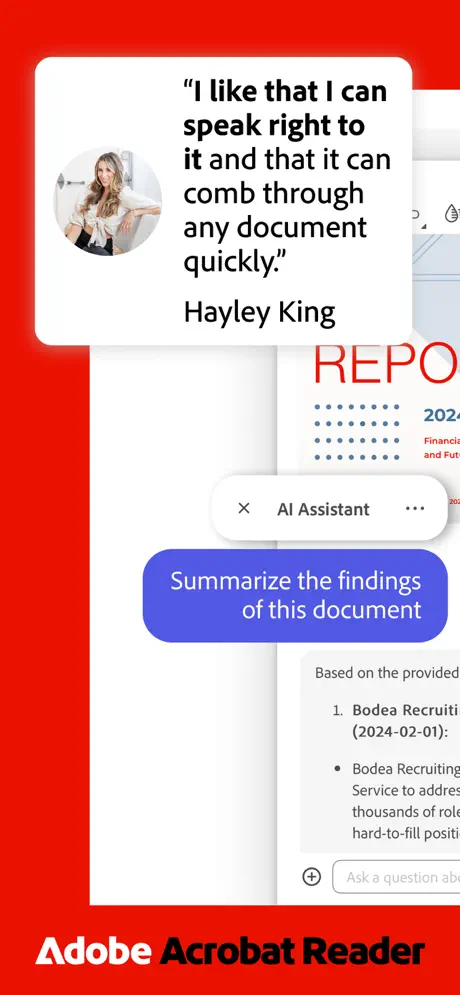
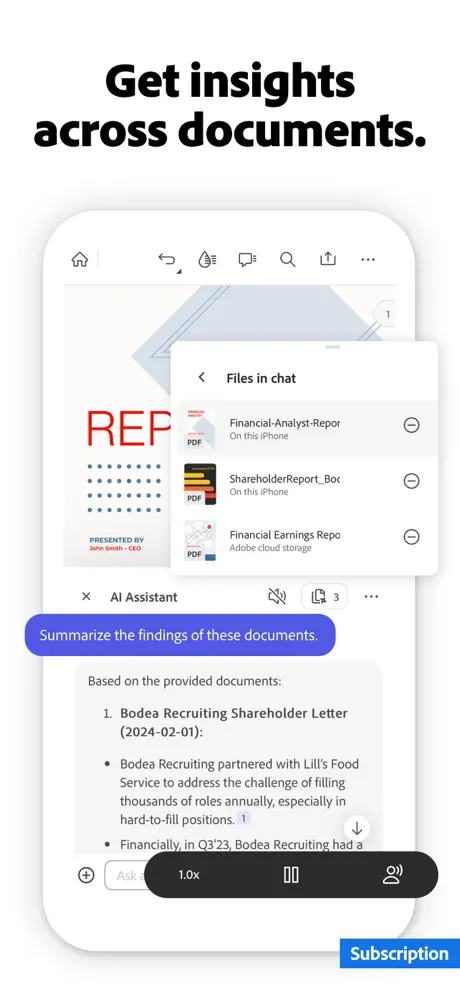
- Interact with your PDFs using natural voice or text prompts through the integrated AI chatbot.
- Ask questions to quickly receive cited answers about specific document details.
- Share AI-generated responses easily with colleagues or friends.
- Utilize voice support to ask queries and have answers read aloud for a hands-free experience.
- Instantly generate concise summaries and key takeaways of your PDFs using Generative AI Summaries.
- Create content for emails, study notes, blogs, and more leveraging AI capabilities.
Free Core Features
- View and read PDFs: Experience optimal PDF viewing with Liquid Mode that adjusts font size, spacing, and formatting for easy reading on any screen.
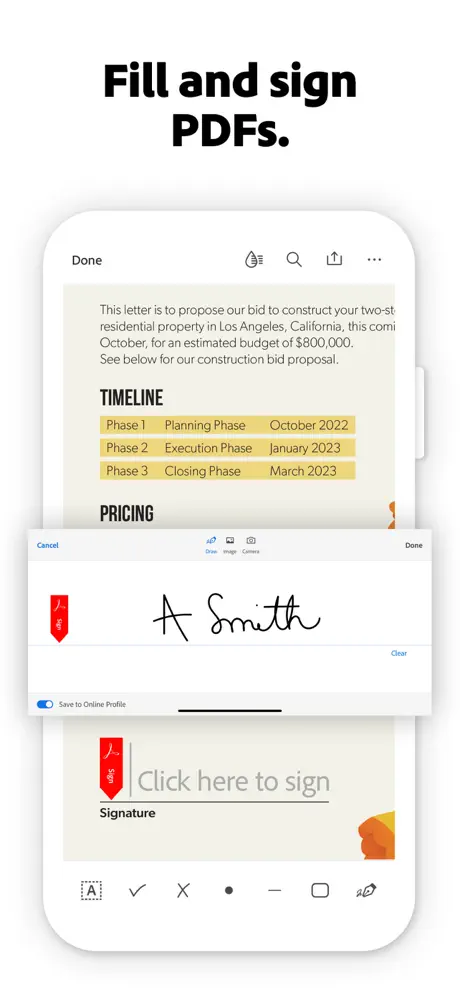
- Fill & Sign: Quickly fill, sign, and send any forms with simple tools.
- Annotate PDFs: Add sticky notes, highlight text, and leave comments for better collaboration.
- OCR Text Recognition: Convert scanned documents into editable, searchable text.
- Share and collaborate: Share files to collect comments, respond to feedback, and use @mention tags to involve collaborators.
- Cloud storage integration: Connect with Microsoft OneDrive, Dropbox, or Google Drive to store and manage your files securely.
Powerful PDF Editing and Organizing Tools
- Edit text and images directly within your PDFs to fix errors or add new content.
- Merge, split, reorder, rotate, or crop PDF pages effortlessly with the PDF Converter tools.
- Convert files into PDFs from Microsoft Office documents, Google Docs, and images.
- Export PDFs into editable Microsoft Word, Excel, PowerPoint, or image formats such as JPG and PNG.
- Compress files to reduce size for easier sharing, and protect documents with passwords for enhanced security.
Additional Features
- Listen to PDFs read aloud using free voice options with the convenience of audio support.
- Access scanned PDFs directly within the app for filling, signing, and sharing using Adobe Scan integration.
- The app supports Enterprise Mobility Management (EMM) for secure organizational usage.
Optimize your PDF workflow with Adobe Acrobat Reader and experience seamless reading, editing, and collaboration — all accessible on your iOS device. The Adobe Acrobat AI Assistant enhances productivity by providing instant insights and content generation tailored to your documents.