
Time Converter
Not sure? Worry-free Premium handles revokes for you.


Version added at: Jun 18, 2025
Size: 10.45 MB
Subscription Unlocked
The app Time Converter – Time Zone Converter version 1.13.3 comes with the subscription unlocked, enabling full access to all premium features without restrictions. This modification enhances the user experience by removing subscription barriers, making all advanced functionalities available freely.
Key Features Unlocked
- Convert and compare multiple global time zones seamlessly.
- Access swipeable timelines for easy navigation.
- Utilize homeland calendar view to keep track of local dates and holidays.
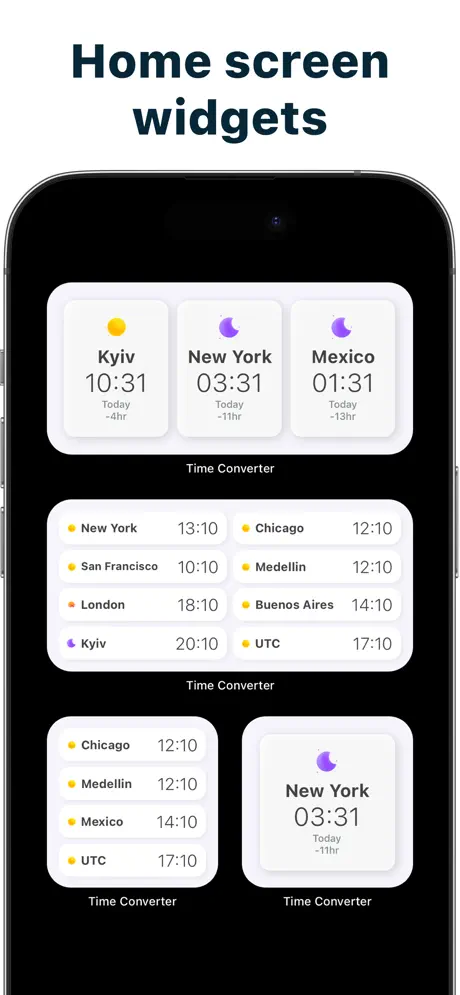
- Enjoy intuitive widgets designed for travelers, remote workers, and international teams.
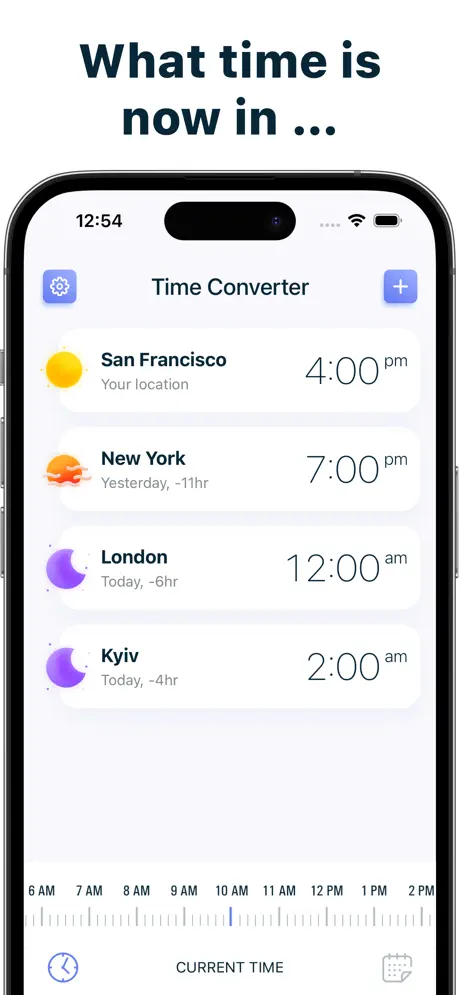
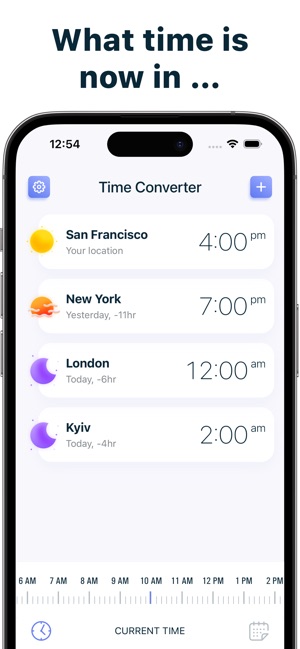
World Clock is a comprehensive time zones converter app designed to help you effortlessly track time differences across the globe. Whether you are coordinating international meetings, planning trips, or simply curious about the current time in different cities, this app provides an intuitive interface to make time zone management simple and efficient.
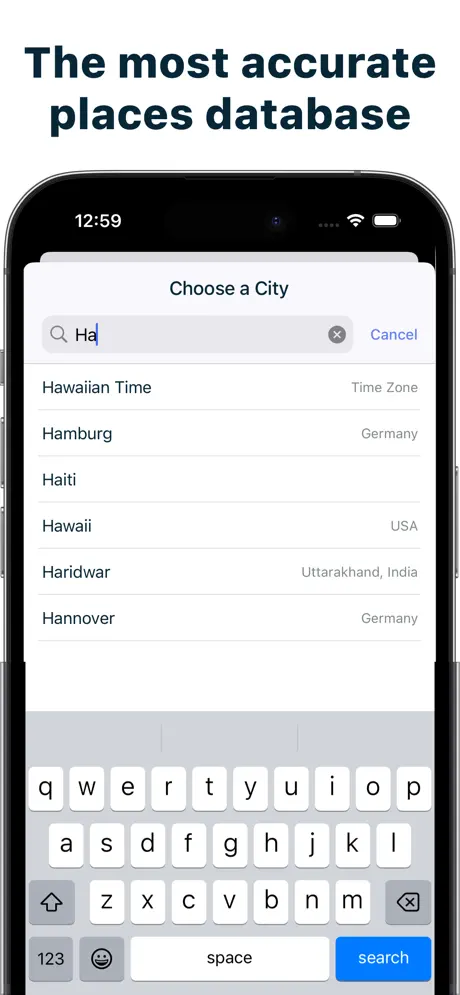
With World Clock, you can easily add any location to your list and instantly view its local time. Scroll through the interactive timeline to see what time it will be at your selected locations at any moment. This visual representation makes it convenient to compare and plan activities across multiple time zones without confusion.
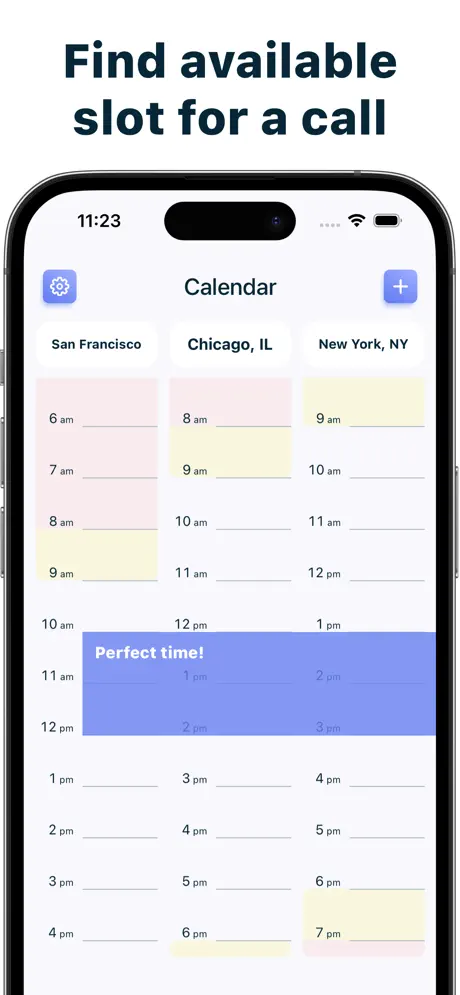
The calendar screen enhances your scheduling by helping you quickly identify common working hours among your chosen locations. This feature is especially useful for professionals and teams working remotely across countries, allowing you to find overlapping time slots suitable for meetings or collaborative work.
Key Features
- Add and manage multiple locations: Keep track of several cities worldwide simultaneously for quick reference.
- Interactive timeline scrolling: Visually check what time it will be in selected places at any given hour.
- Calendar view for common working hours: Easily identify mutual business hours across different time zones for optimal scheduling.
- Simple and user-friendly interface: Navigate and use the app with ease, no matter your level of technical expertise.
- Accurate and up-to-date time information: Rely on precise and current data to avoid miscommunication or scheduling errors.
World Clock is built specifically for iOS devices, ensuring smooth performance and seamless integration with your system. The app does not include any external links or advertisements, providing a clean and distraction-free experience.
Similar apps
 MyRadar Weather Radar ProDownload MyRadar Weather Radar Pro for iPhone — animated HD Doppler radar for rain, storms and tornadoes. Install via builds.io, no PC.
 MonitorDownload the Device Monitor tweak IPA for iPhone — monitor battery, storage, memory, and network health. Install via builds.io, no PC.
 Safety Photo+Video ProDownload Safety Photo+Video Pro IPA for iPhone — passcode-protect private photos and videos so no one else can see them. Install via builds.io, no PC.
 Charging Animation LiteEnhance your iPhone’s charging experience with customizable, energy-efficient animations and real-time battery monitoring.
 Google Meet (Original)Download Google Meet for iPhone — secure, encrypted video meetings for up to 250 people with screen share and live captions. Install via builds.io, no PC.
 LED Banner Maker: BannrsDownload the Bannrs tweak IPA for iPhone — big full-screen messages, LED scrolling, and offline use. Install via builds.io, no PC.
 SwAipeDownload the SwAipe tweak IPA for iPhone — AI cleanup, duplicate removal, and smart albums. Install via builds.io, no PC.
 Polaris OfficeEdit, view, and manage Microsoft Office files on iPhone and iPad with Polaris Office Mobile’s advanced tools and cloud support.
 Color Wheel Palette: ColorGearCreate harmonious color palettes easily with Color Gear’s dual color wheels, image color extraction, and powerful palette editing tools.