
Device Monitor²
Not sure? Worry-free Premium handles revokes for you.


Version added at: Oct 18, 2026
Size: 93.59 MB
What’s unlocked in this version
Device Monitor² mod for iPhone with the subscription fully unlocked in version 27.0.1. Download the updated IPA for iOS and use the app’s paid features without a subscription.
See what your iPhone is really doing: Device Monitor² lays out hardware, sensors and network data in one place. Download the Device Monitor² IPA for iOS from builds.io and use a build in which the subscription is unlocked, so the add-on kits open without payment.
What is Device Monitor²?
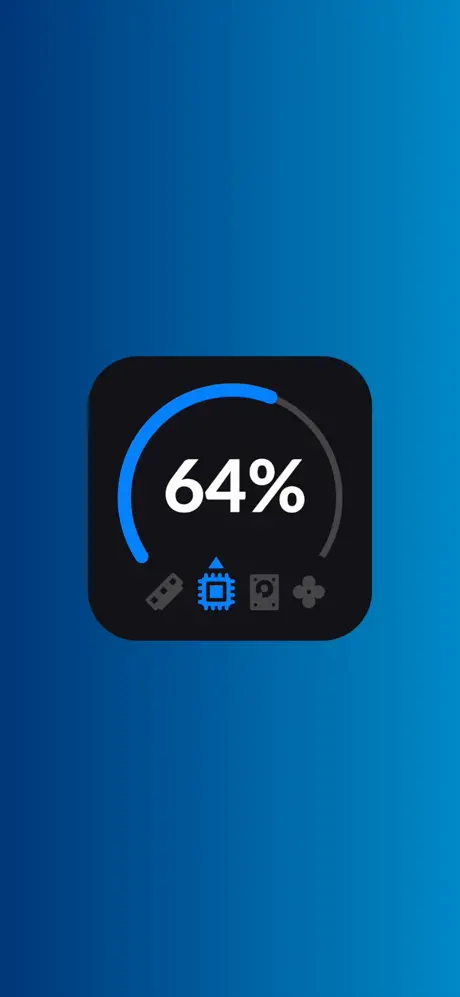
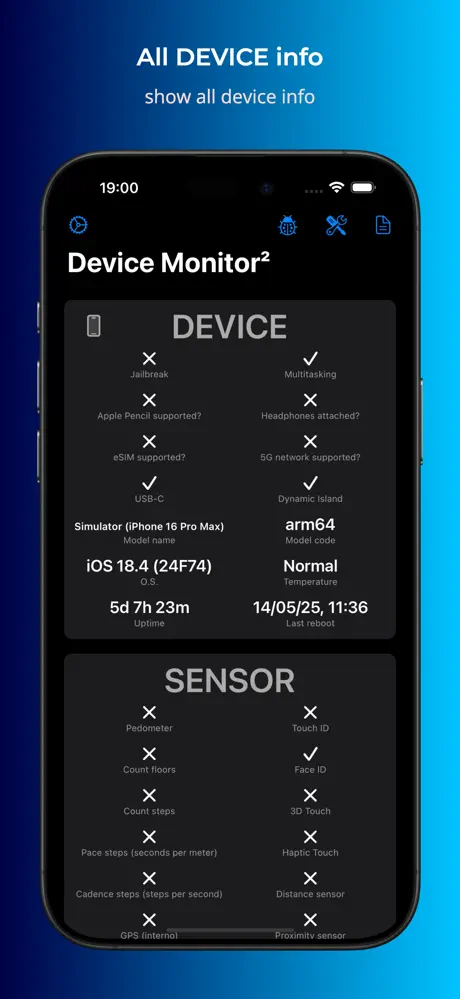
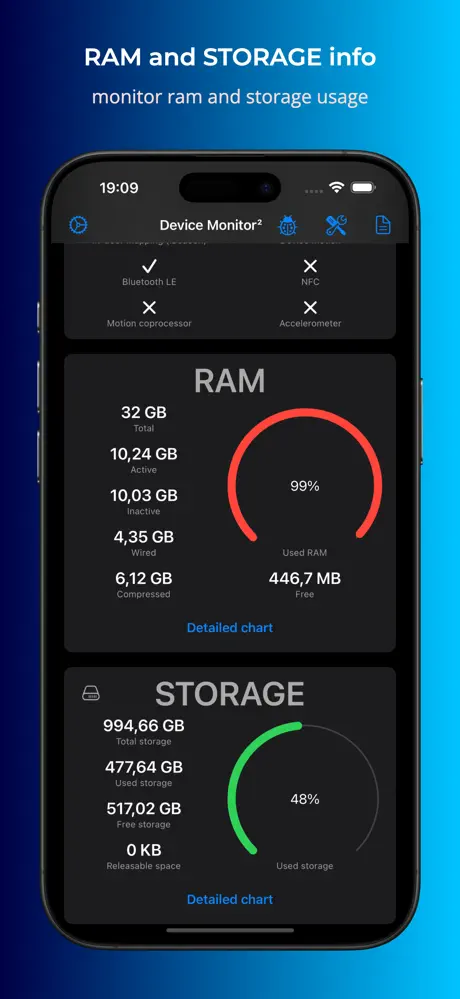
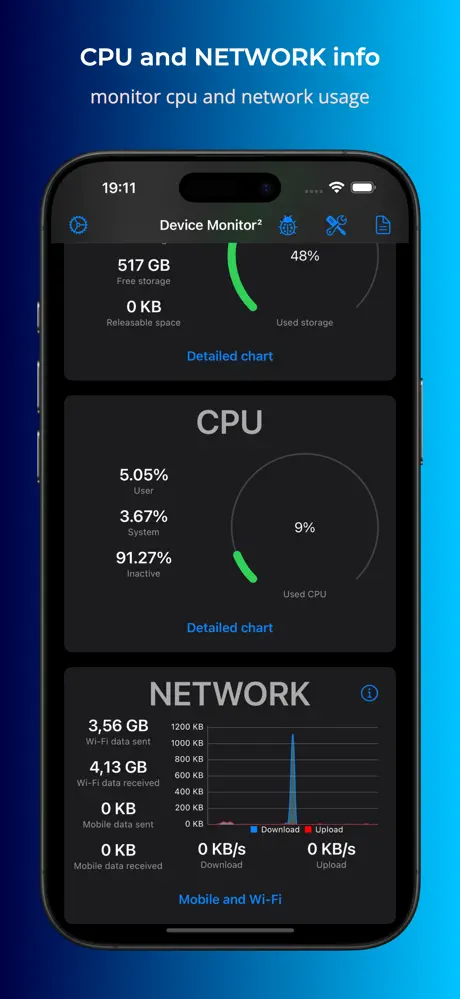
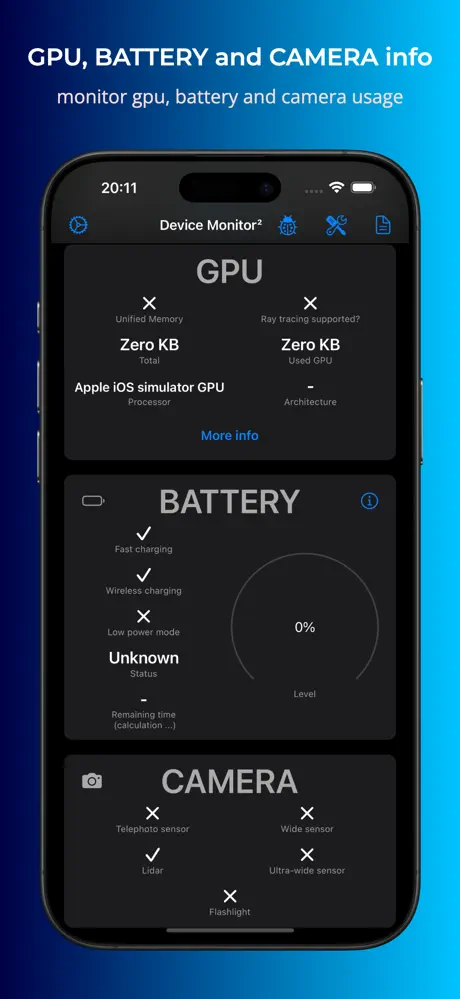
The app comes from the Fast-Devs Project and has been on the App Store since January 2021, under Developer Tools and Reference. It runs on iPhone, iPad, Apple Watch and Mac. The idea is a quick, readable summary of the device: data is grouped into panels for the device itself, sensors, RAM, storage, CPU, GPU, network, battery, display and camera, and panels can be hidden or reordered.
Privacy is part of the pitch. One screen shows which sensors the apps on your phone have access to, so you can see what each one is allowed to use. The developer also states that the app collects no personal data and no non-personal data, and that it is free. Beyond the main screen there are widgets for StandBy mode, the Lock Screen and the Home Screen, shortcuts into the Shortcuts app, Control Center shortcuts on iOS 18, and alternative app icons.
The extra capabilities are sold as kits. PRO covers deep memory cleaning, opening .synced files and copying displayed data. The PiP Kit adds Picture-in-Picture monitoring of RAM, CPU and network. The Test Kit checks sensors from GPS and the compass to Bluetooth, NFC, the camera and the flash, plus network tools such as traceroute and a speed test. Report exports to PDF, CSV, XLSX or RTF, Notification warns about high RAM use or abnormal temperature, and the Ads Kit removes ads.
What the Device Monitor² tweak unlocks
- Subscription unlocked, giving access to the premium features without a paywall
- The add-on kits: PRO, Test, Report and Notification
- Deep memory cleaning and full sensor testing
- PDF export and customizable usage alerts
Version and requirements
The latest App Store update adds a CPU PiP core legend, a Flashing Colors display test, a choice of measurement units (which needs the PRO Kit), and a button explaining every field on the detail pages. The current version needs iOS 18.0 or later, is free to download and has a 4+ rating.
Ready to look under the hood? Device Monitor² is on builds.io as an IPA for iOS devices, loaded straight from the page without a PC.
Similar apps
 FeatherDownload the Feather IPA for iPhone — sign and install apps with AltStore repo support, tweak injection and no tracking. Install via builds.io, no PC.
 BimmerLink for BMW and MINIDownload the BimmerLink tweak IPA for iPhone — full version and CarPlay add-on unlocked for BMW/MINI diagnostics. Install via builds.io, no PC.
 Plane FinderDiscover live global flight tracking, 3D views, AR mode, and detailed airport info with Plane Finder for iOS. Track flights easily anytime.
 Planes Live FreeTrack flights around the globe with real-time updates, detailed info, and customizable alerts. Perfect for aviation enthusiasts and frequent travelers.
 Lock Launcher ✨Download the Lock Launcher tweak IPA for iPhone — one-tap launch for apps, shortcuts and websites from widgets. Install via builds.io, no PC.
 WrapPin - Location ChangerDownload the WrapPin IPA for iPhone — set your device location to any place on the map, system-wide. Install via builds.io in one tap, no computer needed.
 Wallpapers & Themes for MeDiscover stunning wallpapers and themes to personalize your iPhone with daily updates and easy sharing options.
 StayDownload the Stay IPA for iPhone — Safari extension with custom userscripts and EasyList-compatible ad blocking built for iOS. Install via builds.io, no PC.
 Speak & TranslateDownload the Speak & Translate IPA for iPhone — voice and text translation in 100+ languages, offline mode and camera Snap Mode. Install via builds.io, no PC.