Fing

Two ways to install apps
Pick a plan to sign this app.
Not sure? Worry-free Premium handles revokes for you.

Version added at: Jun 18, 2026

Size: 167.03 MB

Subscription Unlocked Fing - Network Scanner

The app has been patched to unlock the subscription features, allowing full access to premium functionalities without requiring a valid subscription purchase. Users can simply click 'Buy' and then cancel to activate the unlocked state. This modification enables the use of all advanced scanning and network management tools available in the paid version.


Key Features of the Tweak

  • Subscription unlocked – access all premium features permanently.
  • Compatibility – updated to work on iOS 16.4 and above, including iOS 26 with specific signing instructions.
  • Simple activation – tap 'Buy' and cancel to enable the unlock.

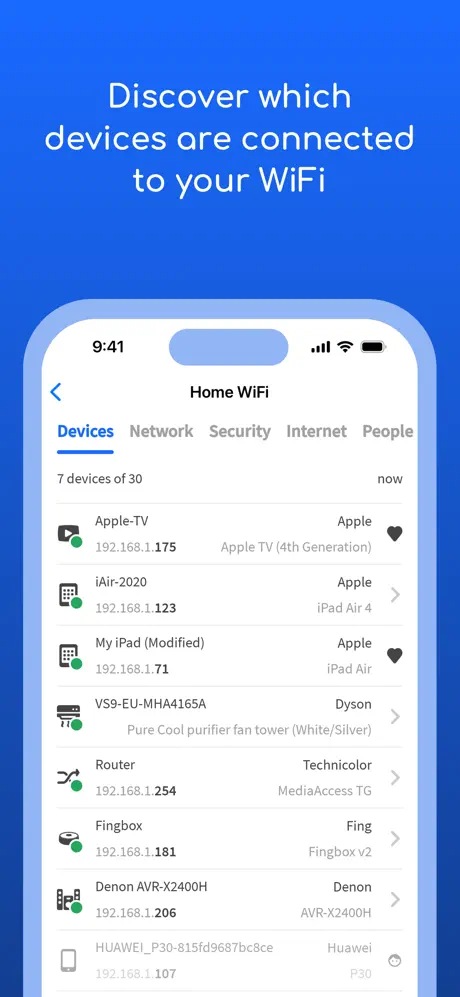
Fing is the leading network scanner trusted by millions of users worldwide to gain clear insights into their WiFi networks and connected devices. Whether you want to know who is connected to your WiFi, detect if someone is stealing your broadband, or assess if your network is secure from potential hackers, Fing delivers powerful tools in one easy-to-use app.

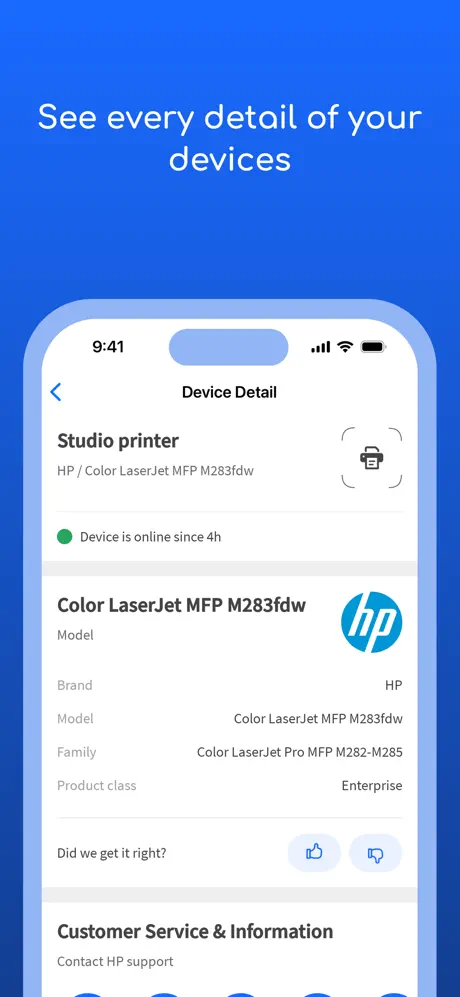
Fing’s patented technology, adopted by router manufacturers and antivirus companies globally, allows you to discover all devices connected to your WiFi network with precision. The app identifies each device by IP address, MAC address, device name, model, vendor, and manufacturer, giving you full control over your home or office network.

Concerned about internet speed or outages? Fing enables you to run comprehensive speed tests for both WiFi and cellular internet connections, measuring download speed, upload speed, and latency. It also provides real-time information on internet outages in your area alongside ISP ratings, reviews, and speed statistics to help you evaluate your internet provider’s performance.


Key Features

  • Advanced Device Discovery: Scan any network with Fing’s Wi-Fi and LAN network scanner to detect all connected devices accurately.
  • In-depth Device Analysis: Access detailed information including NetBIOS, UPnP, SNMP, and Bonjour names as well as properties and device types.
  • Network Utilities: Utilize built-in port scanning, device ping, traceroute, and DNS lookup tools for expert network management.
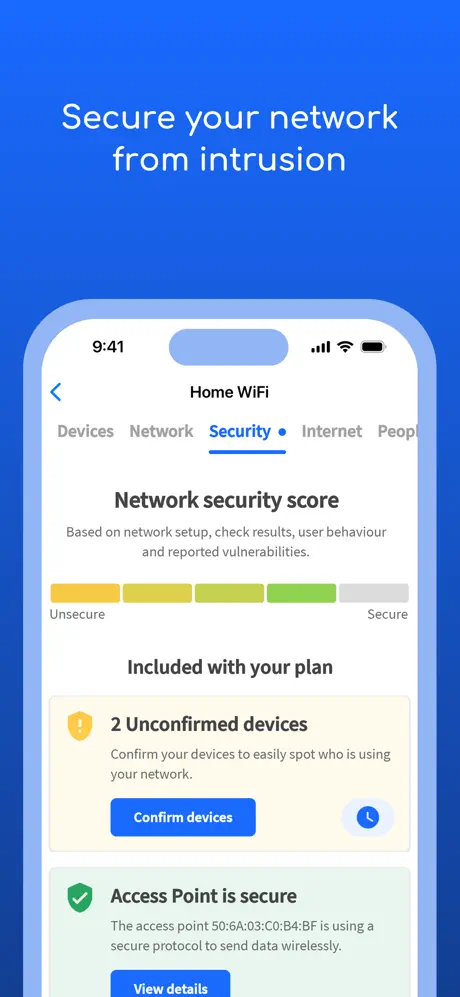
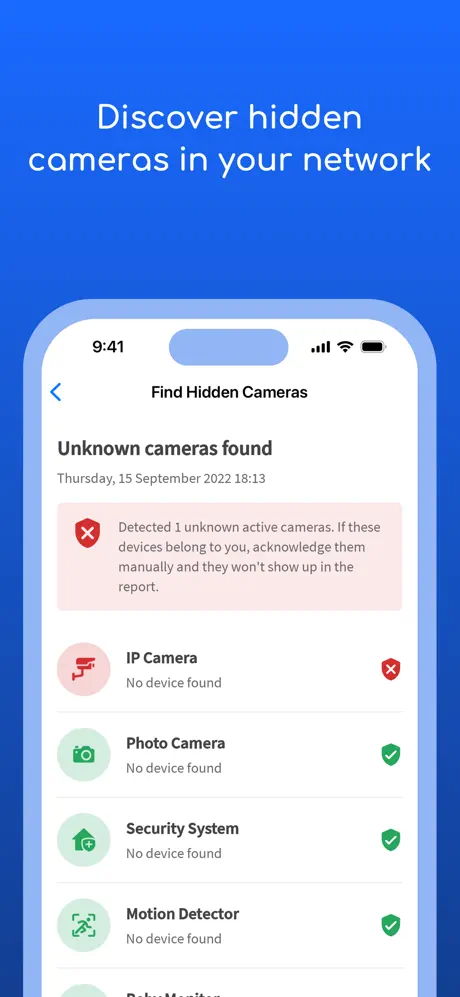
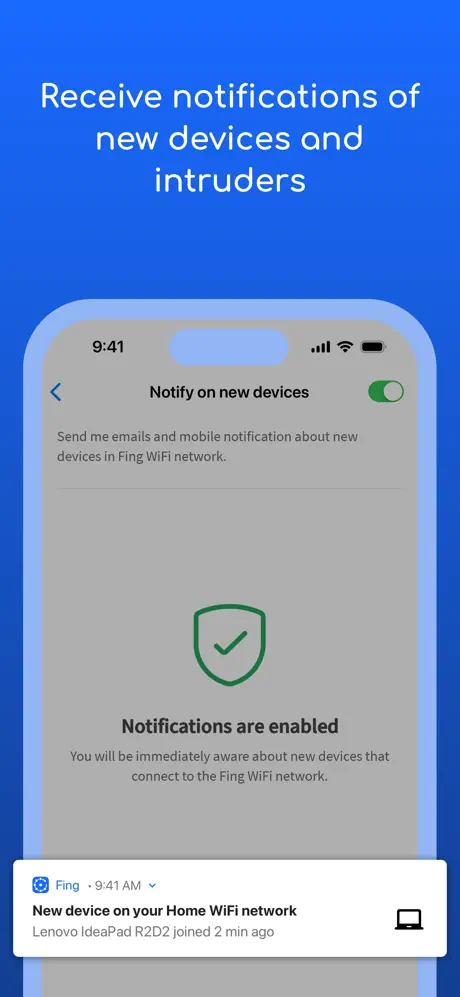
  • Network Security Alerts: Receive instant notifications on your phone about any suspicious or new devices connecting to your network.
  • Internet Speed Tests: Monitor your download and upload speeds along with latency to troubleshoot buffering or slow connections.
  • ISP Outage Monitoring: Stay informed about outages and ISP performance in your region to understand disruptions quickly.

Fing also supports the Fingbox hardware, which extends the capabilities of the app by providing advanced network protection and smart home troubleshooting:

  • Digital Presence: Know who is at home even when you are away.
  • Digital Fence: Detect devices and activity near your home network.
  • Intruder Blocking: Automatically block unknown or unauthorized devices from joining your WiFi.
  • Parental Controls: Schedule screen time and pause internet access for selected devices.
  • Bandwidth Analysis: Monitor and analyze bandwidth usage by each connected device.
  • WiFi Sweet Spot Finder: Locate the best WiFi coverage areas in your home.
  • Automated Network Speed Tests: Receive regular reports benchmarking your ISP’s performance.
  • Network Vulnerability Detection: Identify open ports and potential security vulnerabilities to secure your home network.

Fing empowers you to take full control of your network's security and performance, making it an essential tool for anyone seeking to protect their internet connection and digital privacy.

Developer
Blatant's iPA Library