
Wifi Analyzer
Not sure? Worry-free Premium handles revokes for you.


Version added at: Nov 17, 2025
Size: 11.21 MB
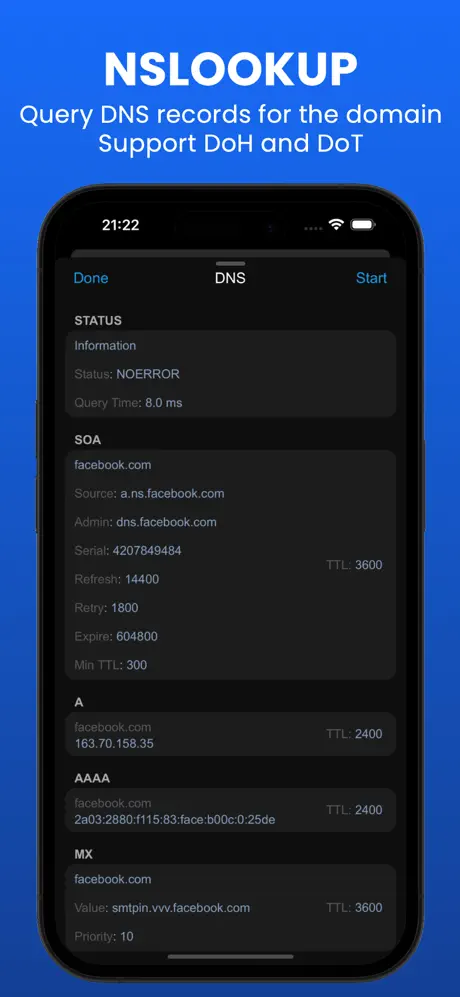
WiFi Analyzer – DNS Speed Test: Pro Features Unlocked
This version of WiFi Analyzer – DNS Speed Test is modified to unlock the Pro subscription, allowing users full access to all premium functionalities without restrictions. By pressing the Upgrade to Pro option, all features become available instantly.
Key Enhancements:
- All Pro features unlocked: Access advanced network analysis and DNS speed testing tools.
- No subscription required: Enjoy premium capabilities without any payment or activation steps.
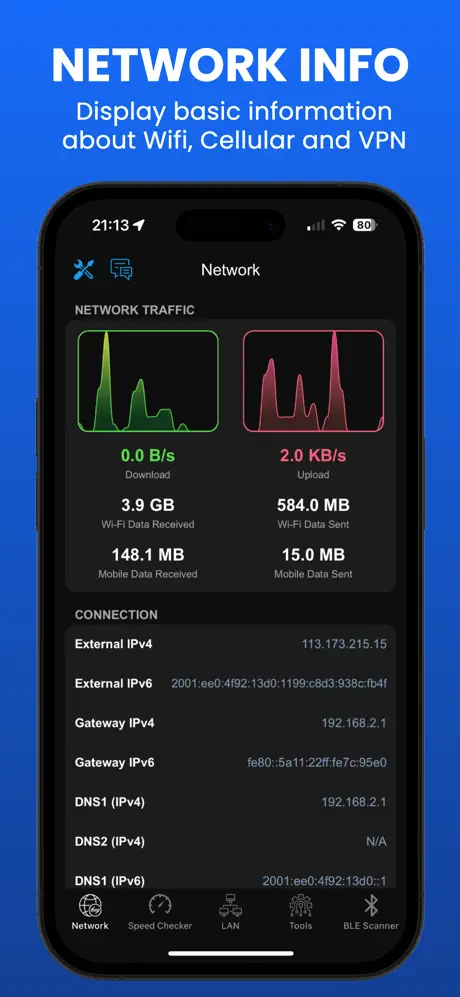
WIFI Analyzer - DNS SpeedTest puts a full network diagnostics kit on your iPhone. Download the WIFI Analyzer IPA for iOS to check connection details, test speeds and troubleshoot your Wi-Fi without touching a laptop.
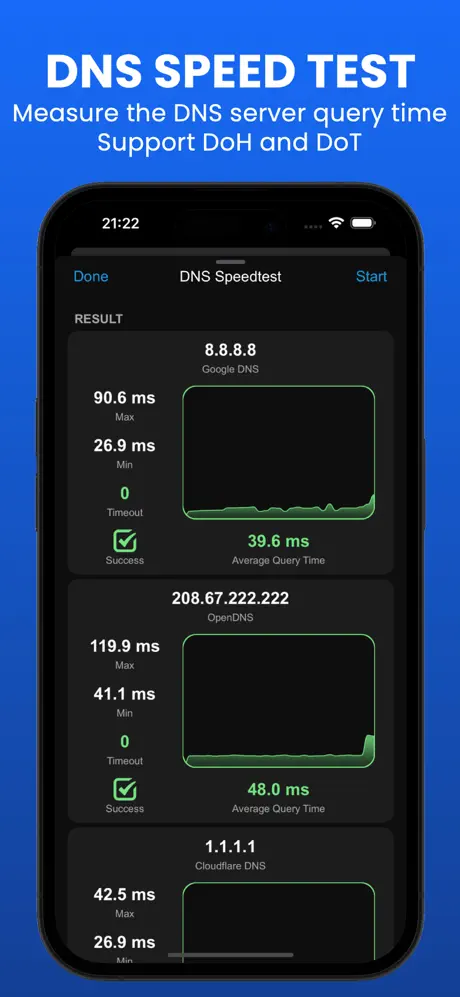
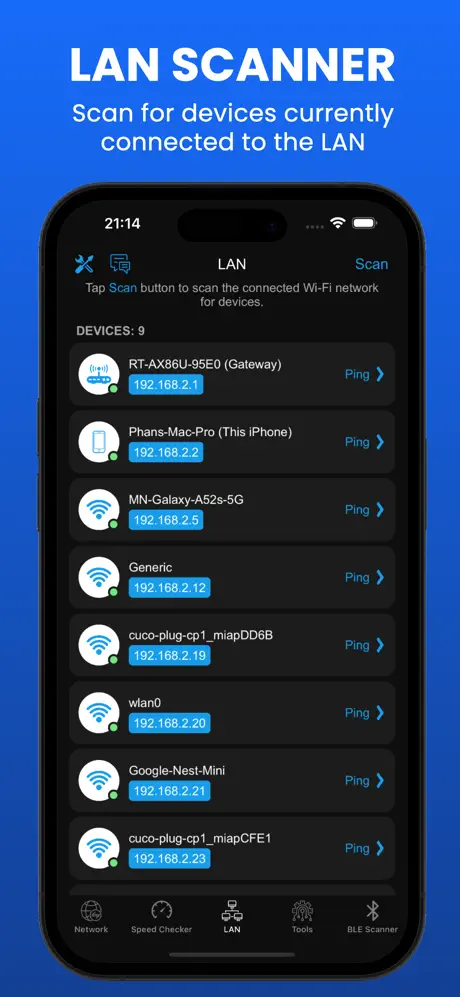
The app reads out everything about your current network — SSID, BSSID, IP address, gateway and DNS servers — then lets you dig deeper with a DNS speed test (DoH and DoT supported), upload/download speed checks, a LAN scanner for every connected device, ping and traceroute tools, a port scanner, and a Bluetooth scanner for nearby devices. An iOS 14 home screen widget keeps key stats visible without opening the app.
Key Features
- Full network info: SSID, BSSID, IP, gateway, DNS and more
- DNS speed test and lookup with DoH/DoT support
- Upload/download speed checker
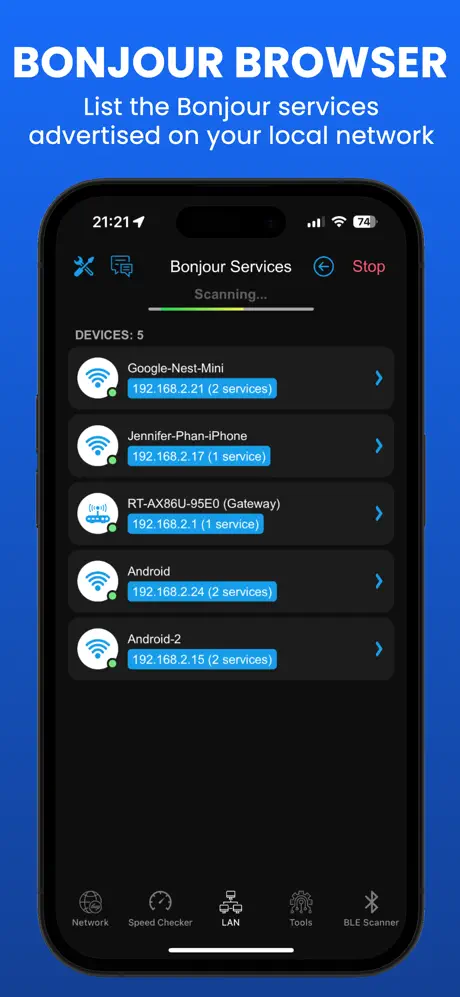
- LAN scanner, Wake-on-LAN and Bonjour service browser
- Ping test, traceroute and port scanner
- Bluetooth scanner with signal strength and distance
- iOS 14 home screen widget
Get WIFI Analyzer on builds.io — download the IPA and install it on your iPhone in one tap, no PC.
Similar apps
 FingSubscription unlocked free, see every device on your WiFi, run speed tests
 SpeedTestCheck your internet speed with Speed Test Master
 DNS ChangerImprove your iOS internet browsing and gaming with DNS Changer
 AdGuard Pro: Safari Ad BlockerBlock Safari ads and trackers, with DNS privacy options
 Network ScannerDiscover nearby Wi-Fi, Bluetooth devices, magnetic fields
 Device Monitor²Subscription unlocked for PRO, Test, Report and Notification kits
 SpeedtestTest download and upload speeds, ping, network coverage maps
 SwiftServerReal-time server monitoring, SFTP file management and a full terminal
 CARROTAccurate forecasts paired with a sarcastic AI personality and AR mode