
Stiiitch
Not sure? Worry-free Premium handles revokes for you.


Version added at: Nov 03, 2025
Size: 37.21 MB
Stiiitch · Photos Stitching - Patched Version
The app Stiiitch · Photos Stitching has been updated to version 2.3.2 and patched to unlock premium features. This patched version removes restrictions and provides access to functionalities normally requiring a subscription or in-app purchases. Users can now enjoy the full capabilities of photo stitching without limitations.
Stiiitch Pro features have been unlocked, enhancing the photo stitching experience with advanced tools and options, allowing seamless and high-quality image merging.
Features Unlocked
- Full access to premium tools and options
- Removal of in-app purchase restrictions
- Enhanced photo stitching quality and performance
- Compatibility with iOS 13 and above
Stiiitch is an innovative iOS app designed to automatically stitch multiple screenshots into seamless, high-definition long images with just one click. It offers ultra-fast and efficient stitching capabilities that simplify the process of creating comprehensive visual records from consecutive screenshots, saving your time and effort.
Whether you want to capture a long chat history, a detailed article, bills, checklists, or memories from shared moments, Stiiitch provides an easy and effective solution tailored specifically for iOS users.
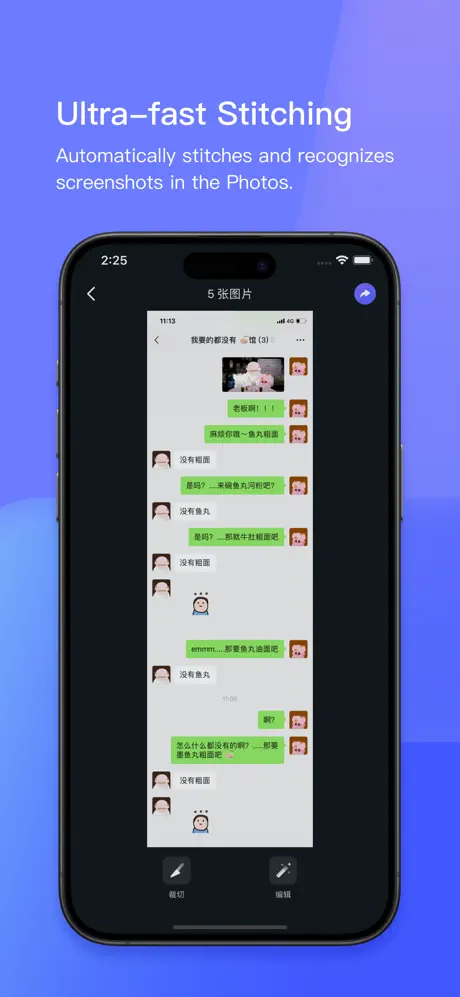
Ultra-fast Stitching
Stiiitch automatically detects and stitches screenshots saved in your Photos app. When you complete a single screenshot or several consecutive screenshots, the app intelligently recognizes and merges them into a continuous image. It supports stitching in various contexts including chat histories (such as WeChat, QQ, SMS), WeChat subscriptions, long articles within apps, bills, and checklists. Even if your chat background is customized with images, Stiiitch maintains ultra-fast automatic stitching without compromising quality.
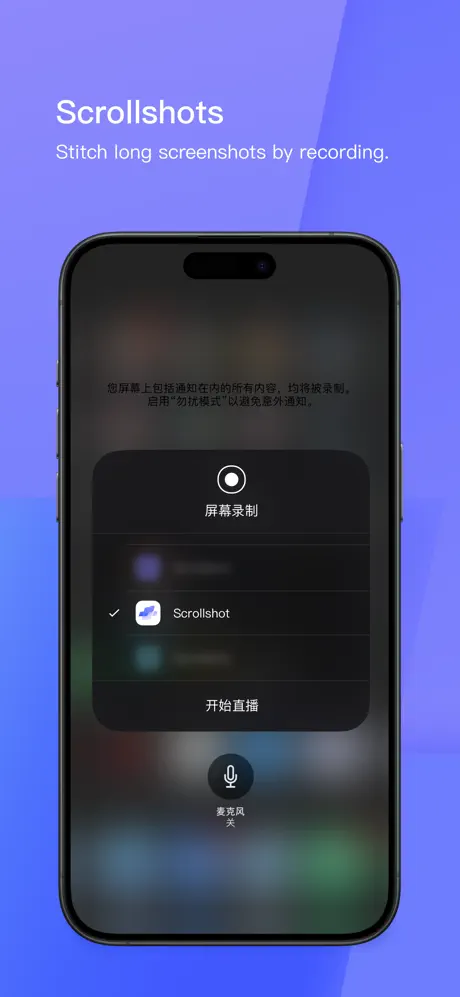
Scrollshot Feature
The Scrollshot option allows you to use screen recording to create long screenshots in one smooth recording session. There is no need for manually taking multiple screenshots; instead, the app efficiently stitches everything together for you, streamlining the process of capturing extended content.
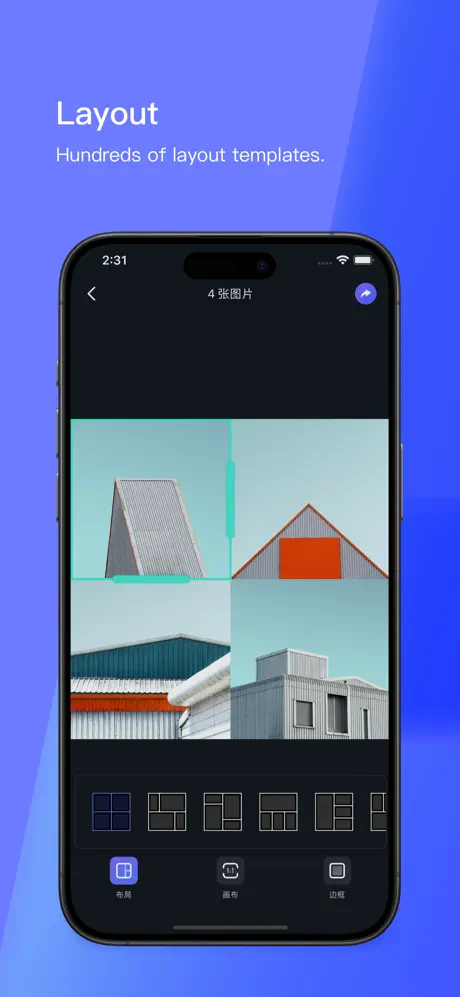
Layouts
Stiiitch offers support for hundreds of layout templates, enabling users to customize the final appearance of their stitched images. This flexibility helps maintain both beauty and clarity according to your preferences and needs.
Normal Stitching
The app includes simple and practical stitching options such as horizontal and vertical stitching. Use it to preserve your travel memories, party moments, or reunion highlights by merging multiple images into one continuous photo.
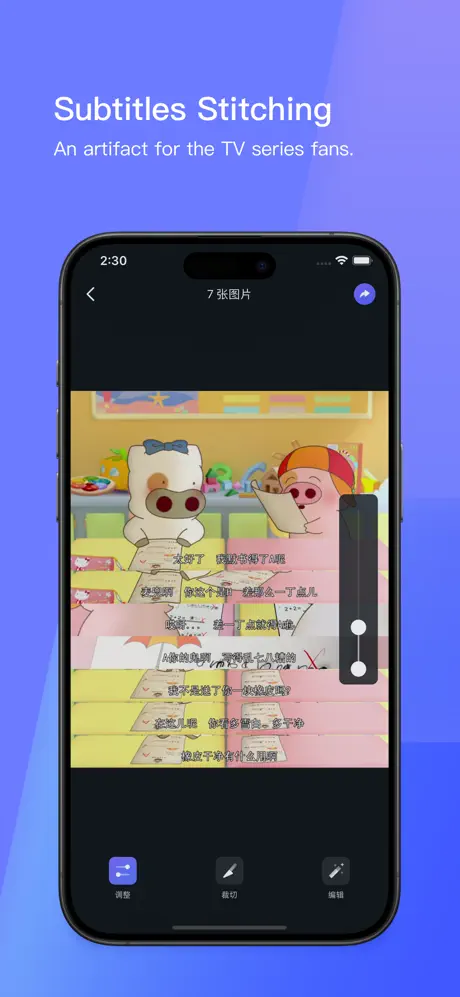
Subtitles Stitching
Designed especially for TV series fans, this feature allows you to stitch subtitles seamlessly with the video screenshots, making it easier to save and share your favorite storylines and quotes. It provides a unique way to express your feelings through drama captures.
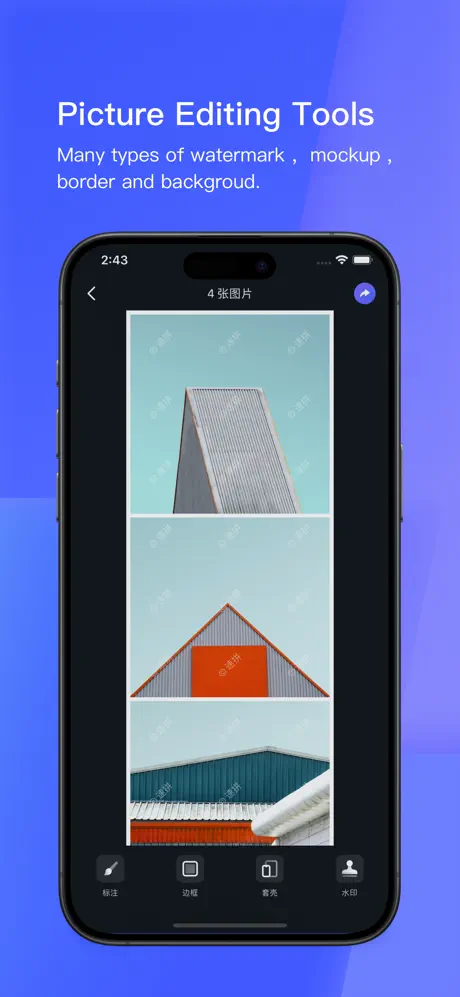
Markup Tools
After stitching, you can use markup tools to add stickers or annotations to your photos. This feature is particularly useful for covering private information before saving or sharing your images.
Website Screenshots
Stiiitch includes a handy widget for capturing full-page website screenshots directly within any iOS browser. Simply tap the 'Share' button and select the stitching widget icon to capture entire web pages with just one tap.
Mockup Options
Add a device mockup frame to your screenshots to enhance their presentation. The app offers various device models and color options to simulate how your screenshots would appear on different devices, giving them a polished and professional look.
We highly value user feedback and invite you to contact us if you have any questions, comments, or suggestions.
Similar apps
 ReverseVoiceRecord and reverse your voice for a fun guessing game
 HiiiCustomize your iOS home screen
 iRetouchPro features unlocked for object removal and video editing
 Qi WatermarkVIP subscription unlocked for batch watermarking in high definition
 PixEdit photos and videos easily with AI-powered tools
 CompressReduce photo file sizes on your iPhone easily with Compress Photos
 BeautyPlusAI portraits, background removal, makeup tools and 400+ filters
 Wall GenieSubscription unlocked for AI wallpaper creation and community downloads
 One4WallSubscription unlocked for premium wallpapers, themes and widgets