
Splice
Not sure? Worry-free Premium handles revokes for you.


Version added at: Oct 07, 2026
Size: 102.43 MB
What’s unlocked in this Splice mod for iPhone
Subscription features are unlocked in this updated IPA, giving you access to the app’s paid tools without an active plan. If subscriptions don’t appear right away, restart the app to activate them.
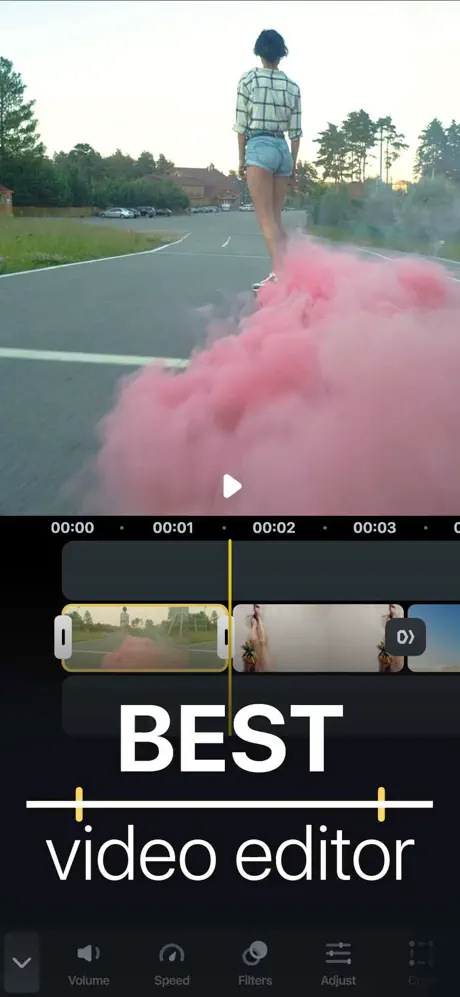
Splice is a simple yet powerful video editor designed to help you create fully customized, professional-looking videos directly on your iPhone or iPad. It combines the performance of a desktop editor with the convenience of a mobile device, enabling you to edit videos like a pro anywhere and anytime.
With Splice, editing is intuitive and straightforward. Just tap to trim clips, add slow motion effects, and overlay multiple clips to produce stunning videos you'll be proud to share with your friends, family, or audience.
Powerful Editing Tools Made Simple
- Trim, cut, and crop your photos and video clips effortlessly.
- Refine your clips by adjusting key visual parameters such as exposure, contrast, and saturation.
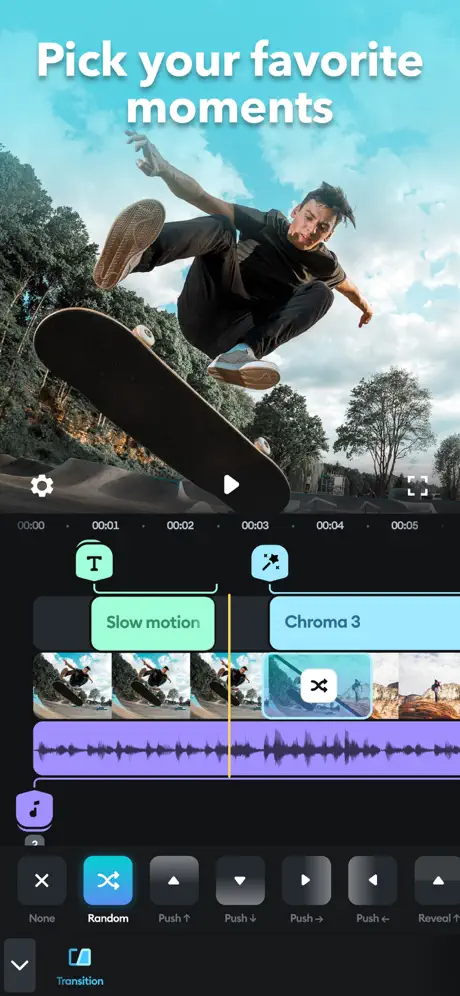
- Control playback speed with options for fast or slow motion, including advanced speed ramping techniques.
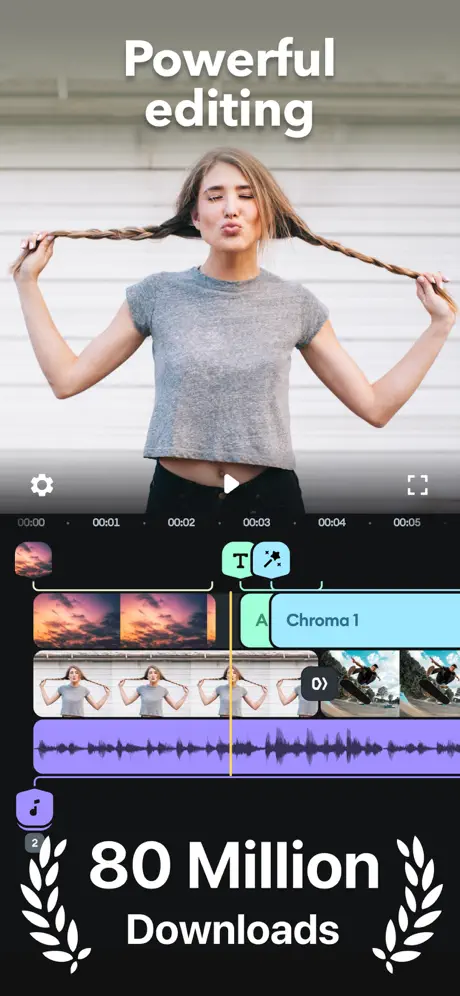
- Overlay photos or videos and apply masks to create creative and unique visual effects.
- Remove backgrounds using the Chroma Key feature for seamless compositing.
- Animate your clips with the Ken Burns effect for dynamic pan and zoom movements.
- Enhance your footage by applying filters and adjusting background colors, orientation, and more.
- Add captivating effects including glitch, chroma, vintage, and various others.
- Customize your video transitions by choosing styles and controlling their speeds.
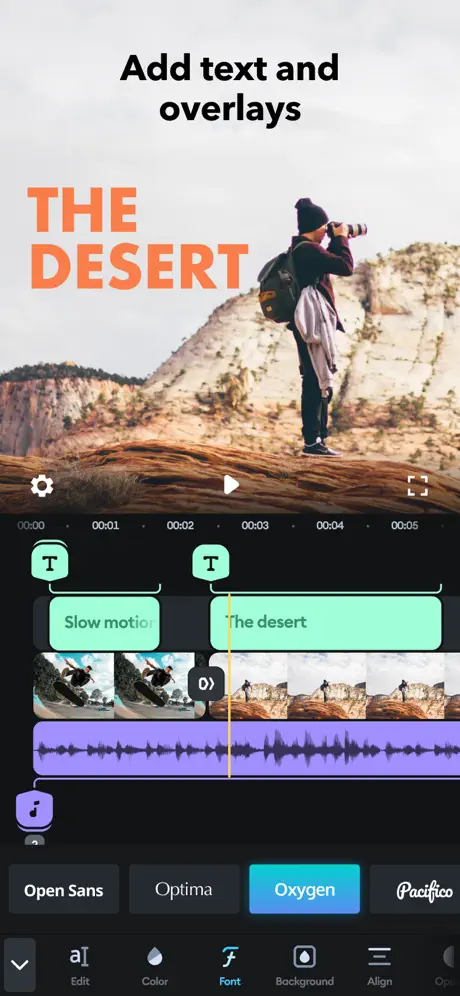
- Add title slides, text overlays, and a custom outro to personalize your video content.
- Create lively slideshows by bringing photos to life with pan and zoom effects.
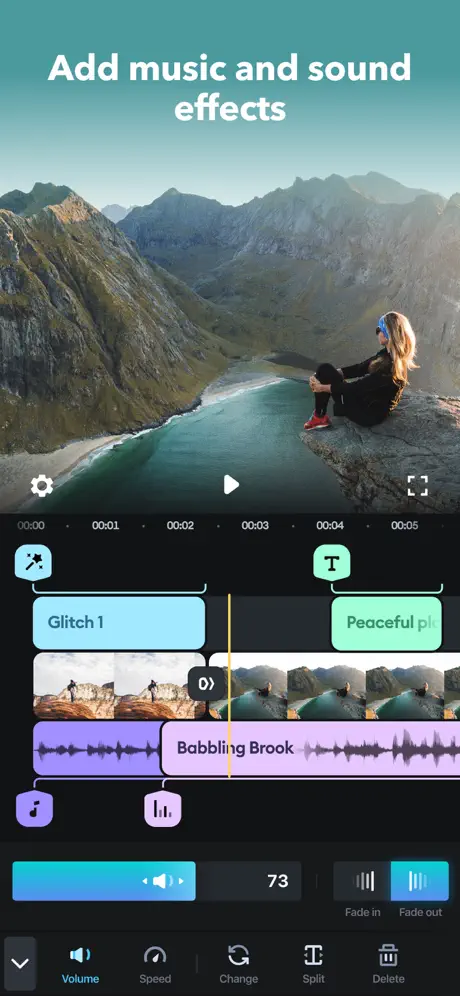
Customize the Perfect Soundtrack
- Access over 6,000 royalty-free tracks from curated libraries to complement your video mood perfectly.
- Trim and mix multiple audio tracks with precise control for a balanced soundtrack.
- Incorporate songs from your own iTunes collection to enrich your mix.
- Record narration or add custom sound effects using the built-in voice recorder for personalized audio touches.
Easily Share and Save Your Video
- Share your creations seamlessly across popular platforms like YouTube, Instagram, TikTok, Facebook, Mail, and Messages.
- Save your finished videos directly to your camera roll for offline access and additional sharing options.