
Video Music
Not sure? Worry-free Premium handles revokes for you.


Version added at: May 09, 2026
Size: 44.56 MB
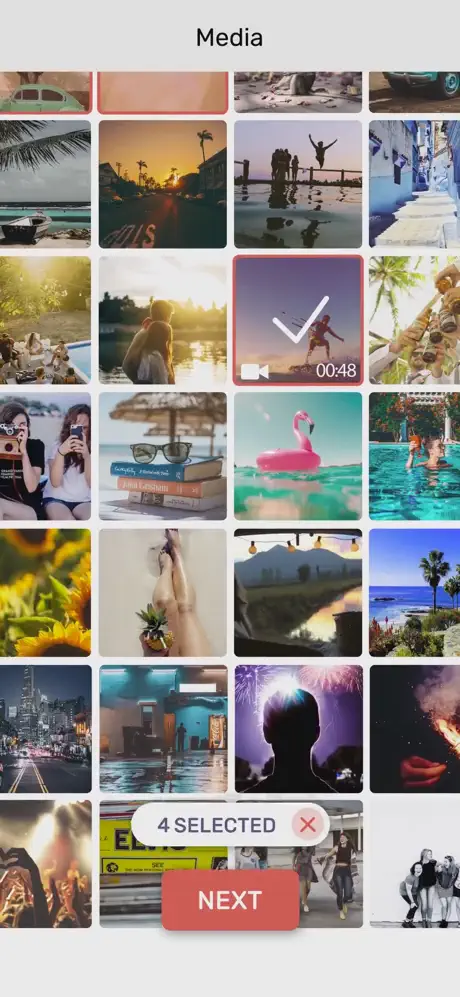
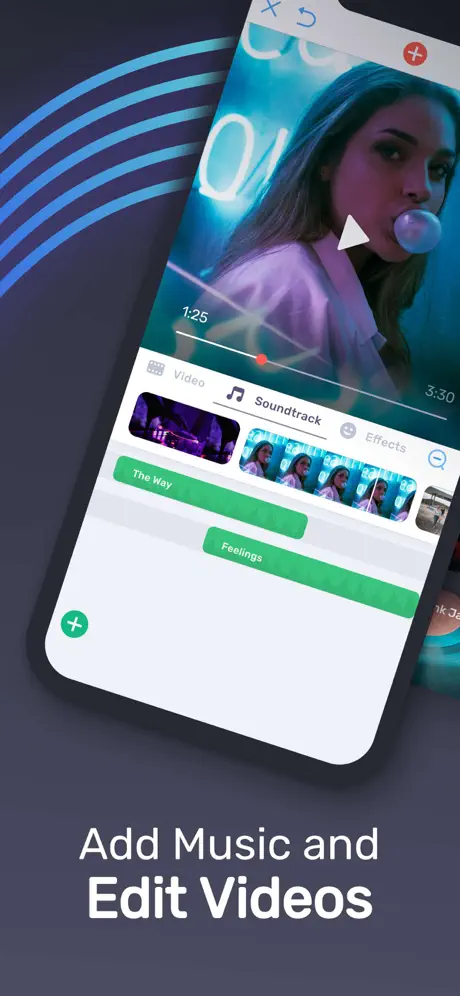
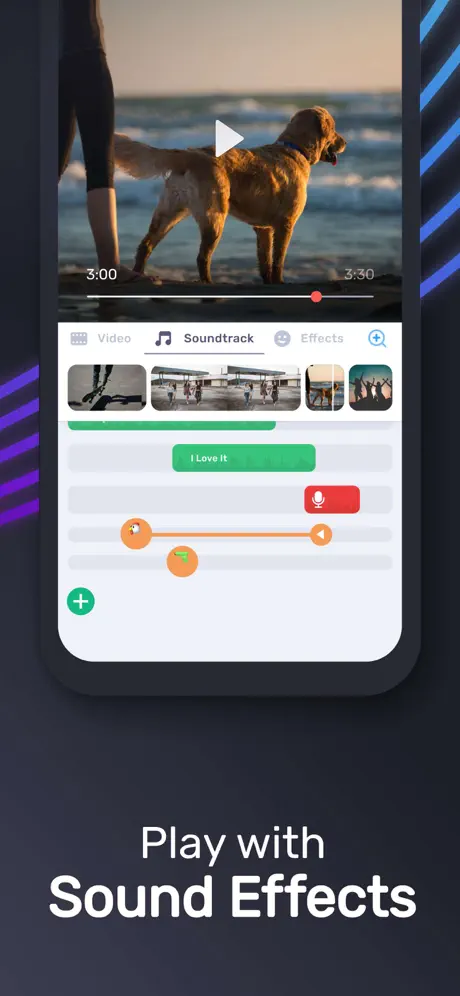
Best App To Add Music on Video! Bring your videos to life with the ultimate music video editing experience. Whether you want to create stunning music videos, add unlimited background tracks, or record your own voice over your clips, this app makes it incredibly simple and enjoyable.
Designed for creators of all levels, you can effortlessly enhance your videos and captivate audiences on platforms like YouTube, Instagram, Facebook, or Vine. Unlock your creativity and watch your videos get more likes, views, and engagement with just a few taps.
Key Features
- Add Unlimited Music Tracks on Videos: Layer multiple music tracks to create the perfect soundtrack for your video.
- Record Your Own Voice Over Video: Add a personal touch by recording narrations or funny dubbing directly within the app.
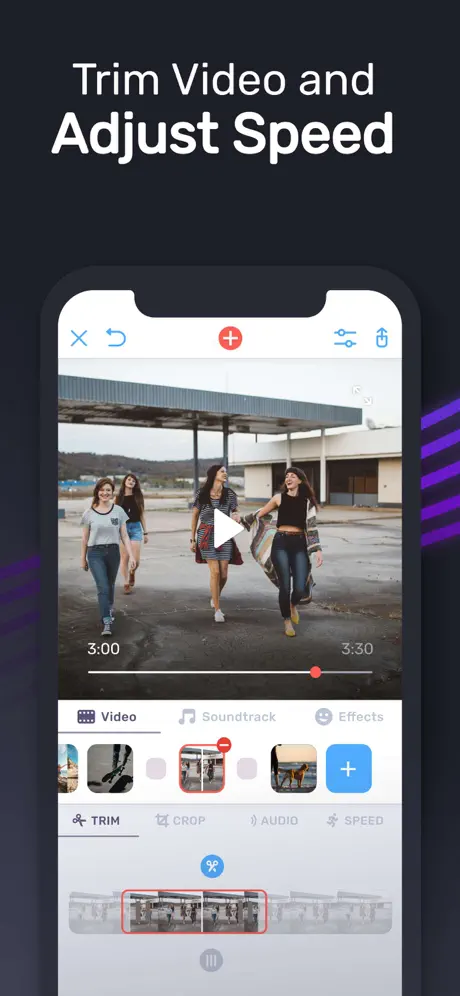
- Powerful Video Editing Tools: Easily trim and cut your video frame by frame to remove any unwanted content.
- Advanced Audio Editing: Trim audio clips precisely and apply fade-in and fade-out effects for smooth transitions.
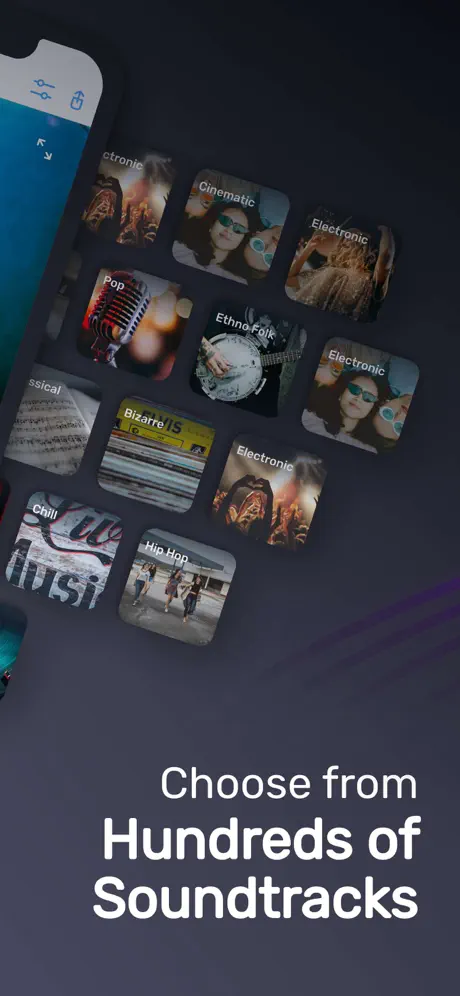
- Extensive Music Library: Choose from a huge collection of awesome music tracks spanning various styles and moods.
- Free
- Club/Party
- Cinematic
- Rock
- Romantic
- Sad/Emotional
- Acoustic
- Pop
- Ambient
- Relaxing
- Audio & Video Controls: Adjust volume levels easily and mute or unmute videos as needed.
- Fast Processing: Enjoy minimal wait times when rendering your edited videos.
- Intuitive and Beautiful UI: Designed with a stunning interface that is very easy to use for everyone.
How To Use
Follow these simple steps to create amazing music videos:
- Select your video to edit from your gallery on the app’s first page.
- Trim or cut unwanted frames with a single tap on the video frame.
- Add music either from your device, the app’s curated track list, or by recording your own voice — just press the '+ Add Music' button.
- Edit and trim your audio tracks by tapping on them, then apply fade effects as desired.
- Rearrange music tracks by tapping, holding, and sliding them left or right.
- Save your completed video or share it instantly with friends and followers.
Fade-in means gradually increasing the audio volume at the beginning, while fade-out means gradually decreasing it towards the end, giving your tracks a professional touch.
read more...
Explore the full potential of the app’s editing tools and experiment with multiple music layers to find your unique style. Dive into the variety of music categories available to match every mood and occasion for your videos.
Similar apps
 SnapCut PublicCreate stunning videos effortlessly on iOS with Snapcut – advanced editing
 intoLiveVertical video editing, effects, music, and transitions
 SpliceCreate stunning, customized videos on your iPhone or iPad
 SpoolCreate stunning music videos on iOS with Spool
 Photo Animate Studio AnimatorCombine photos, animations and text into videos with music and voice-over
 Background MusicSubscription unlocked, so every premium video editing tool is open
 VlogNowSubscription unlocked, multi-track editing with no watermark on your exports
 Pro Camera-Omnipotent CameraSubscription unlocked, no in-app purchase required
 LightroomEdit photos and videos effortlessly with Lightroom’s AI tools, presets