
Lightroom
Not sure? Worry-free Premium handles revokes for you.


Version added at: Sep 30, 2026
Size: 212.05 MB

What’s unlocked in this mod
Lightroom: AI Photo Editor for iPhone is patched with subscription unlocked. Just log in and restart the app to access the premium features in this updated IPA.
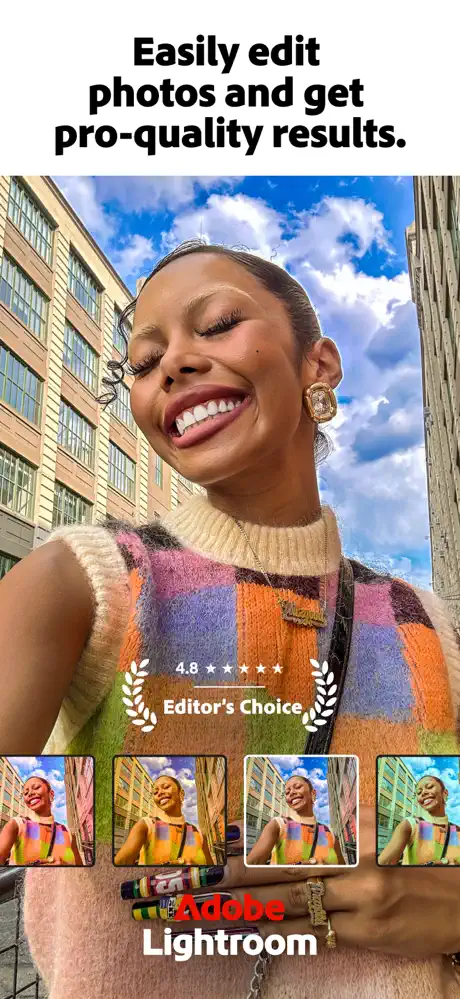
Lightroom is a free photo and video editing app designed to help you capture the true essence of every moment. Whether it’s the joyful grin of your dog or a breathtaking sunset, Lightroom empowers you to bring these memories to life exactly as you envision them.
Perfect for both casual snapshots and curated social media posts, this app puts powerful editing tools right in your pocket. Lightroom makes photo editing accessible and enjoyable, enabling you to create striking images you’ll be proud to share.
Easily Make Your Photos Look Amazing
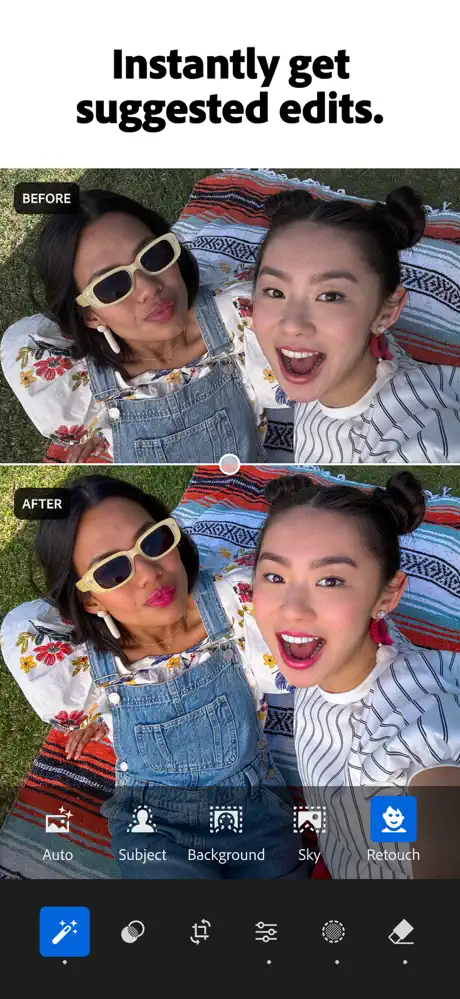
Lightroom offers intuitive one-tap features like Quick Actions and Adaptive Presets, allowing you to enhance photo quality effortlessly and in seconds. These AI-powered tools provide personalized edit suggestions to brighten colors, soften backgrounds, or apply quick touch-ups — no prior experience needed.
Remove Distractions and Blur Backgrounds
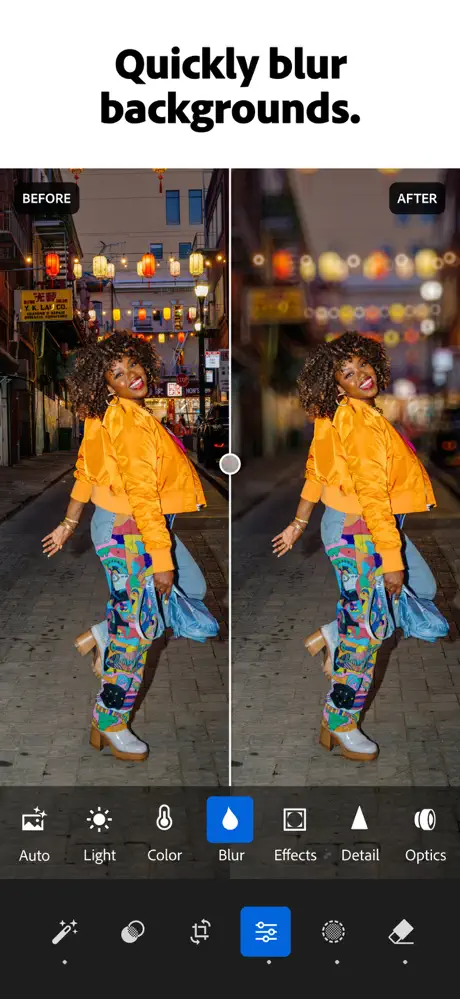
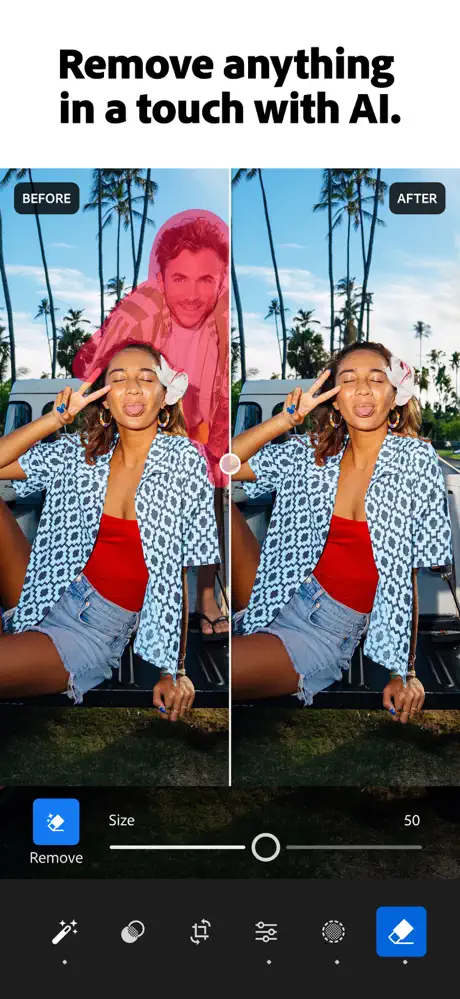
Enjoy professional-grade tools that remain approachable and user-friendly. Blur backgrounds to create depth and focus or use the Generative Remove feature to effortlessly erase unwanted objects and people from your photos.
Powerful Edits with Zero Hassle
Gain full control over lighting by adjusting exposure, highlights, and shadows. Experiment with presets, effects, color grading, and fine-tune hue and saturation. Apply blur or bokeh effects to achieve just the right mood — all while keeping the editing process straightforward.
Get Inspiration from the Community
Discover photo filters and presets shared by creators worldwide. Whether you prefer bold, AI-driven edits or subtle enhancements for portraits, find or create looks that match your style. Save your favorites and give every photo a unique personal touch.
Edit Once, Apply Everywhere
Batch editing lets you apply consistent adjustments across multiple photos quickly, perfect for concert shots, travel albums, or family gatherings. Lightroom’s AI-assisted tools bring efficiency without compromising quality.
Why Choose Lightroom?
- For Every Moment: From casual fun to social sharing, Lightroom is designed to suit all your photo editing needs.
- Flexible and Growth-Oriented: Start simple and develop your photography skills over time.
- Confidence and Creativity: Build confidence and express your authentic style through intuitive tools.
Tools You'll Love
- Quick Actions: Tailored suggested edits for your photos.
- Presets: Explore or create filters for your signature look.
- Background Blur: Easily add depth and focus to your images.
- Generative Remove: Effortlessly erase unwanted elements with AI.
- Video Editing: Apply creative edits to your video clips with light, color, and preset tools.
For Every Kind of Photographer
Lightroom simplifies photo editing whether you’re capturing family moments, stunning landscapes, or food photography. With balanced tools to fix images, enhance quality, and edit videos, it’s the ultimate app to elevate your creative journey.