
VivaCut
Not sure? Worry-free Premium handles revokes for you.


Version added at: Apr 21, 2026
Size: 214.43 MB
Subscription Unlocked for VivaCut - AI Video Editor
The app has been modified to unlock the premium subscription features without requiring a valid subscription. This patch allows users to access the full range of advanced video editing tools and AI-powered features available in the premium version. Users should restart the app if the subscription is not activated immediately after installation.
Key Modifications
- Subscription Unlocked: Full access to all subscription-based features.
- Patched: Bypasses subscription checks to enable premium functionality.
VivaCut is a professional video editing app designed for creating full-screen videos with ease and precision. Whether you aim to produce artistic films or simply share precious memories and funny moments with friends, VivaCut offers a comprehensive set of tools that fit every creative need.
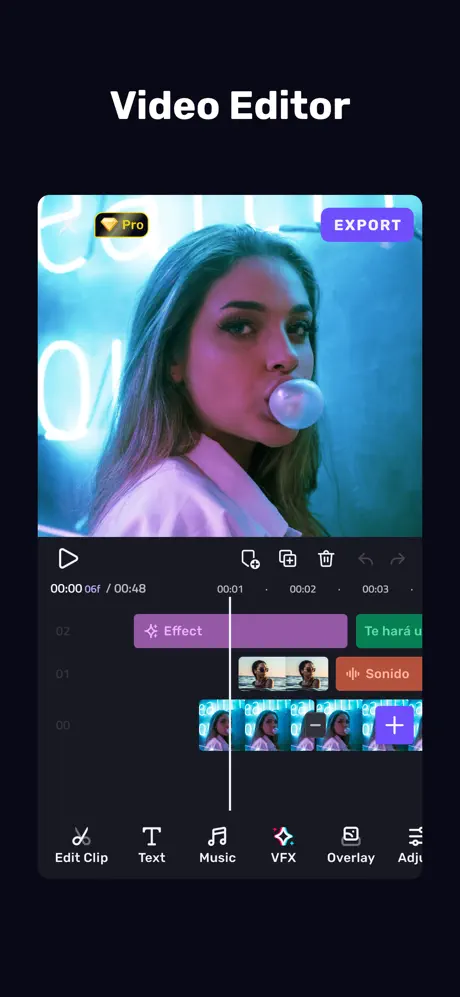
With its intuitive interface and powerful features, VivaCut elevates your video editing experience by combining simplicity and advanced options. Enjoy frame-by-frame editing with a sleek multi-layer timeline, perfect for controlling every detail of your project.
Powerful Video Editing
- Cool Transitions: Create stunning cinematic effects by applying smooth transition overlays between clips to bring your story to life.
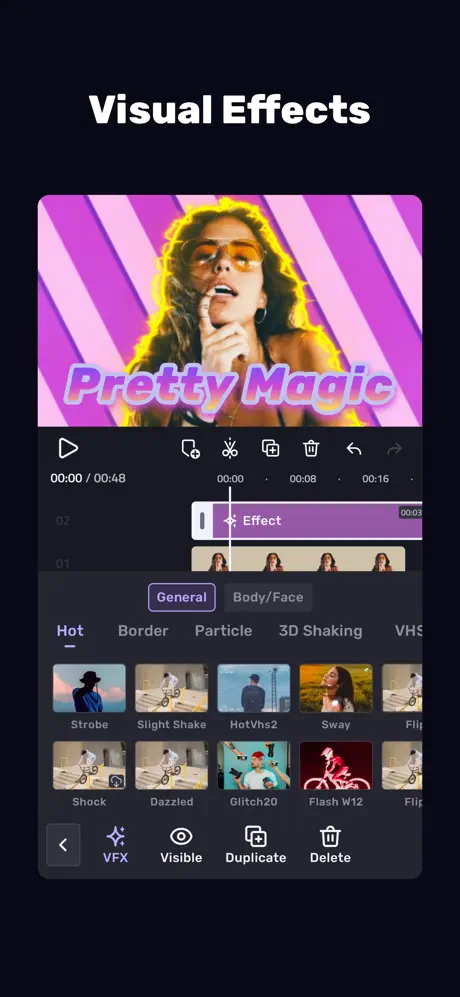
- Visual Effects: Enhance your footage with unique filters like VHS, RGB, Trippy, Glitch, Grainy, Fisheye, and more for a modern and creative touch.
- Music Marker: Synchronize your video effects with the rhythm of your chosen soundtrack for immersive audiovisual results.
- Audio Extraction: Easily extract music from any video to enrich your creations without hassle.
Complete Video Editor Features
- Multi-layer Timeline: An intuitive and zoomable editing interface giving you full control over each frame and layer for precise adjustments.
- Video Adjustment: Fine-tune brightness, contrast, saturation, hue, color temperature, and vignetting to enhance the overall video quality.
- Music Integration: Add your favorite audio tracks, use overlay editing, and insert transitions to perfectly complement your videos.
- Glitch Effects: Apply trendy glitch effects and transitions to add a creative edge to your footage.
Video Clip Editing Tools
- Trim and Cut: Professional-grade tools to precisely trim and cut videos for concise and polished results.
- Splice Videos: Split your footage for easy editing and optimize clips for sharing on social media platforms.
- Combine Video Clips: Seamlessly merge multiple clips into one captivating video with transitions and effects.
- Speed Control: Adjust playback speed with slow motion and fast-forward options to accentuate moments creatively.
Advanced Creative Tools
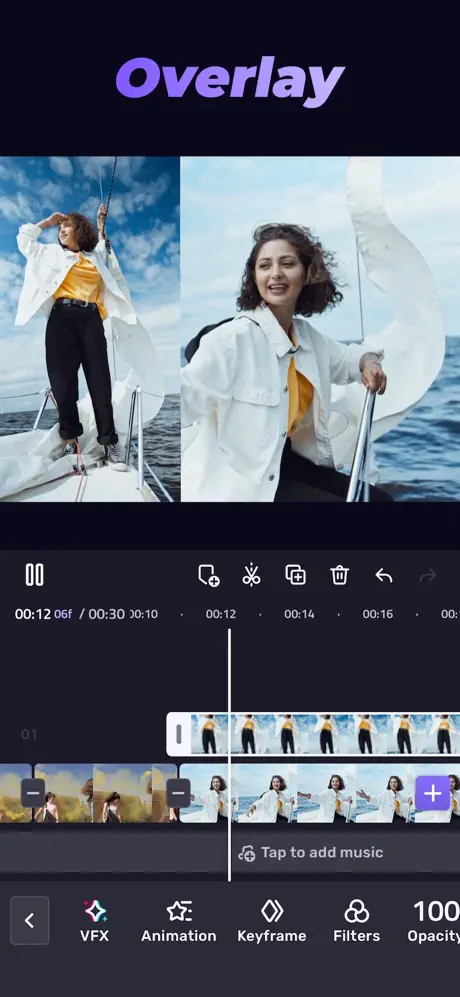
- Picture in Picture: Merge clips to create double exposures or eye-catching layered videos for platforms like YouTube.
- Collage: Add images to your video projects to make engaging and viral content for social media.
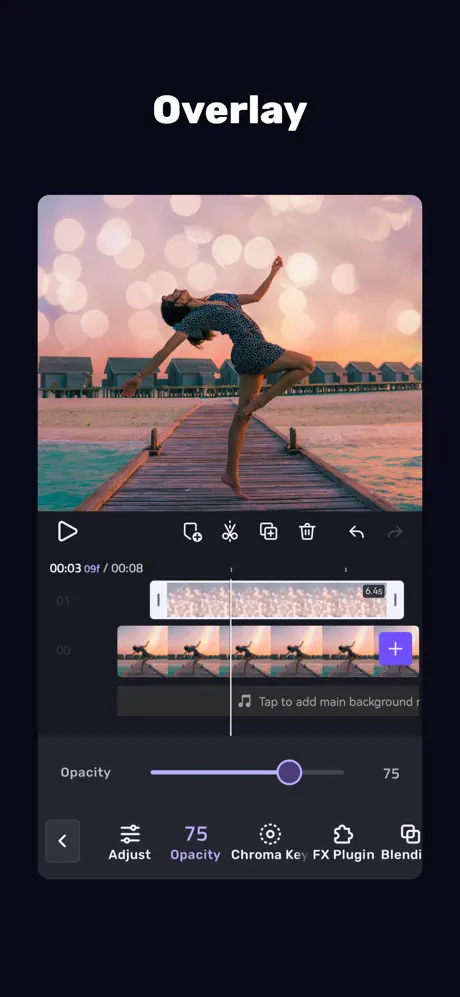
- Overlay Options: Customize video layers by adjusting opacity and blending modes such as Color Burn, Multiply, Screen, Soft Light, Hard Light, and more.
- Animated Text: Easily add dynamic text elements for titles, captions, or storytelling enhancements.
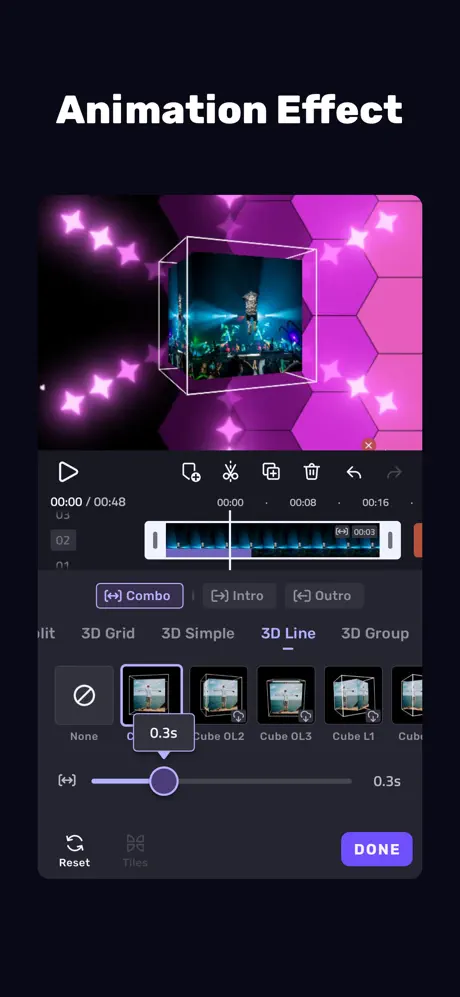
- Keyframe Animation: Apply detailed animations to masks, collages, text, stickers, and emojis with precision control.
- Masking Tools: Use linear, mirror, radial, rectangular, and oval masks to creatively focus or reveal different parts of the scene.
- Undo & Redo: Freely experiment with your edits knowing you can revert any changes at any time.
Save and Share
- Custom Video Resolution: Export your projects in high-definition 1080p and breathtaking 4K quality to preserve every detail.
- Rename Projects: Keep your work organized by renaming video files to mark your memories with style.
VivaCut is a perfect video editor for creatives looking for comprehensive tools in a streamlined app. It supports enhanced video editing with music, transitions, VFX, glitch effects, and multi-layer timelines to create stunning videos for social media and personal use.
read more...
To get started editing with VivaCut, import your video clips and audio files into the multi-layer timeline. Use the zoom feature to work frame-by-frame for precise edits. Apply transitions between clips by selecting transition effects from the library and dragging them onto the timeline. Experiment with visual effects and adjustment settings to enhance mood and quality. Animate text and overlays using keyframe controls to add dynamic elements. When satisfied, select the output resolution and save your project directly to your device or share it on social platforms with ease.