
DroidCam Webcam & OBS Camera
Not sure? Worry-free Premium handles revokes for you.


Version added at: Mar 20, 2026
Size: 10.38 MB
DroidCam Webcam & OBS Camera Modification
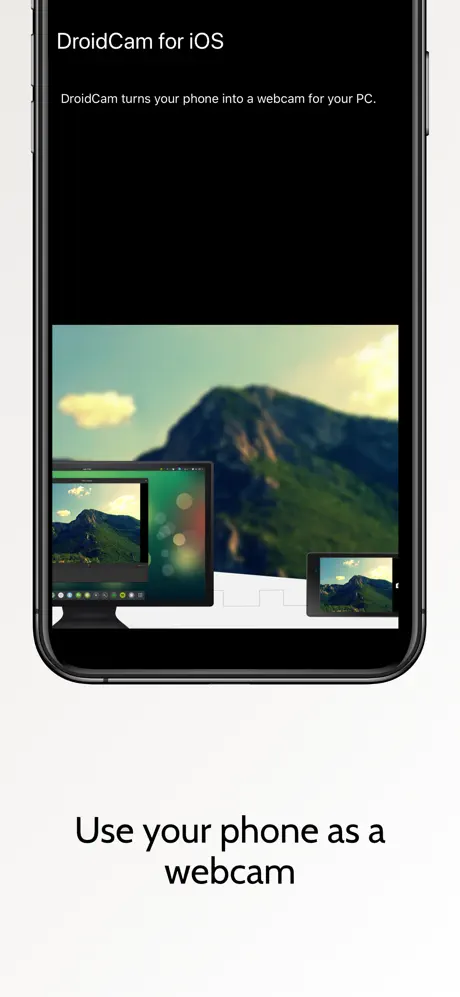
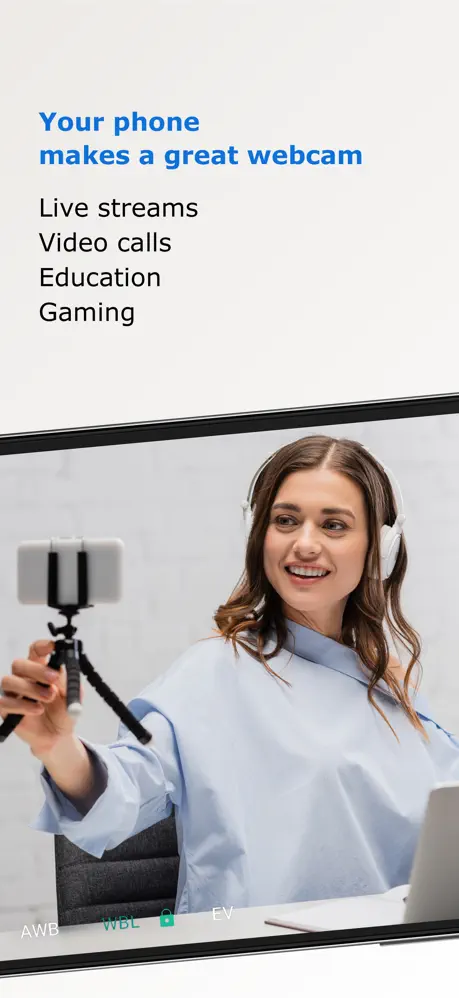
This modified version of the DroidCam app allows users to utilize their smartphone as a webcam for their computer via Wi-Fi or USB connection. It supports integration with OBS and other programs, enabling the transmission of both video and audio along with customizable quality and shooting parameters.
Features
- Use smartphone as a webcam for PC
- Supports Wi-Fi and USB connections
- Compatible with OBS and other streaming applications
- Video and audio transmission enabled
- Quality and shooting settings customization
- Free in-app purchases activated by initiating purchase then canceling
DroidCam is a powerful and user-friendly app that transforms your iPhone into a versatile webcam for your computer. Offering seamless video and audio streaming, DroidCam enhances your remote work, online meetings, content creation, and live streaming experiences by providing a high-quality camera feed directly from your device.
The app supports wireless (WiFi) and USB connections, ensuring flexibility and convenience for various setups. Its optimized power consumption and low-latency video transfer make it an efficient choice, trusted by millions of users worldwide who rely on it to replace traditional webcams or capture cards.
Key Features
- Use your iPhone as a high-quality PC webcam with up to 1080p Full-HD resolution.
- Supports up to 4K UHD video streaming when used as a camera in OBS Studio for professional broadcasting.
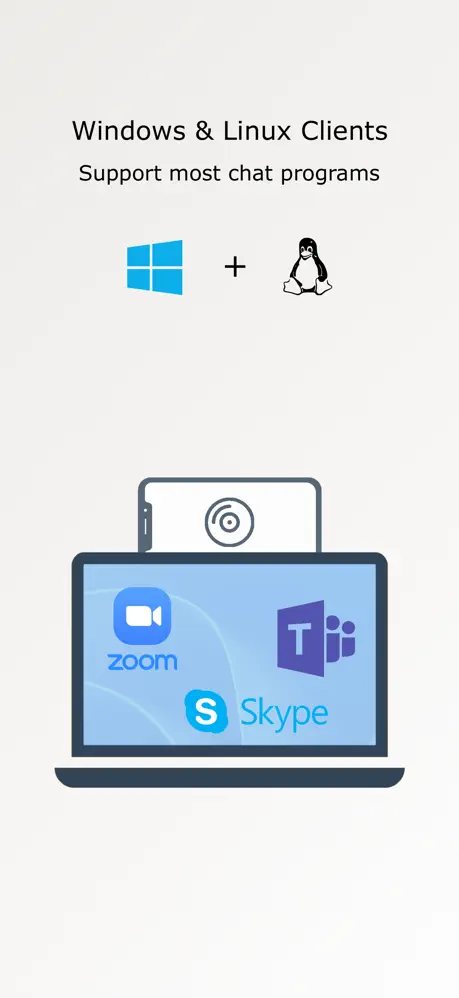
- Compatible with popular video conferencing apps like Zoom, Skype, and Discord via the DroidCam PC Client.
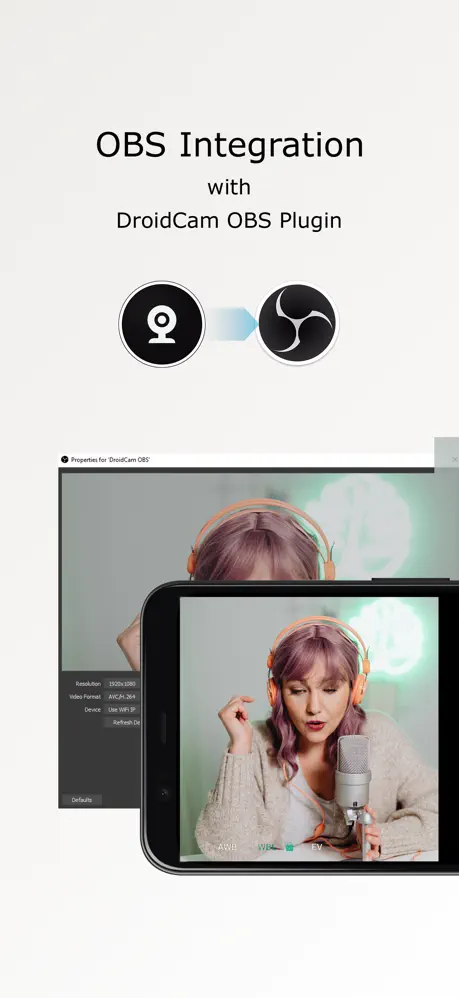
- Direct integration with OBS Studio through the DroidCam OBS plugin, simplifying the streaming setup without additional client software.
- Multiple connection options: WiFi for wireless convenience and USB for a stable, low-latency connection.
- Hardware-assisted encoding and various video format choices for optimized performance.
- No time limits on usage at standard definition (640x480), completely free of charge.
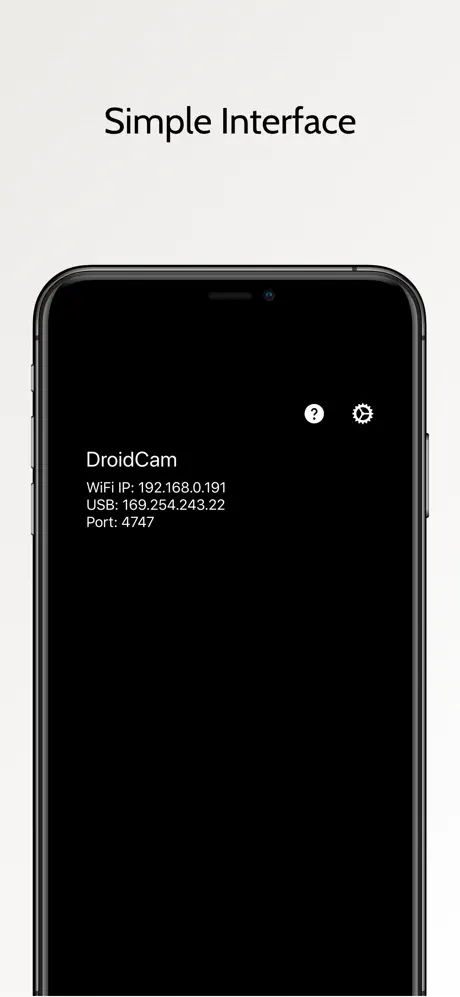
- Simple interface designed for ease of use, requiring minimal setup.
Using DroidCam with Your Computer
To utilize your iPhone as a webcam, install the DroidCam PC Client on your computer. The client is compatible with Windows and Linux systems and works seamlessly with many conferencing applications. The client allows your computer to receive high-quality video and audio streams from your phone, making it an excellent alternative to traditional webcams.
Additionally, for OBS Studio users, the DroidCam OBS plugin integrates your iPhone camera feed directly into your OBS setup. This plugin supports up to 4K UHD video resolution, enhancing your live streams and recorded content with superior image quality.
Efficiency and Reliability
DroidCam is designed to deliver reliable performance while minimizing battery consumption and latency. Whether you are conducting remote work meetings, remote learning sessions, or creating professional content, DroidCam provides a robust and flexible solution.
Advanced Options
Although the standard version offers unlimited use at standard definition, users can explore additional advanced camera features available within the app for enhanced video quality and customization.
Start using your iPhone as a webcam today and elevate your video communication to a new level with DroidCam.
Similar apps
 iVCamTransform your iPhone/iPad into an HD webcam for Windows PC with iVCam
 ToonSquidCreate stunning 2D animations with ToonSquid’s powerful layer system
 NDI Camera: Easy StreamingTurn your iPhone into a professional NDI camera
 Sufler: teleprompterSufler offers customizable teleprompting with versatile modes
 MediaConvertConvert, compress, and manage videos, audio, images, GIFs
 LidarCameraPremium unlocked for sharp low-light photos
 RadiantRAW capture, live film emulation, and lo-fi nostalgia modes
 RadianceDiscover Radiance Wallpaper Studio: 400+ high-res wallpapers
 OVF EditorEvery Pro photo-editing tool unlocked, filters, frames and text