
iVCam
Not sure? Worry-free Premium handles revokes for you.


Version added at: Oct 26, 2025
Size: 7.8 MB
iVCam Webcam App Modified Version
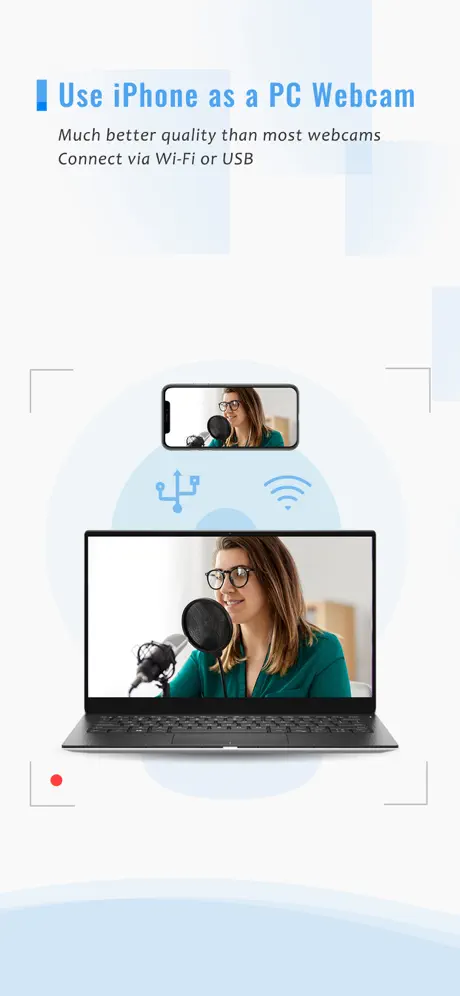
This modified version of the iVCam app transforms your smartphone into a high-quality webcam for your computer, supporting both Wi-Fi and USB connections. The app is compatible with popular video calling and streaming software, enhancing your video communication experience.
Features of the Modified Version
- Premium subscription unlocked: Access full app features without limitations.
- Free in-app purchases: Simulated purchases allowing access to paid content by initiating a purchase and then canceling.
iVCam transforms your iPhone or iPad into a high-definition webcam for your Windows PC, offering a remarkable upgrade over traditional USB or integrated webcams. Take advantage of superior video quality and enhanced features to elevate your video calls, live streams, or recordings.
This versatile app not only serves as a webcam replacement but also doubles as a baby monitor, security camera, spy cam, or pet cam, providing you with multiple functions in one convenient tool.
Worried about storage space on your device? iVCam solves this by recording videos directly to your PC, functioning like a remote video recorder to save your valuable device capacity.
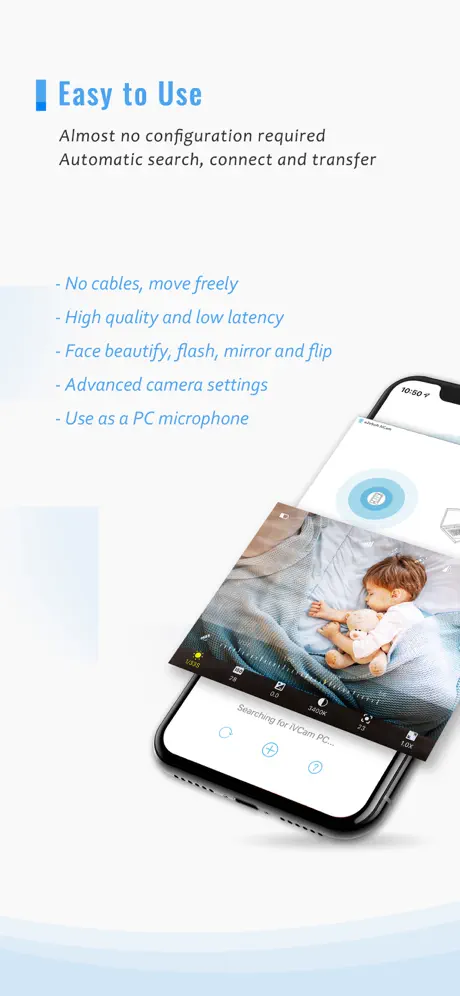
Setting up iVCam is straightforward and user-friendly. Simply download and install the client software on your Windows computer, and the connection between your device and PC will be established automatically without manual configuration.
Main Features
- High-quality, real-time video with low latency and fast speed ensures smooth, clear streaming and recording.
- Automatic connection via Wi-Fi or USB provides versatile and easy setup options.
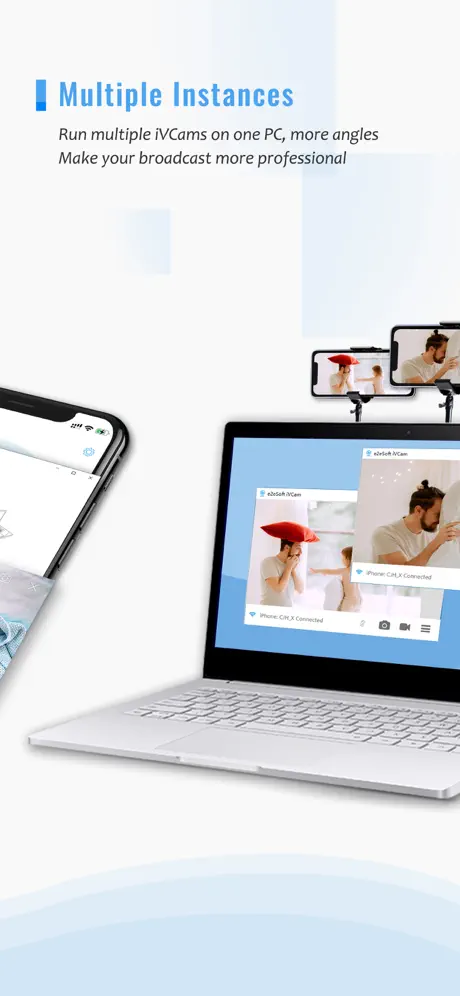
- Multiple device support, allowing you to connect and use several iPhones or iPads with one PC simultaneously.
- Supports various video resolutions including 4K, 2K, 1080p, 720p, 480p, and 360p to fit your needs.
- Advanced camera controls: adjust AE/AF (auto exposure/auto focus), ISO, exposure compensation, white balance, and zoom for perfect image quality.
- Configurable video frame rate, quality, and encoder options to optimize performance and output.
- Supports landscape and portrait modes for flexible video framing.
- Switch between front and rear cameras including wide angle and telephoto lenses in real time.
- Face beautify features, flash, manual/auto focus, and video flip/mirror enhance your video appearance.
- Background replacement effects such as blur, bokeh, mosaic, and green screen add creative touches to your video.
- Audio input support: use your smartphone as a wireless microphone for PC audio capture.
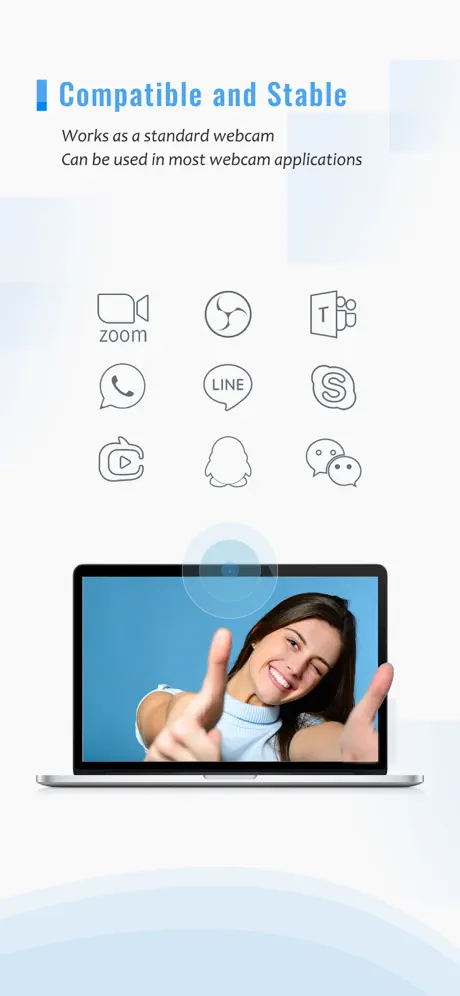
- Fully replaces USB or integrated webcams and is compatible with most PC applications that use webcam input.
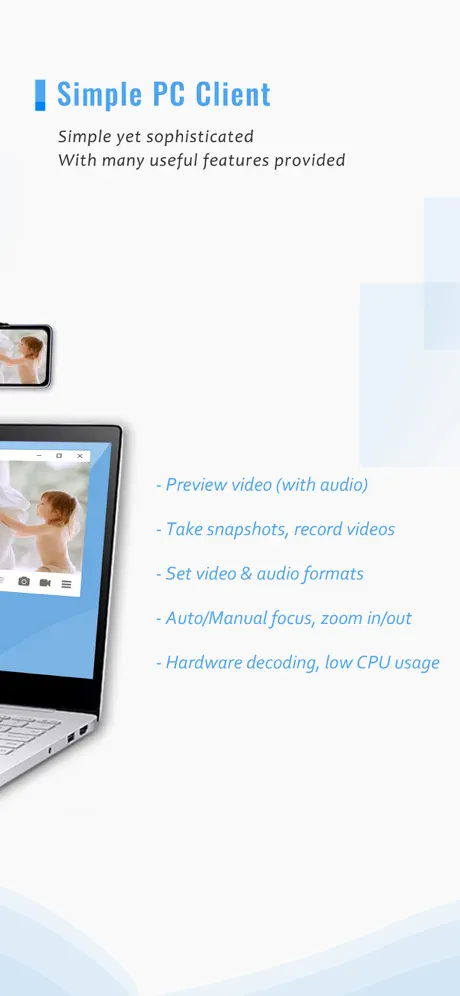
- Preview video, snap pictures, and record videos directly within the Windows client software for a comprehensive experience.
Similar apps
 DroidCam Webcam & OBS CameraTransform your iPhone into a versatile webcam with DroidCam
 NDI Camera: Easy StreamingTurn your iPhone into a professional NDI camera
 SpoolCreate stunning music videos on iOS with Spool
 VideoShowTransform your memories into stunning videos with VideoShow AI Video Editor
 ProCamThe paid manual camera app installed without a purchase
 MusemageReal-time camera filters and effects in full HD video and photos
 Touch upEnhance your photos effortlessly with Touch Up
 SnapCut PublicCreate stunning videos effortlessly on iOS with Snapcut – advanced editing
 MoodshotCreate stunning photos and videos with Moodshot’s AI tools, filters, overlays