
MediaConvert
Not sure? Worry-free Premium handles revokes for you.


Version added at: Oct 19, 2026
Size: 62.33 MB
What's unlocked in this version
Subscription features are unlocked in Media Converter - video to mp3 for iPhone and iOS, so you can use the app’s premium tools without paying. Download the updated IPA for a fully unlocked experience.
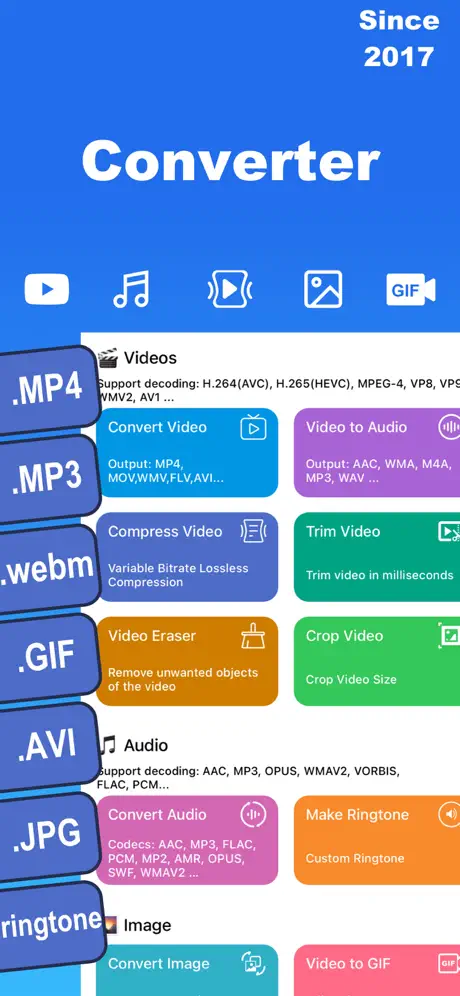
Media Converter is a comprehensive all-in-one tool designed to help you effortlessly convert, compress, and manage your multimedia files. Whether you are dealing with videos, audio tracks, images, GIFs, or PDFs, this app covers all your needs with ease and efficiency. Its user-friendly interface and robust features make it an essential companion for managing your digital media files.
With Media Converter, you can convert between a vast range of formats across different media types. This flexibility ensures compatibility with various devices and platforms, allowing you to enjoy your media without hassle. Additionally, the app supports creating custom ringtones from your favorite videos and compressing video files losslessly to save valuable storage space without sacrificing quality.
Audio Conversion and Editing
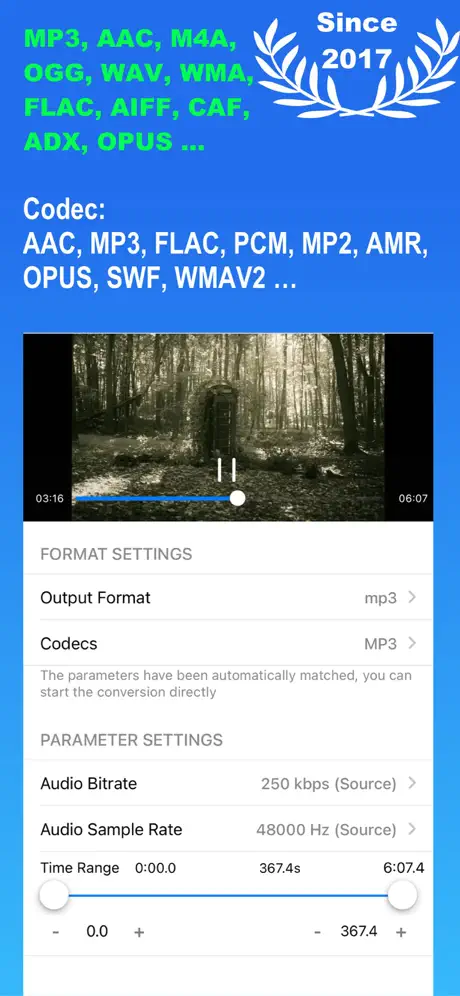
- Convert audio files to popular output formats including MP3, M4A, OGG, WAV, FLAC, WMA, AIFF, CAF, ADX, AC3, AAC, M4R, OPUS, and more.
- Utilize a wide range of supported audio codecs such as AAC, MP3, MP2, AMR, OPUS, SWF, WMAV2, WMAV1, VORBIS, REALAUDIO, SPEEX, DCA, EAC3, FLAC, TTA, and various PCM formats.
- Easily edit audio metadata, including title, artist, album, and cover artwork to organize your music collection effectively.
Video Conversion and Compression
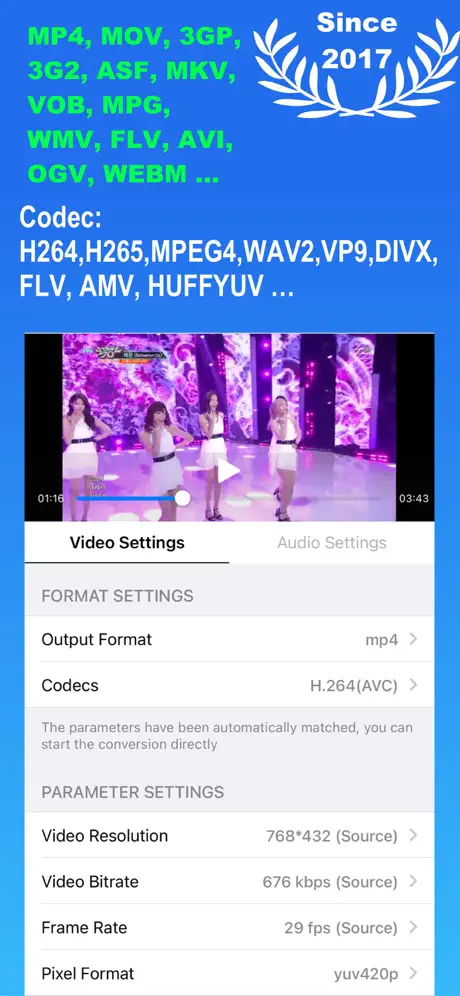
- Convert videos to formats such as MP4, MOV, 3GP, MKV, VOB, MPEG, WMV, FLV, AVI, OGV, WEBM, and more for seamless playback on your preferred devices.
- Video encoders supported include H.264 (AVC), H.265 (HEVC), MPEG-1, MPEG-2, MPEG-4, VP8, VP9, THEORA, XVID, DIVX, MJPEG, HUFFYUV, AV1, and other popular standards.
- Compress video files by adjusting resolution, frame rate, and bit rate, including lossless compression options to reduce file size without compromising quality.
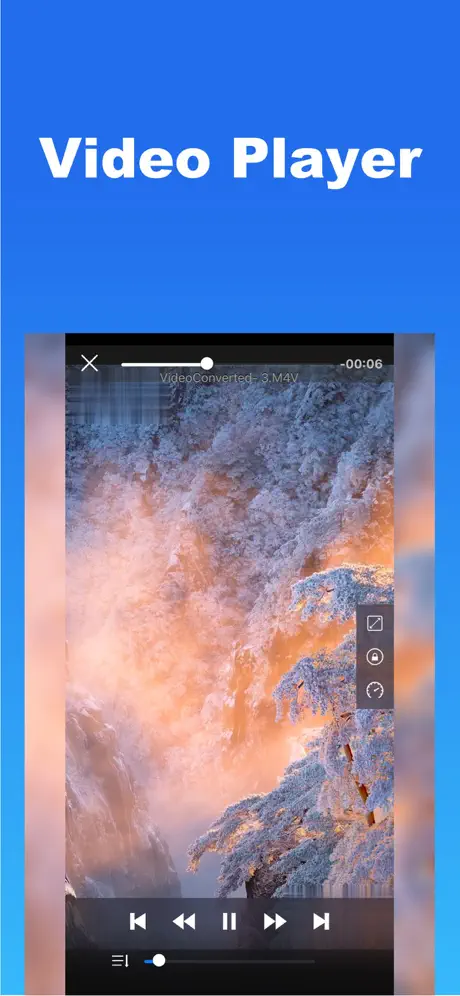
- Built-in video player supports a wide variety of video and audio file formats, enabling you to preview your media directly within the app.
Image and PDF Management
- Convert images between popular formats including JPG, PNG, HEIC, JPEG, WEBP, and more with ease.
- Convert PDF files into high-quality JPG or PNG images, or combine images to create PDF documents, providing flexible file format management.
Additional Features
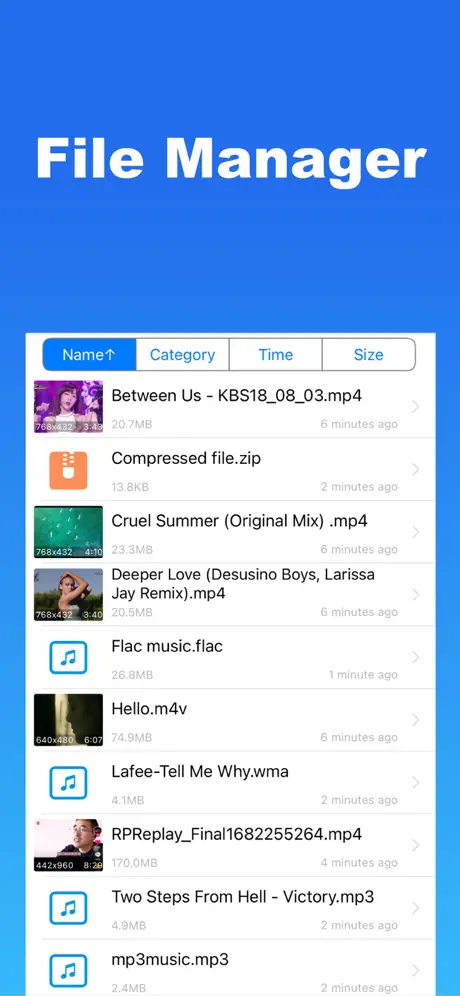
- Archive support: Open and extract files from zip, rar, 7z, and other compressed archives efficiently.
- File transfer options: Import multiple files in batches, transfer files via WiFi wirelessly from your computer, or directly import recorded videos from your system album.
- File backup: Securely upload and back up your files to iCloud Drive to keep your data safe and easily accessible.
Media Converter ensures a seamless and versatile experience for all your multimedia conversion and management needs, making it an invaluable tool for users of all levels.
Similar apps
 ComprestoSubscription unlocked for batch photo and video compression
 MomentoPremium tools unlocked and no ads for making GIFs from photos and video
 CompressorShrink photos, videos and PDFs with the subscription unlocked
 InCollageCreate stunning photo collages and edit images effortlessly with InCollage
 AI GIF PhotoCreate, enhance, remove objects, and colorize photos
 ImgPlayMake GIFs from video, Live Photos, and screen recordings
 Video compressor - save spaceCompress and manage your videos effortlessly with customizable settings
 BeautyPlusAI portraits, background removal, makeup tools and 400+ filters
 ReelsCreate viral Instagram Reels with trending templates