
Compressor
Not sure? Worry-free Premium handles revokes for you.


Version added at: Jul 23, 2026
Size: 64.36 MB

What’s unlocked in this version
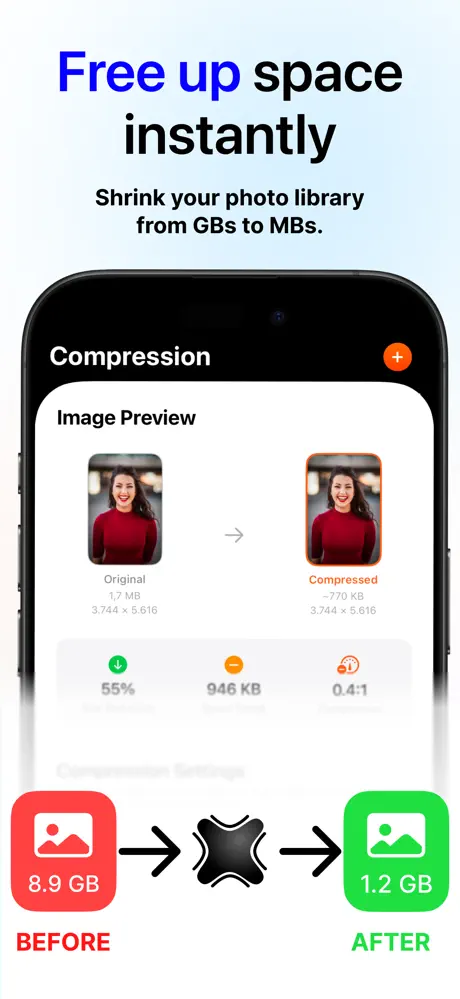
Subscription unlocked in Image Video PDF Compressor v1.4 for iOS. Download the updated IPA to use the app’s premium features without an active subscription.
Image Compressor cuts the file size of photos, videos and PDFs, and this page offers the Image Compressor IPA for iPhone with the subscription unlocked. The App Store title of the app is Image Video PDF Compressor, and the changelog calls this build version 1.4.
About Image Compressor
The app is made by Youssef Ismaili, filed under Utilities, and appeared on the App Store in September 2025. Everything runs on the device, so nothing you compress is sent anywhere, and your history can sync between your devices through iCloud.
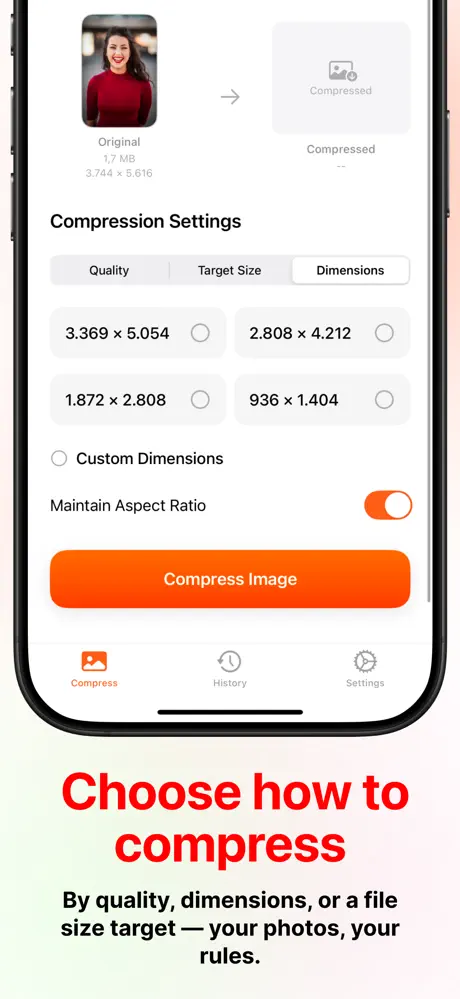
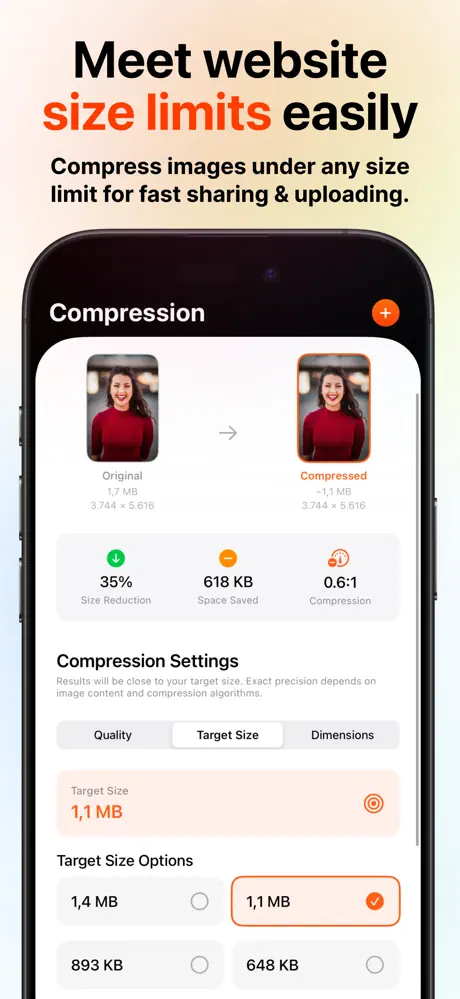
For photos you set a quality from 10 to 100 percent, aim for a particular size in kilobytes or megabytes, or resize to a precise pixel size or a ratio preset. Files can be converted between JPEG, HEIC, PNG and PDF. Videos have High, Medium and Low presets, a choice of H.264 or HEVC, and output resolutions from 4K down to 480p, with a live progress readout and a size estimate. PDFs can be compressed with Lossless, Balanced or Maximum presets while the text stays searchable and selectable.
Several images can be processed in one batch with proportional size targets, and the result can be saved, shared or exported to Files. You can keep or strip metadata such as EXIF, GPS and timestamps before sending a picture away.
Image Compressor tweak features
- Subscription unlocked, so premium compression features open without a plan
- Image tools: quality slider, target file size, custom dimensions, format conversion
- Video compression with codec and resolution choices
- PDF compression that keeps text selectable
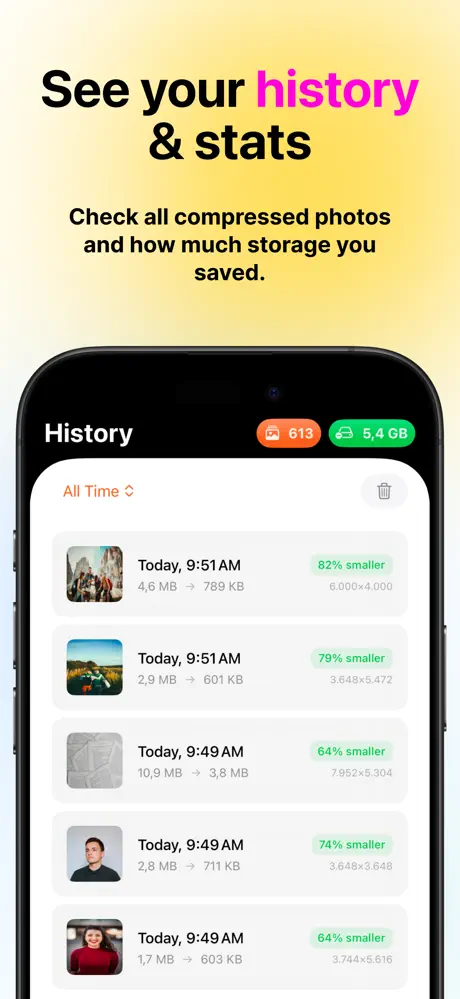
- History with date timeline and totals for space saved
What changed recently
The latest store notes describe a redesigned compression screen where the file size counts down while the effect sweeps across your media, four history layouts (grid, masonry, timeline and list), multi-select deletion, smaller files when saving to another format, steadier handling of large batches and a fix for loading PDFs. The App Store version is free, needs iOS 17 or later and has a 4+ rating.
Low on storage? Image Compressor sits on builds.io, and its IPA installs on your iPhone in one tap with no PC.
Similar apps
 Phase - Sleep Schedule ResetGuided sleep schedules, daily nudges, and widgets
 Video Compressor - KompressoBatch video compression, offline on-device processing
 Video compressor - save spaceCompress and manage your videos effortlessly with customizable settings
 MediaConvertConvert, compress, and manage videos, audio, images, GIFs
 FitRoomAI try-on, smart closet, and high-res image downloads
 Loopsie: AI Image EffectsAI video effects, 3D photos, and anime filters, no subscription
 UniDreamSubscription unlocked for AI art, image-to-image tools and avatars
 DehancerSubscription unlocked for film emulation, grain, bloom and halation
 AI画伯Subscription unlocked, 300+ painting styles from Rembrandt to Picasso