
ImgPlay
Not sure? Worry-free Premium handles revokes for you.


Version added at: Sep 02, 2026
Size: 215.04 MB
What’s unlocked in this version
ImgPlay: GIF Maker & Meme now includes subscription unlocked access in this updated IPA for iPhone and iPad. Enjoy the app’s premium features without the paywall.
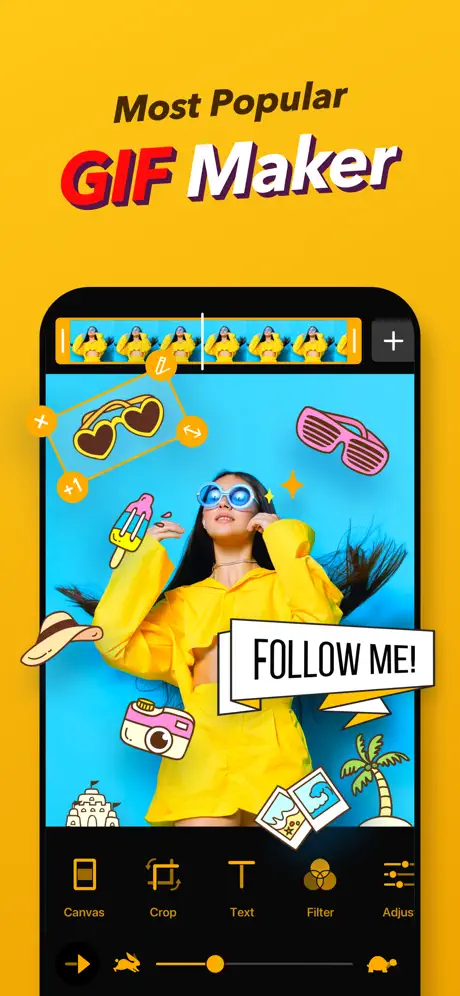
Turn everyday clips into polished loops with ImgPlay. If you want to download ImgPlay IPA for iPhone or download ImgPlay IPA for iOS, this build puts a fast, creator-friendly GIF editor on your device so you can make smooth animations from videos, Live Photos, bursts, photos, and screen recordings without a complicated workflow. On builds.io, the IPA installs in one tap with no PC.
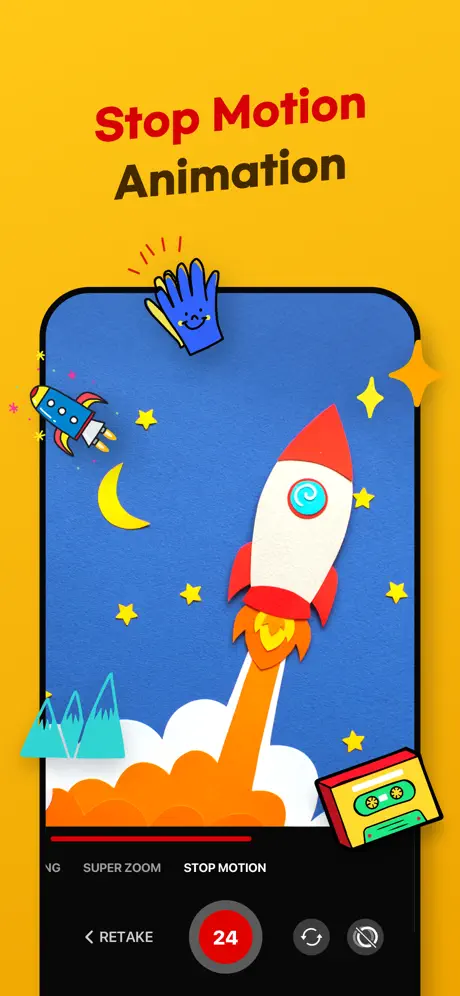
ImgPlay is built for quick sharing and precise control. You can trim source clips, stack multiple images into stop-motion sequences or slideshows, and pull files in from cloud or local sources for easy editing. It also gives you frame-by-frame control, so you can remove bad moments, reorder shots, or save a single frame when you only need part of the animation.
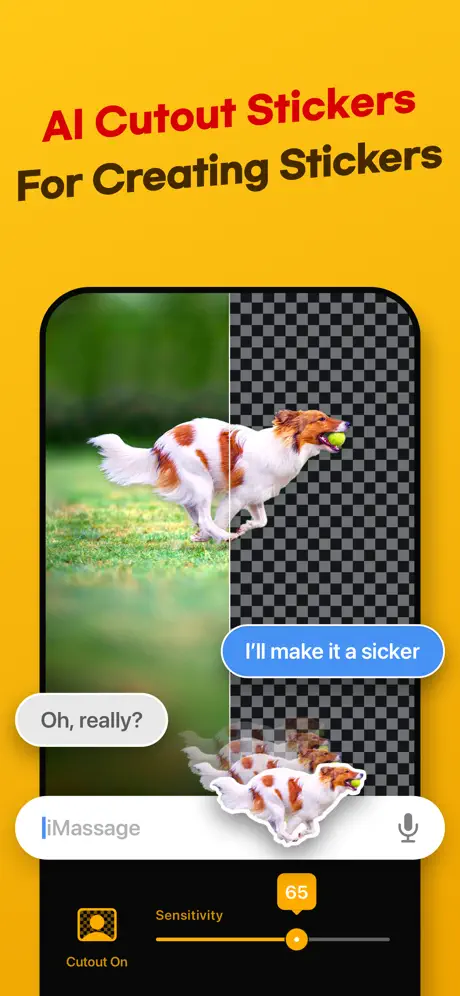
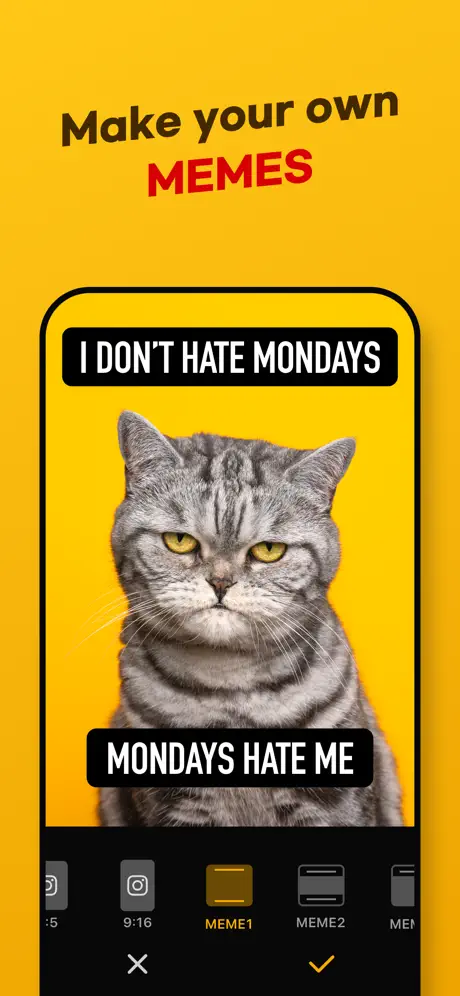
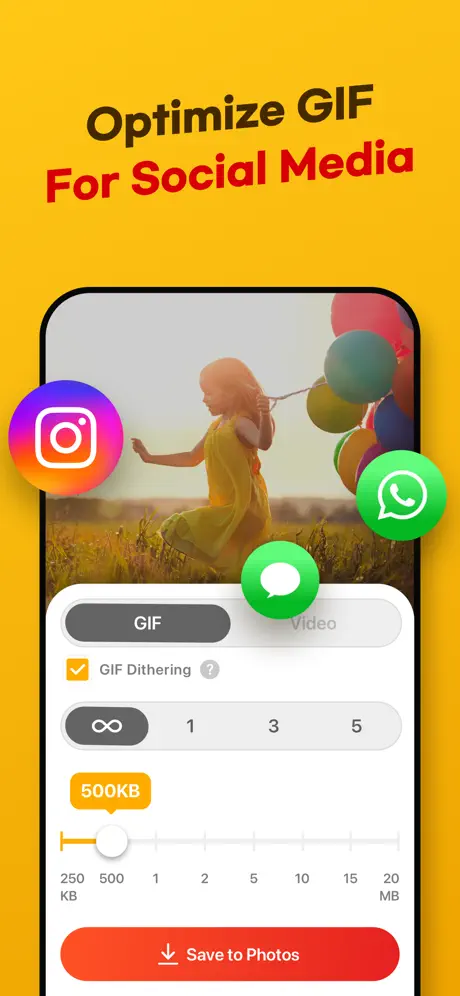
The app is especially useful when you want your content to look clean on social platforms. With support for different canvas ratios, playback direction options, loop controls, frame-rate choices, visual adjustments, text styles, stickers, and background tools, ImgPlay helps you shape everything from memes to branded short loops. It also includes AI background removal and export options designed to keep output crisp while managing file size.
What the ImgPlay tweak adds
- Convert videos, Live Photos, burst shots, still images, and screen recordings into GIFs
- Trim clips precisely before exporting a loop
- Combine multiple photos or files into stop-motion animations, slideshows, or collages
- Import media from iCloud, Dropbox, Wi-Fi, or iTunes
- Use camera capture modes including hands-free, normal, stop-motion, and boomerang
- Remove backgrounds with AI-powered tools
- Adjust canvas ratios for Instagram, TikTok, Stories, Reels, X, and more
- Fine-tune speed, looping, playback direction, FPS, crop, rotate, flip, and zoom
- Edit frames individually, reorder them, or delete unwanted ones
- Add text effects, imported fonts, stickers, filters, borders, logos, and drawing overlays
- Export as GIF, MP4, APNG, or WebP with resolution and file size controls
Get the ImgPlay tweak on builds.io to download the IPA and install it on your iPhone in one tap, no PC needed.
Similar apps
 intoLiveVertical video editing, effects, music, and transitions
 VDIT - Video Maker & EditorCreate stunning videos effortlessly with VDIT
 AI GIF PhotoCreate, enhance, remove objects, and colorize photos
 MomentoPremium tools unlocked and no ads for making GIFs from photos and video
 TapeKitTransform your iPhone home screen with TapeKit’s customizable GIF, video, photo
 B612B612 offers smart camera features and professional editing tools
 Reface: Face Swap AI Generator HackPro unlocked for AI face swap videos, gifs and photos
 Photogenik: Pose & Photo CoachPose guides, angle matching, and personalized tips
 SnapEnhanceEnhance blurry photos with AI and face detection