
Streamer iOS
Not sure? Worry-free Premium handles revokes for you.


Version added at: Jul 01, 2025
Size: 43.78 MB
Streamer App v1.3.0 Update
This update brings several interface enhancements and user experience improvements for a smoother and more intuitive interaction. Notably, the settings panel now features a blurred background effect enhancing visual appeal, alongside multi-language support with the addition of English for Torrentio, improving access to English-only links.
Key Features
- Blurred Settings Interface: Sleek blurred background for the settings panel.
- Multi-language Support: Added English language for Torrentio links.
- Apple TV Focus Improvements: Improved focus on the "Watch Now" button, facilitating quicker content streaming.
- Controller Navigation Fixes: Optimized navigation for Apple TV remotes and game controllers.
- Bottom Slider Redesign: Enhanced bottom slider for better usability.
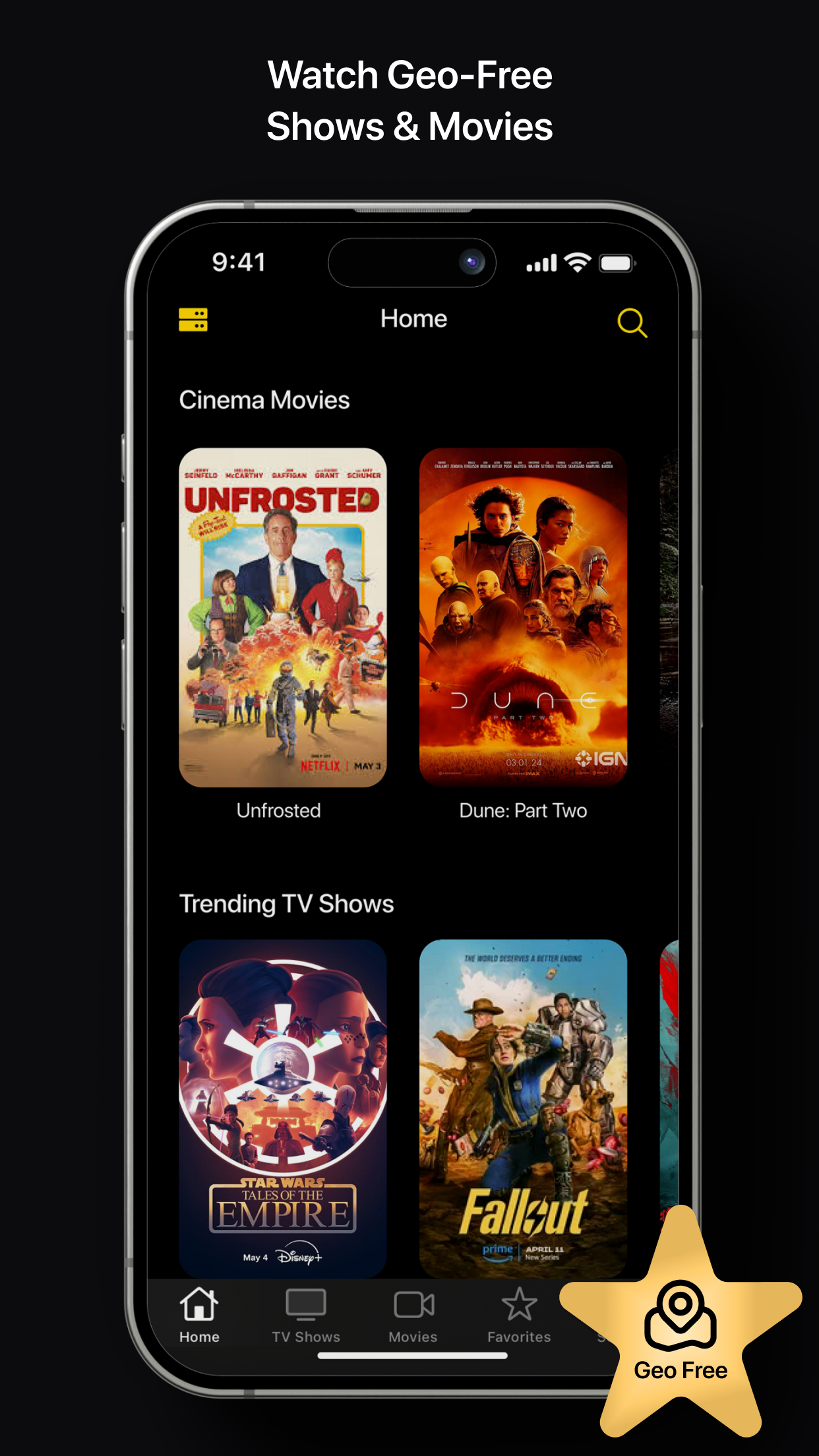
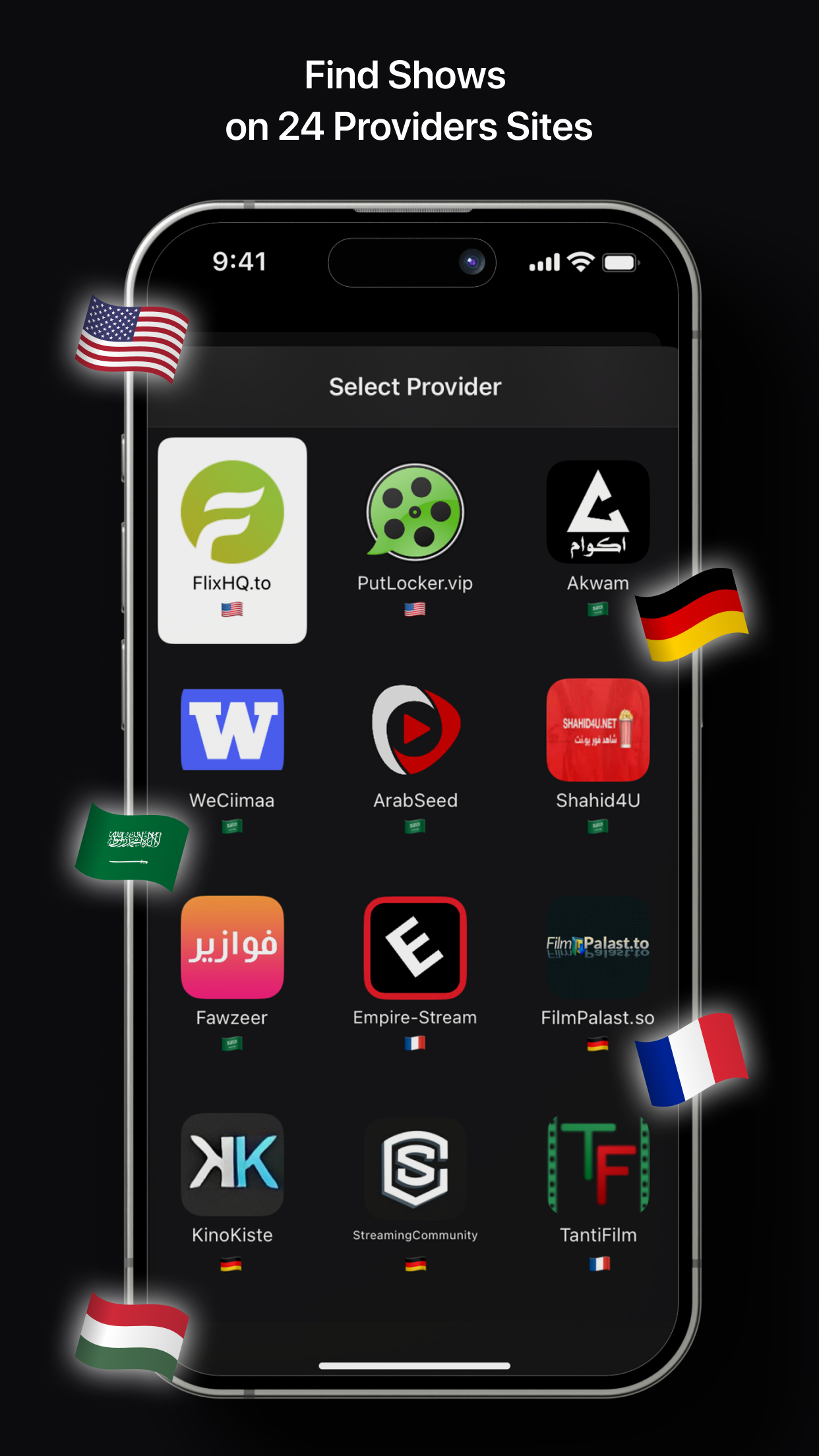
Streamer is a movie and TV streaming app for iPhone and iPad that pulls content from 24 provider sites without geographic restrictions. Download the Streamer IPA for iOS and browse titles in multiple languages and genres from one library.
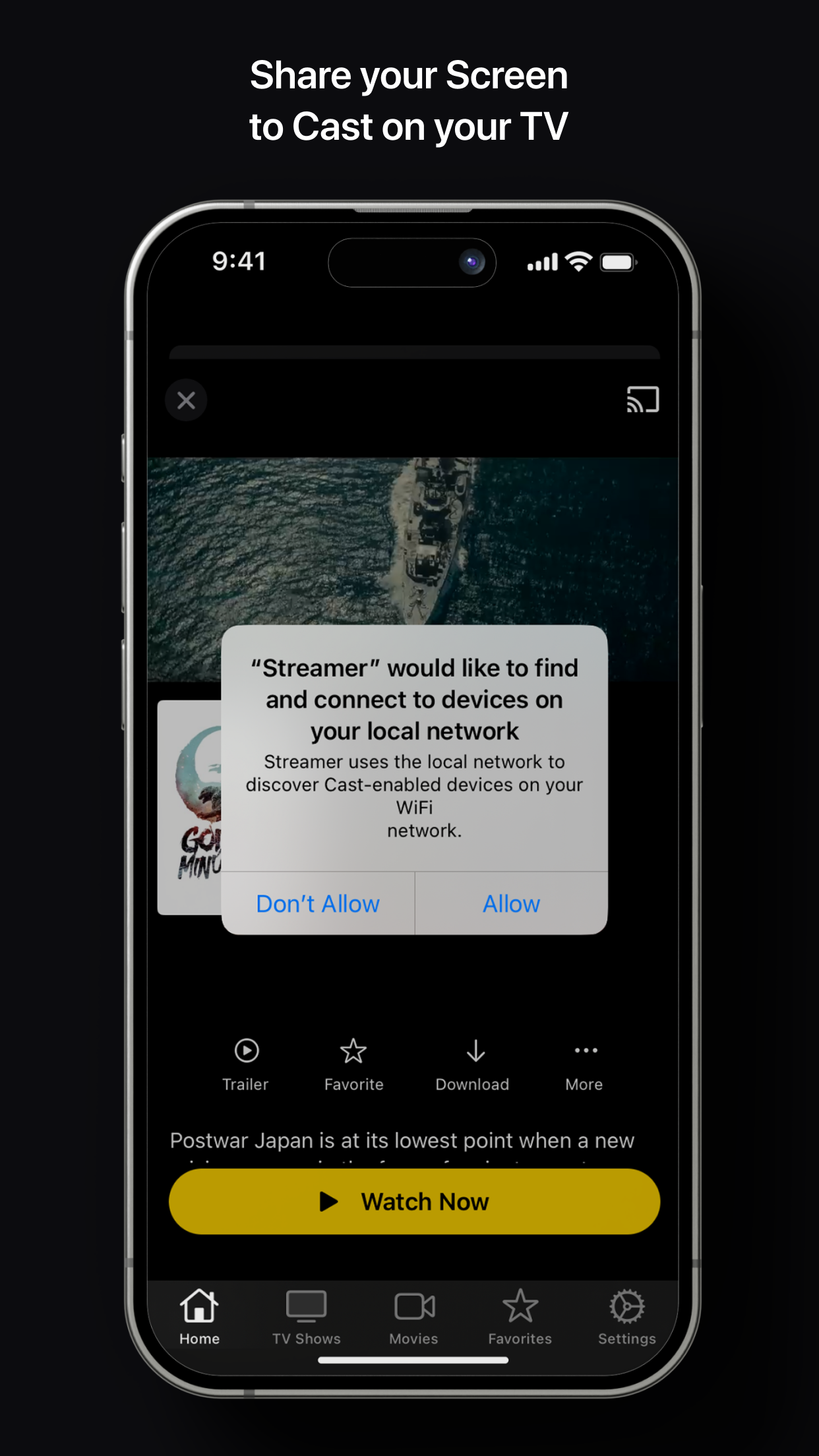
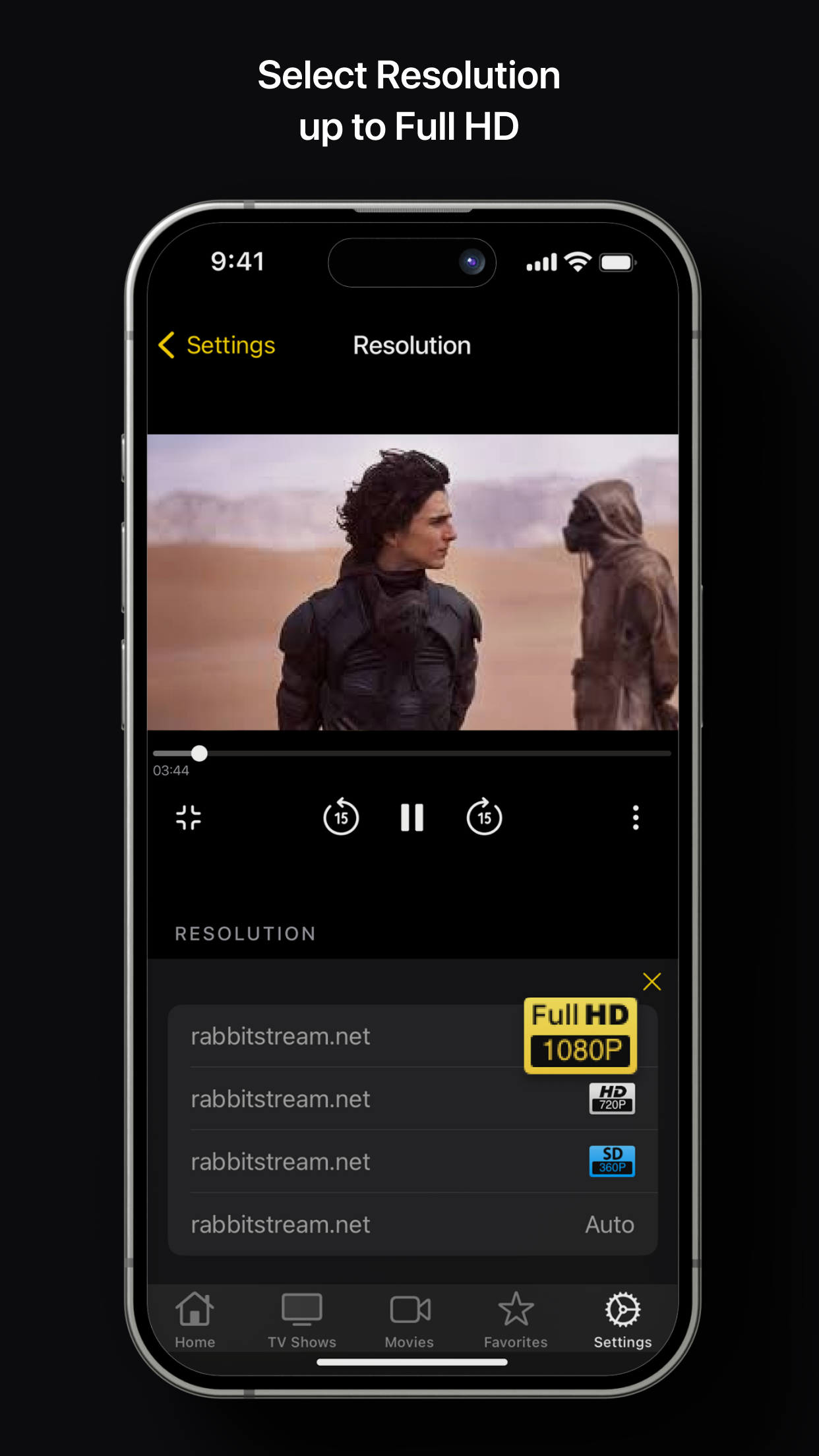
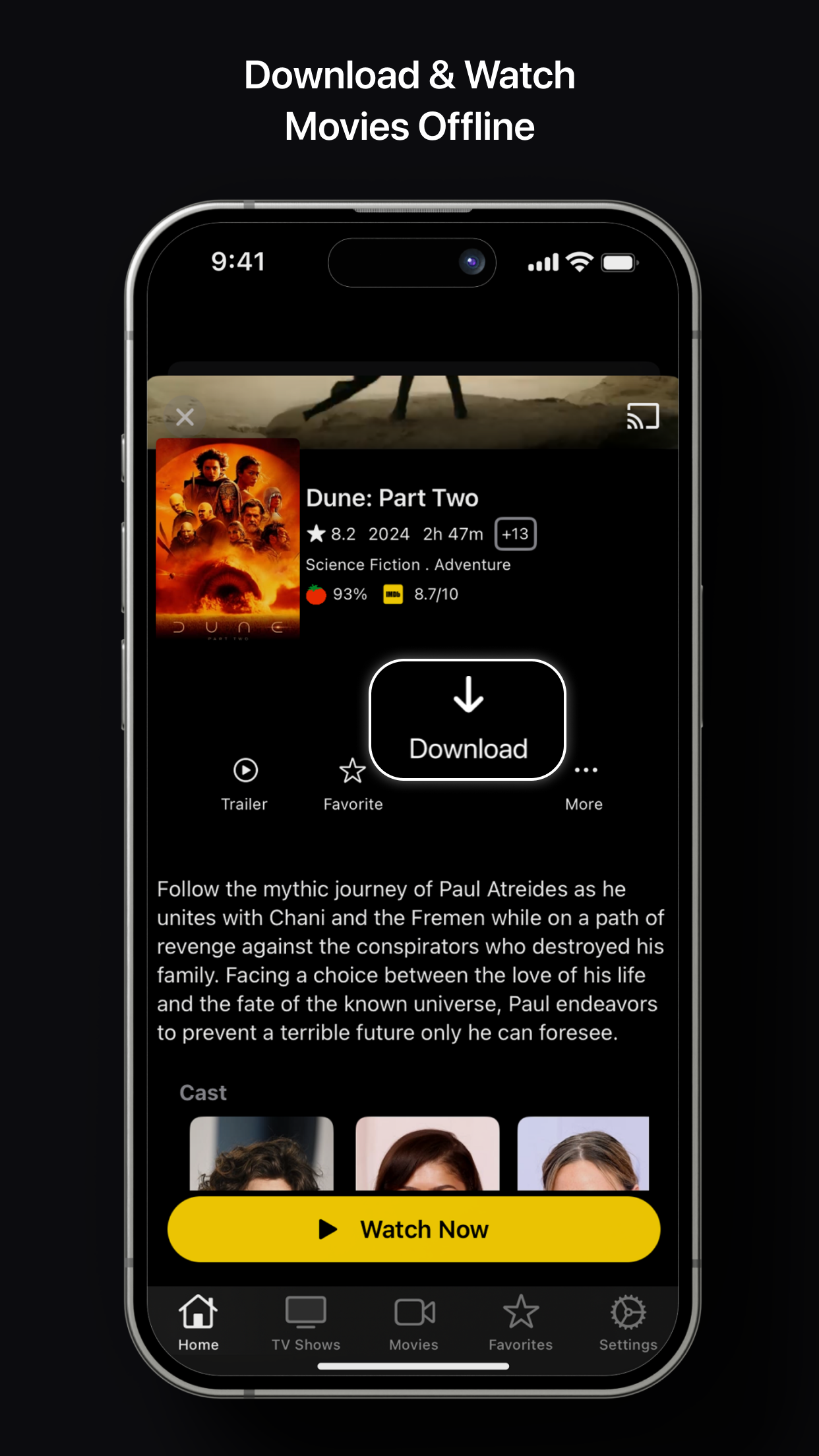
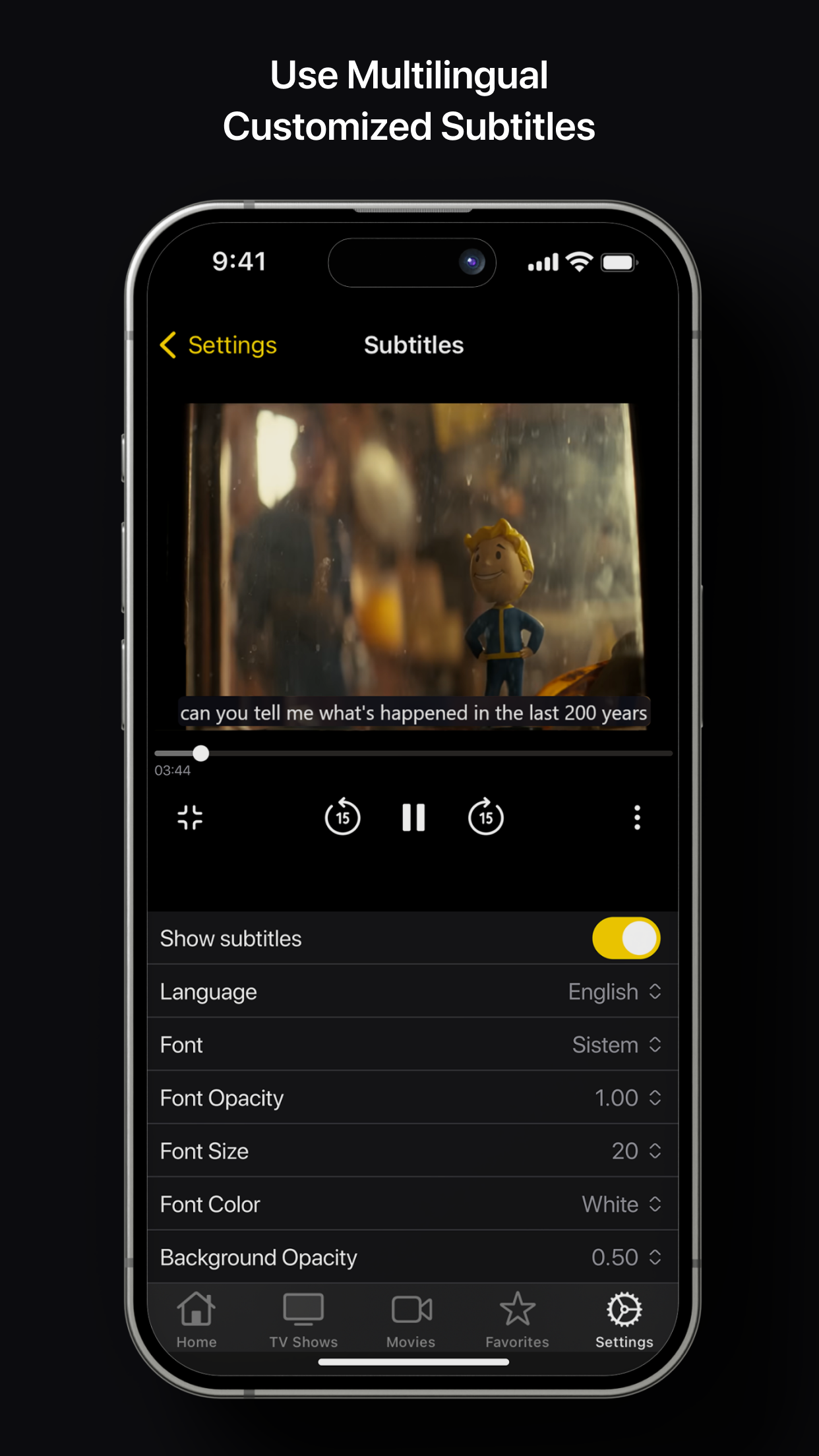
Download movies to watch offline anywhere, match subtitles from opensubtitles.com with adjustable font, size, color and opacity, and stream directly to your TV. Sort titles, save favorites for quick access, and watch in resolutions up to Full HD.
Key features
- Movies and shows from 24 provider sites, no geo restrictions
- Offline downloads for watching anywhere
- Customizable multilingual subtitles
- TV casting and playback up to Full HD
Get Streamer on builds.io — download the IPA and install it on your iPhone or iPad in one tap, no PC.