Snappier IPTV
Version added at: Oct 18, 2025
Size: 61.02 MB
Snappier IPTV Pro Features Unlocked
The Snappier IPTV app has been modified to unlock all Pro features, providing users with access to advanced functionality without additional cost. This enhancement allows for a more comprehensive streaming experience, enabling the use of premium options typically restricted to paid users.
Features Unlocked
- Access to all Pro-level tools and settings
- Enhanced streaming capabilities
- Removal of any in-app restrictions related to subscription status
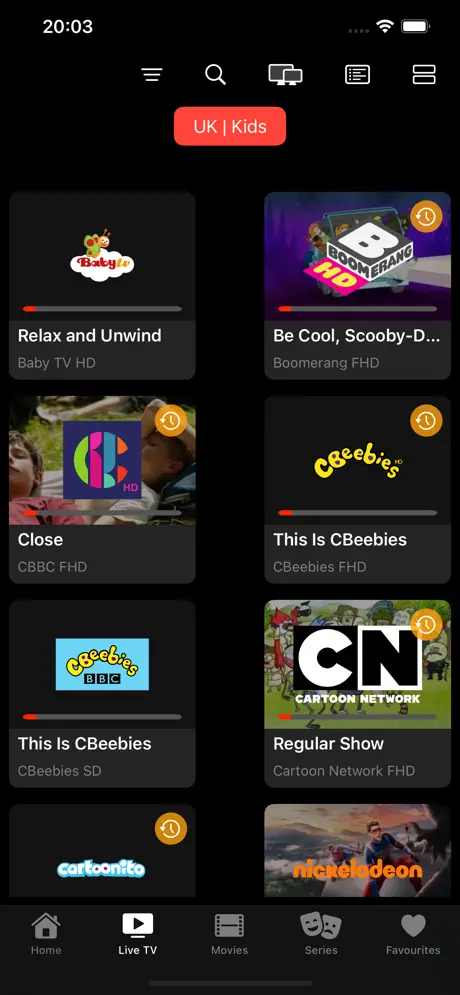
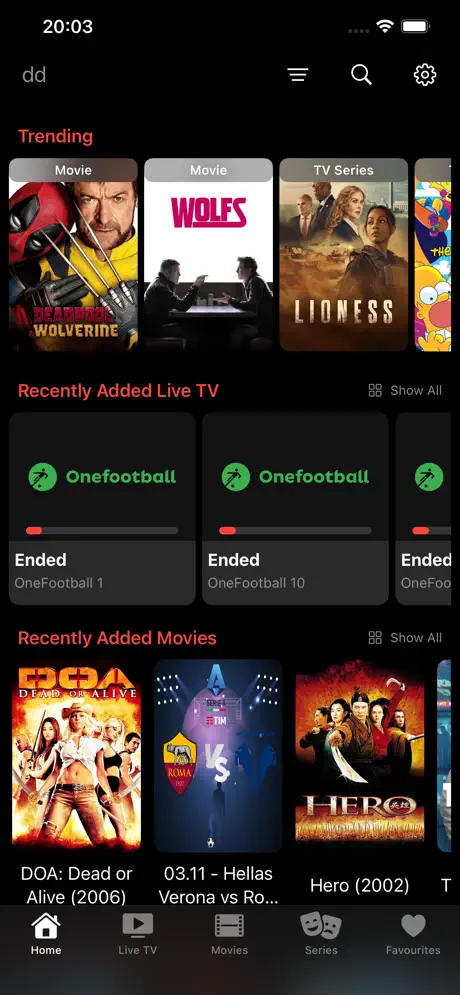
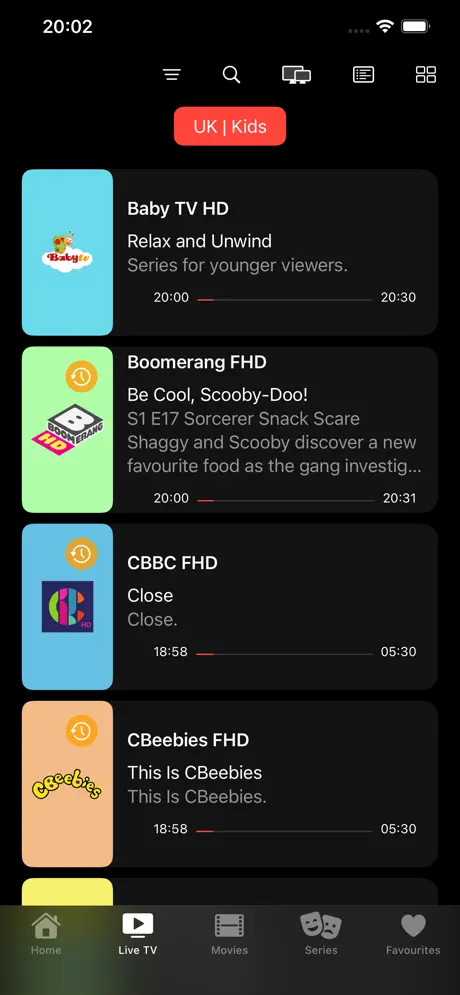
Snappier IPTV is a versatile and powerful IPTV streaming application designed for Apple TV (preferably 4K models), iPad, and iPhone. Although it does not provide content itself, the app allows users to seamlessly stream live TV, VOD movies, and TV series from their own IPTV providers. Featuring three built-in media players – KSPlayer, VLC, and MPV – Snappier IPTV offers a robust viewing experience tailored to various user preferences.
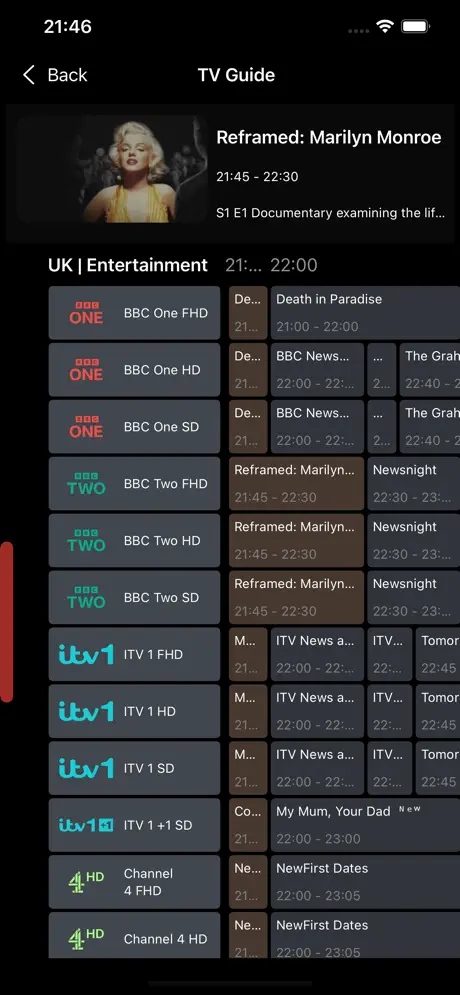
KSPlayer uniquely supports native Picture In Picture and HDR, enhancing video quality and multitasking capabilities. The app efficiently handles M3U and EPG parsing both in the background and foreground. It also supports third-party EPGs such as IPTVEditor by enabling an External EPG URL option in the settings, thereby enriching the program guide experience.
Core Features
- Multiple Built-in Media Players: Choose between KSPlayer, VLC, and MPV to suit your playback needs.
- Extensive Format Support: Stream live TV, video on demand, and catch-up services in SD, HD, and 4K (dependent on your provider).
- Advanced Playback Controls: Including video de-interlacing, aspect ratio adjustment, buffer control, advanced audio delay settings, and skip forward/backward functionality (MPV on iOS currently lacks skip support).
- Subtitle and Audio Track Support: Use internal subtitles and select from multiple internal audio tracks where available.
- Playlist Management: Handle multiple playlists with the ability to update all playlists or EPG data at once.
- Data Synchronization: Sync app data across your devices (excluding playlists and EPG) using iCloud support.
- Multi-Screen Viewing: Choose from 1x1, 2x1, or 2x2 screen layouts for multitasking viewing.
- Flexible Sorting and Categorization: Sort channels, movies, and series by date added, name, or original order, and create custom categories to organize favorites.
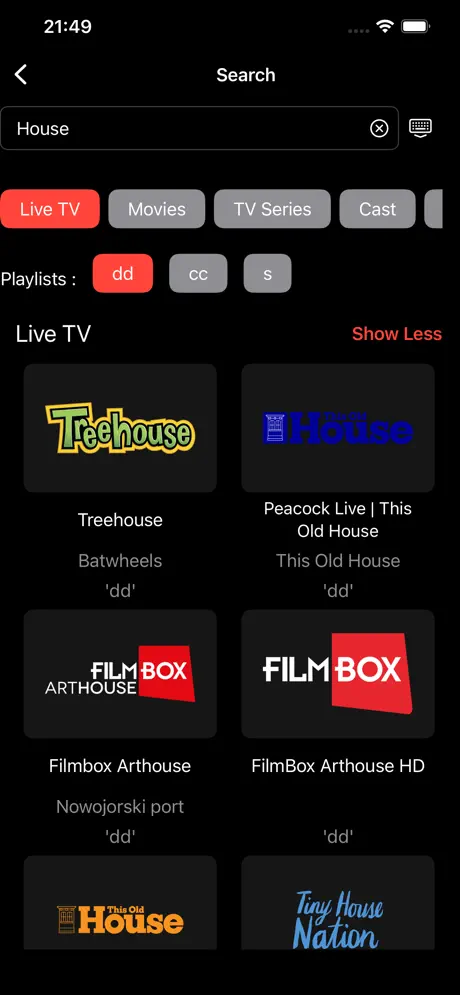
- Search Functionality: Search across channels, TV series, movies, EPG data, and actors’ names for quick content discovery.
- Parental Controls: Restrict live TV and movie categories to manage access safely.
- Metadata Customization: Adjust movie and TV series plot information and switch languages for metadata display.
- Network Stream Playback: Play standalone network stream URLs directly within the app.
Additional Functionalities
- Xtream Codes and M3U Support: Login with Xtream Codes or upload M3U playlists (note: some M3U formats have limited compatibility).
- TinyURL and Similar Link Support: Easily handle shortened playlist URLs for simple load-in.
- Automatic Playback Resume: The app saves your playback position and resumes from where you left off for movies and TV episodes.
- Optimized for Apple TV 4K: Best performance on Apple TV 4K models; Apple TV HD is supported but with lower performance.
Snappier IPTV leverages trusted data sources such as OpenSubtitles, The Movie Database (TMDB), and JustWatch (via TMDB) to enhance user experience and metadata accuracy. While the free version limits playback to 240 seconds per session, the app provides a feature-rich IPTV solution for users with their own content providers.
Please note that the app does not supply any paid playlists or content. It is recommended to use IPTV providers that support Xtream Codes for optimal functionality. Free-to-air M3U playlists can also be used, though with some limitations in functionality.
For support or further assistance, users may contact the support team directly via email.