
rPlayer: VR & 3D Video Player
Not sure? Worry-free Premium handles revokes for you.


Version added at: May 01, 2026
Size: 55.39 MB
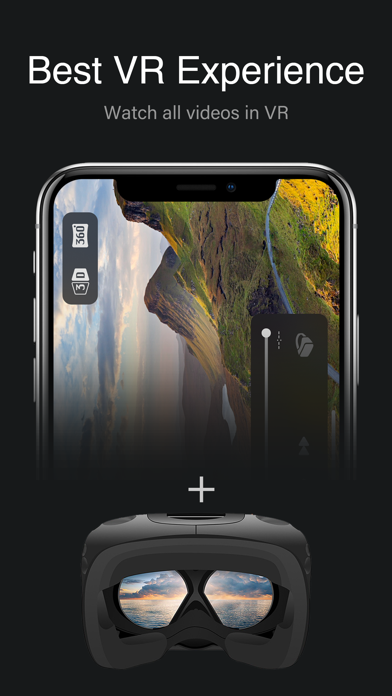
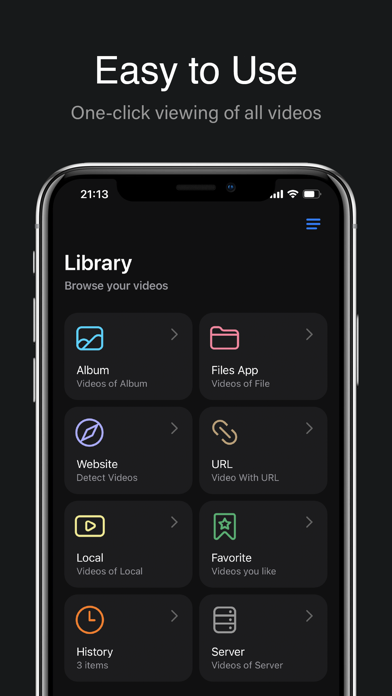
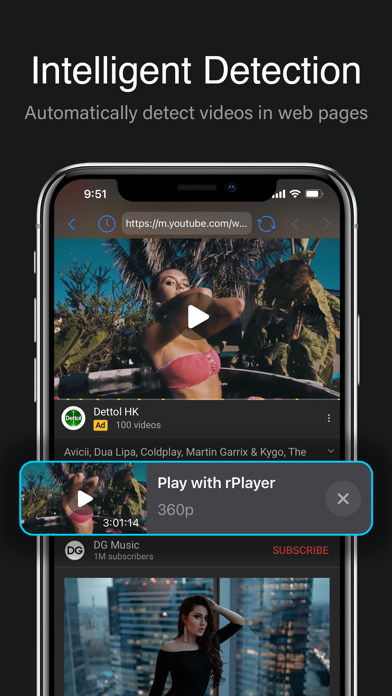
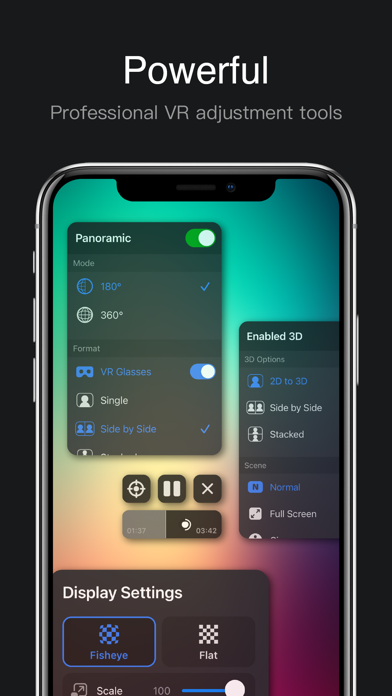
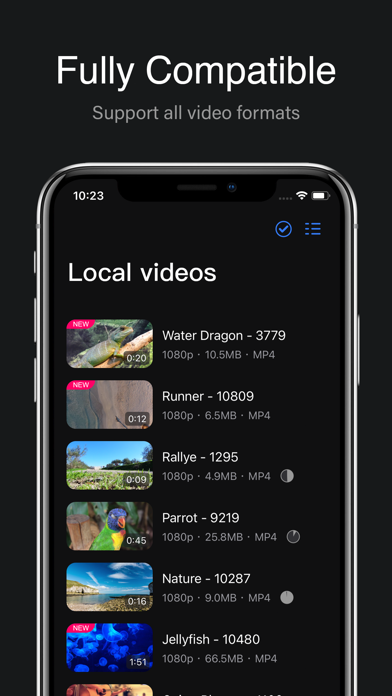
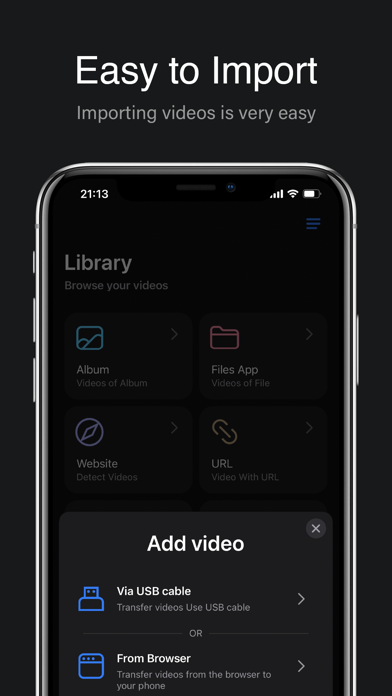
rPlayer: VR & 3D Video Player is an innovative application designed to bring your virtual reality and 3D video experiences to life on your iOS device. With its intuitive interface and powerful playback capabilities, rPlayer transforms the way you enjoy immersive content, providing seamless support for a wide range of VR and 3D video formats.
Whether you are watching movies, exploring immersive VR environments, or enjoying stereoscopic 3D content, rPlayer offers optimized performance to deliver crisp visuals and smooth playback. The app leverages your device's hardware to provide an exceptional viewing experience tailored to VR headsets and compatible gadgets.
Key Features
- Wide Format Support: Play various VR and 3D video formats including side-by-side, top-bottom, and 360-degree videos with ease.
- High-Quality Playback: Enjoy smooth streaming and high-resolution video output optimized for iOS devices.
- Intuitive User Interface: Navigate through your video library and playback controls effortlessly with a clean and user-friendly design.
- Customizable Viewing Modes: Adjust viewing parameters such as screen size and 3D depth to suit your preferences.
- Offline Viewing: Download and watch your favorite VR and 3D videos anytime, anywhere without an internet connection.
- Bookmark and Resume: Save your progress and seamlessly resume videos from where you left off.
How to Use rPlayer
Simply import your VR or 3D videos into the app’s library, select the preferred viewing mode, and start your immersive experience. Use the on-screen controls to adjust playback settings for optimal comfort and enjoyment.
read more...
For best results, ensure your VR headset is properly connected to your iOS device before launching the video. Explore the app settings to customize controls and display options further. Regularly update the app to benefit from ongoing improvements and new features.
Similar apps
 VidHub ✨Play many formats, manage libraries, and access cloud videos
 SenPlayerSmooth playback, streaming support, subtitle tools, and cross-device sync
 MixStream, download, and organize your music effortlessly on iOS
 IPTV ExpertExperience flawless IPTV streaming with IPTV Expert for iOS
 Infuse Plus - Video Player for iOSPremium playback, cloud streaming and subtitles unlocked, no ads
 DramaWave ✨Vertical drama streaming, offline viewing, and subtitles
 Vinegar - Tube CleanerAd-free YouTube playback in Safari with picture-in-picture and background audio
 Flex IPTVStream live and on-demand TV with Flex IPTV
 TV RemoteControl your TV effortlessly with TV Remote - Universal Control