DoCast: Screen Mirroring to TV
Version added at: Oct 21, 2025
Size: 21.78 MB
Premium Features Unlocked
This version of Screen Mirror Smart TV: DoCast includes all premium features unlocked, allowing users to access advanced functionalities without any restrictions. The application supports devices with a minimum OS version of 15.0, ensuring compatibility with recent operating systems.
Features
- Full access to premium tools and capabilities.
- No limitations on casting and mirroring options.
- Enhanced user experience with unlocked content and functionalities.
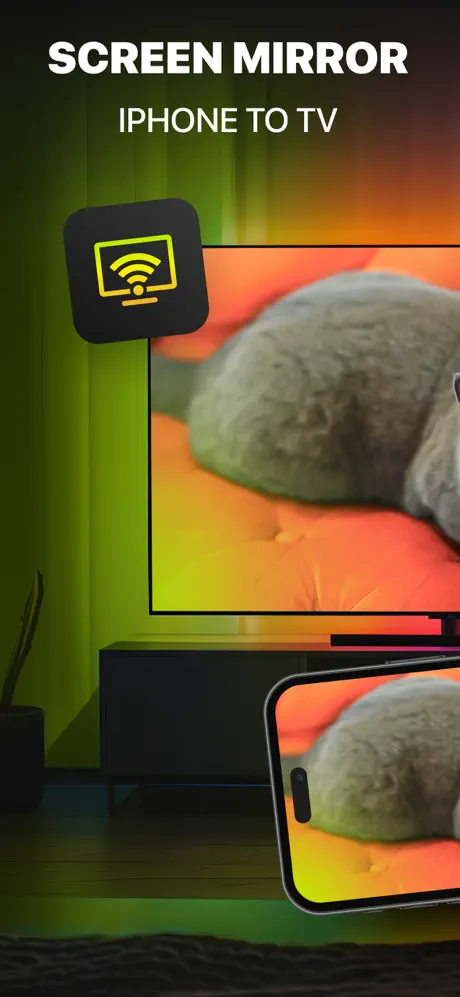
DoCast is an exceptional screen mirroring app designed exclusively for iPhone and iPad users, allowing seamless and high-quality screen sharing to any Smart TV with virtually no delay. Whether you want to stream your favorite videos, show photos, or play music on a bigger screen, DoCast makes the process effortless and enjoyable.
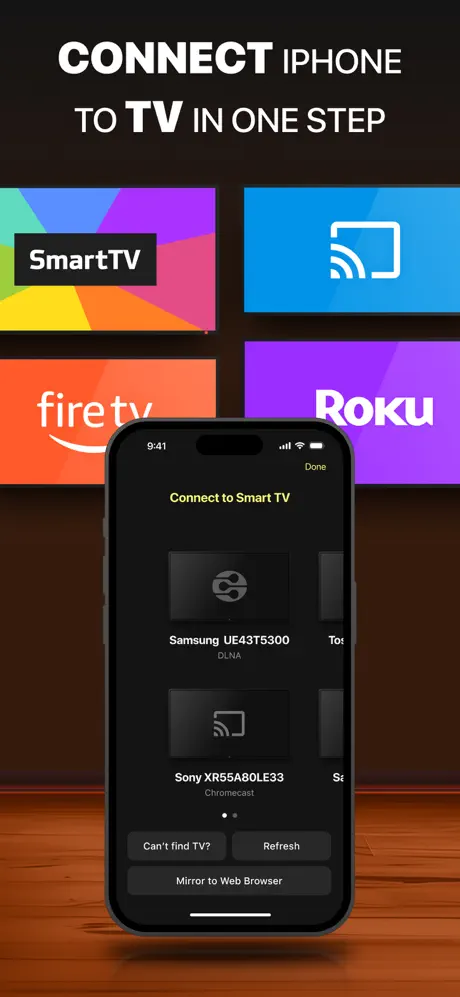
With DoCast, connecting your iPhone or iPad to Smart TVs is straightforward and intuitive. This app supports a broad range of popular Smart TVs and streaming devices, ensuring wide compatibility and a smooth casting experience every time.
How to Screen Mirror iPhone to Smart TV
- Open the DoCast app and select your desired device from the list of available devices.
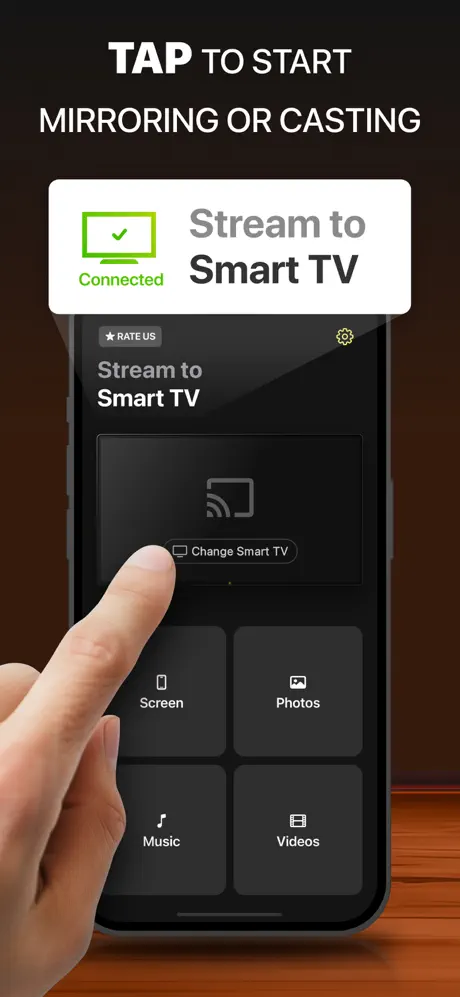
- Tap the "Screen" button on the main interface to initiate screen mirroring.
- Adjust the mirroring settings to suit your preferences and press the "Start mirroring" button.
- When finished, tap the "Stop mirroring" button within the app to end the session.
Streaming Media to Your TV
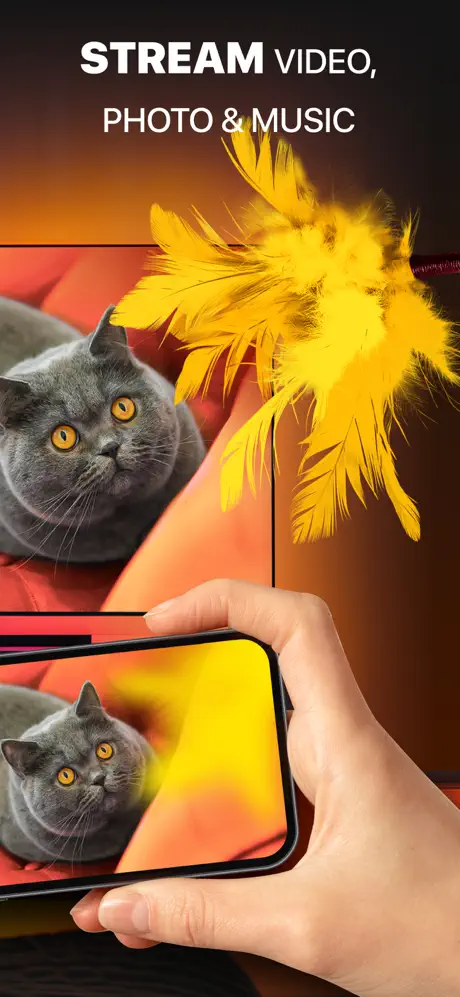
Besides screen mirroring, you can cast specific media content such as videos, photos, or music directly from your iPhone or iPad. Simply select the corresponding Videos, Photos, or Music button on the main screen of DoCast, then choose the content you wish to stream to your Smart TV or compatible speakers.
Important: Make sure your iPhone or iPad and the target device are connected to the same Wi-Fi network and router to enable seamless streaming and mirroring.
Key Features of DoCast
- High-Quality Screen Sharing: Mirror your iPhone screen to any Smart TV with exceptional picture clarity for an immersive viewing experience.
- Customizable Viewing Experience: Adjust video quality settings and enable auto-rotation to ensure content displays perfectly on your TV screen.
- Low-Latency Mirroring: Experience delays lower than one second on strong Wi-Fi connections, enabling real-time interactions without lag.
- Unlimited Photo Casting: Stream unlimited photos directly from your device’s library to your TV for free.
- Audio and Video Streaming: Enjoy your favorite music and videos streamed conveniently from your iPhone or iPad to your Smart TV or wireless speakers.
Wide Device Compatibility
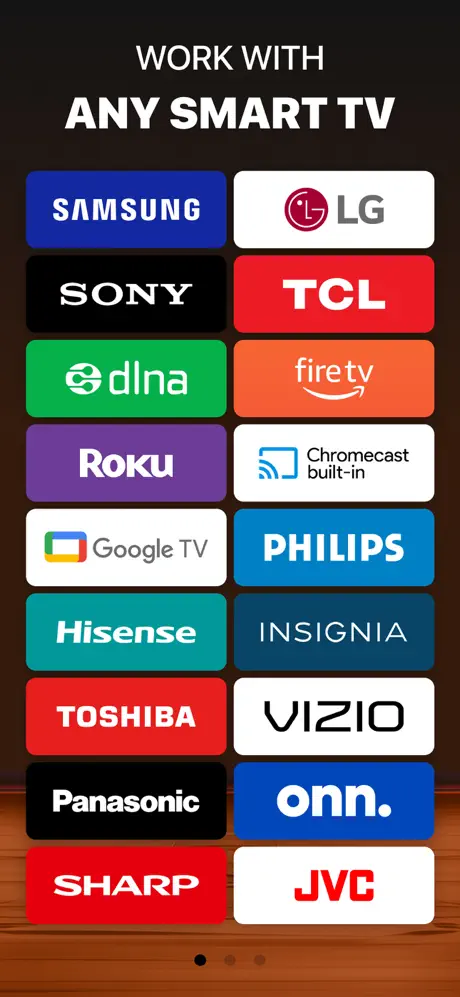
DoCast supports a comprehensive range of Smart TVs and streaming devices, including but not limited to:
- Smart TVs – Samsung, LG, Sony, Hisense, Panasonic, and other DLNA-enabled TVs.
- Roku Devices – Including Roku Streaming Players and Roku TVs from brands like TCL, Hisense, Sharp, Philips.
- Chromecast Devices – All Chromecast generations and TVs with Chromecast built-in, such as Sony, Vizio, Hisense, Sharp, and Google TV Streamer.
- Fire TV Devices – Smart TVs with integrated Fire TV, including Insignia, Toshiba, and Amazon Fire TV models.
- Other Streaming Devices – Xiaomi Mi Box, Nvidia Shield TV, and various Android TV boxes.
Note: Screen mirroring capabilities are subject to app availability and network conditions. Due to streaming service restrictions, mirroring copyrighted content from platforms such as Apple TV+, Apple Fitness+, Netflix, and Amazon Prime is not supported. Additionally, some DRM-protected or cloud-based Apple Music tracks may not play through the app, reflecting service limitations rather than app restrictions.