
M3U8 Mpjex
Not sure? Worry-free Premium handles revokes for you.


Version added at: Jan 20, 2026
Size: 24.76 MB
M3U8 Mpjex Pro Unlocked
This version of M3U8 Mpjex (v2.0.4) has been patched to unlock the Pro subscription features, providing full access without restrictions. The tweak is intended for devices running iOS 15.0 or later and requires TrollStore or jailbreak to install.
Features Unlocked
- Full Pro features unlocked without any subscription or in-app purchases.
- Improved functionality and access to premium tools within the app.
- Compatible with iOS 15.0+ on supported devices.
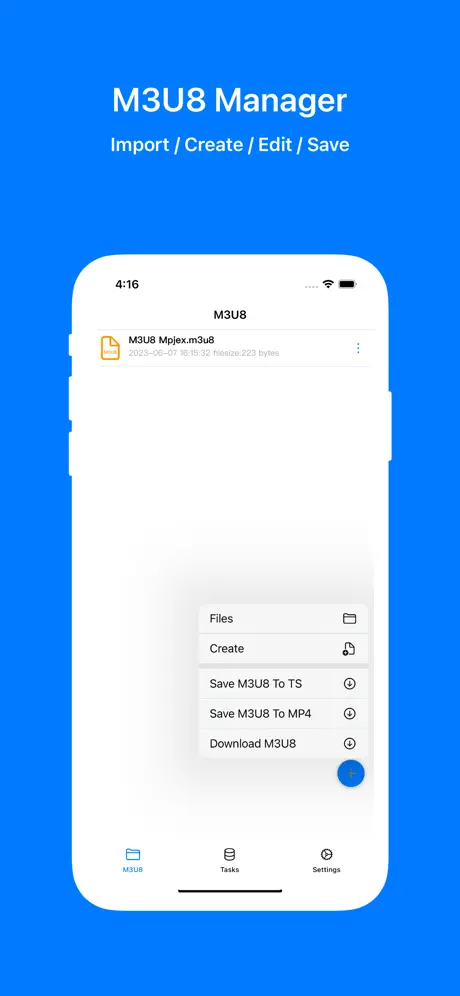
M3U8 Mpjex is an M3U8 playlist manager for iPhone and iPad, built to play, create, edit and convert M3U8 streams. Download the M3U8 Mpjex IPA for iPhone with the Pro subscription already unlocked, no in-app purchase needed.
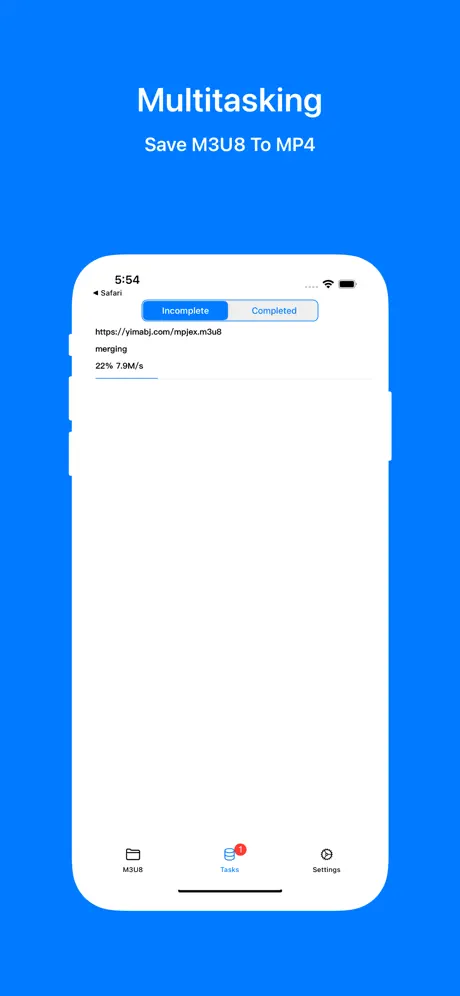
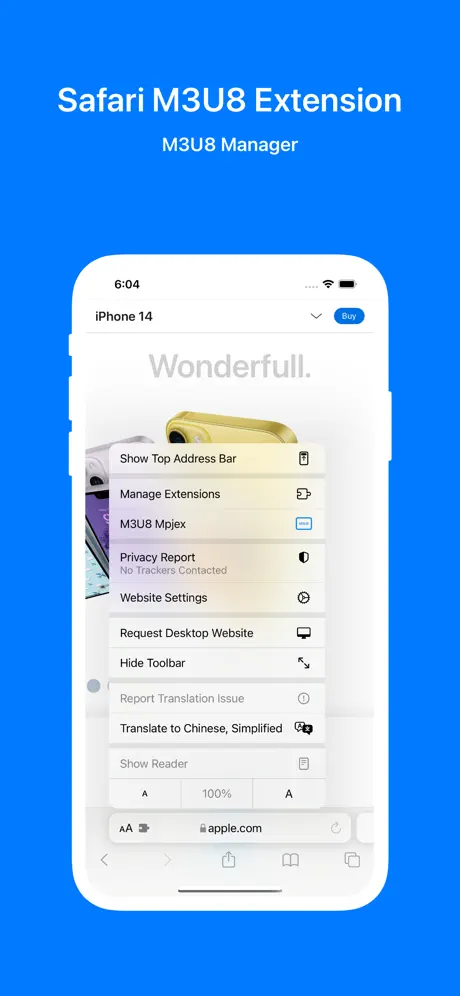
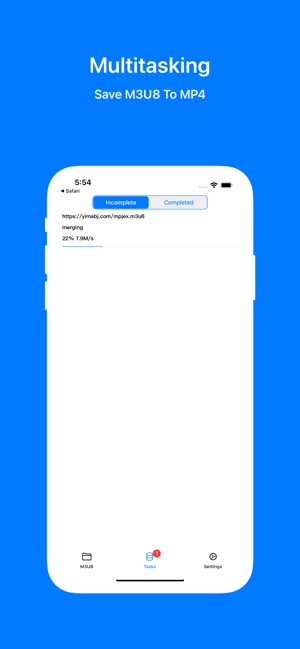
Play M3U8 streams directly in the app, build and edit playlists, save them for later, and convert files to MP4 or TS for playback anywhere. A built-in Safari extension lets you manage streams straight from the browser without switching apps.
What the M3U8 Mpjex tweak unlocks
- Full Pro subscription features unlocked
- No in-app purchase required
- Compatible with iOS 15.0 and later
Get M3U8 Mpjex on builds.io — download the IPA and install it on your iPhone or iPad in one tap, no PC required.
Similar apps
 GRECEasily watch and follow multiple live video streams at once in full HD
 TiviMaxStream Stalker portals, Xtream Codes and M3U playlists ad-free
 Plex: Watch Live TV and Movies (Original App)Stream movies, TV shows and 300+ live channels for free, no subscription needed
 Flex IPTVStream live and on-demand TV with Flex IPTV
 Snappier IPTVStream your own IPTV playlists with KSPlayer, VLC or MPV
 MovieBox Pro for iOSStream and download movies, shows and live TV in one app, up to 4K
 IPTV ExpertExperience flawless IPTV streaming with IPTV Expert for iOS
 DoCast: Screen Mirroring to TVMirror your screen to any Smart TV with low-latency casting
 AGC PlayerAI library management, custom widgets and support for MKV, Dolby and DTS