
Planner & Journal - Zinnia
Not sure? Worry-free Premium handles revokes for you.


Version added at: Aug 27, 2026
Size: 81.25 MB
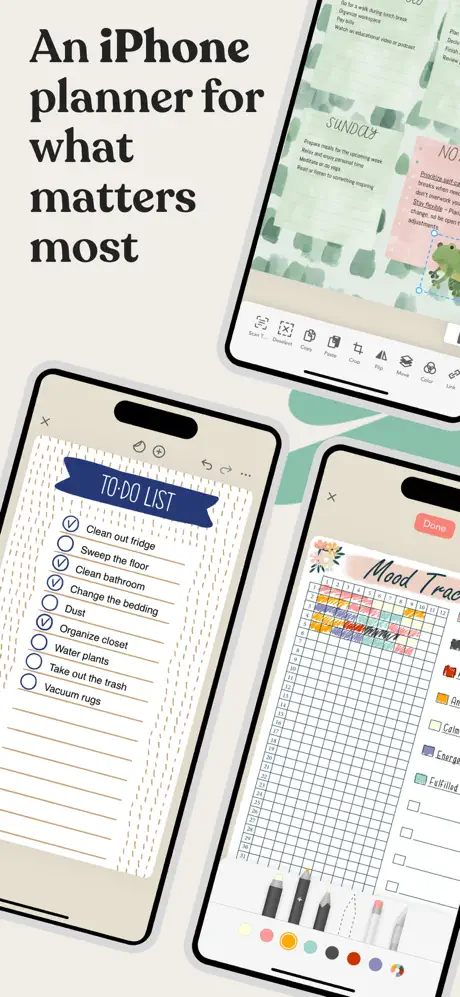

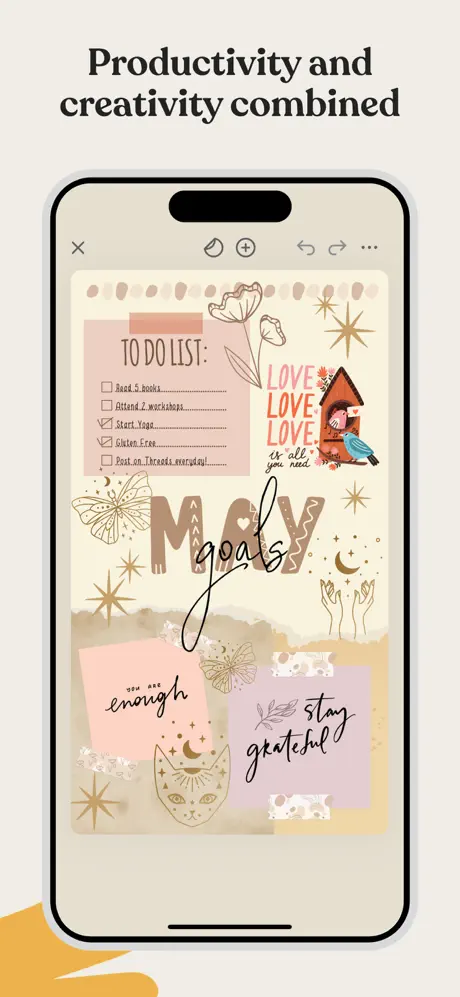

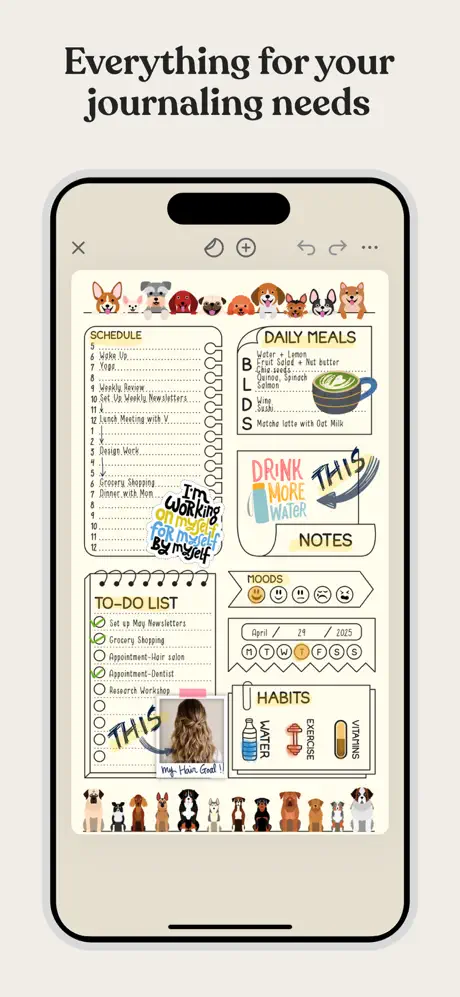
What’s unlocked in this mod
Planner & Journal: Zinnia mod for iPhone with the subscription unlocked in version 1.48.2. Download the updated IPA to access the app’s paid features without an active subscription.
Zinnia is a polished digital journaling and planning app for people who want their notes, calendars, and creative layouts in one place. If you want to download Zinnia IPA for iPhone or download Zinnia IPA for iOS, this builds.io version gives you a smoother way to enjoy the app’s creative toolkit and premium-style experience, installed in one tap with no PC.
Zinnia is built for expressive planning as much as everyday organization. You can build journals, design planners, track habits, sketch freely, and keep your schedule in order with a workspace that feels closer to paper than a standard notes app. It’s a strong fit for aesthetic journaling, productivity planning, and reflective writing, whether you’re mapping out goals or saving ideas for later.
Beyond the basics, Zinnia focuses on custom layouts and flexible page design. You can import PDFs, mark them up, add photos, link between pages, and organize your own material alongside ready-made studio content. The app also supports creative tools for handwriting, drawing, resizing objects, layering elements, and shaping spreads around your routine.
What the Zinnia tweak adds
- Access to the app’s digital studio style of journals, planners, trackers, stickers, washi tape, frames, templates, and more
- Monthly content additions and ongoing feature updates
- Tools for calendars, habit tracking, goal setting, and time-blocking
- Creative writing and drawing controls with pen-like input, adjustable opacity, size, and color
- Undo, resize, layer ordering, crop, rotate, and lock options for cleaner page design
- PDF import and markup, photo import, and note annotation support
- Internal and external linking, plus sharing and iCloud syncing for finished spreads
Get the Zinnia tweak on builds.io and download the IPA to install it on your iPhone in one tap, no PC required.
Similar apps
 3D Modeling AppDownload the 3D Modeling App mod IPA for iPhone — Pro subscription unlocked plus a free in-app purchase workaround for pro tools. Install via builds.io, no PC.
 TiimoDownload the Tiimo tweak IPA for iPhone — every Pro feature unlocked, no subscription needed for the AI co-planner. Install via builds.io, no PC.
 AI NotebookDownload the AI Notebook IPA for iPhone — record, transcribe and summarize meetings, lectures and PDFs. Install via builds.io, no PC.
 PattrnDownload the Pattrn tweak IPA for iPhone — subscription unlocked with the AI coach, streaks and Focus Score. Install via builds.io, no PC.
 NotePlan - To-Do List & NotesOrganize tasks, notes, and calendar effortlessly with NotePlan. Boost productivity using Markdown, smart integrations, and seamless syncing across Apple devices.
 Mockup - UI & UXCreate stunning UI/UX designs, wireframes, and interactive prototypes with Mockup, trusted by over 500,000 designers worldwide.
 Juno PublicJuno offers a powerful offline Python environment with full support for scripts and Jupyter notebooks on iPad and iPhone.
 iCostDownload the iCost IPA for iPhone — simple bookkeeping, iCloud backup, and budget tools. Install via builds.io, no PC.
 ConceptsDownload the Concepts tweak IPA for iPhone — editable vector sketching, infinite canvas, and easy exports. Install via builds.io, no PC.