
Supershift - Shift Calendar
Not sure? Worry-free Premium handles revokes for you.


Version added at: Jul 17, 2025
Size: 31.49 MB
Supershift - Shift Calendar Modifications
The app has been patched to unlock all in-app purchases for free, enabling users to access premium features without any cost. The tweak allows the bypassing of the purchase process by simply clicking buy and then canceling, which activates the unlocked status. This modification requires iOS 17 or higher and is applied to version 2025.21.
Key Features of the Tweak
- Free access to all in-app purchases (IAP)
- Compatible with iOS 17 and above
- Applies to the latest app version 2025.21
- Easy activation by clicking buy and canceling
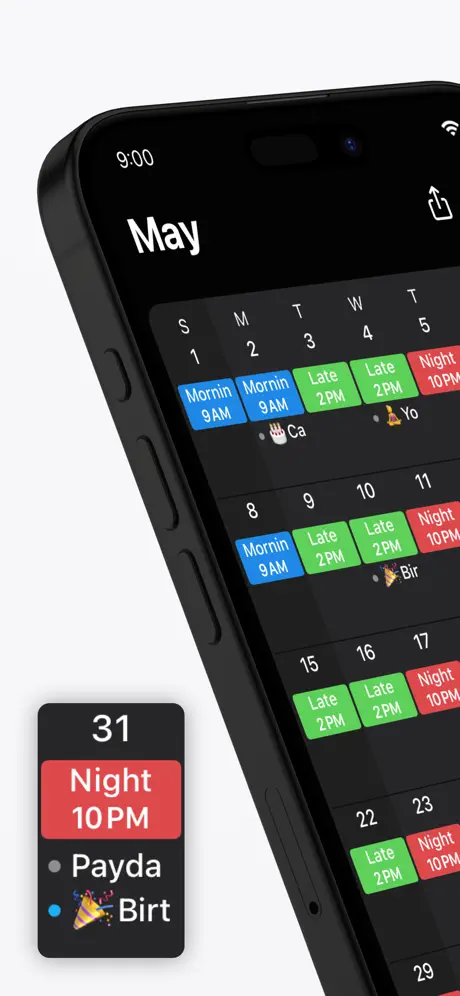
Supershift is the perfect app designed to help you easily manage your shift work schedule alongside all other calendar events. Whether you have complex rotating shifts or simple daily routines, Supershift makes scheduling intuitive and efficient. Its seamless integration with Apple Watch offers a quick glance at your shifts and upcoming work hours, keeping you informed throughout the day.
Customize your shifts with an array of colors and icons to visually organize your work periods. Add multiple shifts per day if needed, allowing full flexibility in planning your time. Supershift is built to accommodate your unique work style and keeps your schedule clear and accessible at all times.
Key Features
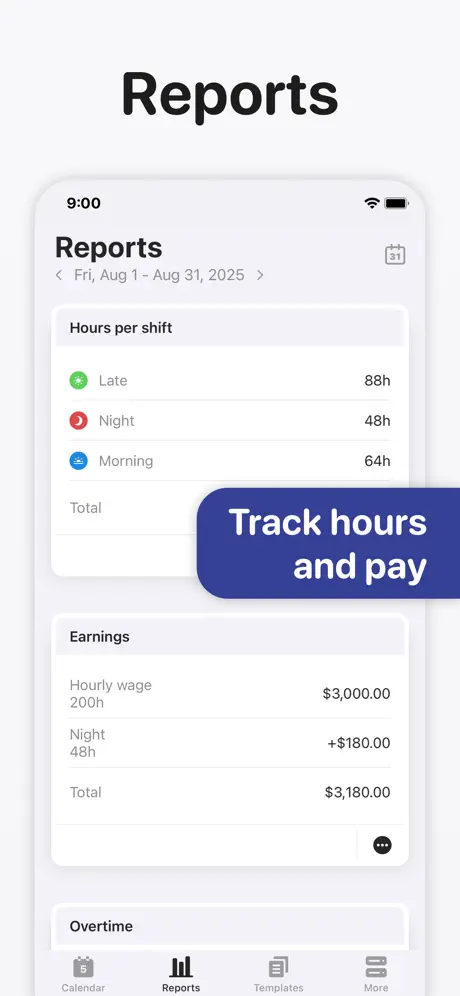
- Reports: Generate detailed reports covering earnings, hours worked per shift, overtime, and shift counts including vacation days to monitor your work patterns and income effectively.
- Dark Mode: Enjoy a stunning dark mode interface that reduces eye strain and makes viewing your schedule comfortable during nighttime usage.
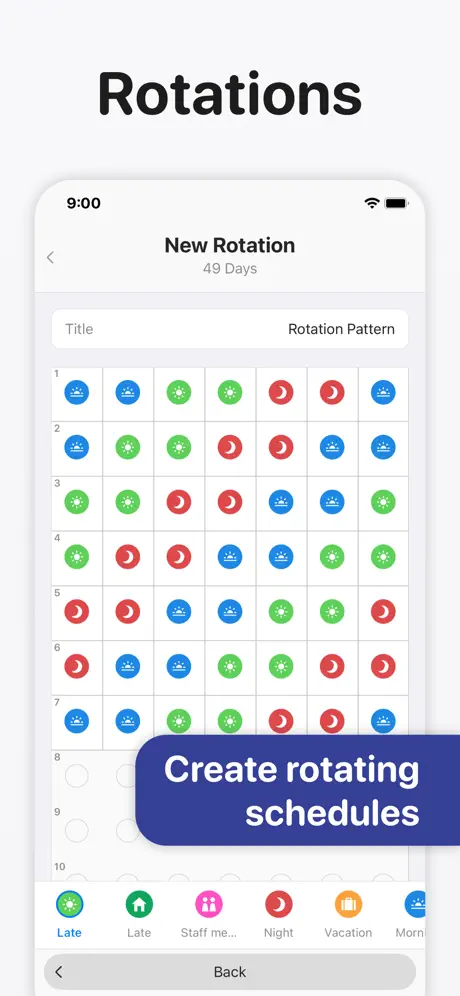
- Rotation Scheduling: Define your shift rotations and apply them easily for up to two years in advance, saving time and ensuring accuracy in long-term planning.
- Apple Watch Integration: Check current and upcoming shifts directly on your Apple Watch. The watch app includes countdown timers for the time until your shift starts and the time remaining during your shift, making shift tracking convenient on the go.
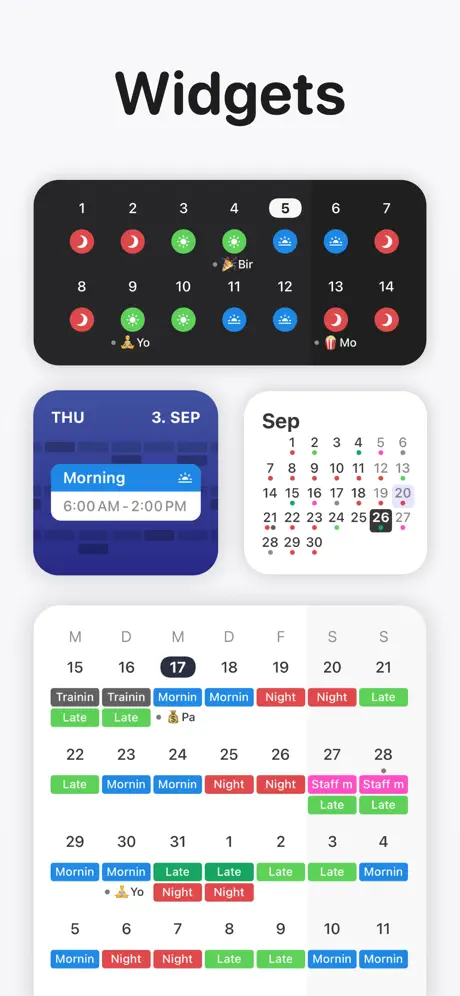
- Widgets: Add widgets to your home screen that display your schedule in various formats such as day view, two-week, four-week, or agenda view, giving quick access to your shifts without opening the app.
Advanced Features
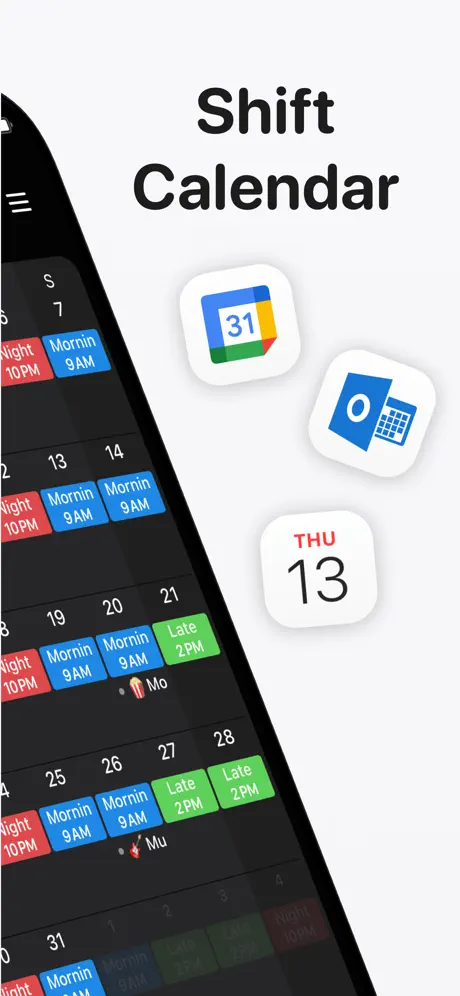
- iOS Calendar Export: Export your shifts seamlessly to your iOS calendar (including Google or iCloud calendars) so you can share your schedule with family and friends effortlessly.
- PDF Export: Generate customizable PDF versions of your monthly calendar, including title, shift times, breaks, duration, notes, location, and total hours worked—perfect for record keeping and sharing.
- Cloud Sync: Keep all your iOS devices synchronized with cloud sync. Easily restore your schedule if you get a new iPhone or iPad, ensuring uninterrupted access to your shifts (requires iOS 10 or later).
- External Calendar Events: Display birthdays, appointments, and other events from external calendars alongside your shifts to maintain a comprehensive view of your schedule.
Similar apps
 CaptureOrganize ideas quickly with Capture’s instant notes, iCloud sync, smart reminders, and seamless export on your iOS device.
 Цифровой сейфDownload the Digital Safe IPA for iPhone — scan and store receipts, warranty cards and purchase docs in one secure catalog. Install via builds.io, no PC.
 orbtPlan your perfect trip effortlessly with our AI itinerary generator featuring multi-day plans, top attractions, maps, and customizable schedules.
 iXpenseIt ProDownload the iXpenseIt Pro IPA for iPhone — expense tracker with receipt photos, budgets and reports. Install via builds.io, no PC.
 UnscriptedDiscover hundreds of emotive poses and client tools with the Unscripted Posing App. Capture authentic moments effortlessly and streamline your photoshoots.
 HiiiCustomize your iOS home screen with HiiiWidget 2.0 featuring transparent backgrounds, animated widgets, and endless fonts & colors.
 Money Manager Expense & BudgetDownload the Money Manager Expense & Budget IPA for iPhone — track spending, plan budgets and manage multiple currencies. Install via builds.io, no PC.
 ФинГрамDownload FinGram IPA for iPhone — expense tracker with savings goals, guided money exercises and visual reports. Install via builds.io, no PC.
 Five Cents: Monthly BudgetTrack your expenses and incomes with Five Cents. Manage budgets easily using powerful insights and a clean, simple interface tailored for personal finance.