
Digital Planner
Not sure? Worry-free Premium handles revokes for you.


Version added at: Jun 23, 2025
Size: 138.4 MB
Digital Planner – Task Journal 1.8.0 Modifications
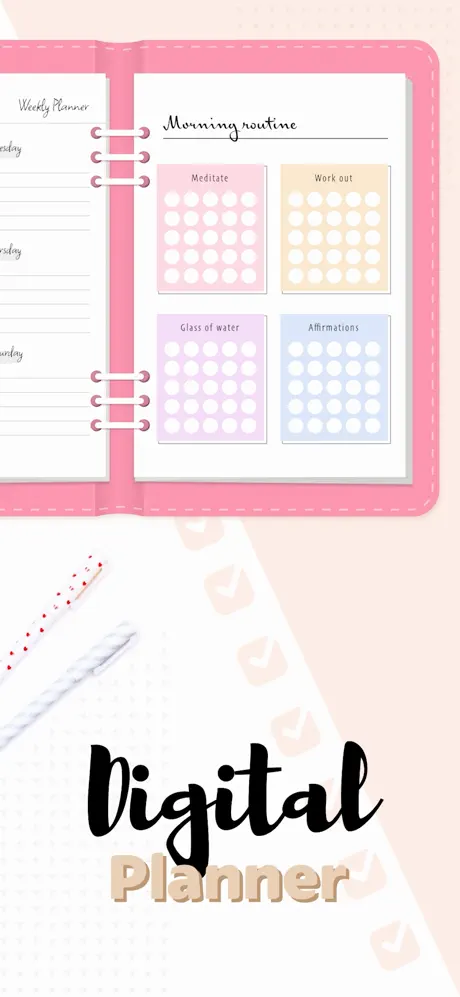
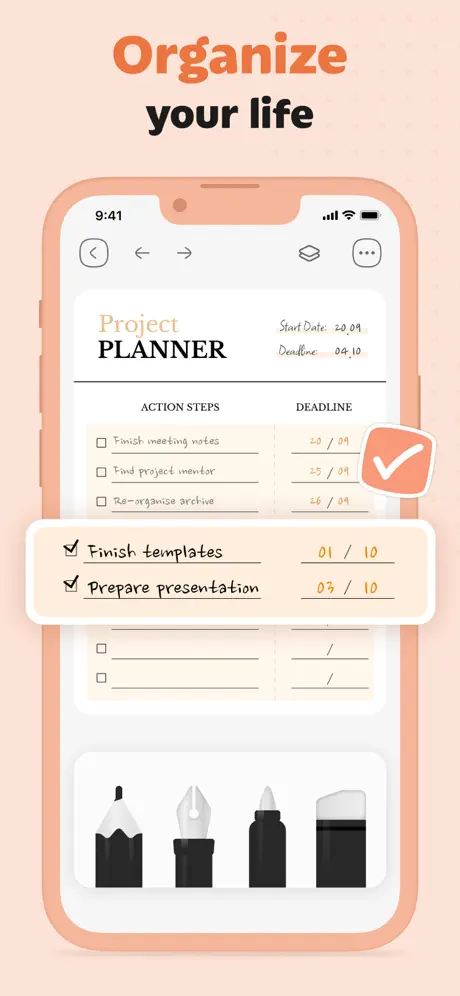
The app provides a comprehensive digital planning experience with seamless integration across multiple Apple devices. It allows users to manage schedules and organize creativity through customizable planners, stickers, templates, and calendar features. The notable tweak includes the addition of premium purchase capability facilitated by Satella, enhancing access to exclusive features without mandatory sign-in.
Key Features
- Fully customizable digital planners and stickers
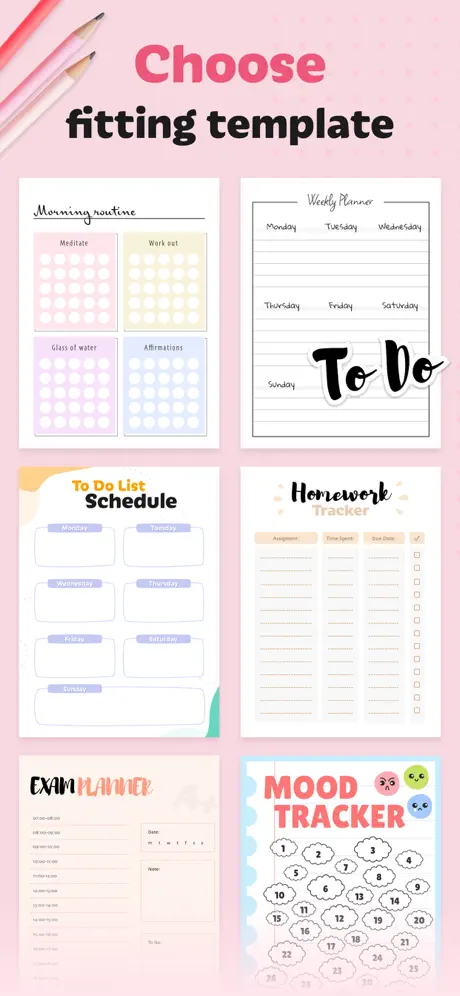
- Pre-designed templates for easy planning
- Calendar integration across iPhone, iPad, Mac, and Vision devices
- Premium purchase unlocked through Satella for enhanced functionality
- No sign-in required for app usage
A planner that doubles as a sketchbook: Digital Planner mixes organizing tools with decoration. Download the Digital Planner IPA for iPhone and use the premium side of the app without signing in to anything.
About Digital Planner: Task Journal
In the App Store this app is called Digital Planner – Task Journal and comes from the developer ToolStyle, under Productivity and Lifestyle. The idea is to keep the practical and the playful in one place. Rather than juggling a to-do app, a habit tracker and a reading list, you build all of them inside one notebook-style planner.
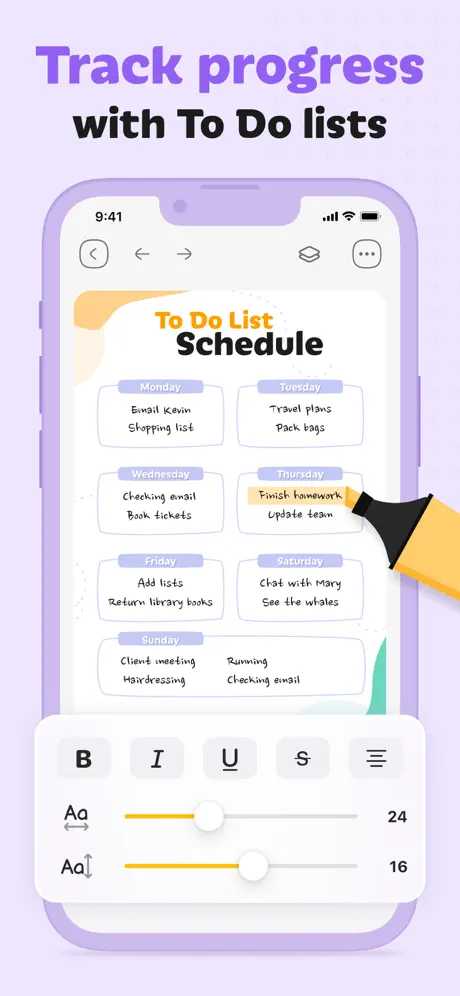
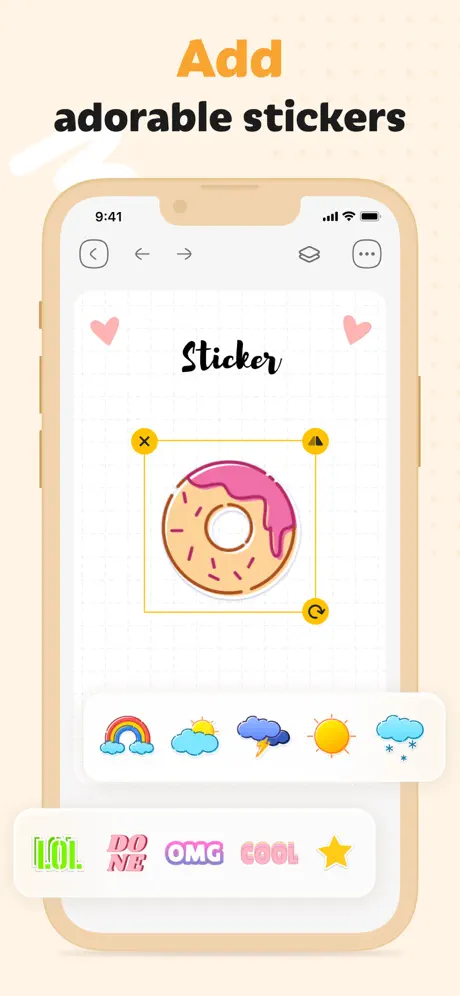
On the practical side you can plan your day, write to-do lists, set up habit trackers and keep separate lists for books and movies. On the creative side every page can be styled: there are colorful and cute templates, page designs, stickers and brushes for neat handwriting, so each page can have its own look or you can keep one consistent style across the whole planner.
The standout trick is AI art. You type a text prompt, the app generates a cartoon-style picture, and it removes the background automatically, turning the picture into a sticker that you drop onto your planner page. Calendar features and sync reach iPhone, iPad, Mac and Vision devices, according to the changelog.
What the Digital Planner tweak unlocks
- Premium purchase capability enabled, with no sign-in required
- Full set of templates, stickers and brushes for decorating pages
- AI-generated cartoon stickers made from your own text prompts
- Habit trackers and separate lists for books and films
- Calendar integration across iPhone, iPad, Mac and Vision
Version notes and requirements
This listing follows version 1.8.0 of the app, whose changelog describes the premium unlock as the main modification. The App Store build is free to download, has been available since July 2022, is rated 4+ and needs iOS 16.0 or newer. The latest store update was a polish release: bug fixes and small refinements for planning your days and styling pages.
To start planning, find Digital Planner on builds.io, take the IPA and send it to your iPhone with one tap. A PC is not part of the process.
Similar apps
 CalendarsSubscription unlocked in the Readdle planner with tasks, habits and agenda
 VantageTransform your iOS calendar with Vantage’s colorful stacks, stickers
 NomadWalletTrack your travel expenses across currencies and trips with NomadWallet
 AcrossA minimal calendar and planner fully synced with Apple Calendar and Reminders
 NotePlan - To-Do List & NotesOrganize tasks, notes, and calendar effortlessly with NotePlan
 FleurPremium budgeting features unlocked via Satella, no purchase or sign-in needed
 PlannerOrganize calendars, tasks, and notes in one place
 NotabilityCapture ideas, annotate documents, and study smarter
 Adobe ScanAI-powered document scanning, OCR text recognition and Magic Eraser