
PunchClock
Not sure? Worry-free Premium handles revokes for you.


Version added at: May 04, 2026
Size: 7.72 MB
PunchClock Shift Work Calendar - Pro Features Unlocked
This modification unlocks the Pro features of the PunchClock Shift Work Calendar app, providing users with full access to advanced functionalities that are otherwise restricted. With this tweak, users can enjoy enhanced scheduling, shift management, and customization options without any limitations.
Unlocked Features:
- Access to all premium tools and settings
- Advanced shift tracking and calendar integration
- Removal of feature restrictions found in the free version
- Smoother and more flexible user experience
Welcome to PunchClock, your ultimate shift tracking companion designed exclusively for iOS devices. PunchClock helps you manage your work schedule effortlessly, keeping you organized and punctual with a user-friendly interface and powerful features. Whether you work regular hours or rotating shifts, PunchClock adapts to your needs, ensuring you never miss a beat.
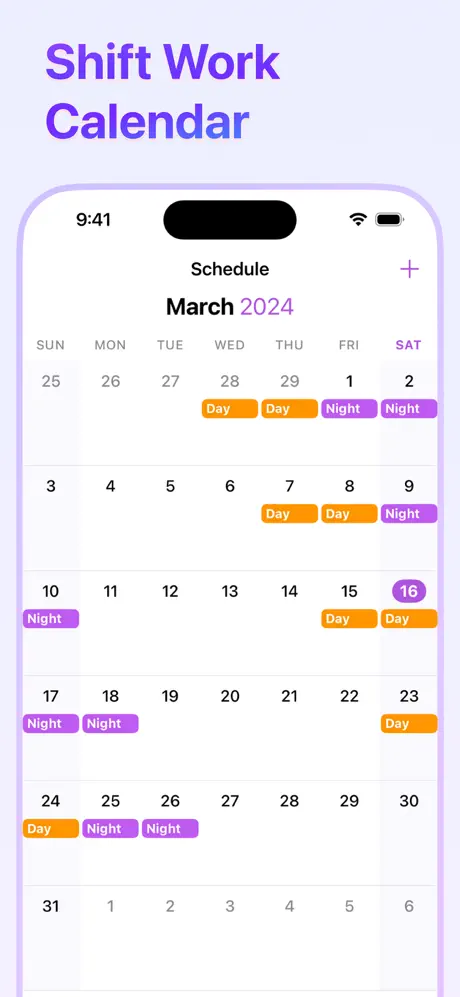
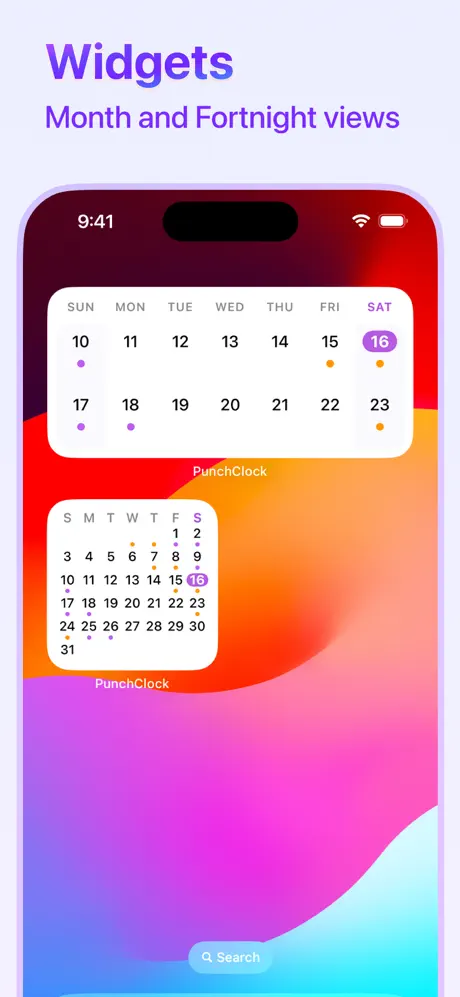
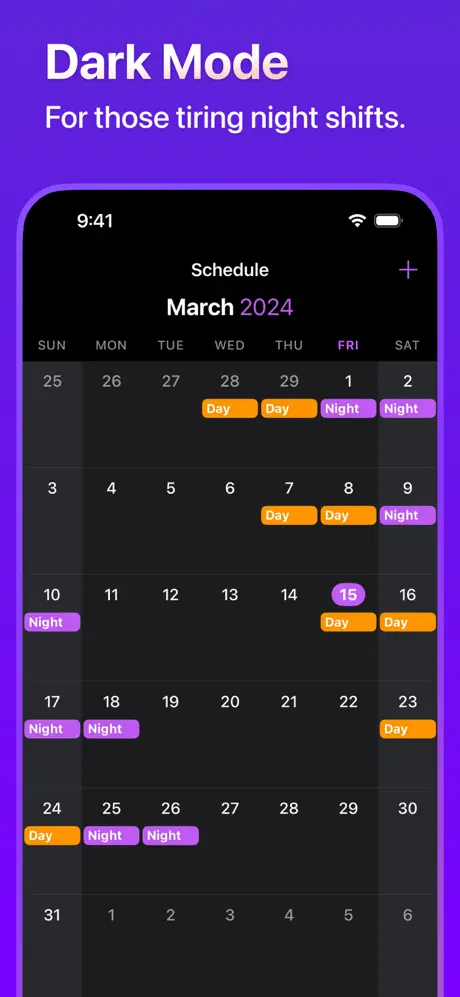
With PunchClock, you can create and customize various shift types that fit your unique working patterns, then apply these shifts directly to your calendar. This intuitive system streamlines your schedule management and helps you visualize your upcoming workdays clearly and efficiently.
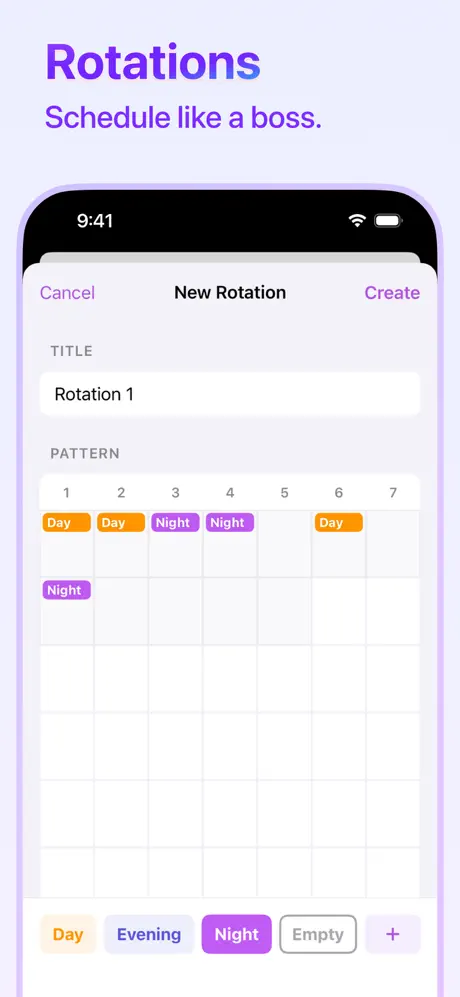
Stay ahead of your work commitments with timely notifications that alert you before your shifts start, so you're always prepared and on time. The app supports rotation patterns, allowing you to apply common shift sequences swiftly, reducing manual input and potential errors.
Adding specific details to shifts is easy with the shift notes feature, letting you jot down important information relevant to each work period. The seamless Calendar synchronization keeps your entire schedule in one place, accessible whenever you need it.
Key Features
- Create and customize multiple shift types for flexible scheduling
- Receive notifications to remind you of upcoming shifts
- Apply rotation patterns for recurring shift schedules
- Add notes to individual shifts to record important details
- Sync with your iOS Calendar for unified schedule management
- Dark Mode for a sleek and comfortable user experience
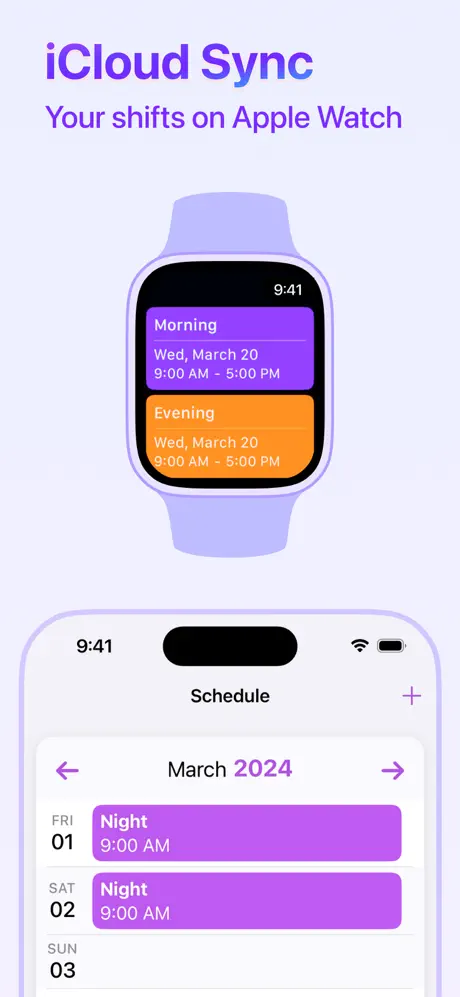
- Seamless iCloud Sync to keep your data updated across your iOS devices
- Companion watchOS app for quick access to your schedule on the go
PunchClock is designed with privacy in mind, ensuring your schedule and personal data are secure. Embrace a smarter, more organized way to manage your shifts with PunchClock, the perfect assistant for your busy work life on iOS devices.