
Notes Plus
Two ways to install apps
Pick a plan to sign this app.
Not sure? Worry-free Premium handles revokes for you.
Not sure? Worry-free Premium handles revokes for you.


Version added at: Feb 15, 2023
Size: 66.38 MB
Notes Plus turns your iPad into a full handwriting studio. Download the Notes Plus IPA for iPhone and iPad and take notes the way you always wanted — sharp ink, real handwriting, and every page backed up automatically.
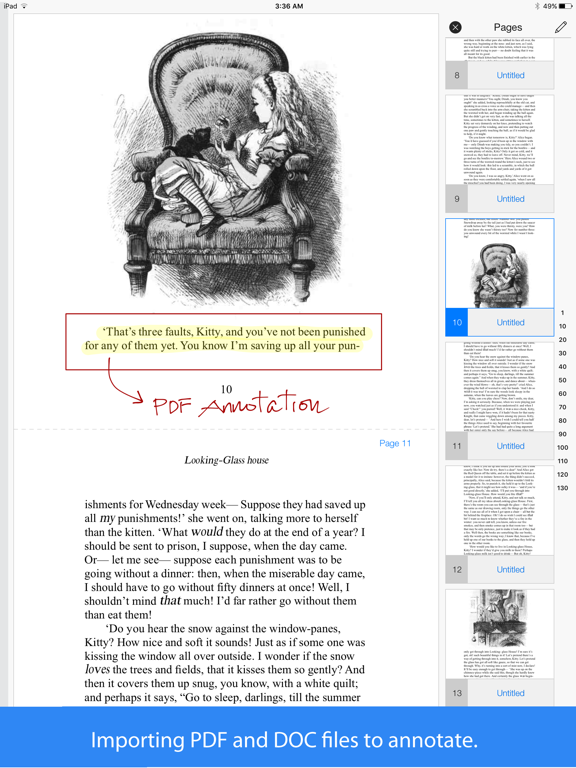
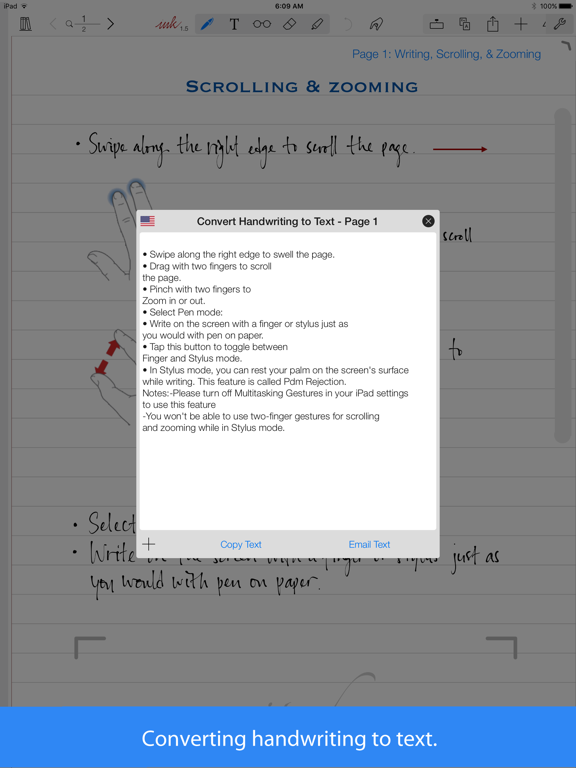
Built for Apple Pencil and iPad Pro, Notes Plus converts handwriting to typed text in 52 languages and lets you mix ink with typed notes, images and audio recordings on the same page. Import PDFs and Word docs to mark up directly, then export finished notes as PDF or images to Dropbox, Google Drive, Evernote or email.
Notes Plus key features
- Handwriting-to-text conversion in 52 languages
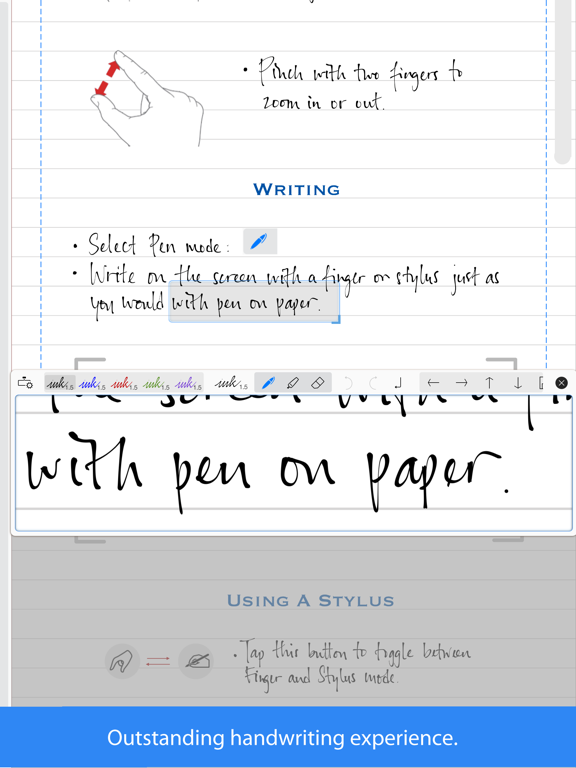
- Apple Pencil, Wacom and Adonit stylus support with palm rejection
- Import and annotate PDF and DOC files
- Background audio recording and automatic shape detection
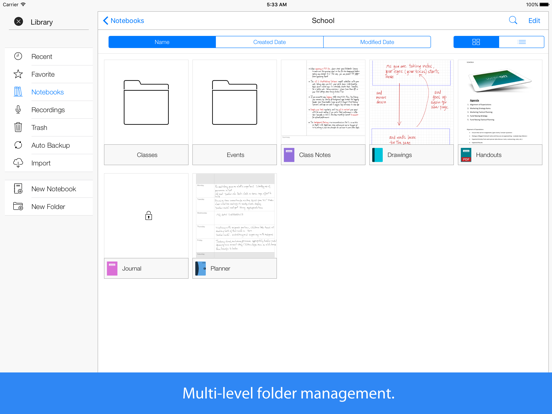
- Automatic backup to Dropbox and multi-level folder management
Get Notes Plus on builds.io — download the IPA and install it on your iPhone or iPad in one tap, no PC.
Developer
Notes Plus AppSimilar apps
 Noteful: Notes & PDF MarkupApple Pencil note-taking with PDF markup, tagging and layered annotations
 Notes Plus XHandwritten notes, PDF markup and handwriting-to-text conversion
 FreeNotesPremium notebook unlocked free via Satella, realistic handwriting and AI notes
 CollaNoteApple Pencil note-taking, PDF markup, flashcards and AI tools in one app
 Duet Display (Original App)Duet Pro subscription unlocked for touch, gestures and Apple Pencil
 NeboAI handwriting recognition, an infinite canvas and PDF annotation, built
 Defter NotesAn infinite canvas for notes, sketches, PDFs and links
 Scrivo - Scrivener CompanionWrite, organize and sync Scrivener projects on iOS via iCloud or Dropbox
 Notes Writer Pro 2025Write notes, annotate PDFs, sign documents and back up automatically