FreeNotes

Version added at: Jun 15, 2025

Size: 189.97 MB

FreeNotes App Modifications and Features

The FreeNotes app offers a comprehensive paperless learning experience featuring realistic handwriting, PDF annotation, iCloud sync, AI-powered summarization, and split-screen video support within an infinite-canvas notebook. The latest update includes a Satella tweak that enables users to access and purchase the premium version, unlocking additional functionalities for enhanced note-taking and productivity.


Key Features

  • Realistic handwriting simulation
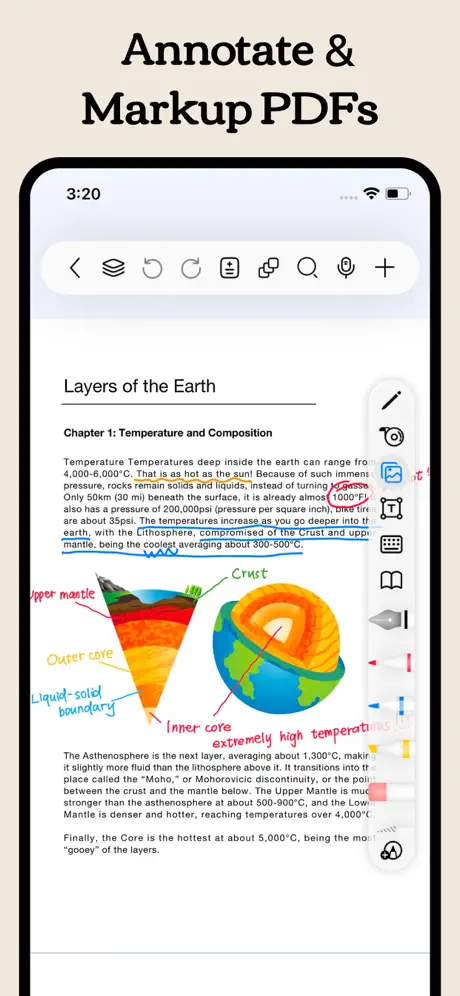
  • PDF annotation capabilities
  • Seamless iCloud synchronization
  • AI-powered summarization for notes
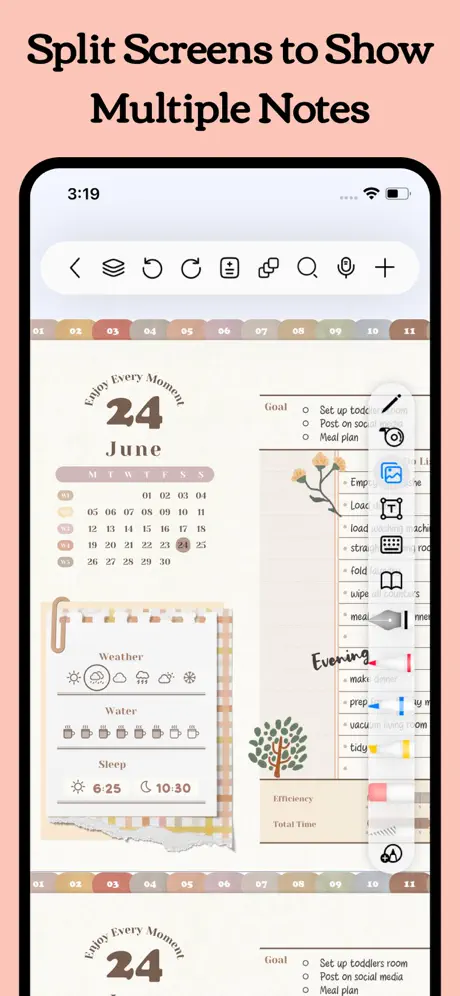
  • Split-screen video support within the notebook
  • Satella integration to unlock and buy premium access

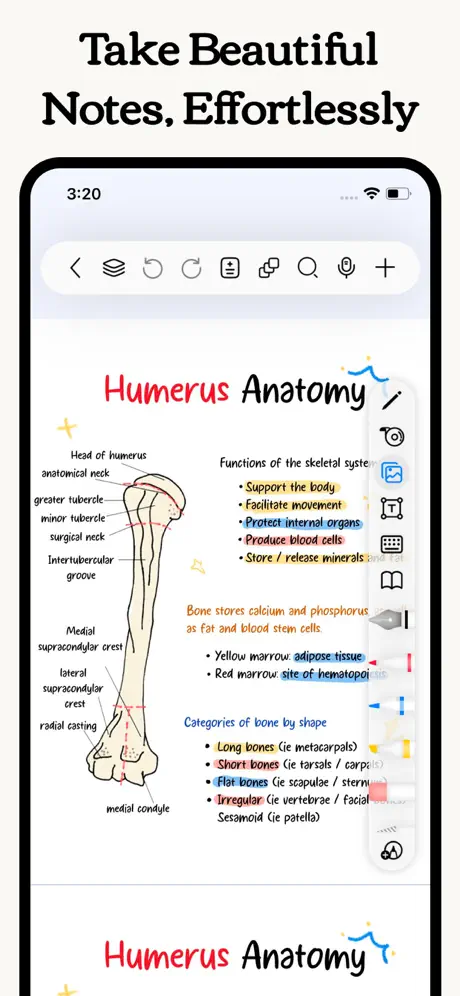
Freenotes transforms your learning experience by providing an authentic paperless environment that combines the joy of handwriting with powerful digital tools designed to enhance your study efficiency. Enjoy the natural feel of writing on paper with realistic pen strokes and smooth handwriting that captures every detail, whether you are sketching or taking extensive notes.

With seamless iCloud synchronization, your notes remain accessible across your iPad and iPhone, allowing you to study or review anywhere with ease. Freenotes caters to diverse learning styles by offering features such as PDF annotation, picture-in-picture video integration, and split-screen modes geared specifically for course materials.


Realistic Writing Experience

  • Natural Pen Strokes: Enjoy lifelike handwriting that mimics traditional pen and paper feel on your digital device.
  • Smooth and Accurate: The handwriting tool captures your strokes fluidly and precisely for a natural note-taking experience.

AI Assistant

  • Instantly get answers and summaries by taking screenshots or uploading documents, making study sessions more efficient.

Organize Your Notes Neatly

  • Folders: Categorize your notes by projects, courses, or topics to keep your library well-structured and easily manageable.
  • Quick Search: Quickly find the exact note or content you need without wasting time.

PDF Annotation

  • Interactive Learning: Annotate, highlight, and mark up PDFs to engage more deeply with your study material.
  • Hybrid Notes: Combine handwritten and typed notes to strengthen comprehension and retention.
  • Hyperlinks: Insert links to navigate between pages within your notes or to relevant external resources.

Enhance Learning Efficiency

  • Batch Import: Import multiple documents not only locally but also from cloud storage services, facilitating bulk management.
  • Video Learning: Use picture-in-picture mode to take notes while watching videos and capture screenshots directly into your notes.
  • Course Learning: View handwritten or mind map notes side-by-side with course content to deepen understanding and aid revision.
  • Exam Preparation: Access exam materials through the resource center combined with timers and split-screen features to simulate exam conditions seamlessly.
  • Review and Memorization: Highlight key points using tape tools and test yourself by toggling visibility, enhancing memory retention.

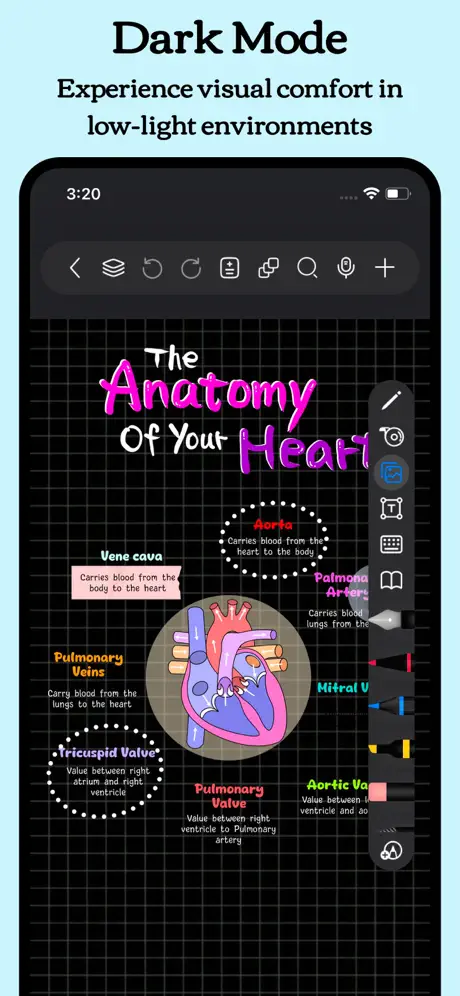
Dark Themes for Comfortable Viewing

  • Eye Protection: Switch to dark or night mode to reduce glare and protect your eyes during long study sessions.
  • Improved Focus: Dark backgrounds help minimize distractions and enhance concentration.

Personalized Note-taking

  • Custom Brushes: Design your own brushes with specific settings for quick access, including support for Apple Pencil Pro.
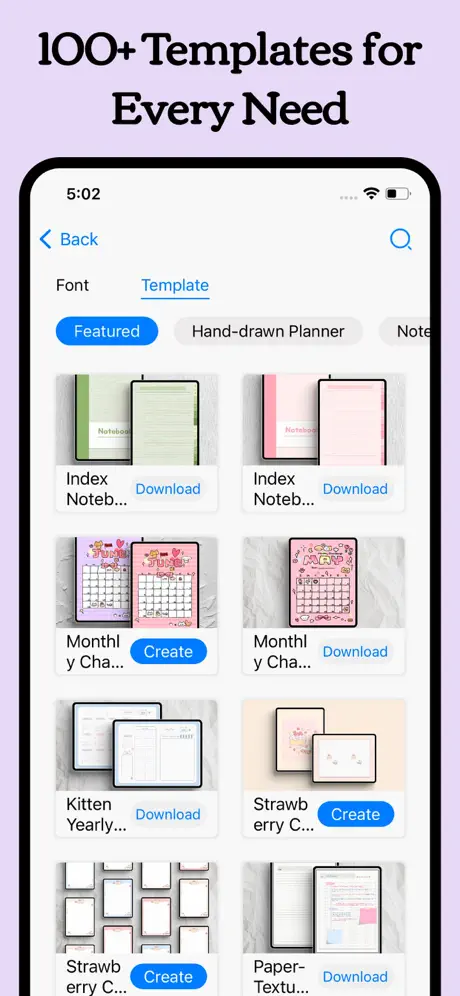
  • Custom Templates: Create or import templates and covers tailored to your note-taking preferences.
  • Templates Center: Access a collection of original templates, stickers, fonts, and color palettes to create vibrant and unique digital notebooks.